
Alex's Mobs Continued
Alex's Mobs - Updated and ported
Screenshots
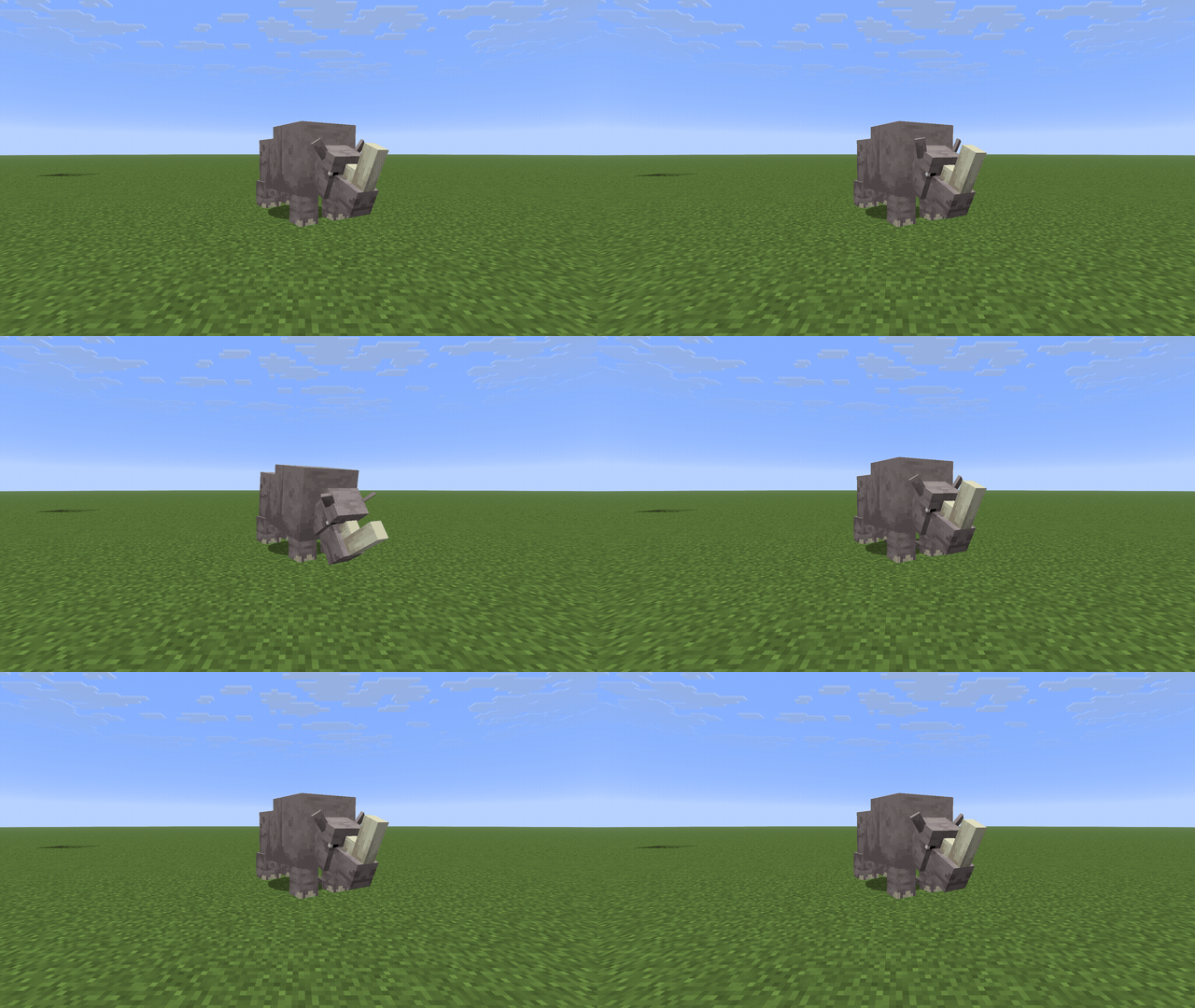
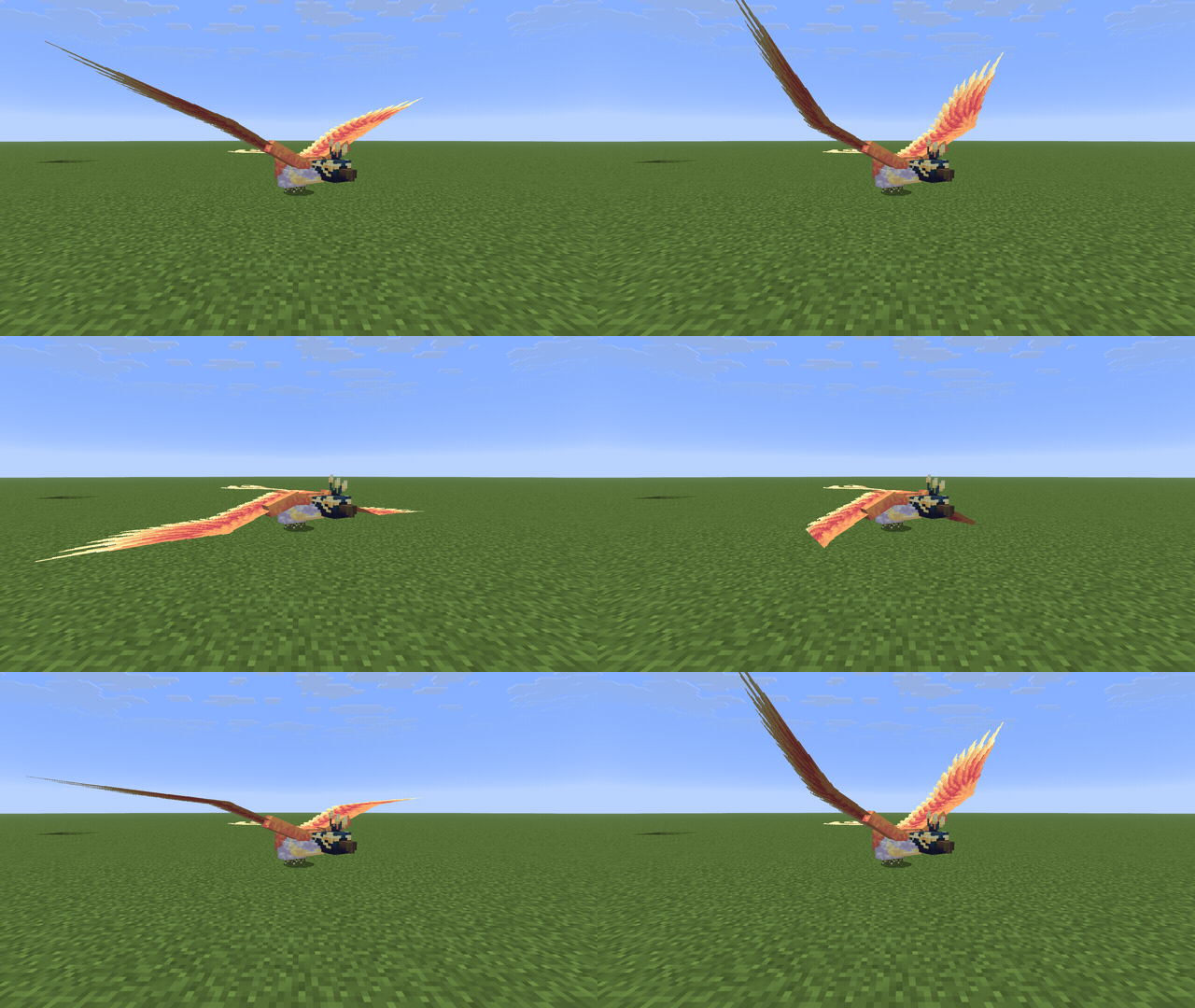
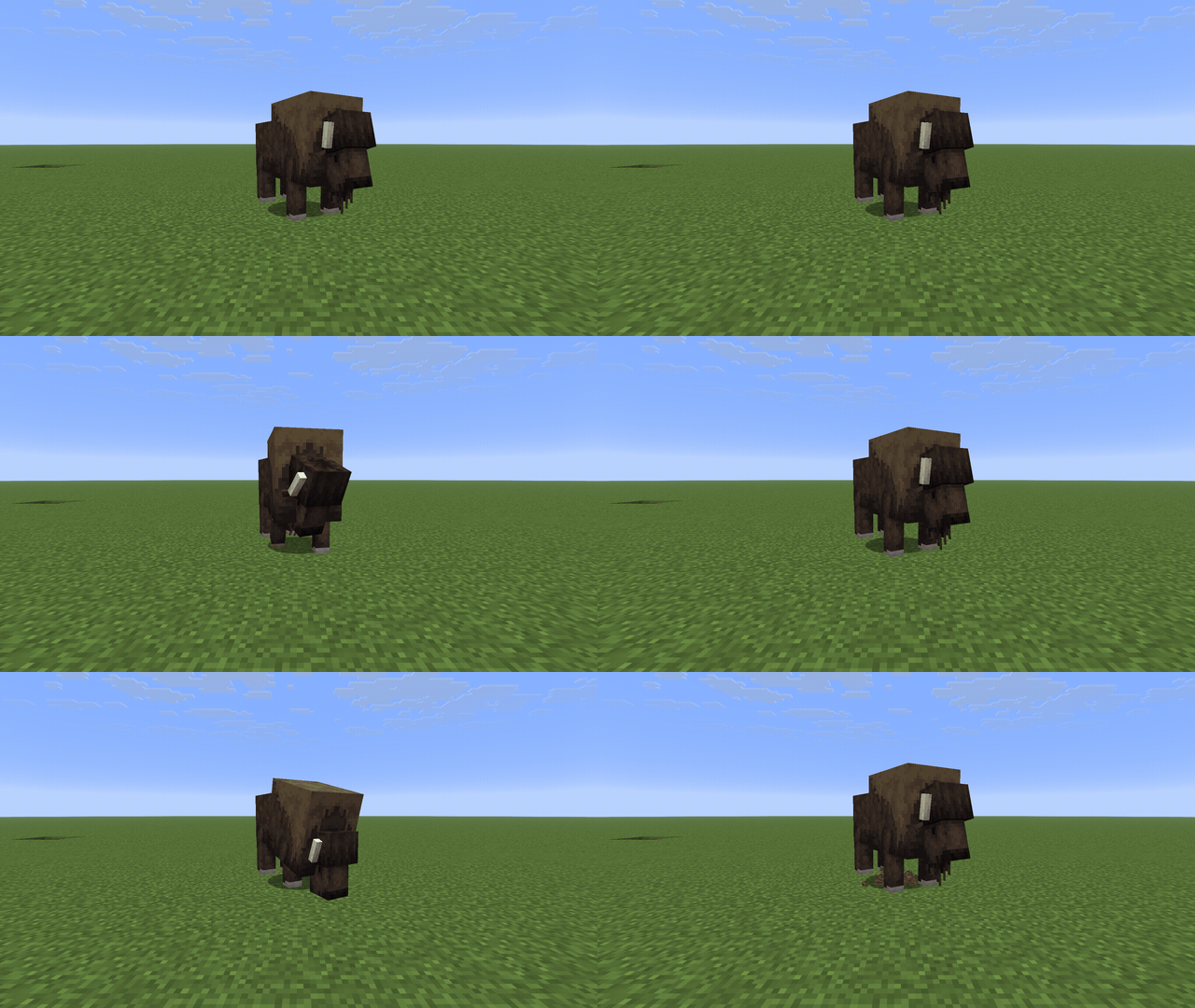
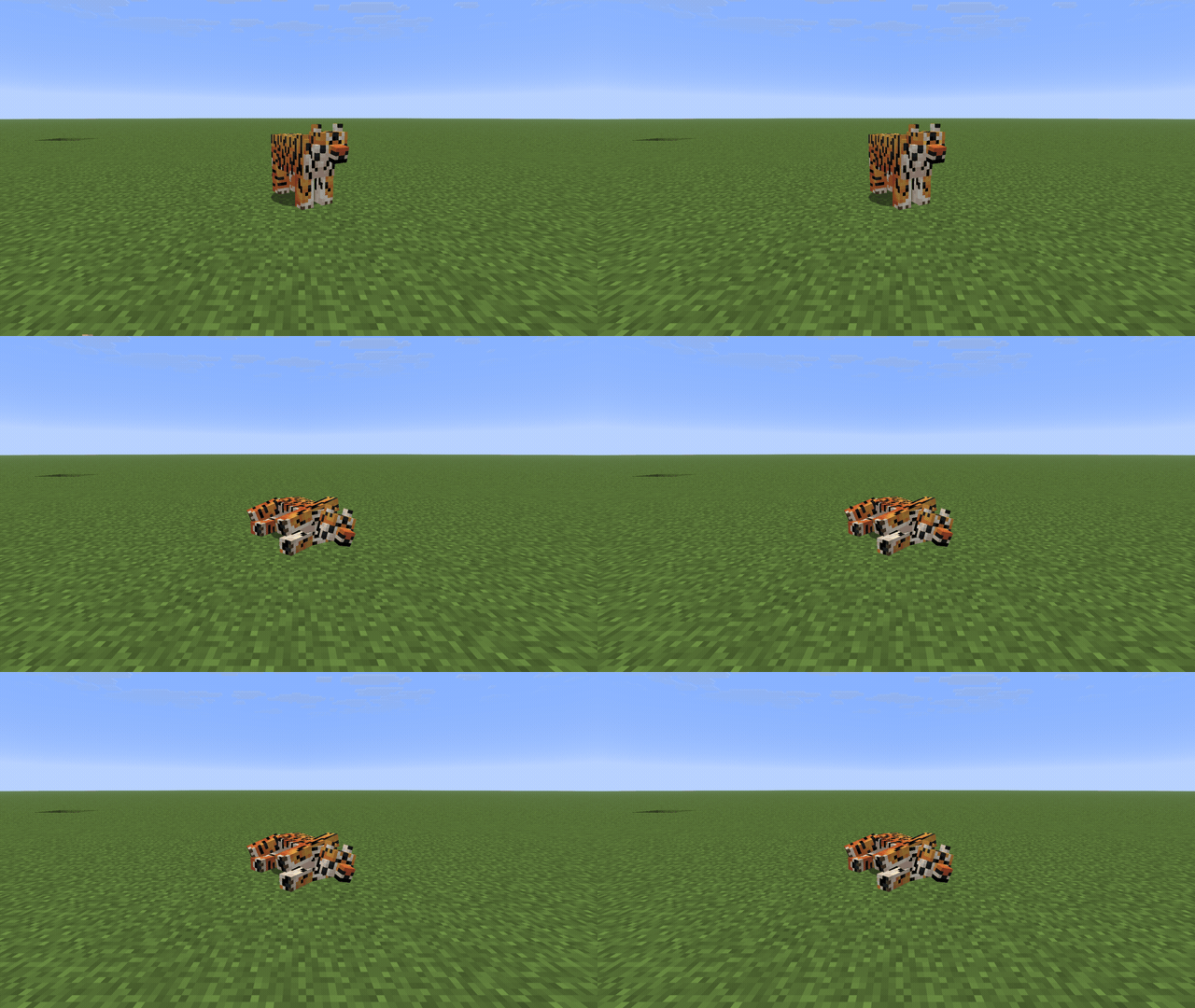
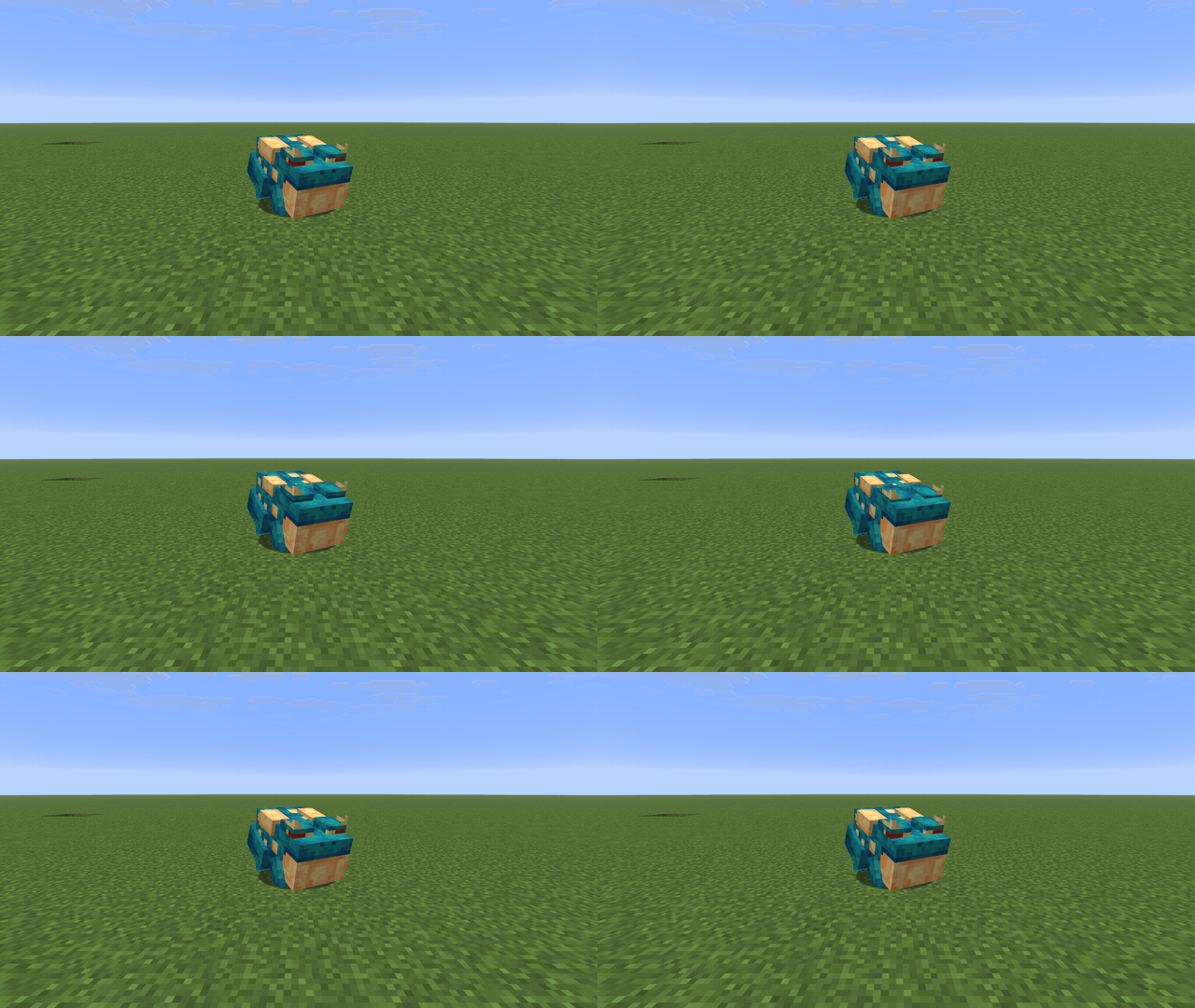
About this Mod

Alex's Mobs Continued
Alex's Mobs, by AlexModGuy, added around 116 animals and monsters to Minecraft — each with its own
model, textures, animations and behaviour. It stopped at Minecraft 1.20.1 on Forge.
This is an unofficial continuation. Same mod, same content, kept running on current Minecraft. Nothing
has been redesigned or rebalanced.
Versions
Minecraft 1.20.1 through 26.3, on Forge, NeoForge and Fabric — 51 builds. Download the file that
matches your Minecraft version and your loader. Forge has not released a build for 26.3 yet, so that
one version is NeoForge and Fabric only; it will be added as soon as Forge ships one.
What you get
The full roster, spawning naturally in its matching biomes: grizzly bears, tigers and gorillas on land,
sharks, orcas and catfish in the water, soul vultures and straddlers in the Nether and beyond. Taming,
breeding, mounts, egg-laying, bucketing, the items and blocks and armour that go with them, and the
Animal Dictionary and advancements to track what you've found.
In Creative, every creature has a spawn egg.
Installing
You need CodxLib for your Minecraft version and loader. On Fabric
you also need Fabric API — each Fabric file lists the exact build it wants.
You do not need Citadel. The parts Alex's Mobs uses are built into the jar, and they stay out of the
way if you already run Citadel for something else.
Credit
Every mob design, model, texture and animation is the work of AlexModGuy and the Alex's Mobs team.
This project only ports it forward.
Feedback
Something behaving differently from the original? Discord or the
issue tracker — reports get fixed.
Available Versions
How to Install Alex's Mobs Continued on Your Server
Order Server
Order a Minecraft Java server with at least 3 GB RAM (4 GB recommended).
Set fabric Loader
In the panel under "Egg", select the fabric loader and matching Minecraft version (26.3).
Install Mod
Open the mod browser in the dashboard and search for "Alex's Mobs Continued". Click "Install" – done! Alternatively, upload the .jar via SFTP to the /mods folder.
Compatibility
Mod Loaders
Minecraft Versions
26.3, 26.2, 26.1.2 (+17 more)
Server-side
✓ RequiredRecommended RAM
4 GB(min. 3 GB)Frequently Asked Questions
Alex's Mobs Continued server crashes on startup – what to do?
Most common cause: wrong fabric version or insufficient RAM. Check the server log (latest.log) for "OutOfMemoryError" or "Mixin" errors. With Mado Hosting: ensure at least 3 GB RAM is allocated and the loader matches the mod version (26.3). You can switch loaders with one click in the panel.
Is Alex's Mobs Continued compatible with fabric and forge and neoforge?
Alex's Mobs Continued officially supports fabric, forge, neoforge for Minecraft 26.3, 26.2, 26.1.2. Note: Forge and Fabric mods are NOT cross-compatible – pick one loader and stick with it. The Mado dashboard automatically detects incompatible loader combinations.
Server lagging with Alex's Mobs Continued – how to optimize performance?
Recommended RAM: 4 GB (per 8 players). Use /spark profiler to check if Alex's Mobs Continued consumes the most tick time. Common fixes: reduce server view-distance to 8-10, install "performant" or "starlight" as supplementary mods on Forge. With Mado Hosting, your server runs on NVMe SSDs with dedicated CPU cores for minimal latency.
Similar Mods




Rent Modded Server
Install Alex's Mobs Continued with just one click on your server.