
Antique Atlas 4
A hand-drawn clientside world map, with map sharing, structure discovery, and less! A map frontend for Surveyor based on hunternif's Antique Atlas.
Screenshots


About this Mod
A rewrite of Antique Atlas by Hunternif, as continued by Kenkron, asie, and tyra314.
Requires Surveyor Map Framework. Requires Connector and FFAPI on (neo)forge.
Press [M] at any time to bring up the world map.
Drag the map to pan, scroll to zoom, and use the bookmark buttons to create and remove map markers.
Client-Side Features
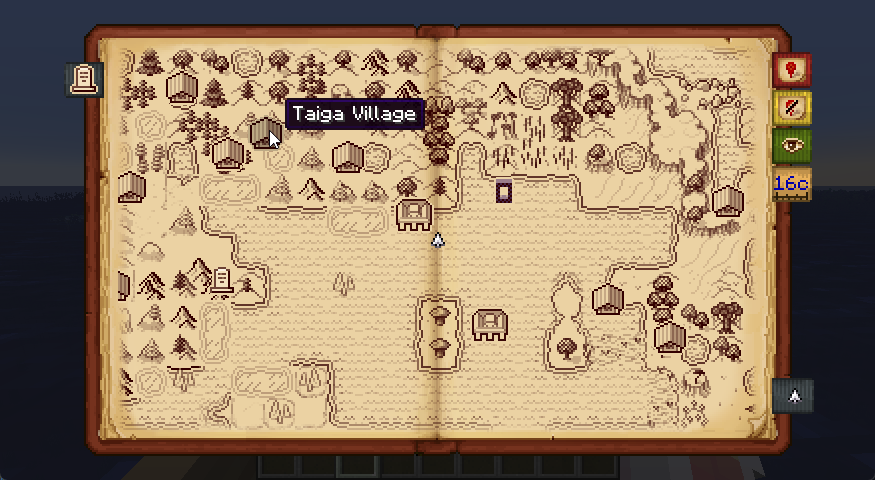
- A physical-feeling map screen, with hand-drawn tiles representing chunks in the world:

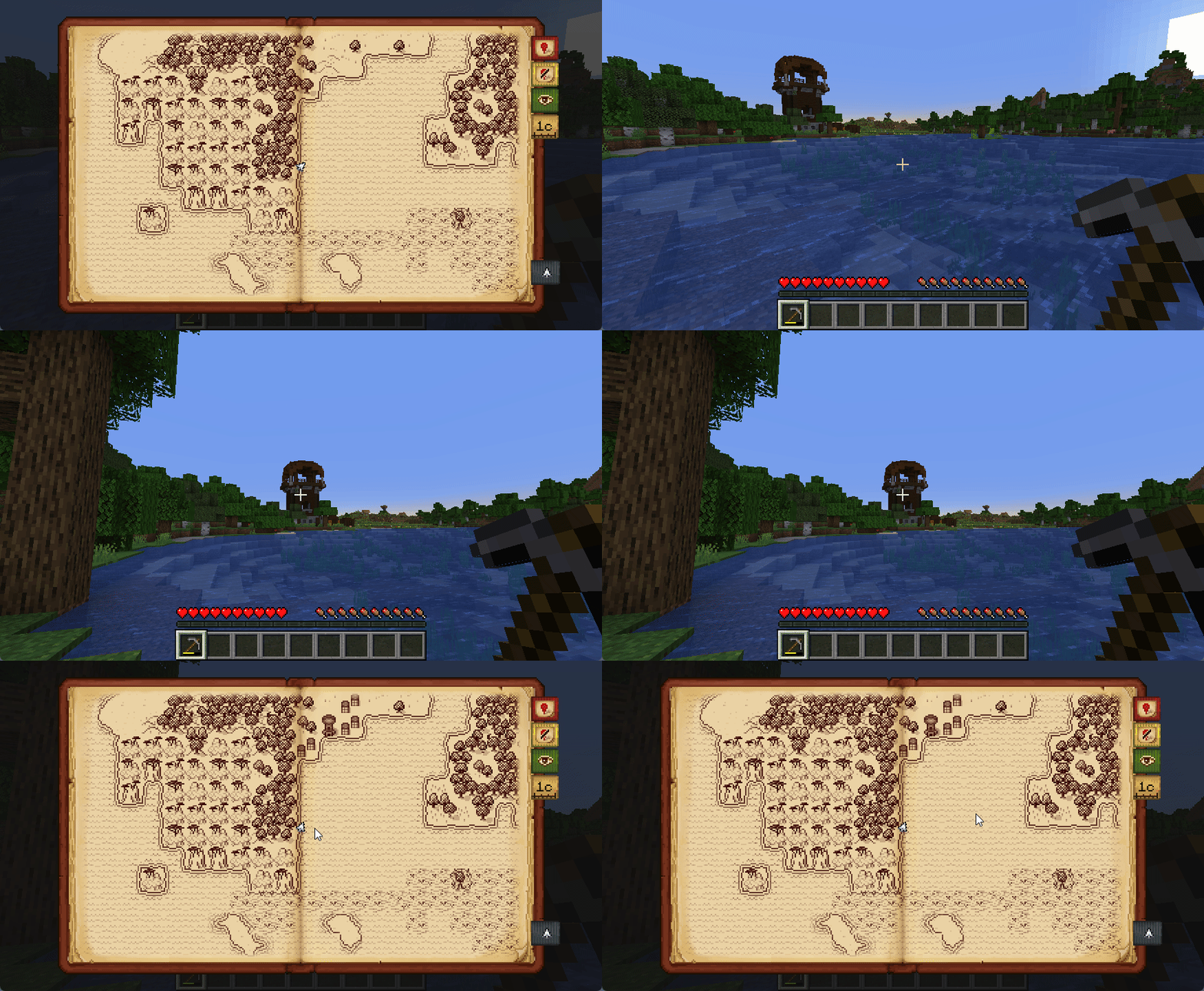
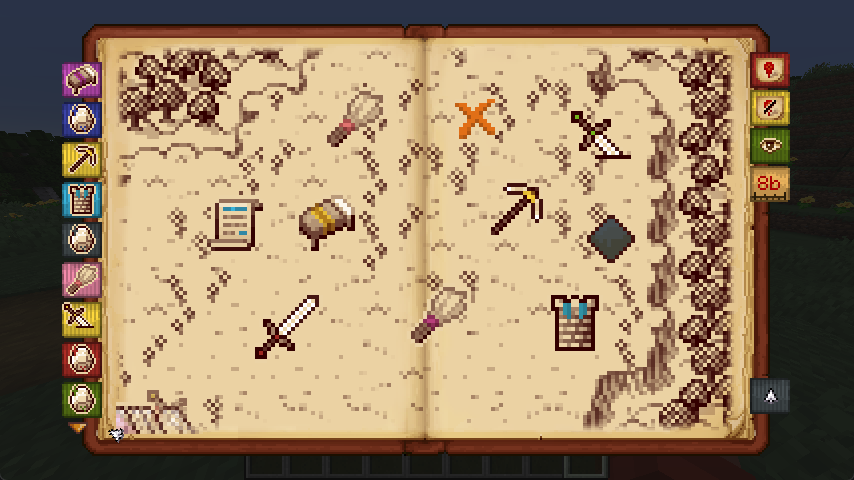
- Waypoint markers in a variety of styles and accent colors:
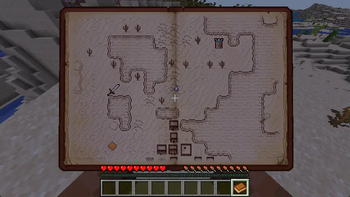
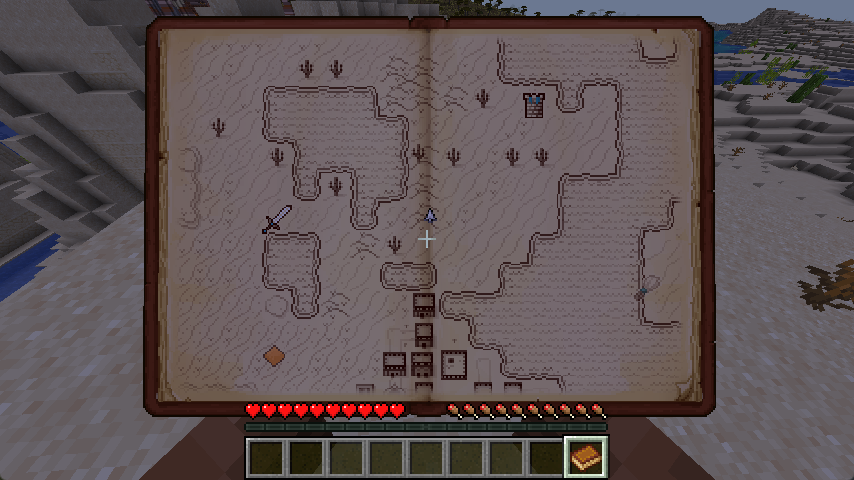
- Hold the map in your hands by renaming a book "Antique Atlas" at an anvil:
- Automatic migration of waypoints from Xaero's Minimap, and a shared save format with Hoofprint.
- Extra features via addons like Antique Trains and Dead Reckoning!
Mixed-Side / Singleplayer Features
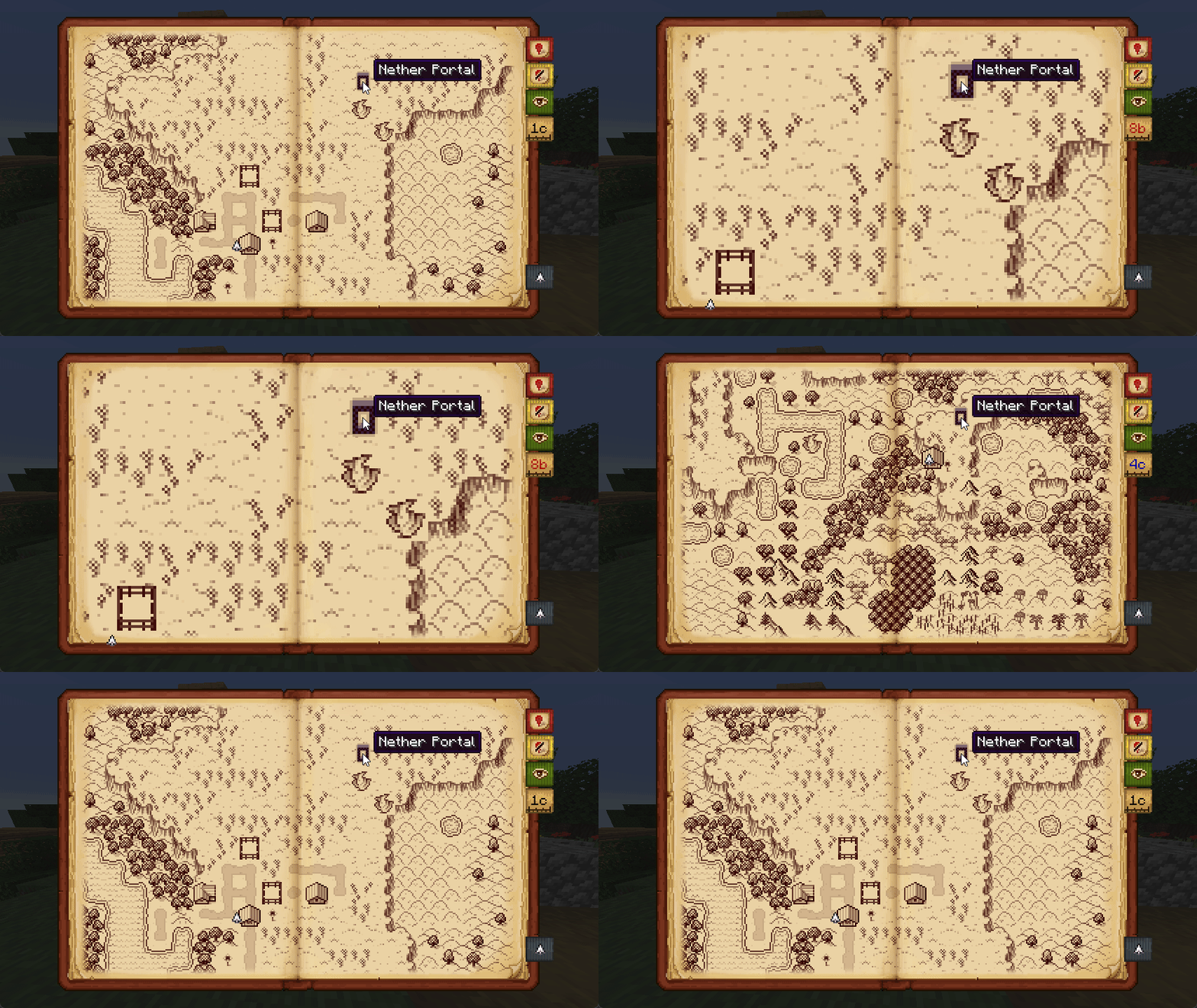
- Markers are automatically added for notable structures and active nether portals:
- Structures only appear on the map after you've looked at them or stood on them in-game:
- Map exploration and waypoints can be shared with friends via
/surveyor share [player]:

- Add AA4 Atlas to give the handheld atlas a full item ID and crafting recipe!
Troubleshooting / Suggestions
Antique Atlas 4 is a clientside map frontend for Surveyor Map Framework.
It renders surveyor save data as tiles on screen using respacks, and provides a GUI editor for waypoints.
Issues and suggestions regarding the screen, tiles, markers, and resource packs are Antique Atlas 4 Issues.
Issues and suggestions regarding map sharing, explored map area, and automatic markers are Surveyor Issues.
Crash reports must have AA4 and Surveyor on the latest version, and include logs/latest.log via mclo.gs.
Configuration
Antique Atlas can be configured from config/antique-atlas.toml or in-game using McQoy, including:
- Whether to require having an atlas item in the inventory in order to enable the map hotkey.
- Adjustments to the size and scale of the map screen.
- Adjustments to which structures to mark on the map.
- Adjustments for how to stylize player graves.
Additional options can be found in the Surveyor config in config/surveyor.toml.
Addon & Resource Pack Developers
Resource Packs
Tiles, markers, biome detection, and structure detection is fully data-driven via resource packs.
Without defined biomes, atlas "guesses" tiles via tags, and shows ??? if that fails.
For a how-to on AA4 resource packs, check out the resource pack tutorial.
API
Nothing stable! But feel free to poke around:
repositories {
	maven { url "https://repo.sleeping.town/" }
}
dependencies {
	modImplementation "folk.sisby:antique-atlas:3.0.0+1.20"
}
Try AtlasRenderer.registerOverlay() for non-surveyor mod compat (i.e. mods that already have client sync)
To automatically mark non-structure points of interest - instead use Surveyor's Landmark API.
Licensing + Credit
Please match your addon/respack licenses to LGPLv3 for code & CC BY-NC-SA for assets to help the ecosystem!
(LGPLv3 and CC BY-NC-SA are a copyleft licenses, so this is required for anything directly adapted from AA4)
If you've made an addon/respack, hit us up and we might link it here! If it's still WIP feel free to ask us questions.
Devs can reach out to us on mastodon, via email, or in #projects->Surveyor on ModFest.
Afterword
All mods are built on the work of many others.
The art for antique atlas was created by Hunternif (DA) and lumiscosity (Neocities).
Click here for detailed art credit.
This mod is a loveletter rewrite, and relies heavily on contributions of many developers and artists before us.
Available Versions
How to Install Antique Atlas 4 on Your Client
Install the Mod Loader Locally
Install fabric for your local Minecraft version.
Download the Matching File
Choose the Antique Atlas 4 file for fabric and Minecraft 1.21.1.
Install Mod
Place the .jar file in your local .minecraft/mods folder and restart Minecraft. No server-side installation is required.
Compatibility
Mod Loaders
Minecraft Versions
1.21.1, 1.20.1, 1.19.2
Server-side
✗ UnsupportedRecommended RAM
4 GB(min. 3 GB)Frequently Asked Questions
Does Antique Atlas 4 need to be installed on the Minecraft server?
No. Modrinth marks Antique Atlas 4 as unsupported on the server side. Install it only in your local Minecraft mods folder. Your server can remain unchanged unless the mod page lists an additional dependency.
Which version and loader does Antique Atlas 4 require?
Use a file for fabric, forge, neoforge, quilt and your exact Minecraft version. Supported versions include 1.21.1, 1.20.1, 1.19.2. Files for different loaders are not interchangeable.
Antique Atlas 4 is not working – what should I check?
First check the Minecraft version, loader version and required dependencies. Put the .jar file in your local .minecraft/mods folder and remove older duplicates. Because this mod is client-side, adding server RAM will not fix it.
Similar Mods




Minecraft Server for Your Group
Antique Atlas 4 stays on your client. Host a compatible world for your group.