
Auto Reconnect Reforged
A multi-loader update of Bstn1802's AutoReconnect mod
Screenshots
About this Mod

AutoReconnect (Reforged)
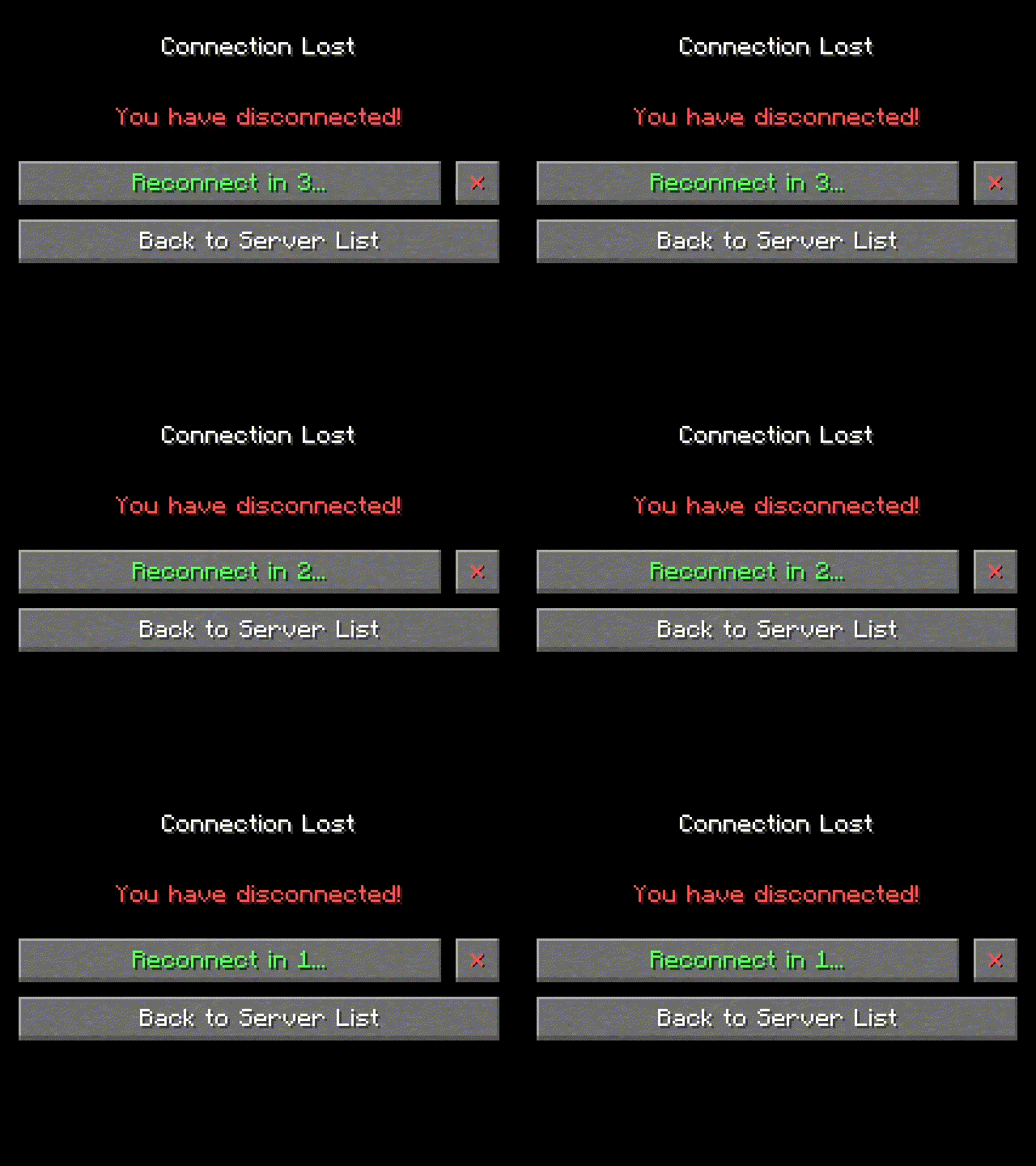
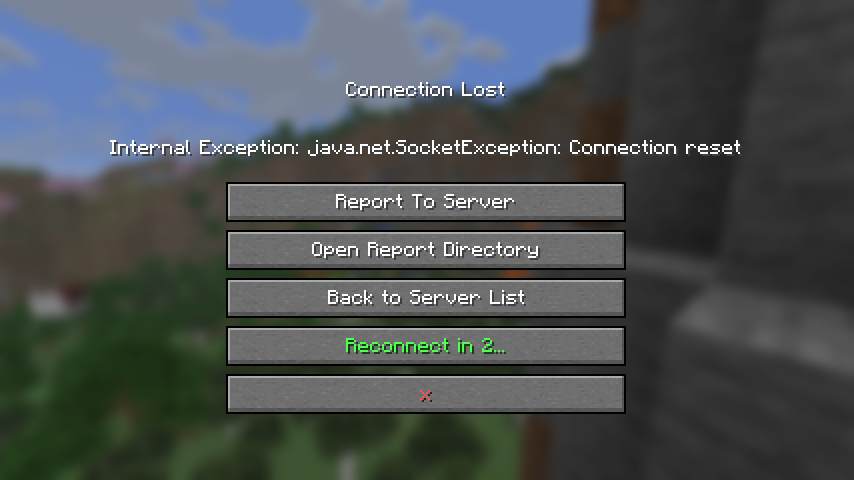
Automatically reconnect to servers after unintentional disconnection.
Based on AutoReconnect by Bstn1802.





About
If you get disconnected from a world or server without clicking the disconnect button (such as if
your internet briefly drops out), this mod will attempt to reconnect you.
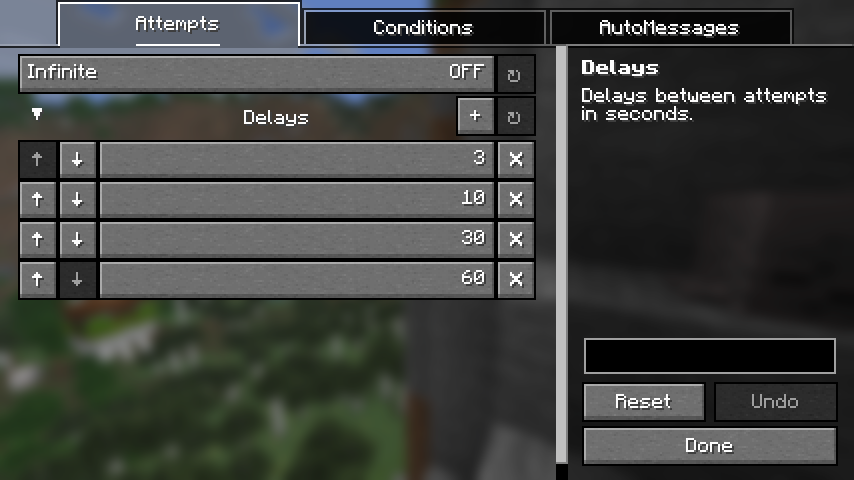
By default, it will make 4 attempts after 3, 10, 30 and 60 seconds respectively. The number and
timing of attempts is fully configurable.
You can also configure messages or commands to be sent upon successful automatic reconnect to a
particular world or server.
 |
 |
Dependencies
Fabric
NeoForge
Credits
AutoReconnect (Reforged) is based on AutoReconnect by
Bstn1802 (discontinued), and includes code reused under license.
- For MC versions
1.16.2-1.20.1, refer to the original mod
on GitHub,
Modrinth
or CurseForge. - For MC versions
1.20.2-1.20.6, refer to the original fork
on GitHub.
Contact



Available Versions
How to Install Auto Reconnect Reforged on Your Client
Install the Mod Loader Locally
Install fabric for your local Minecraft version.
Download the Matching File
Choose the Auto Reconnect Reforged file for fabric and Minecraft 26.3.
Install Mod
Place the .jar file in your local .minecraft/mods folder and restart Minecraft. No server-side installation is required.
Compatibility
Mod Loaders
Minecraft Versions
26.3, 26.3-rc-3, 26.3-rc-2 (+22 more)
Server-side
✗ UnsupportedRecommended RAM
4 GB(min. 3 GB)Frequently Asked Questions
Does Auto Reconnect Reforged need to be installed on the Minecraft server?
No. Modrinth marks Auto Reconnect Reforged as unsupported on the server side. Install it only in your local Minecraft mods folder. Your server can remain unchanged unless the mod page lists an additional dependency.
Which version and loader does Auto Reconnect Reforged require?
Use a file for fabric, neoforge, quilt and your exact Minecraft version. Supported versions include 26.3, 26.3-rc-3, 26.3-rc-2. Files for different loaders are not interchangeable.
Auto Reconnect Reforged is not working – what should I check?
First check the Minecraft version, loader version and required dependencies. Put the .jar file in your local .minecraft/mods folder and remove older duplicates. Because this mod is client-side, adding server RAM will not fix it.
Similar Mods




![[ETF] Entity Texture Features](https://cdn.modrinth.com/data/BVzZfTc1/af683d206d50b05258d865b0d6e4aa2f2cee12f2_96.webp)

Minecraft Server for Your Group
Auto Reconnect Reforged stays on your client. Host a compatible world for your group.