
Better Lock on
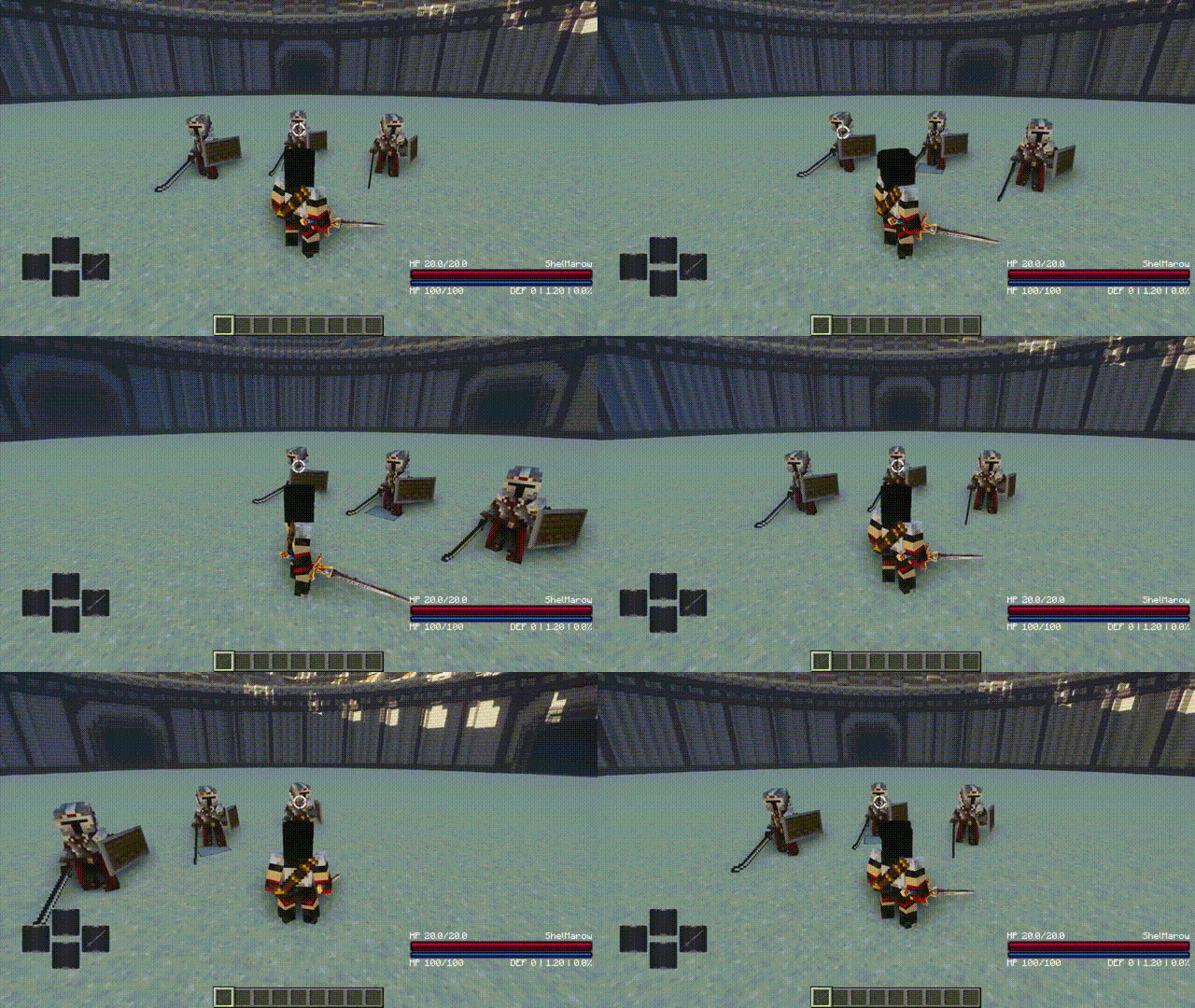
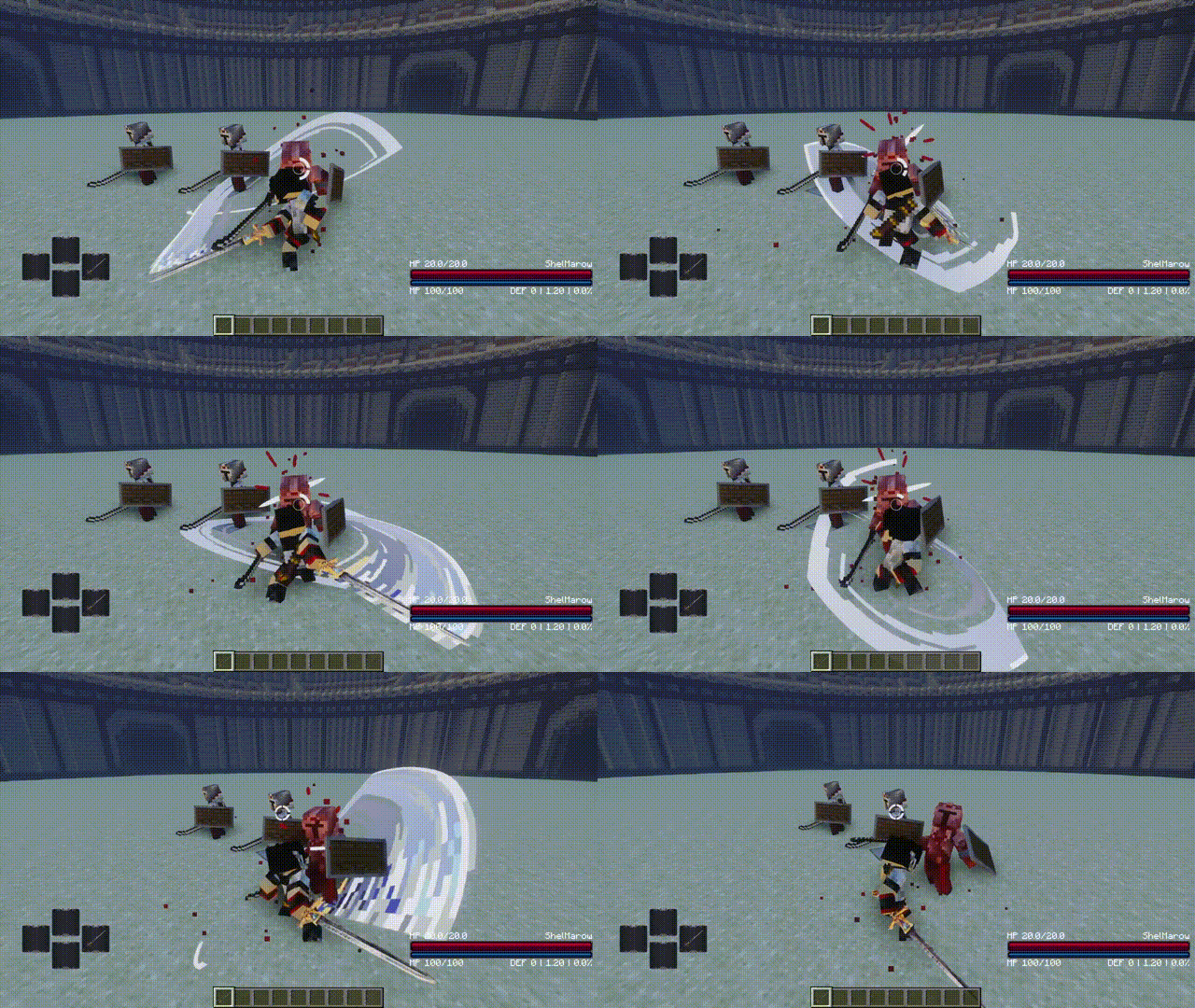
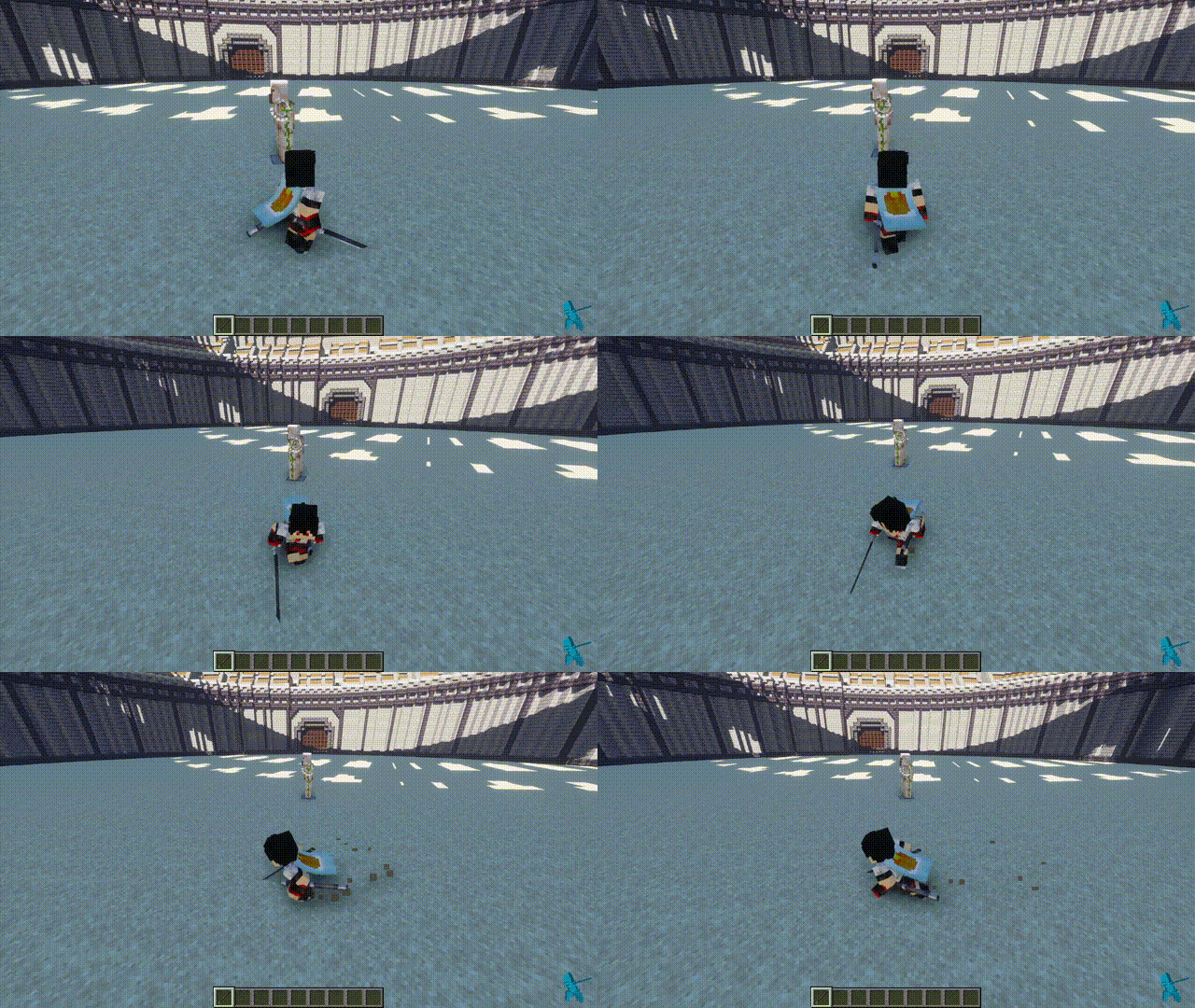
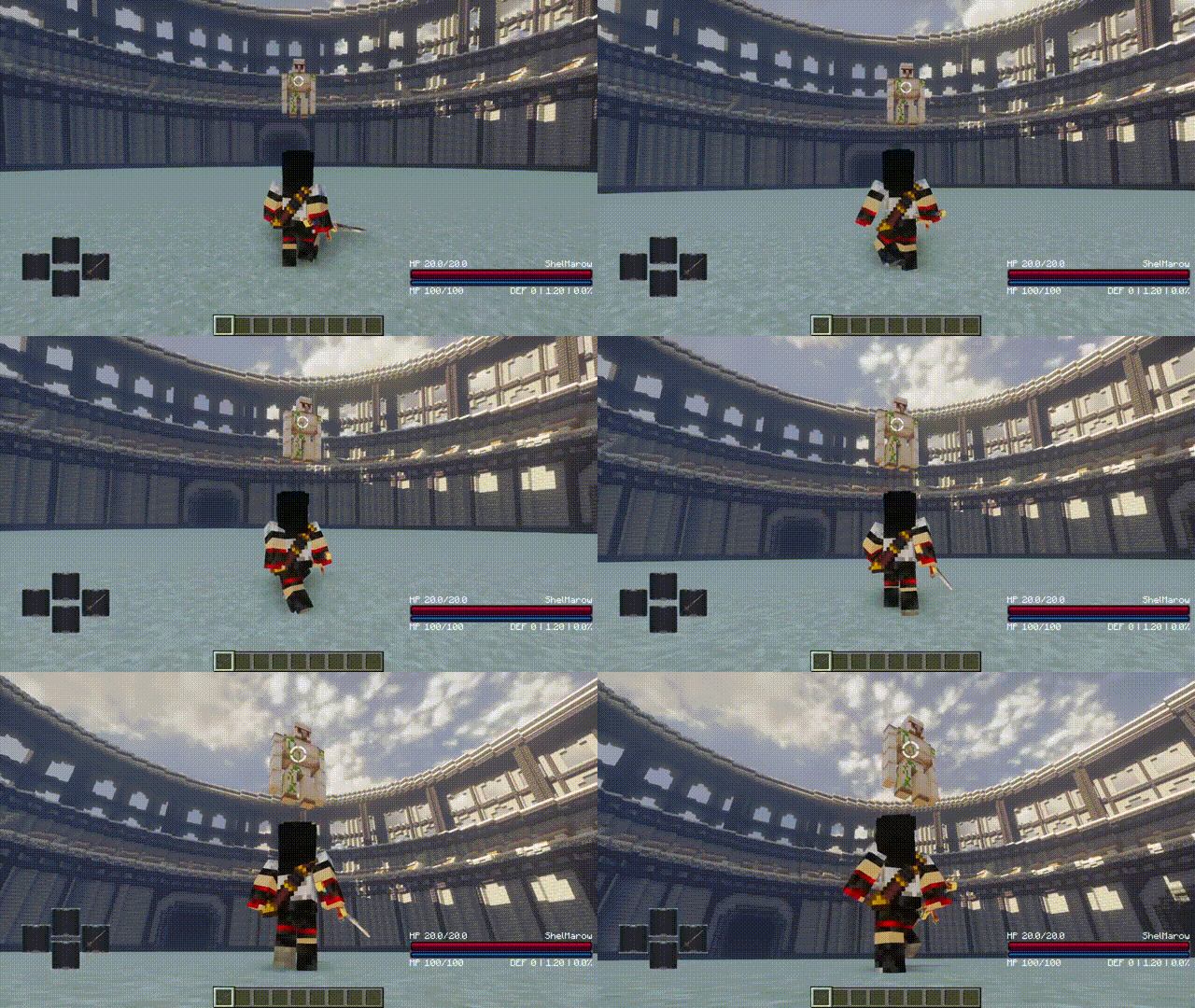
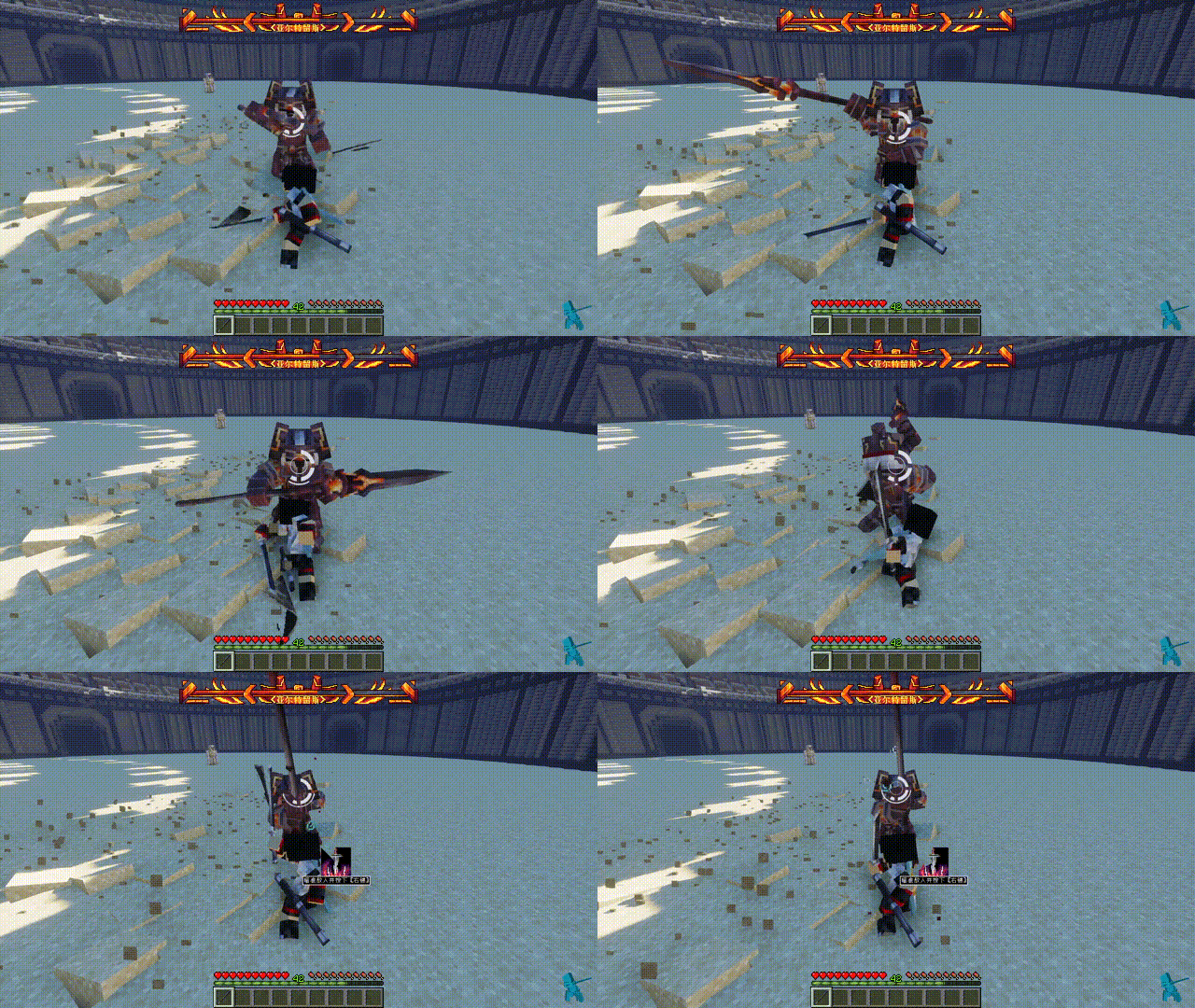
Optimizes the lock on function of the Epic Fight
Screenshots
About this Mod


The history update info:
- Added a lock icon and the ability to display enemy health
- Lock icons support custom color, transparency, size, and other settings, which need to be modified in config
- You can now change targets while locked by moving the mouse left and right;
- When locked, you don't need to wait for the target to be completely removed before it comes offlocked, as soon as the target dies;
- When you are not locked, even if you are not aiming at the target, when you press the lock button, the target closest to you will be automatically selected to lock it
- Fixed an issue where players would bow their heads when locking on to tall or close-range enemies.
-Optimized third-person lock pitch angle logic. - Added lock auto-switch, when the target dies, it will try to select the nearest other target
- Soft lock added
- Compatible with leawind third person
- Fixed the enemy search bug and the wrong camera position
- add lockon texture can show target's stamina
- added white / black list CFG
- Adjusted the perspective transformation of soft lock
- Added a new lock icon to toggle in the profile
- Added WOM CFG, which no longer unlocks when attacking with WOM's weapons after it is enabled
- Adjusted the logic of searching for enemies, no longer locking the mob you are riding.
- Press the sprint button in locked state to sprint side and backward
- Mob stamina bar display compatible with Indestructible and Combat Evolution
- Compatible with and adjusted some functions of the ShoulderSurfing
- Added configuration screen, now can be adjusted in-game
Available Versions
How to Install Better Lock on on Your Client
Install the Mod Loader Locally
Install forge for your local Minecraft version.
Download the Matching File
Choose the Better Lock on file for forge and Minecraft 1.20.6.
Install Mod
Place the .jar file in your local .minecraft/mods folder and restart Minecraft. No server-side installation is required.
Compatibility
Mod Loaders
Minecraft Versions
1.20.6, 1.20.5, 1.20.4 (+3 more)
Server-side
✗ UnsupportedRecommended RAM
4 GB(min. 3 GB)Frequently Asked Questions
Does Better Lock on need to be installed on the Minecraft server?
No. Modrinth marks Better Lock on as unsupported on the server side. Install it only in your local Minecraft mods folder. Your server can remain unchanged unless the mod page lists an additional dependency.
Which version and loader does Better Lock on require?
Use a file for forge and your exact Minecraft version. Supported versions include 1.20.6, 1.20.5, 1.20.4. Files for different loaders are not interchangeable.
Better Lock on is not working – what should I check?
First check the Minecraft version, loader version and required dependencies. Put the .jar file in your local .minecraft/mods folder and remove older duplicates. Because this mod is client-side, adding server RAM will not fix it.
Similar Mods




Minecraft Server for Your Group
Better Lock on stays on your client. Host a compatible world for your group.