
Cobblemon Highlight
Fancy UI for Cobblemons Battle improving visually with UI animations and more
Screenshots
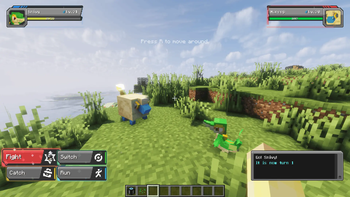
About this Mod
Cobblemon Highlight
Cobblemon Highlight gives the battle UI more life through responsive movement, polished transitions, subtle particles, and visual feedback that makes every choice feel more satisfying.
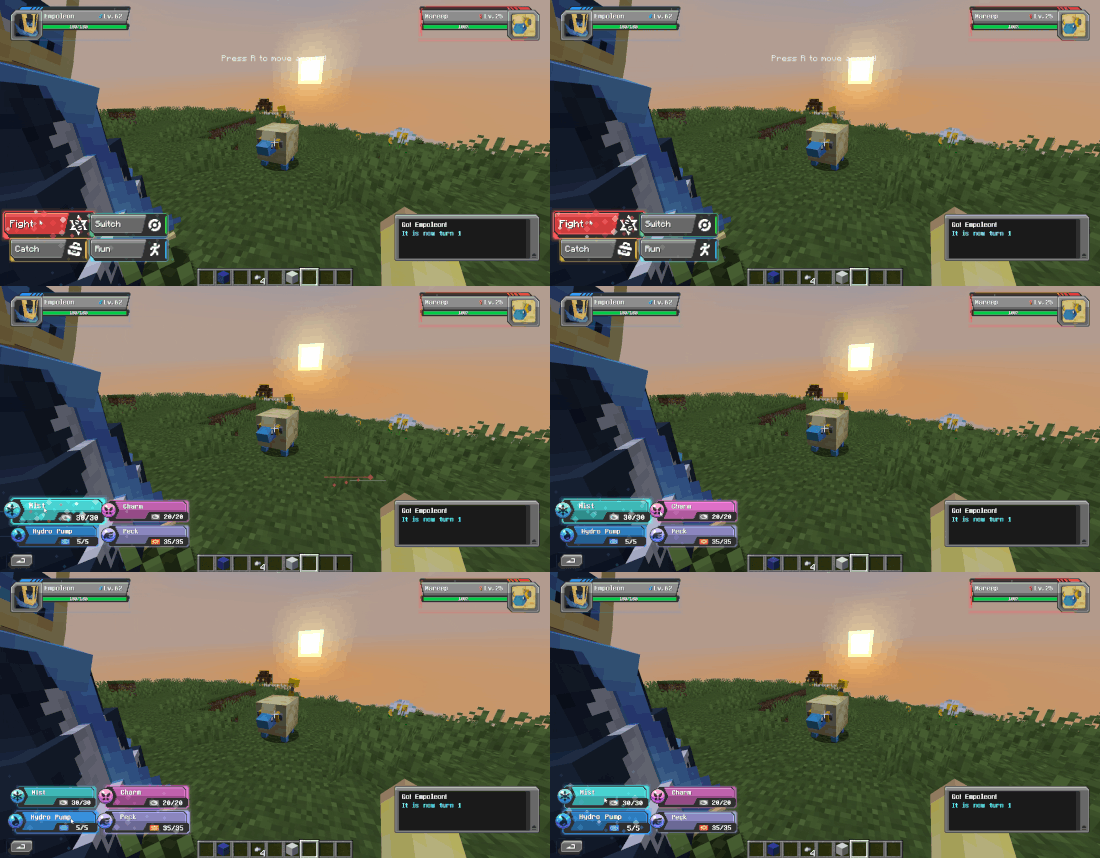
Features
- Responsive command buttons with spring movement, hover lift, press recoil, glow, and click feedback
- Type-coloured animated move cards
- Staggered party-switch transitions
- Animated target selection, Back buttons, and Forfeit confirmation
- Menu transitions, optional particles, and scanning effects
- Reactive HUD effects for damage, healing, and low health
- Shape-following Pokémon panel accents
- Adjustable animation strength and particle amount
- Reduced Motion support
- configuration interface
Available Versions
How to Install Cobblemon Highlight on Your Client
Install the Mod Loader Locally
Install fabric for your local Minecraft version.
Download the Matching File
Choose the Cobblemon Highlight file for fabric and Minecraft 1.21.1.
Install Mod
Place the .jar file in your local .minecraft/mods folder and restart Minecraft. No server-side installation is required.
Compatibility
Mod Loaders
Minecraft Versions
1.21.1
Server-side
✗ UnsupportedRecommended RAM
4 GB(min. 3 GB)Frequently Asked Questions
Does Cobblemon Highlight need to be installed on the Minecraft server?
No. Modrinth marks Cobblemon Highlight as unsupported on the server side. Install it only in your local Minecraft mods folder. Your server can remain unchanged unless the mod page lists an additional dependency.
Which version and loader does Cobblemon Highlight require?
Use a file for fabric, neoforge and your exact Minecraft version. Supported versions include 1.21.1. Files for different loaders are not interchangeable.
Cobblemon Highlight is not working – what should I check?
First check the Minecraft version, loader version and required dependencies. Put the .jar file in your local .minecraft/mods folder and remove older duplicates. Because this mod is client-side, adding server RAM will not fix it.
Similar Mods





Minecraft Server for Your Group
Cobblemon Highlight stays on your client. Host a compatible world for your group.