
Cobblemon: Extra Structures
A Cobblemon addon adding more structures and ways to obtain legendary Pokémons.
Screenshots


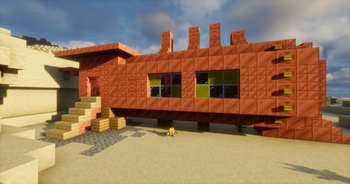
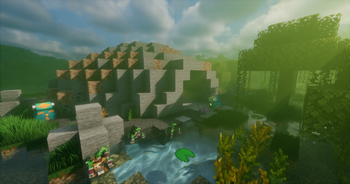

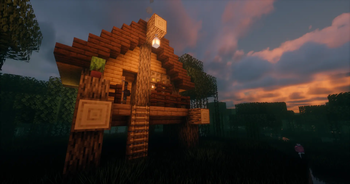
About this Mod

An addon for Cobblemon adding new structures and ways to find Pokémons.
========================================================
Looking for someone to help make models and textures for Minecraft modding!
If you are interested, DM me at Discord : roi_pasteque !
I am making a space mod for Neoforge 1.21.1
========================================================
Featured major structures :
Bell Tower
Sea Mauville
Snowpoint Temple
Desert Ruins, Cave Island and Ancient Tomb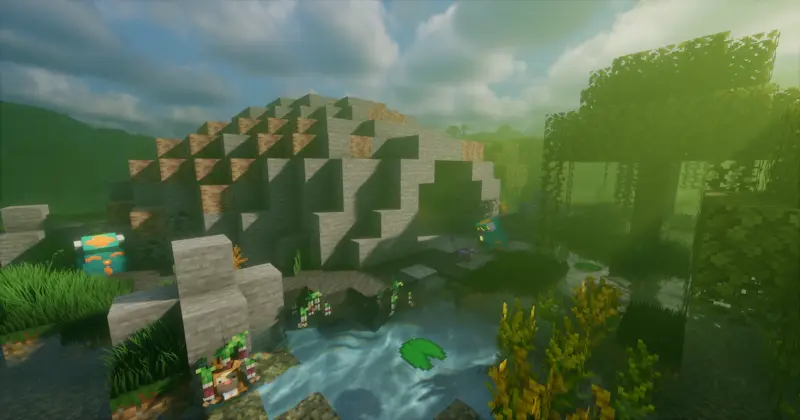
The Under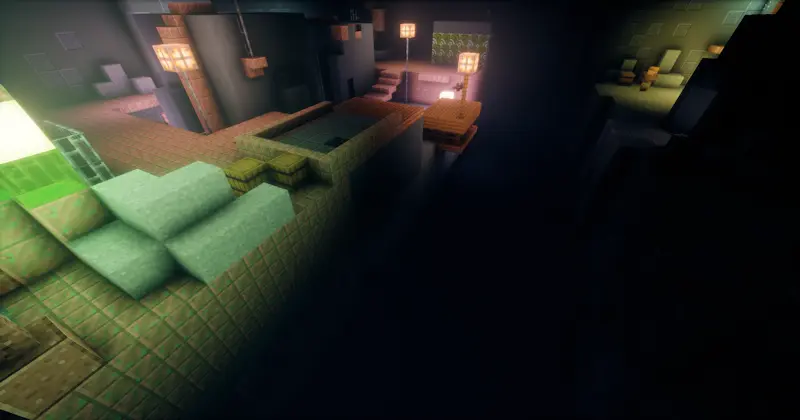
Sky Pillar
How to adjust structures spawn frequency :
Spoiler
You are allowed to edit the mod file and redistribute it to friends for a server.
Open the mod file with the editor of your choice (WinRar for exemple), and look for this folder :
- data/cobblemonextrastructures/worldgen/structure_set
In it, you will find every structures as a json file. Open it with the editor of your choice, works with notepad, and change these values :
- "weight" is the chance of the structure to spawn among the list of structures that can spawn in this biome
- "spacing" is the average distance in chunks between two attemps to generate the structure, the lower it is the more likely the structure will spawn
- "separation" is the minimum distance in chuks between two attempts to generate the structure, must be lower than "spacing"
To change the biome the structure can spawn in, look for :
- data/cobblemonextrastructures/worldgen/structure
Look for the "biomes" key. You can change it to either an id like "minecraft:forest" or a tag like "#cobblemon:is_forest". The structure will only spawn in the specified biome(s).
How to adjust Pokemon respawning : (Neoforge only)
Spoiler
Pokemons now respawn inside structures after you catch or K.O. them. After launching Cobblemon Extra Structures for the first time, you will be able to find a config file inside your minecraft folder at :
- config/cobblemonextrastructures-common.toml
Inside it, you will be able to adjust how often Pokemon respawns. For structures like the Bell Tower, with unique spawns, the default value is 168000 ticks, which is 7 Minecraft days. For structures like the Dragon's den, with different encounters, the default value is 24000 ticks, which is 1 Minecraft day. You can set the value to -1 to disable respawns.
Note on Cobblemon Extra Structures for Fabric :
I was unable to get the new spawner blocks to work on fabric. Pokemons still appear, but they are generated with the structure only once. They won't have random IVs, a defined movepool or a chance to be shiny. I am sorry about that, I tried but I despise Fabric. If you wish to help develop the Fabric version, the github link is open. I would gladly appreciate some help.
All picture were taken using Eclipse Shaders (Bliss edit) by Merlin1809.
Translation for english (Roi Pastèque), german (CreamyCannon), mandarin (nEil1109) and french (Roi Pastèque)
For questions, suggestions or anything : Discord : roi_pasteque
You are welcome to include this mod in your modpack, no need for credit or permission.
Available Versions
How to Install Cobblemon: Extra Structures on Your Server
Order Server
Order a Minecraft Java server with at least 3 GB RAM (4 GB recommended).
Set fabric Loader
In the panel under "Egg", select the fabric loader and matching Minecraft version (1.21.1).
Install Mod
Open the mod browser in the dashboard and search for "Cobblemon: Extra Structures". Click "Install" – done! Alternatively, upload the .jar via SFTP to the /mods folder.
Compatibility
Mod Loaders
Minecraft Versions
1.21.1
Server-side
✓ RequiredRecommended RAM
4 GB(min. 3 GB)Frequently Asked Questions
Cobblemon: Extra Structures server crashes on startup – what to do?
Most common cause: wrong fabric version or insufficient RAM. Check the server log (latest.log) for "OutOfMemoryError" or "Mixin" errors. With Mado Hosting: ensure at least 3 GB RAM is allocated and the loader matches the mod version (1.21.1). You can switch loaders with one click in the panel.
Is Cobblemon: Extra Structures compatible with fabric and neoforge?
Cobblemon: Extra Structures officially supports fabric, neoforge for Minecraft 1.21.1. The Mado dashboard automatically detects incompatible loader combinations.
Server lagging with Cobblemon: Extra Structures – how to optimize performance?
Recommended RAM: 4 GB (per 8 players). Use /spark profiler to check if Cobblemon: Extra Structures consumes the most tick time. Common fixes: reduce server view-distance to 8-10, install "performant" or "starlight" as supplementary mods on Forge. With Mado Hosting, your server runs on NVMe SSDs with dedicated CPU cores for minimal latency.
Similar Mods




Rent Modded Server
Install Cobblemon: Extra Structures with just one click on your server.