
Coordinates Display
A basic mod that displays your Coordinates on the In-game HUD.
Screenshots
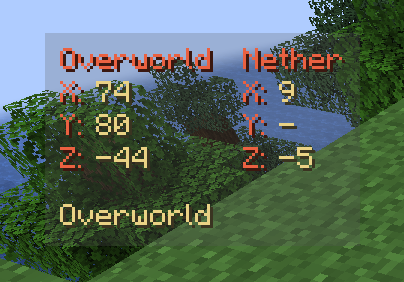
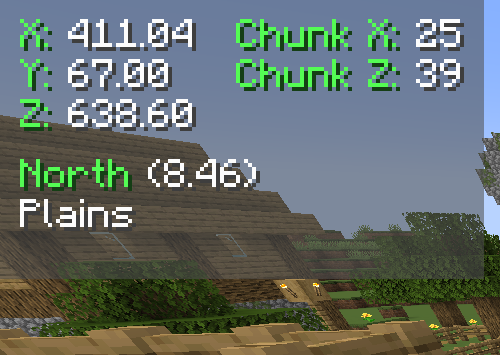
About this Mod




Coordinates Display
Introduction
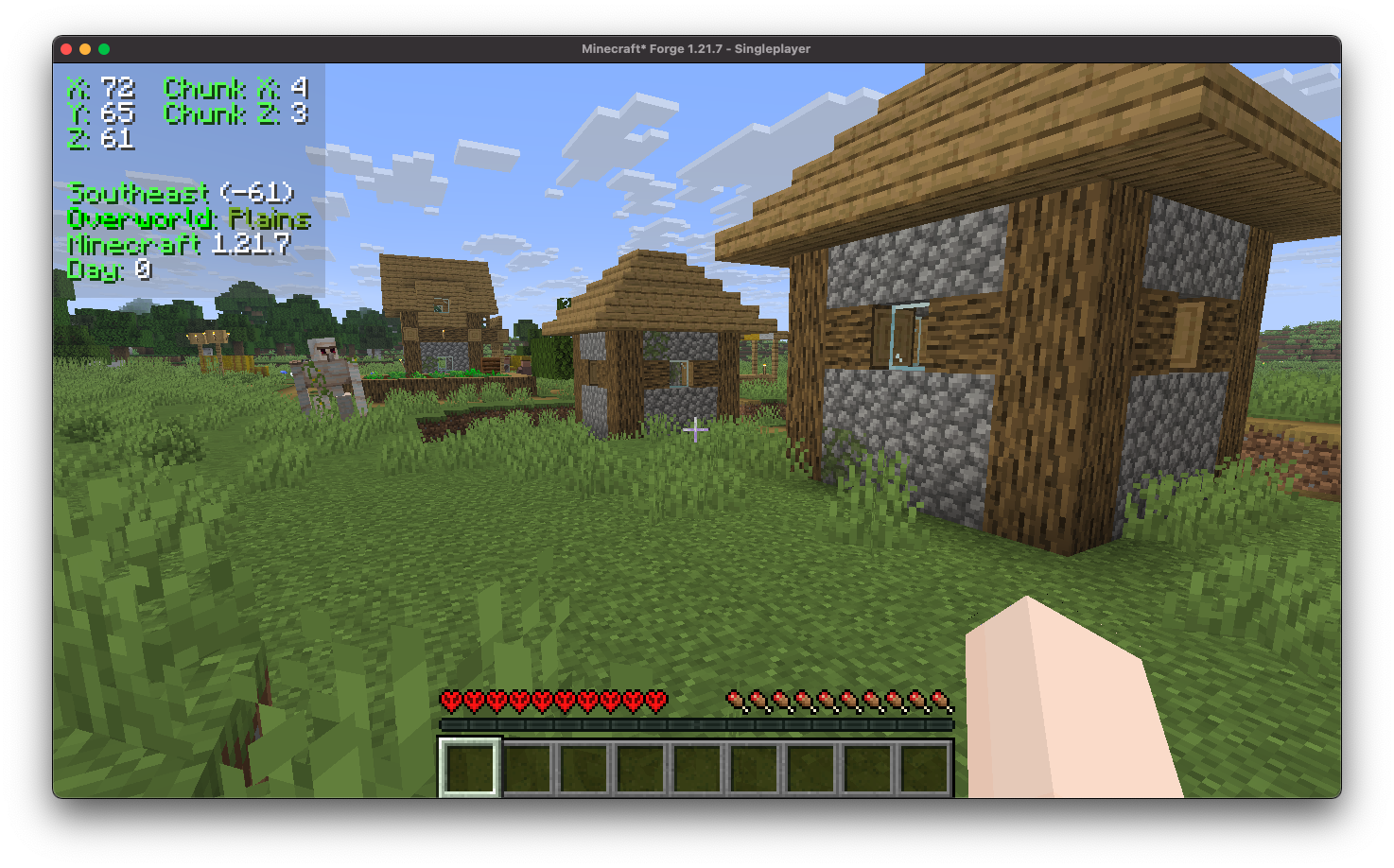
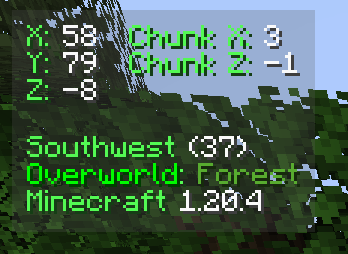
Coordinates Display enhances the client-side experience by incorporating a heads-up display (HUD) that provides detailed information. It includes your precise coordinates within the game world, your current chunk coordinates, the specific direction you are facing, real-time updates on the biome you are currently traversing, and even displays the version of Minecraft you are playing.
Installation/Dependencies
This mod requires BoxLib a Client-side library mod developed by me.
- Install Minecraft Forge/Fabric/Neoforge: Download and install the appropriate modloader for your Minecraft version.
- Download the mod: Download the latest release of Coordinates Display for your specific modloader and Minecraft version
- Download BoxLib: Download the latest release of BoxLib for your specific modloader and Minecaft version
- Place the mod jars: Drop the downloaded jar files into your Minecraft mods folder. The location of this folder varies depending on your operating system.
Fabric Dependencies

Mod Menu is recommended for configuration purposes.
Forge/NeoForge Dependencies
This mod requires BoxLib a Client-side library mod developed by me.
Key Features
1. Multiple ways to render your coordinates
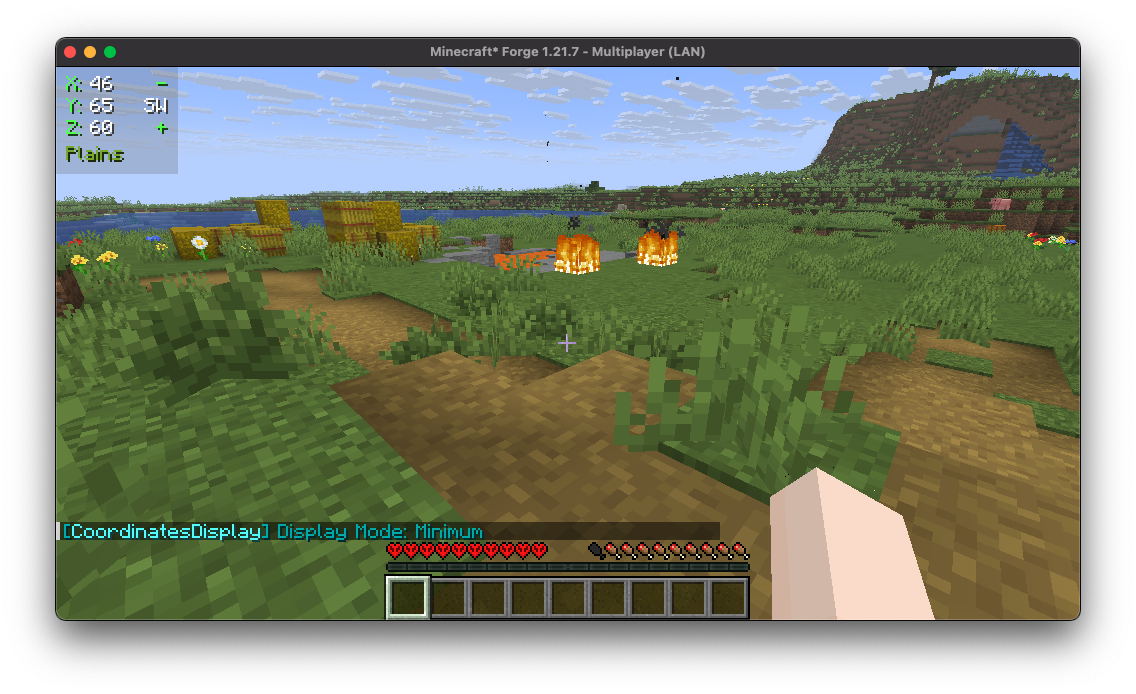
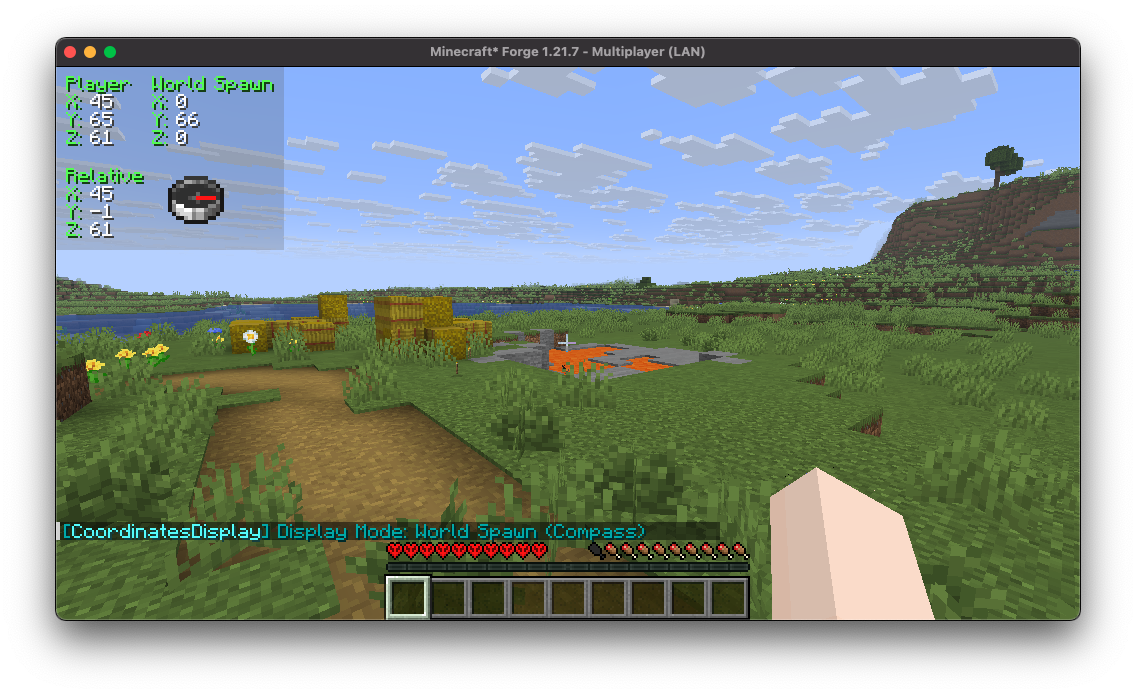
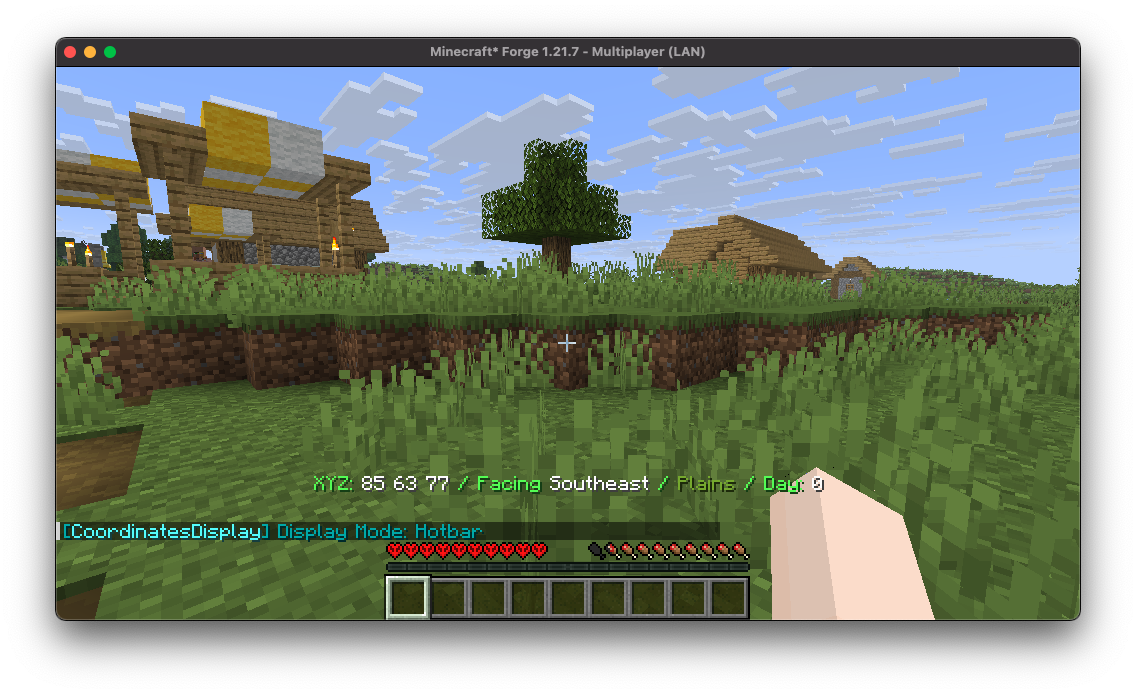
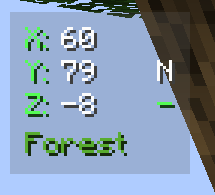
Coordinates Display provides a wide array of diverse "display modes" for you to select from, each tailored to suit various preferences and needs.
2. Highly Configurable
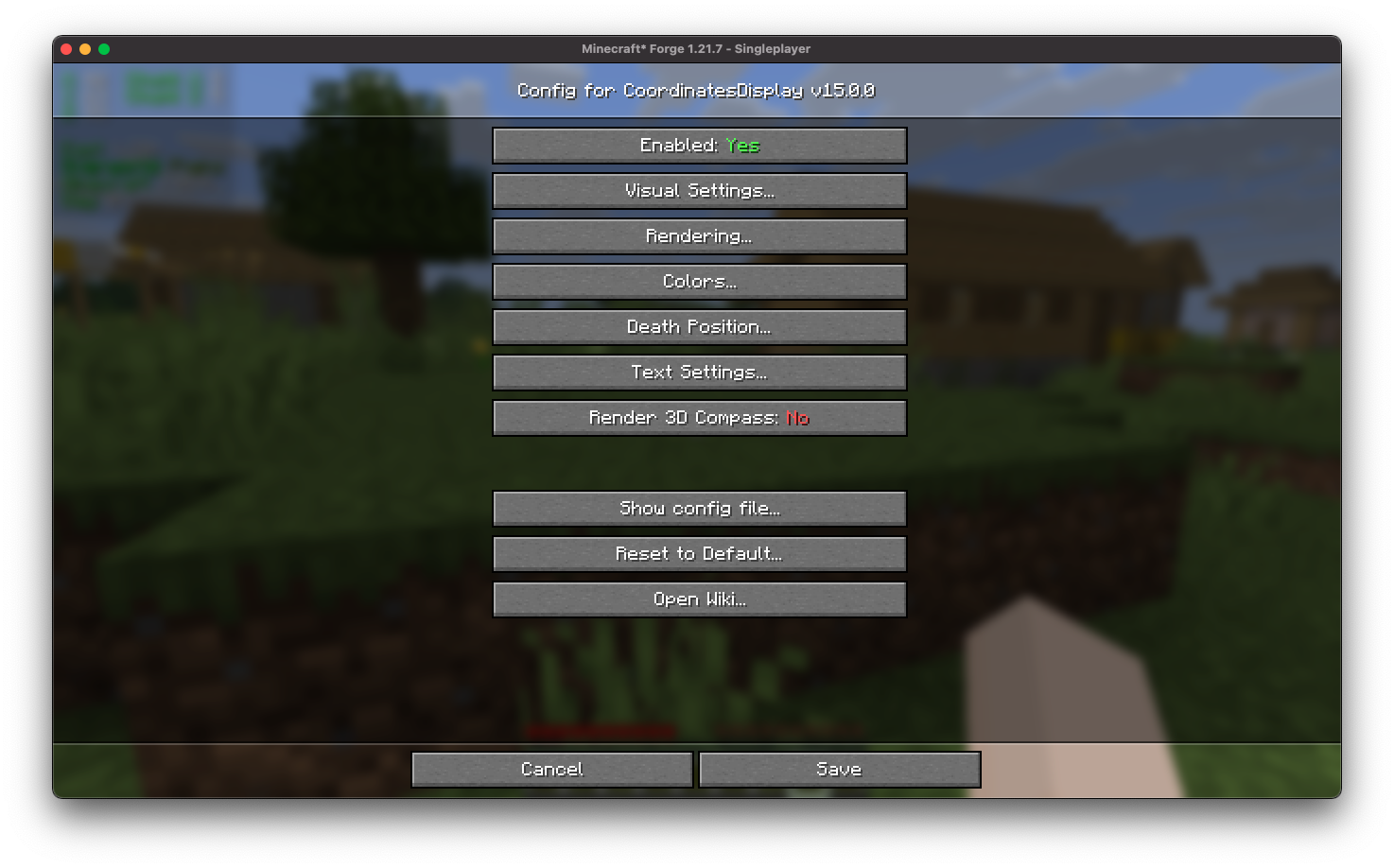
Coordinates Display features an intuitive configuration screen designed for effortless customization, ensuring users can easily adjust settings to tailor their experience according to individual preferences.
3. Easy-to-use Positioning
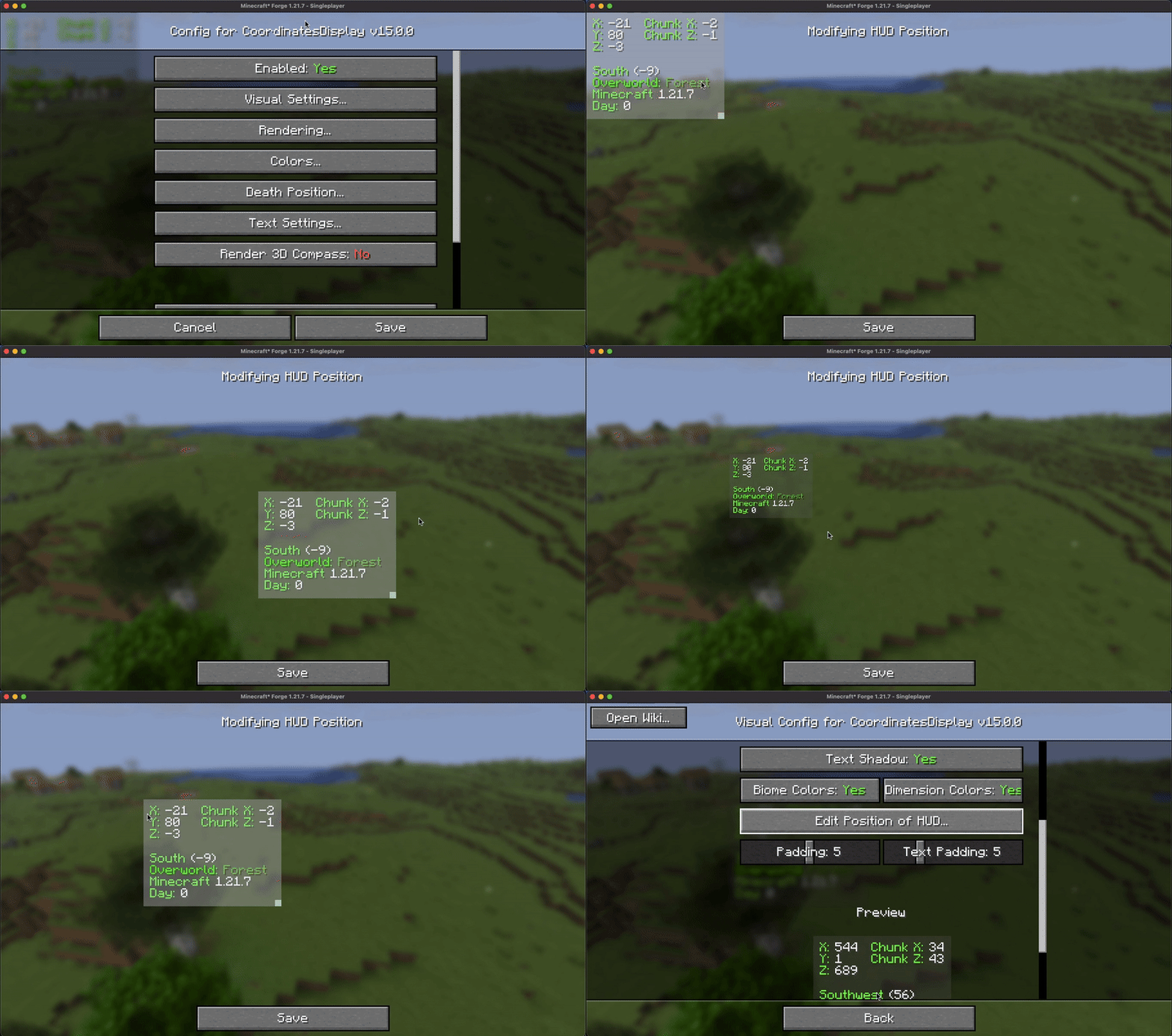
Coordinates Display provides users with a user-friendly HUD position screen, allowing for seamless scaling and adjustment of the coordinates HUD to any desired position across the in-game HUD.
4. Configurable Color
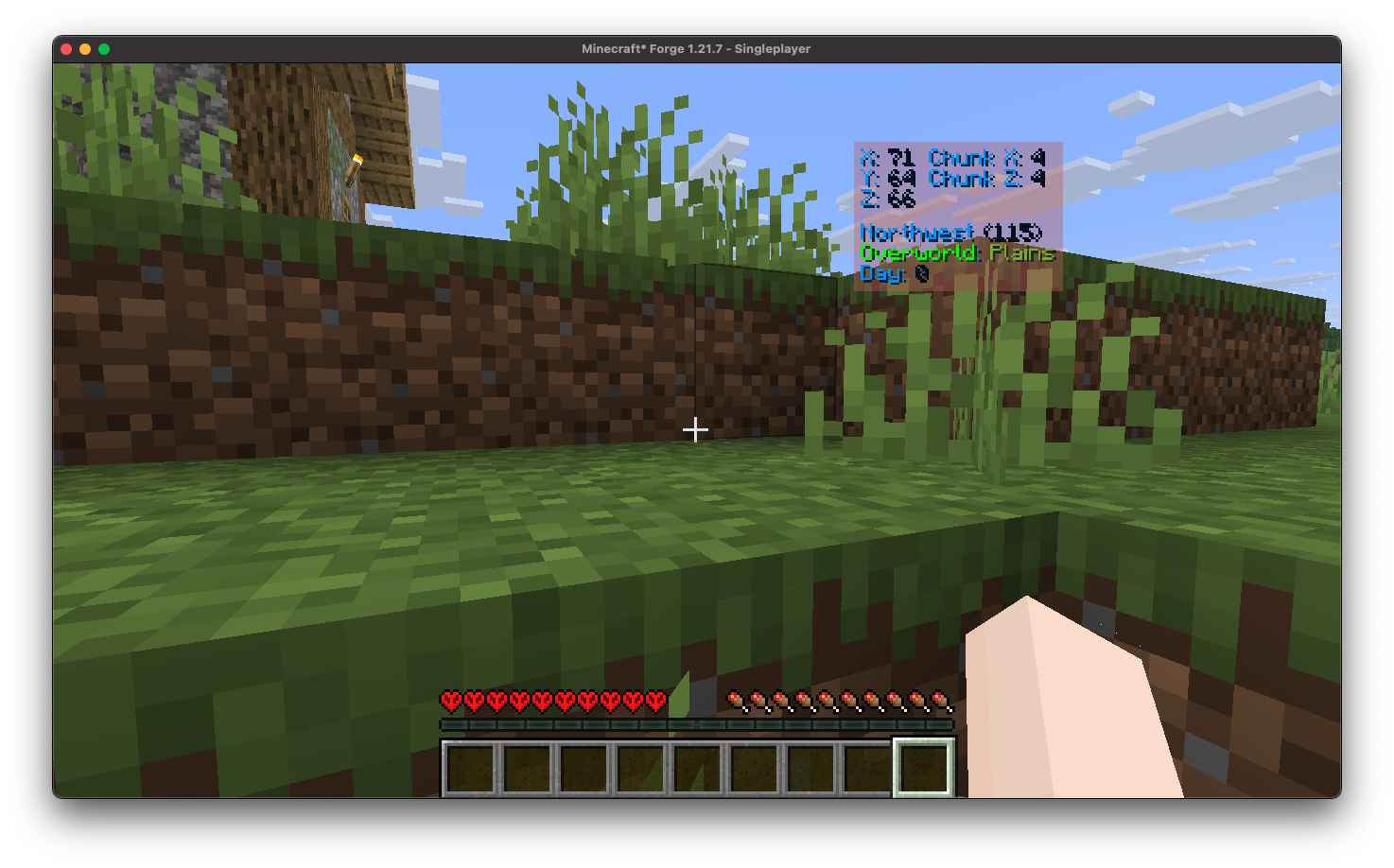
Coordinates Display offers a straightforward way to colorize your HUD by allowing you to effortlessly customize the colors of the displayed text.
5. Death Position Saving
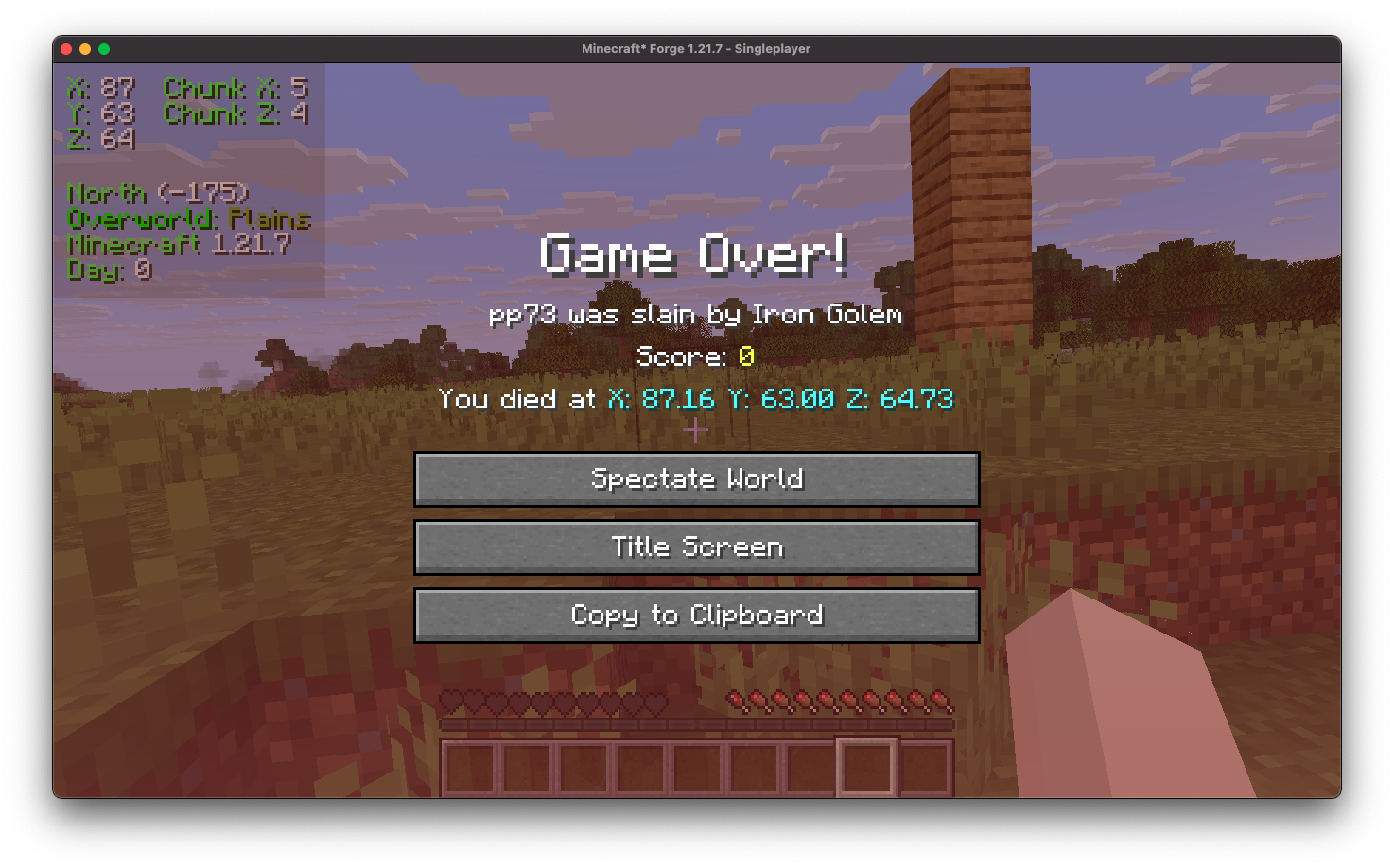
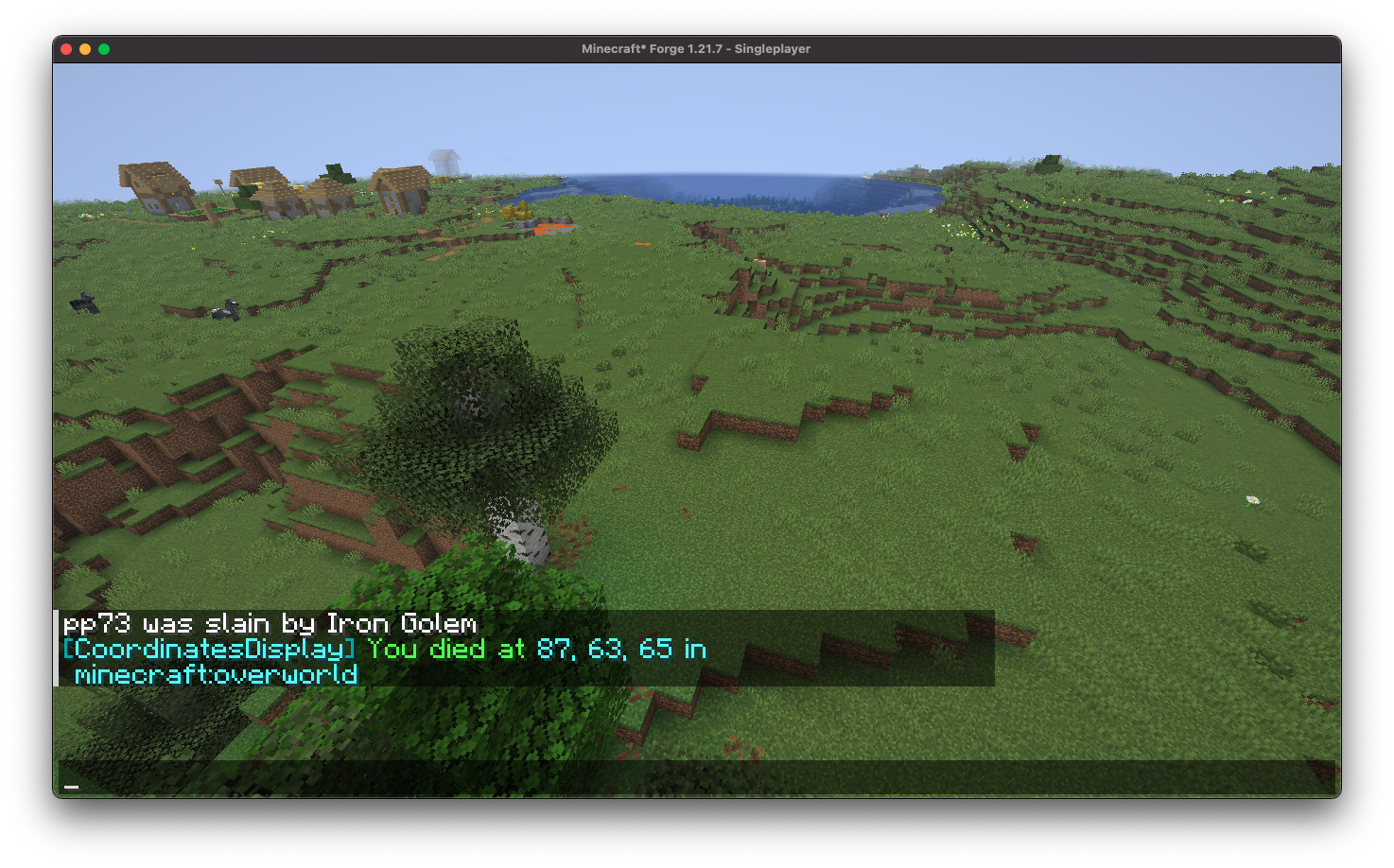
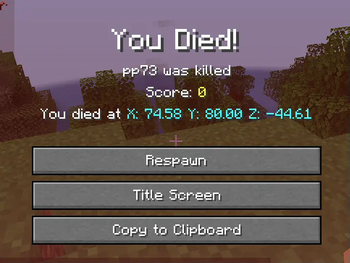
Coordinates Display conveniently showcases your death position directly on the death screen and automatically logs it in the chat upon respawn, ensuring you can easily return to your items.
6. Essential Keybindings
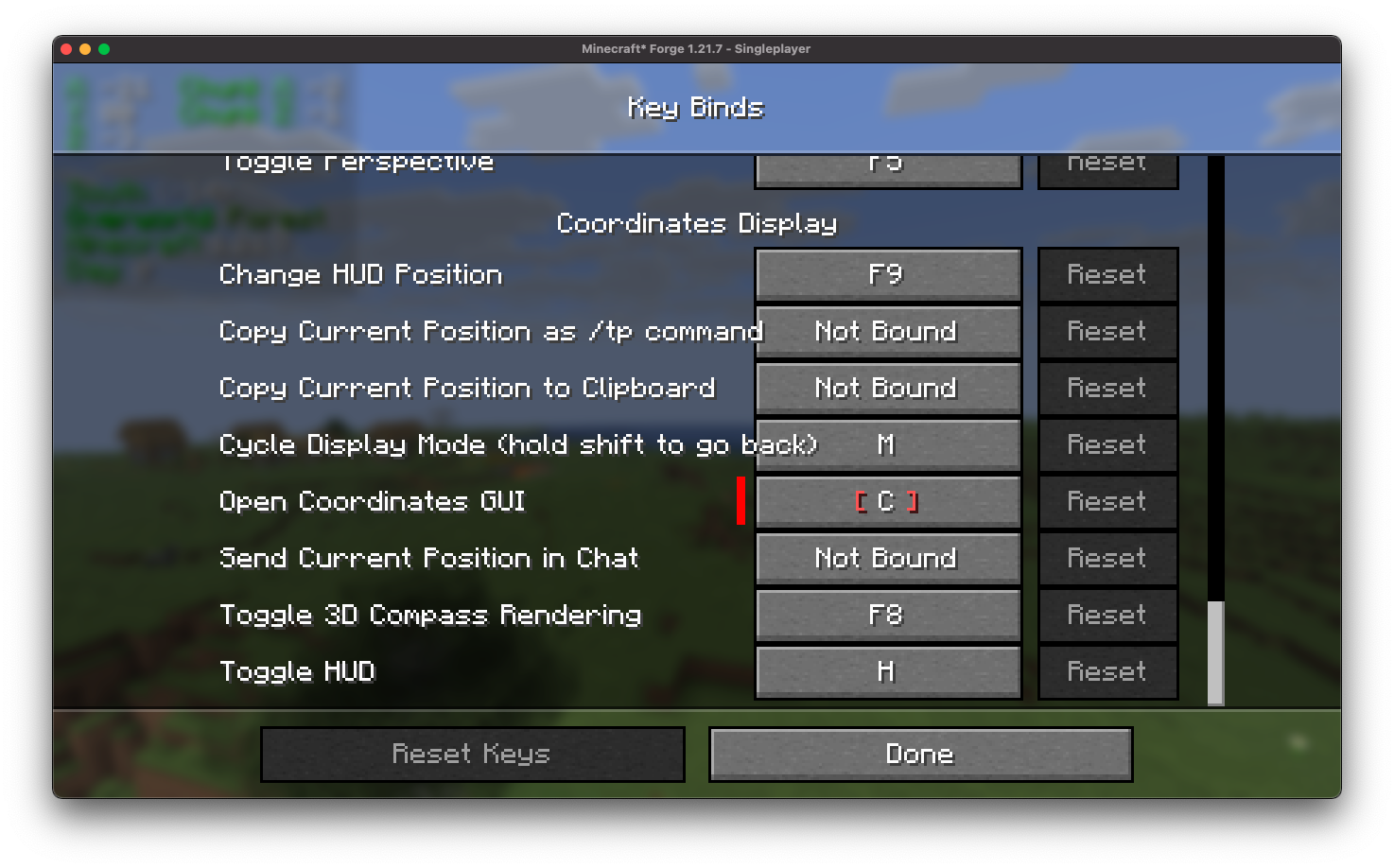
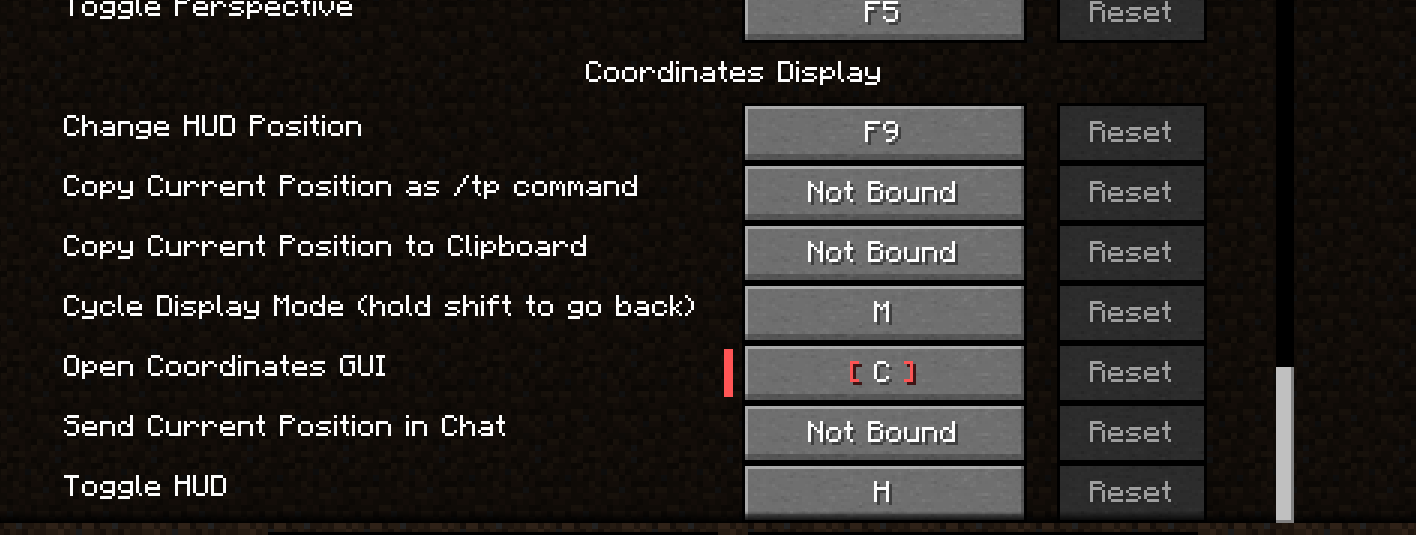
Coordinates Display provides a comprehensive selection of customizable keybindings, designed to better configuration processes and enhance user convenience.
7. Position Marking
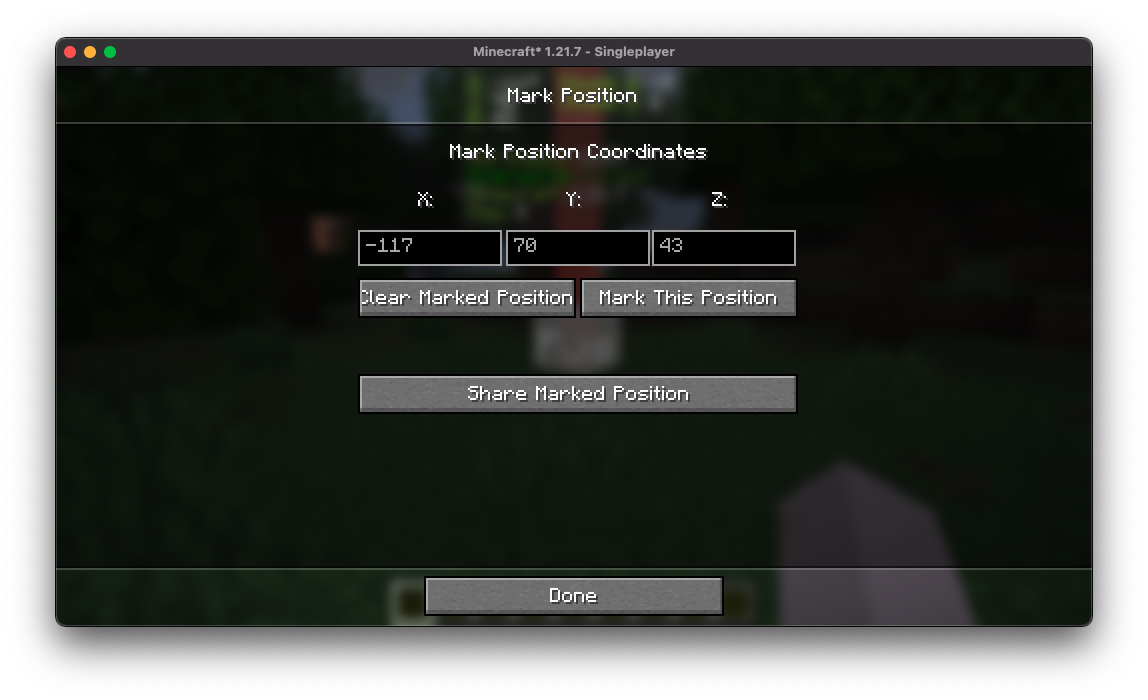
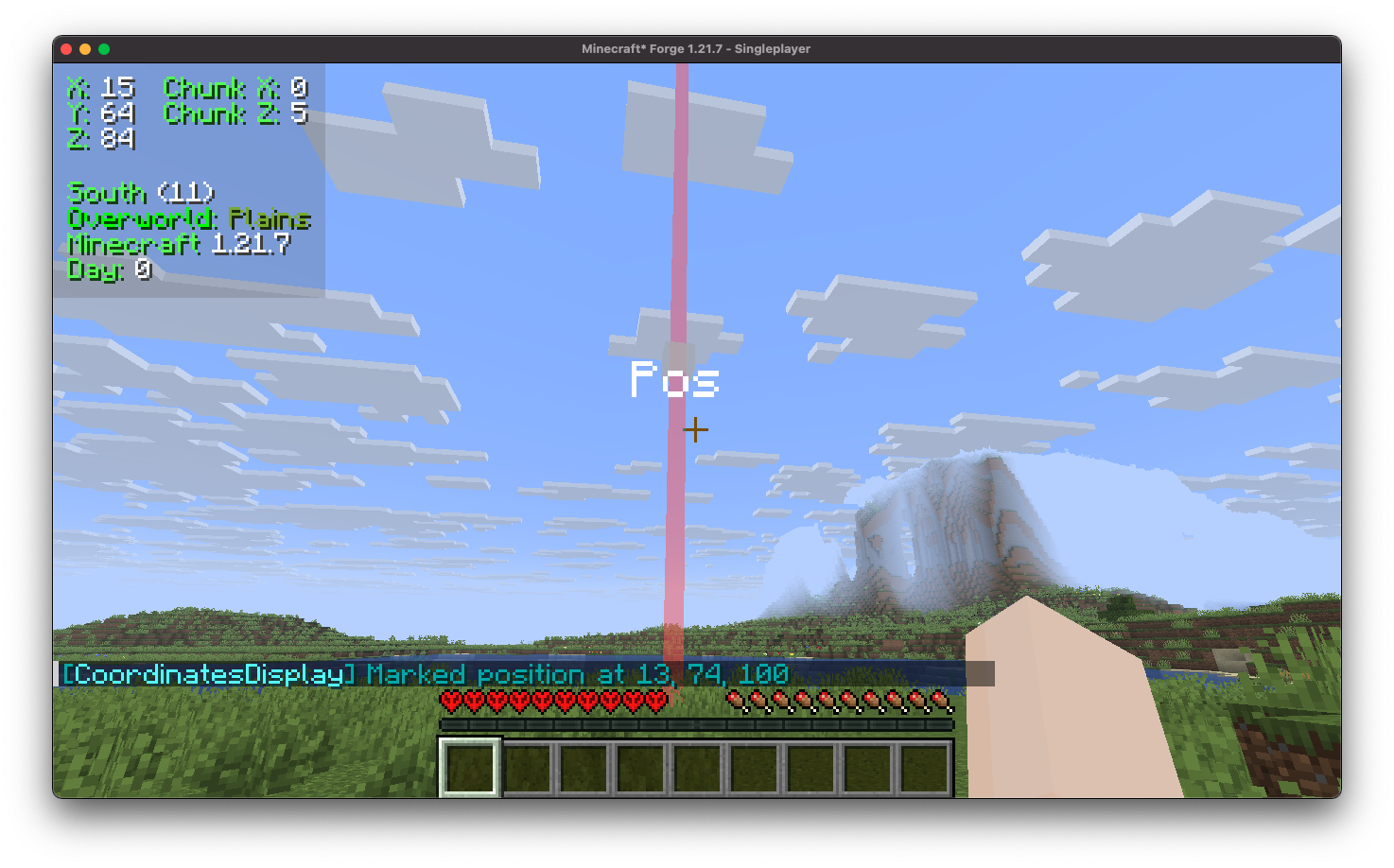
Coordinates Display includes a position marking feature that allows you to easily mark and save specific coordinates, enabling quick navigation back to those locations at any time.
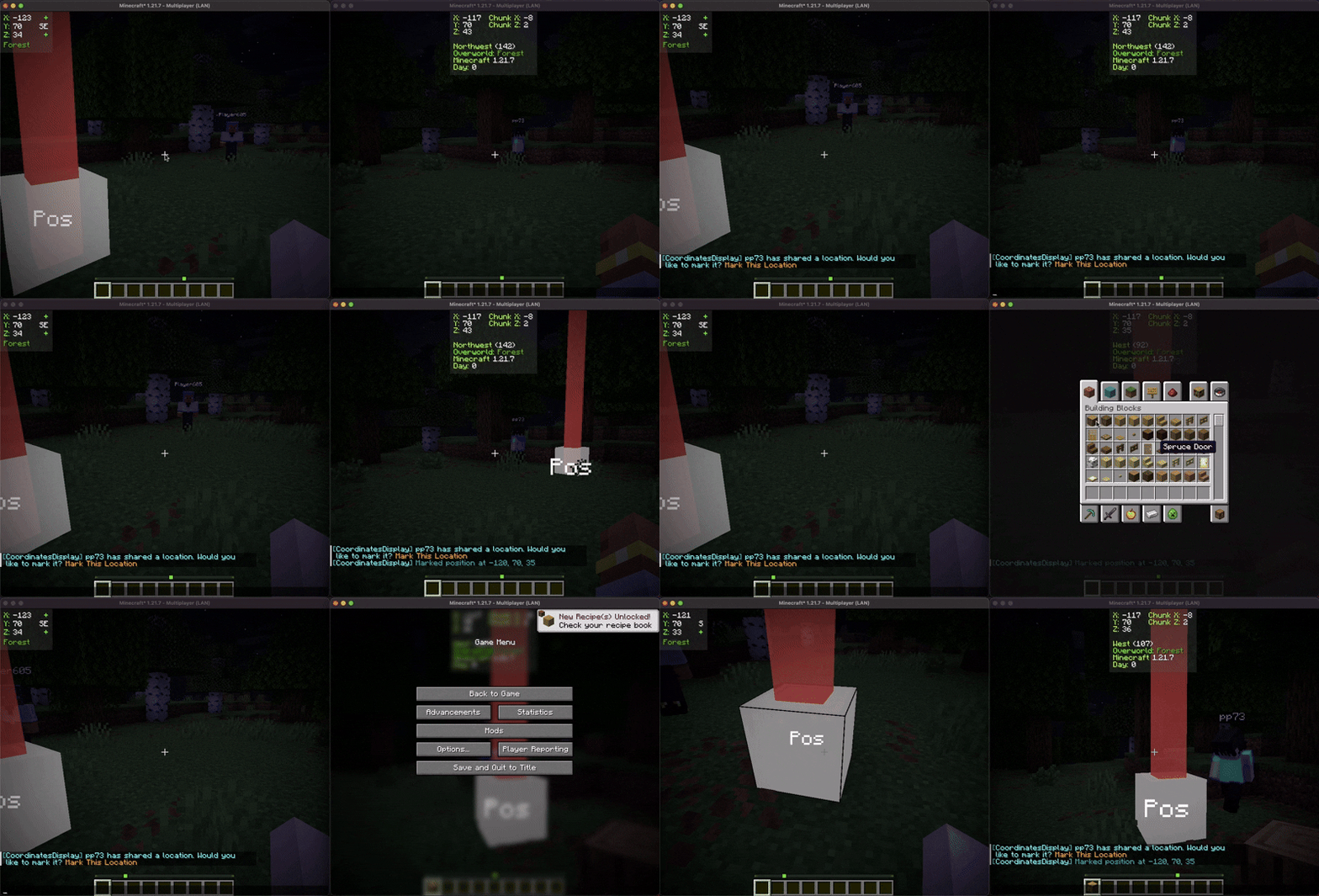
Furthermore, you can share these marked positions with other players, facilitating collaborative exploration and coordination within the game.
Contributing
We encourage contributions! Don't hesitate to open issues or pull requests through our GitHub Repository. Your input helps us improve and evolve.
Translations
We welcome translations! If you're interested in translating this mod, please locate the localization files and submit a pull request. Your contributions help make the mod accessible to more users worldwide.
Support
If you encounter any issues, please open an issue on the GitHub repository.
Building
If you'd like to build this mod on your own machine, follow these steps.
- Download the source code from GitHub (Code -> Download zip)
- Make sure Java is installed
- Extract the zip file onto your local machine, and open the folder.
- Open a terminal prompt in said folder
- Run the command "gradlew build"
- The fabric build will be in "fabric/build/libs"
- The forge build will be in "forge/build/libs"
- The neoforge build will be in "neoforge/build/libs"
Available Versions
How to Install Coordinates Display on Your Client
Install the Mod Loader Locally
Install fabric for your local Minecraft version.
Download the Matching File
Choose the Coordinates Display file for fabric and Minecraft 26.2.
Install Mod
Place the .jar file in your local .minecraft/mods folder and restart Minecraft. No server-side installation is required.
Compatibility
Mod Loaders
Minecraft Versions
26.2, 26.1.2, 26.1.1 (+32 more)
Server-side
✗ UnsupportedRecommended RAM
4 GB(min. 3 GB)Frequently Asked Questions
Does Coordinates Display need to be installed on the Minecraft server?
No. Modrinth marks Coordinates Display as unsupported on the server side. Install it only in your local Minecraft mods folder. Your server can remain unchanged unless the mod page lists an additional dependency.
Which version and loader does Coordinates Display require?
Use a file for fabric, forge, neoforge, quilt and your exact Minecraft version. Supported versions include 26.2, 26.1.2, 26.1.1. Files for different loaders are not interchangeable.
Coordinates Display is not working – what should I check?
First check the Minecraft version, loader version and required dependencies. Put the .jar file in your local .minecraft/mods folder and remove older duplicates. Because this mod is client-side, adding server RAM will not fix it.
Similar Mods




Minecraft Server for Your Group
Coordinates Display stays on your client. Host a compatible world for your group.