
Draftout
Competitive Ranked Bingo with drafted boards.
Screenshots
About this Mod
Draftout
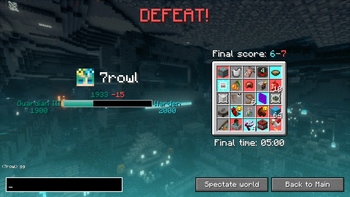
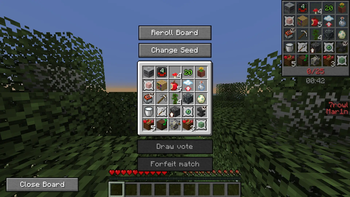
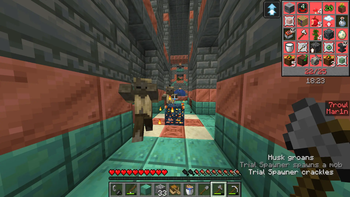
Draftout is a new gamemode based on the existing Lockout mode. Draft a board, and race your opponent to complete 13 goals faster!
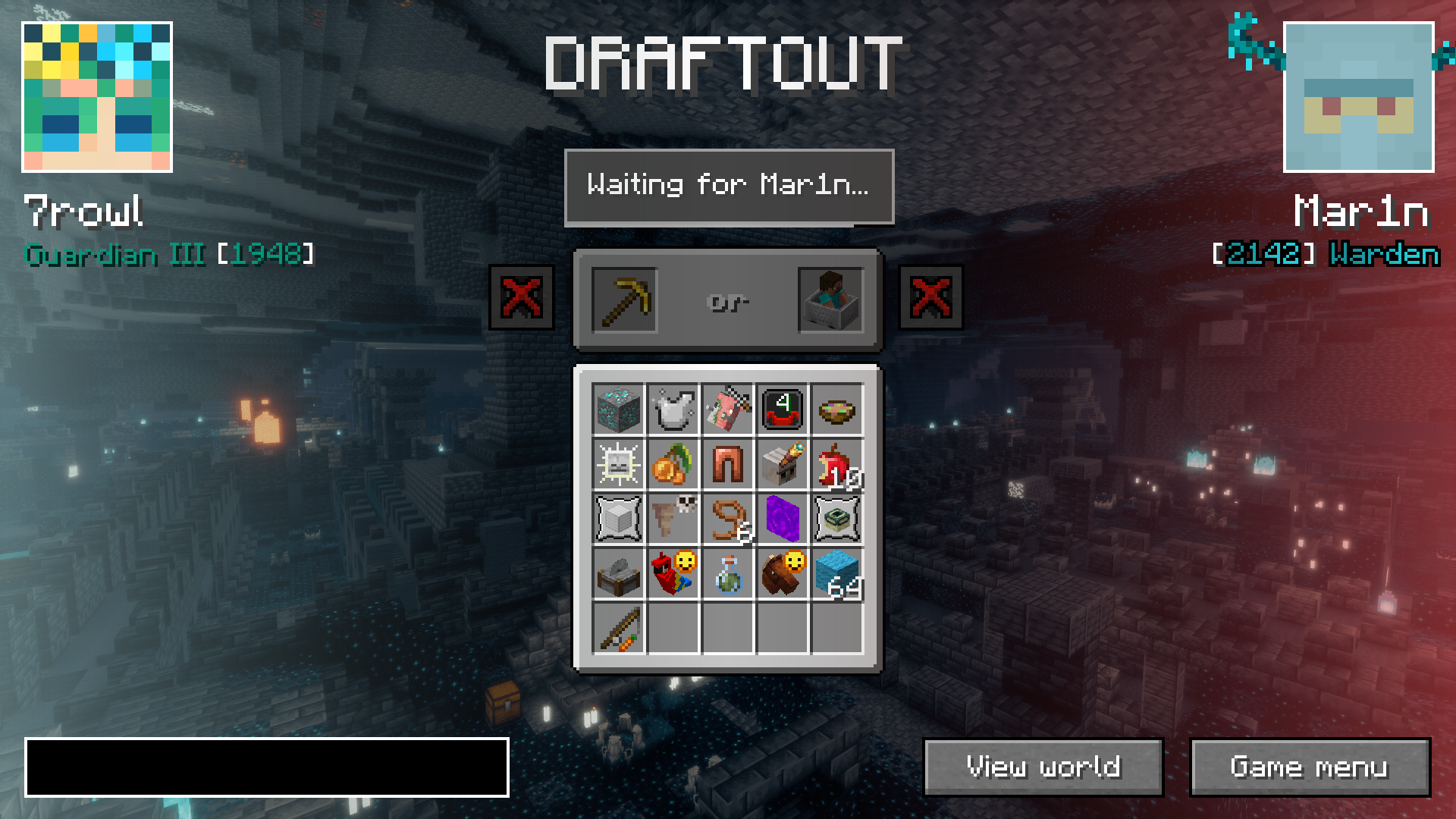
Draftout is played in singleplayer worlds, with a lot of RNG elements standardized and a light seed filter with a few guaranteed structures in the world.
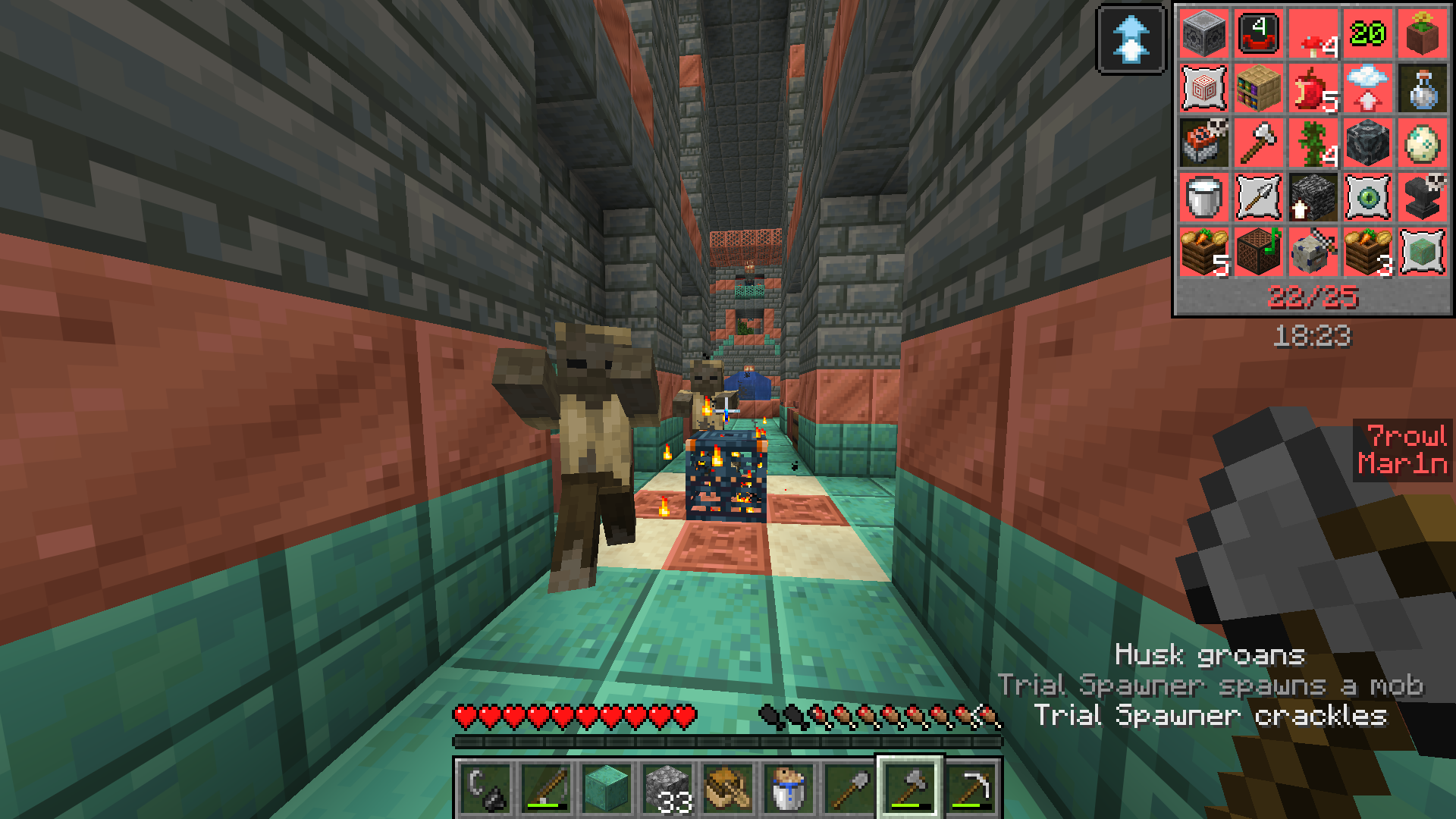
All players in a match connect to an external server - meaning you can see opponent's progress (chat, advancements, current dimension etc.).
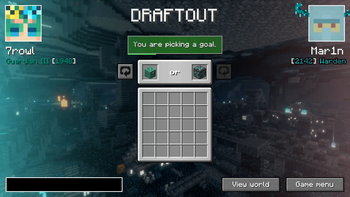
Instead of a random board, you first "build" a Lockout board by choosing between 2 goals, alternating between you and the opponent (also called drafting phase).
There's two main gamemodes: Quick Play and Competitive.
Quick Play
In Quick Play, the board is smaller (4x4) overall gameplay is slightly more relaxed. The goals are easier and faster on average.
There is a 30 minute time limit in this mode.
There is no ranks or rewards in this mode.
Competitive
In Competitive, the board is 5x5 and you can goals of any difficulty.
There is 1 hour 15 minute time limit in this mode, with 15 minutes of overtime if score is tied (first to get next goal wins) in case of draws.
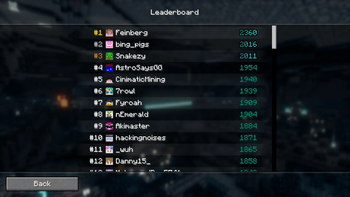
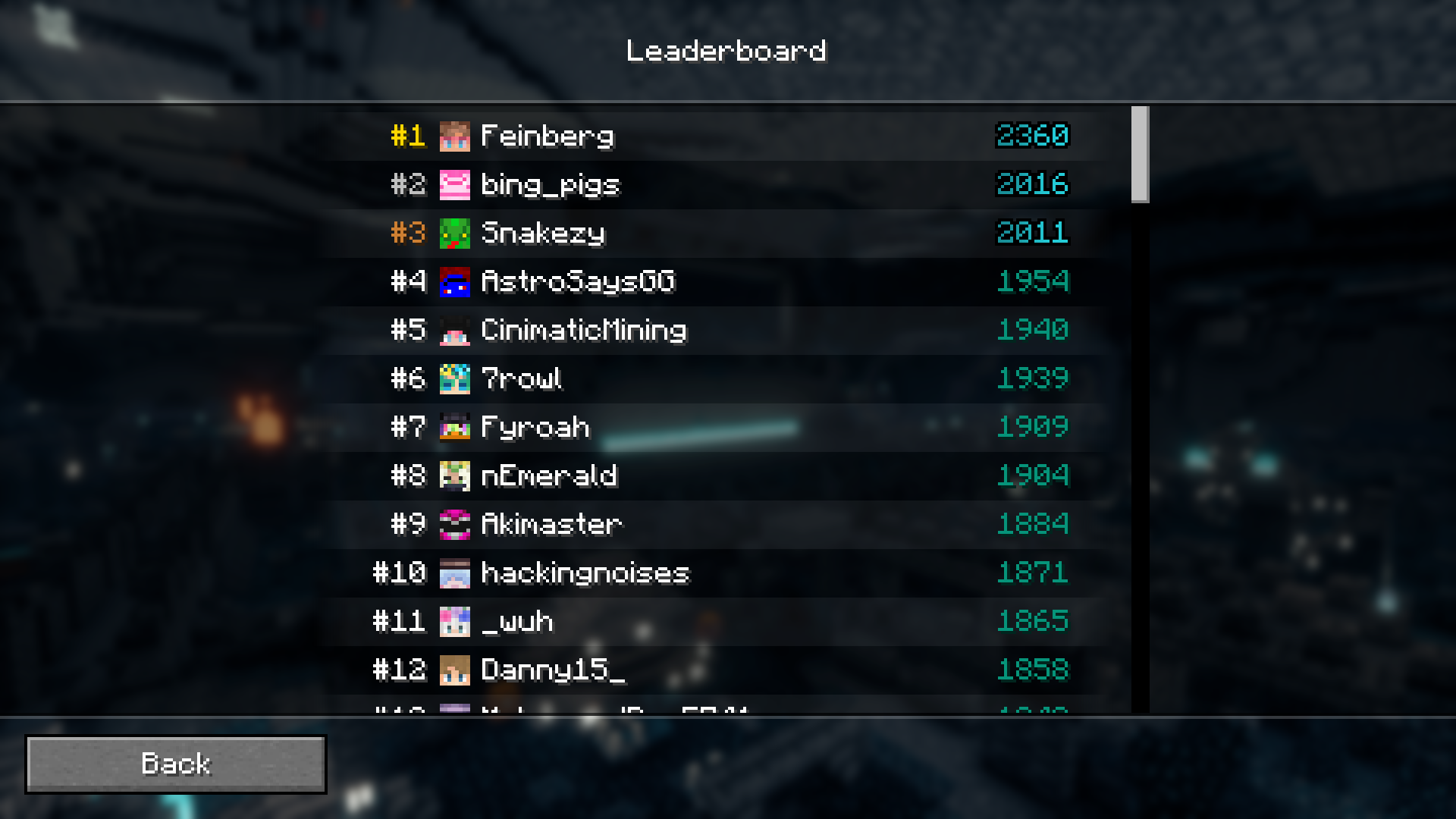
There is a Leaderboard in this mode. Player's rank is decided by their elo.
Lobbies
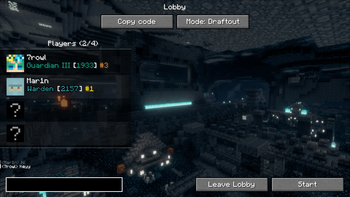
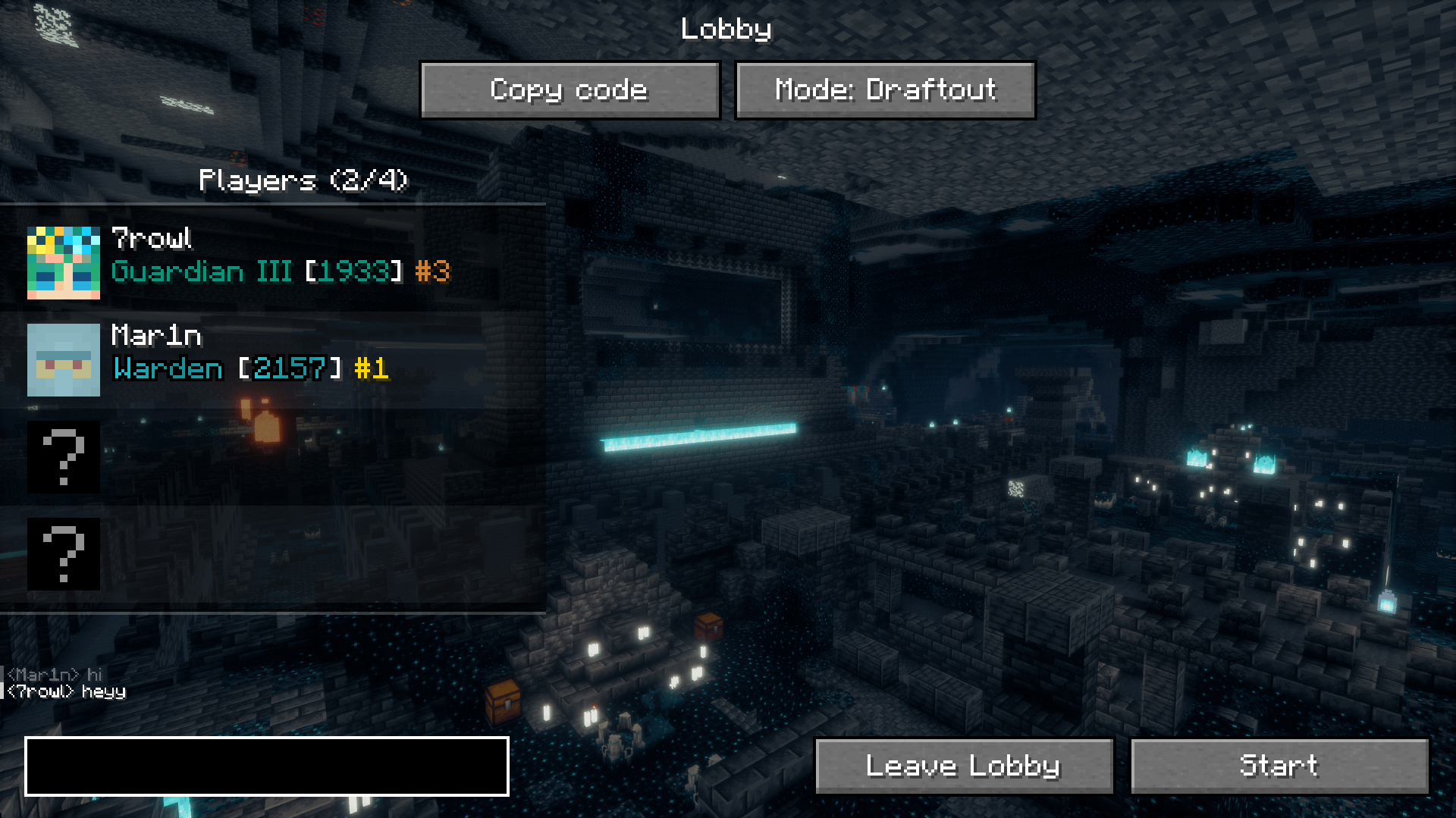
Join a private Lobby with up to 3 friends and play any mode, however you want!
Updating the mod
There is an auto-updating feature in the Draftout mod, which makes the updating process smoother. The server will prompt you to update the mod, and if you click "Update", the mod will be downloaded from Modrinth.
In the rare case when Draftout updates to a newer Minecraft version, you will have to make a new Minecraft instance and update manually.
Note
Draftout is in beta, meaning things might break and change.
Available Versions
How to Install Draftout on Your Client
Install the Mod Loader Locally
Install fabric for your local Minecraft version.
Download the Matching File
Choose the Draftout file for fabric and Minecraft 26.3.
Install Mod
Place the .jar file in your local .minecraft/mods folder and restart Minecraft. No server-side installation is required.
Compatibility
Mod Loaders
Minecraft Versions
26.3, 26.1.1
Server-side
✗ UnsupportedRecommended RAM
4 GB(min. 3 GB)Frequently Asked Questions
Does Draftout need to be installed on the Minecraft server?
No. Modrinth marks Draftout as unsupported on the server side. Install it only in your local Minecraft mods folder. Your server can remain unchanged unless the mod page lists an additional dependency.
Which version and loader does Draftout require?
Use a file for fabric and your exact Minecraft version. Supported versions include 26.3, 26.1.1. Files for different loaders are not interchangeable.
Draftout is not working – what should I check?
First check the Minecraft version, loader version and required dependencies. Put the .jar file in your local .minecraft/mods folder and remove older duplicates. Because this mod is client-side, adding server RAM will not fix it.
Similar Mods




Minecraft Server for Your Group
Draftout stays on your client. Host a compatible world for your group.