
Dungeon Difficulty
☠️ Increase the difficulty and get matching rewards.
Screenshots



About this Mod



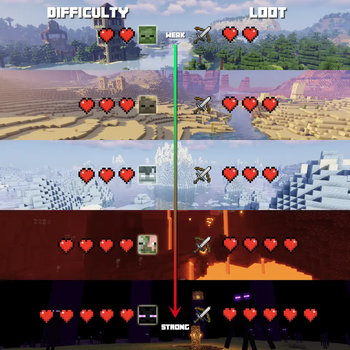
☠️ Location based difficulty
Location based difficulty, based on either one of these:
- dimension
- biome (id/regex/tag)
- structure (id/regex/tag)
Various difficulty types, defaults include:
- Adventure (increasing mob attributes: max HP, damage, armor)
- Dungeon (same as Adventure + increasing power of looted items)
- Heroic (same as Dungeon, with different name to indicate boss fight)
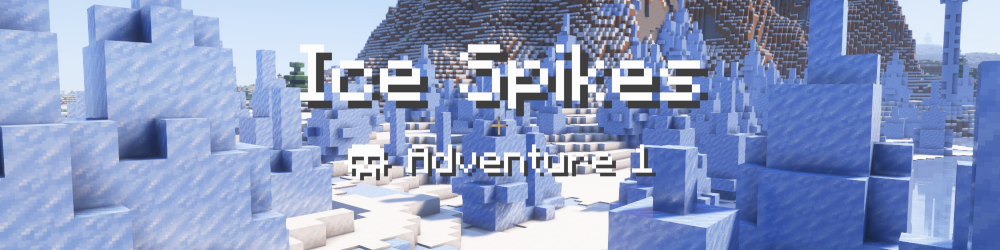
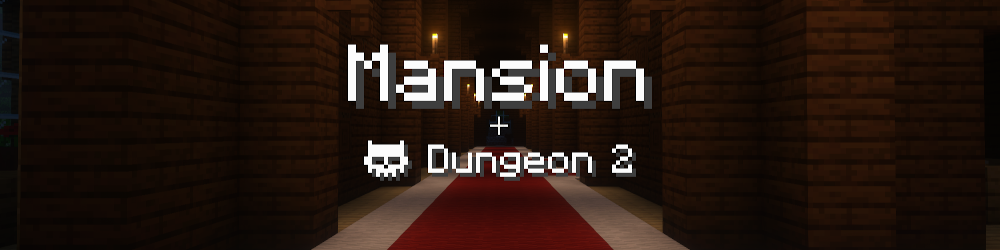
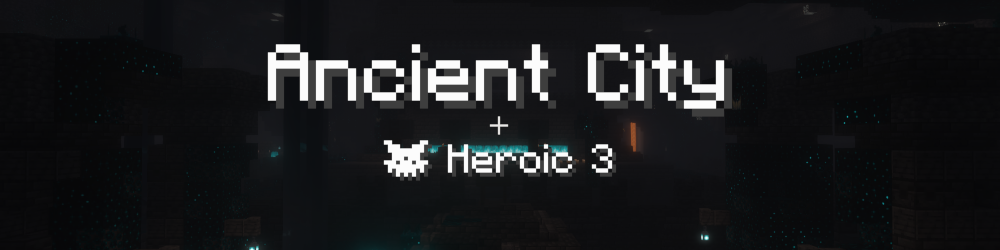
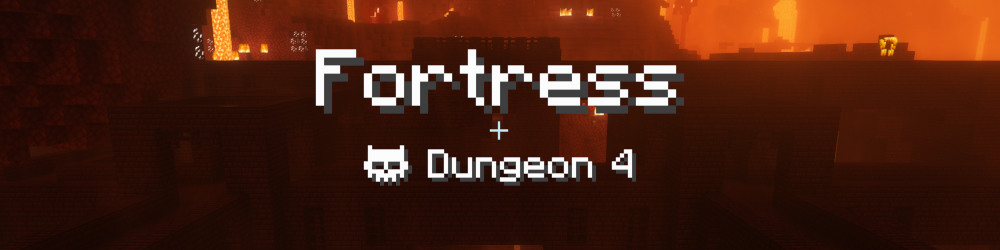
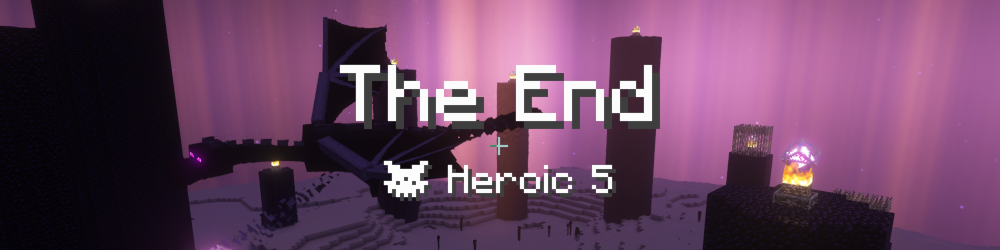
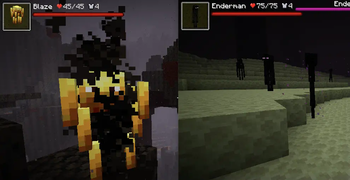
Some example mobs:
🗡️ Loot scaling
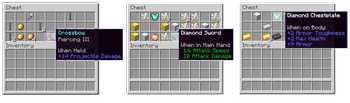
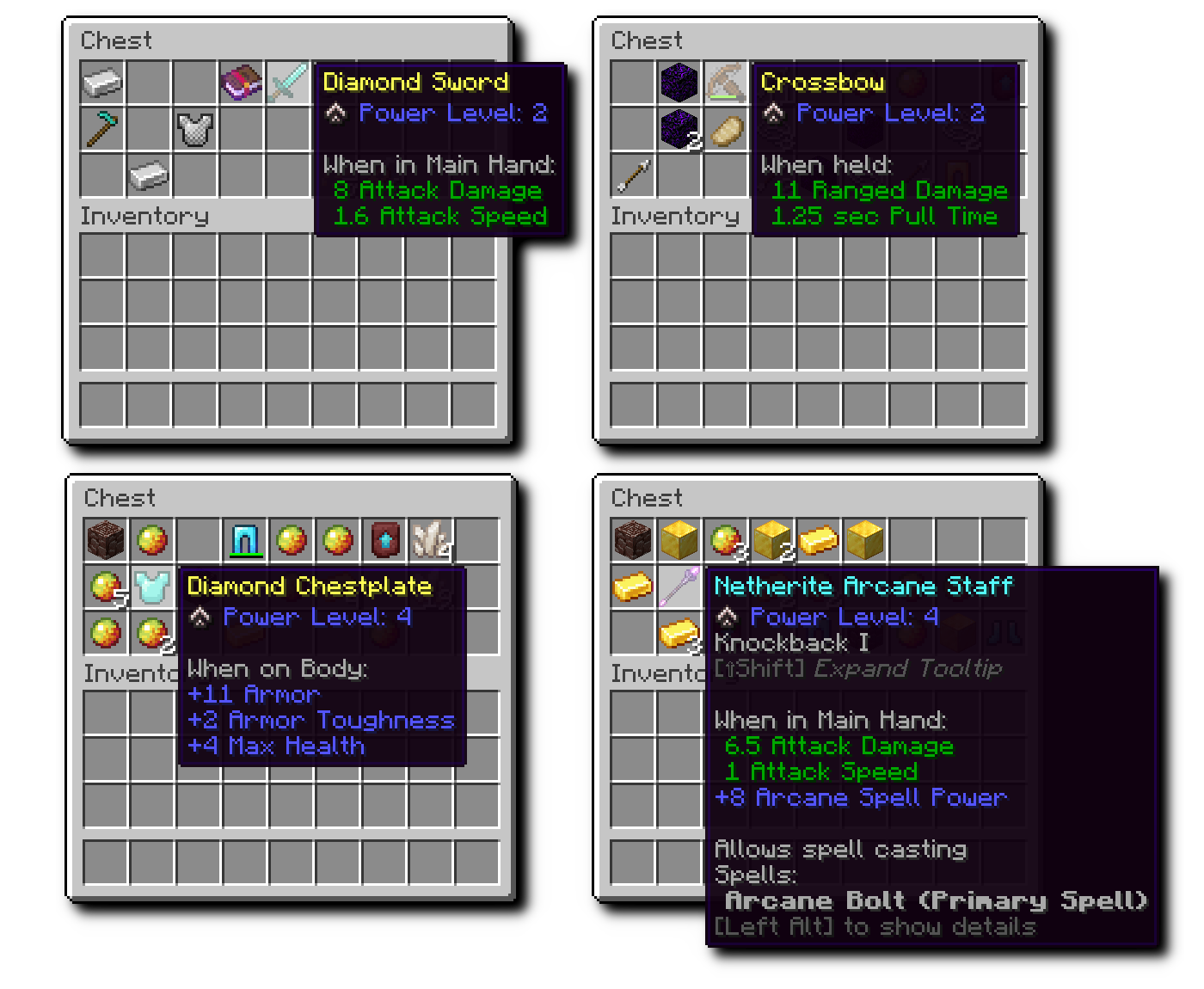
Matching the location specific difficulty, items are scaled up:
- Indicated as "Power Level" on the item tooltips
- Predefined attributes (such as attack damage, max health) get added or increased
- Works on defined items and attributes (vanilla and modded)
- Reworked item rarity (enchanted items are Uncommon, scaled up items are Uncommon, enchanted + scaled up items are Rare)
This mechanic motivates players for exploration and dungeoneering instead of base camping and crafting.
👨👩👧👦 Per player difficulty
Additional players in a multiplayer game, silently increase the difficulty.
🔧 Fully configurable
This mod has a very flexible configuration, that uses id/regex/tag based matching, allowing
- any combination of dimension, biome and structure to define difficulty
- custom difficulty types to be added
- any attributes to be scaled on looted items (vanilla and mod attributes)
For more details check out the project readme.
⭐️ Designed for multiplayer
Available Versions
How to Install Dungeon Difficulty on Your Server
Order Server
Order a Minecraft Java server with at least 4 GB RAM (6 GB recommended).
Set fabric Loader
In the panel under "Egg", select the fabric loader and matching Minecraft version (1.21.1).
Install Mod
Open the mod browser in the dashboard and search for "Dungeon Difficulty". Click "Install" – done! Alternatively, upload the .jar via SFTP to the /mods folder.
Compatibility
Mod Loaders
Minecraft Versions
1.21.1, 1.21, 1.20.2 (+7 more)
Server-side
✓ RequiredRecommended RAM
6 GB(min. 4 GB)Frequently Asked Questions
Dungeon Difficulty server crashes on startup – what to do?
Most common cause: wrong fabric version or insufficient RAM. Check the server log (latest.log) for "OutOfMemoryError" or "Mixin" errors. With Mado Hosting: ensure at least 4 GB RAM is allocated and the loader matches the mod version (1.21.1). You can switch loaders with one click in the panel.
Is Dungeon Difficulty compatible with fabric and forge and neoforge?
Dungeon Difficulty officially supports fabric, forge, neoforge for Minecraft 1.21.1, 1.21, 1.20.2. Note: Forge and Fabric mods are NOT cross-compatible – pick one loader and stick with it. The Mado dashboard automatically detects incompatible loader combinations.
Server lagging with Dungeon Difficulty – how to optimize performance?
Recommended RAM: 6 GB (per 5 players). Use /spark profiler to check if Dungeon Difficulty consumes the most tick time. Common fixes: reduce server view-distance to 8-10, install "performant" or "starlight" as supplementary mods on Forge. With Mado Hosting, your server runs on NVMe SSDs with dedicated CPU cores for minimal latency.
Similar Mods




Rent Modded Server
Install Dungeon Difficulty with just one click on your server.