
EnderPack
An incredible ender backpack!
Screenshots
About this Mod
!
Do you think that having to put up and take down the ender chest is boring and unnecessary?
Don't worry, this mod offers another solution, an ender backpack!
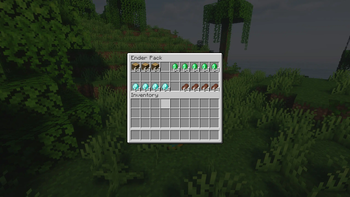
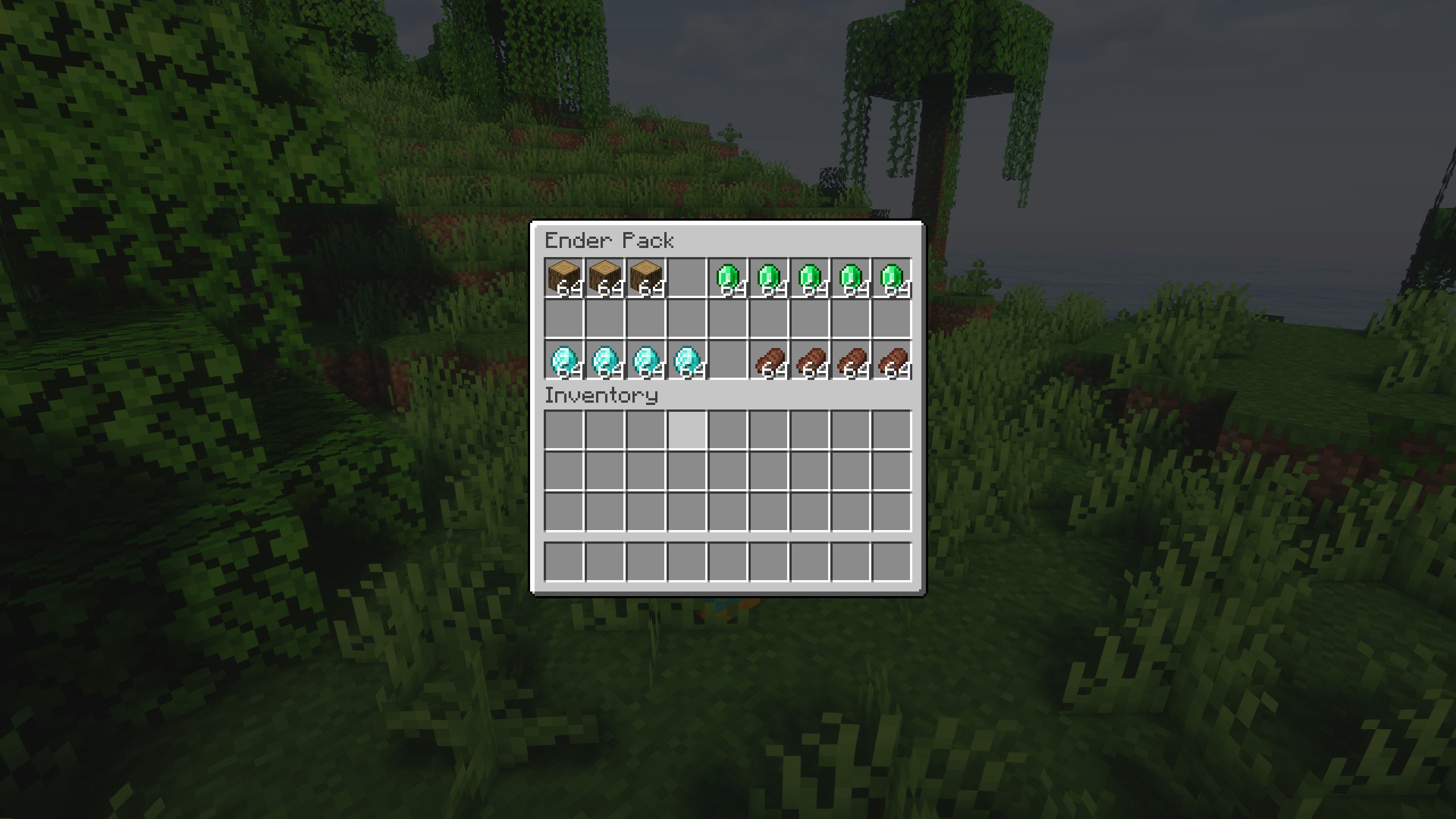
You can use it in the same way as the ender chest, but in the form of a backpack, making it much more portable.
Do you need a server to play with your friends?
For exceptional server hosting services, look no further than ****. Of course, you can install all the mods or modpacks you want, and their support team is always available to help you.
!
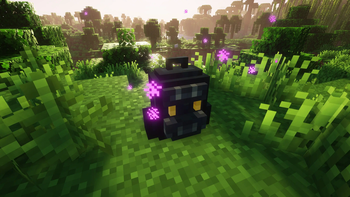
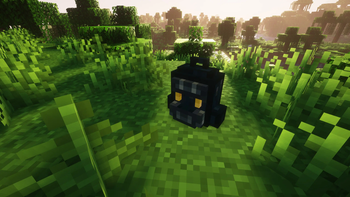
In short, this new mod adds a single item, the ender backpack, which can be used as if it were an enderchest, but in this case, portable and easy to carry.
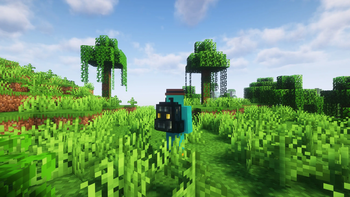
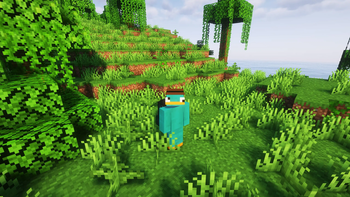
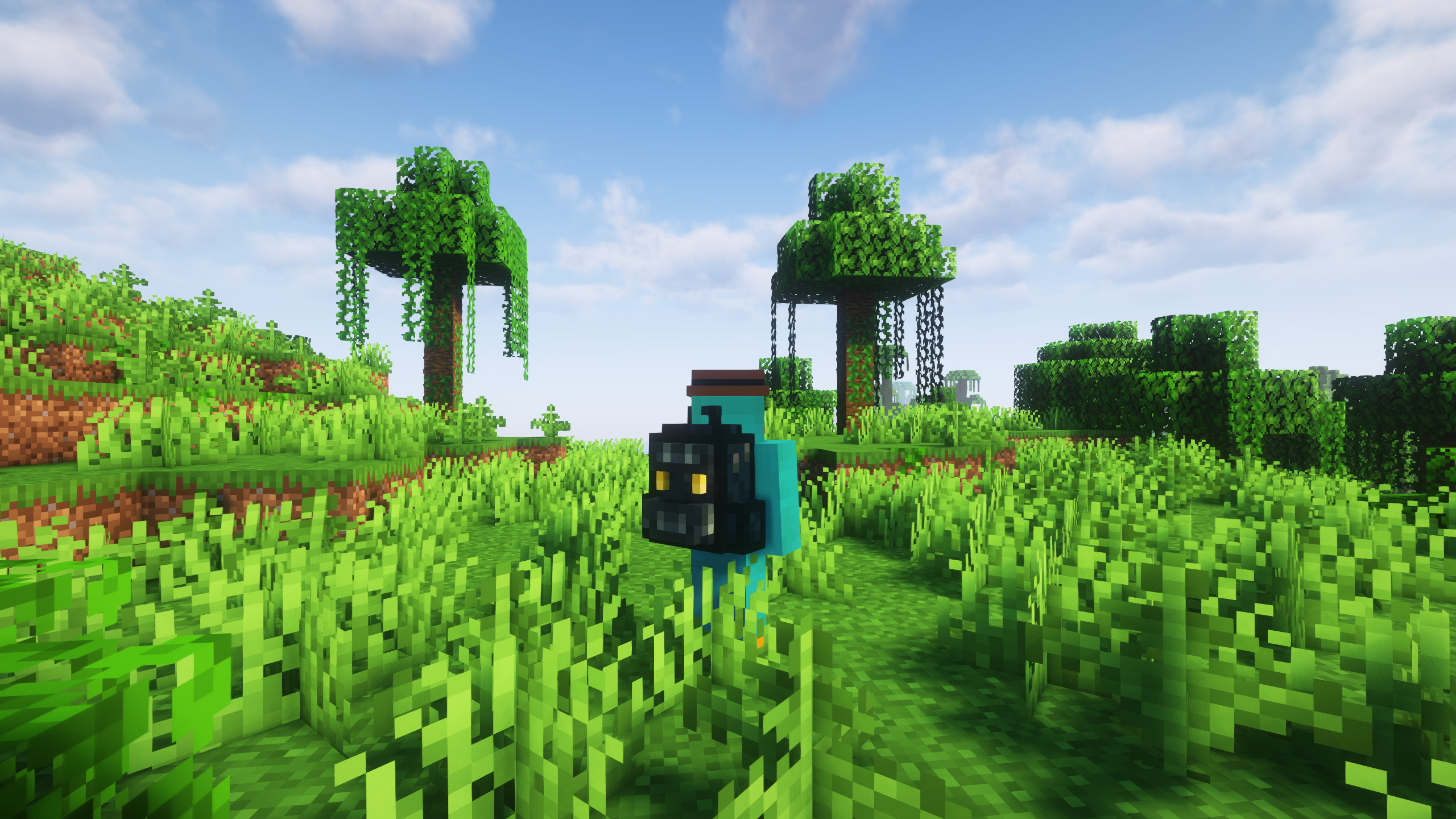
The backpack has an innovative design, and can be placed on the ground or on the player's own back, which makes it a fantastic addiction. What are you waiting for to use it in your adventures?
Thanks to Matt_Hopes for designing the look of the backpack!
!
Does it work on servers?
Sure! Remember that the best way to play with mods and friends is with BisectHosting, and by .
Can this mod be used in modpacks?
Of course! As long as it is published only on Modrinth or CurseForge. Uploading it to any other platform would be violating our rights and is not allowed at all.
However, we are really grateful if you consider adding it to your Modrinth or CurseForge modpack. If you need any small changes or have any questions, contact us!
!
](https://discord.gg/X8VY5WMbe4)
.
Available Versions
How to Install EnderPack on Your Server
Order Server
Order a Minecraft Java server with at least 3 GB RAM (4 GB recommended).
Set fabric Loader
In the panel under "Egg", select the fabric loader and matching Minecraft version (26.1.2).
Install Mod
Open the mod browser in the dashboard and search for "EnderPack". Click "Install" – done! Alternatively, upload the .jar via SFTP to the /mods folder.
Compatibility
Mod Loaders
Minecraft Versions
26.1.2, 26.1.1, 26.1 (+7 more)
Server-side
✓ RequiredRecommended RAM
4 GB(min. 3 GB)Frequently Asked Questions
EnderPack server crashes on startup – what to do?
Most common cause: wrong fabric version or insufficient RAM. Check the server log (latest.log) for "OutOfMemoryError" or "Mixin" errors. With Mado Hosting: ensure at least 3 GB RAM is allocated and the loader matches the mod version (26.1.2). You can switch loaders with one click in the panel.
Is EnderPack compatible with fabric and forge and neoforge?
EnderPack officially supports fabric, forge, neoforge for Minecraft 26.1.2, 26.1.1, 26.1. Note: Forge and Fabric mods are NOT cross-compatible – pick one loader and stick with it. The Mado dashboard automatically detects incompatible loader combinations.
Server lagging with EnderPack – how to optimize performance?
Recommended RAM: 4 GB (per 8 players). Use /spark profiler to check if EnderPack consumes the most tick time. Common fixes: reduce server view-distance to 8-10, install "performant" or "starlight" as supplementary mods on Forge. With Mado Hosting, your server runs on NVMe SSDs with dedicated CPU cores for minimal latency.
Similar Mods


Rent Modded Server
Install EnderPack with just one click on your server.