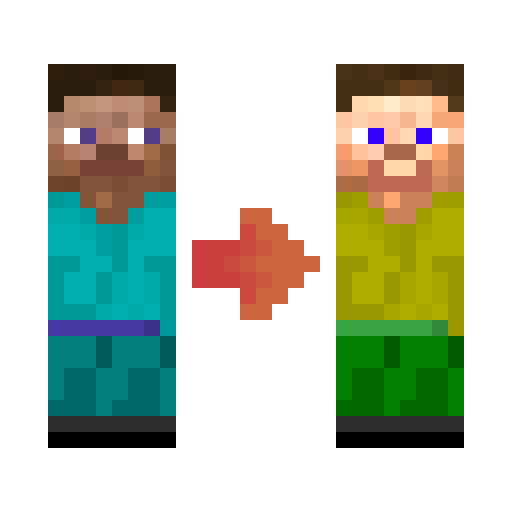
Fabric Tailor
A server-side / singleplayer skin & cape changing mod for fabric.
About this Mod
Need to quickly change your skin without going to minecraft.net? Or do you want per world-specific skin in your singleplayer?
Fabric Tailor
A server-side or singleplayer skin changing / restoring mod. All with one simple command:
/skin
(You can also use keybind on the client)
It supports skin fetching via player's name as well as via URL. If you use player name, cape is fetched as well (if player has one). Not fan of existing skins? No problem, mod supports uploading skin from local storage as well.
As a side feature, it also requests textures from ely.by and mojang to work like skin restorer for server / singleplayer.
Command skin setting (when installed serverside)

Client screen


Capes
Connector (Forge+Fabric thingy)
FabricTailor works with Connector, you just need to use ForgifiedFabricApi. Happy skin forging!
Scenario 0: only server has the mod
- all players can see vanilla skins & capes
- all players can set their skin from player's name, URL, upload it from server or custom source
Scenario 1: server & Steve have the mod, Alex doesn't
- same as
Scenario 0+- Steve can upload skins from his PC
- Steve can choose a HD skin or custom cape, but Alex won't see it
Scenario 2: server & players have the mod
- same as
Scenario 1, but capes & HD skins will be visible to everyone
Other info
- Having issues? Please report them on GitHub issue tracker
- Living on the edge? Get latest developer builds
- Feel like donating? Visit donate page
Available Versions
How to Install Fabric Tailor on Your Server
Order Server
Order a Minecraft Java server with at least 3 GB RAM (4 GB recommended).
Set fabric Loader
In the panel under "Egg", select the fabric loader and matching Minecraft version (26.3).
Install Mod
Open the mod browser in the dashboard and search for "Fabric Tailor". Click "Install" – done! Alternatively, upload the .jar via SFTP to the /mods folder.
Compatibility
Mod Loaders
Minecraft Versions
26.3, 26.2, 26.1.1 (+32 more)
Server-side
✓ RequiredRecommended RAM
4 GB(min. 3 GB)Frequently Asked Questions
Fabric Tailor server crashes on startup – what to do?
Most common cause: wrong fabric version or insufficient RAM. Check the server log (latest.log) for "OutOfMemoryError" or "Mixin" errors. With Mado Hosting: ensure at least 3 GB RAM is allocated and the loader matches the mod version (26.3). You can switch loaders with one click in the panel.
Is Fabric Tailor compatible with fabric and quilt?
Fabric Tailor officially supports fabric, quilt for Minecraft 26.3, 26.2, 26.1.1. The Mado dashboard automatically detects incompatible loader combinations.
Server lagging with Fabric Tailor – how to optimize performance?
Recommended RAM: 4 GB (per 8 players). Use /spark profiler to check if Fabric Tailor consumes the most tick time. Common fixes: reduce server view-distance to 8-10, install "performant" or "starlight" as supplementary mods on Forge. With Mado Hosting, your server runs on NVMe SSDs with dedicated CPU cores for minimal latency.
Similar Mods




![[ETF] Entity Texture Features](https://cdn.modrinth.com/data/BVzZfTc1/af683d206d50b05258d865b0d6e4aa2f2cee12f2_96.webp)

Rent Modded Server
Install Fabric Tailor with just one click on your server.