Fowl Play
Adding more birds to your Minecraft world!
Screenshots
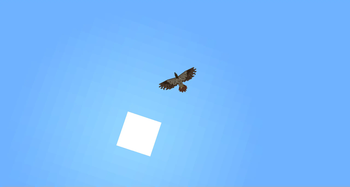
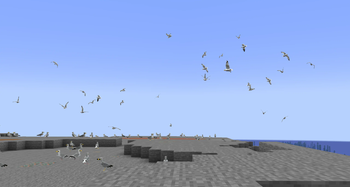
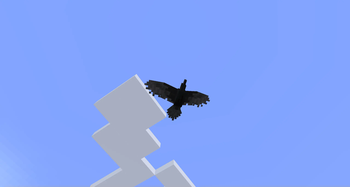
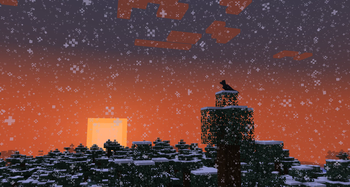
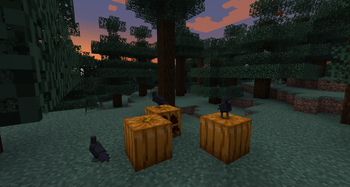
About this Mod
Fowl Play
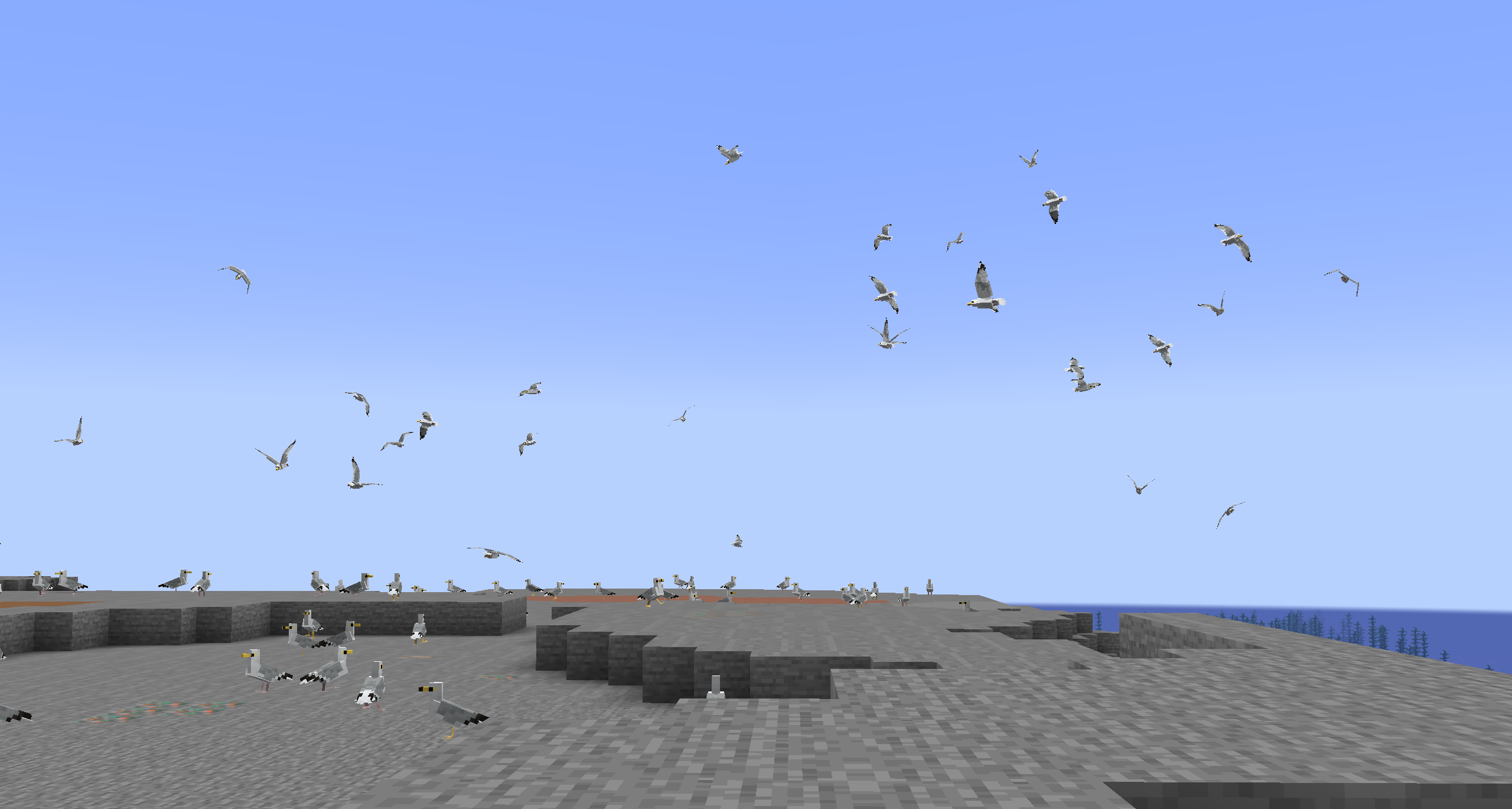
Fowl Play is a mod that aims to improve Minecraft's ambience and make the world seem more alive, adding birds with realistic behaviours, sounds, and flying mechanics
Far from fluttering parrots and chickens, Fowl Play's birds can all take to the skies, be it hawks soaring majestically or sparrows darting between trees
Some birds provide much-needed ambience to forests, others can be tamed to help players, and all of them interact to create a living ecosystem!
FAQ
Where can I find information about the birds?
You can visit the wiki here, although it's currently under construction. In the future, I plan to add in-game documentation for the various birds as well.
I found a bug! My game crashed!
You can report bugs and crashes here!
Can I use this mod in my modpack?
Sure! Just make sure to credit me and link back to this page.
I have a question! I have a suggestion!
You can talk about the mod in my GitHub Discussions.
Features
Birds:
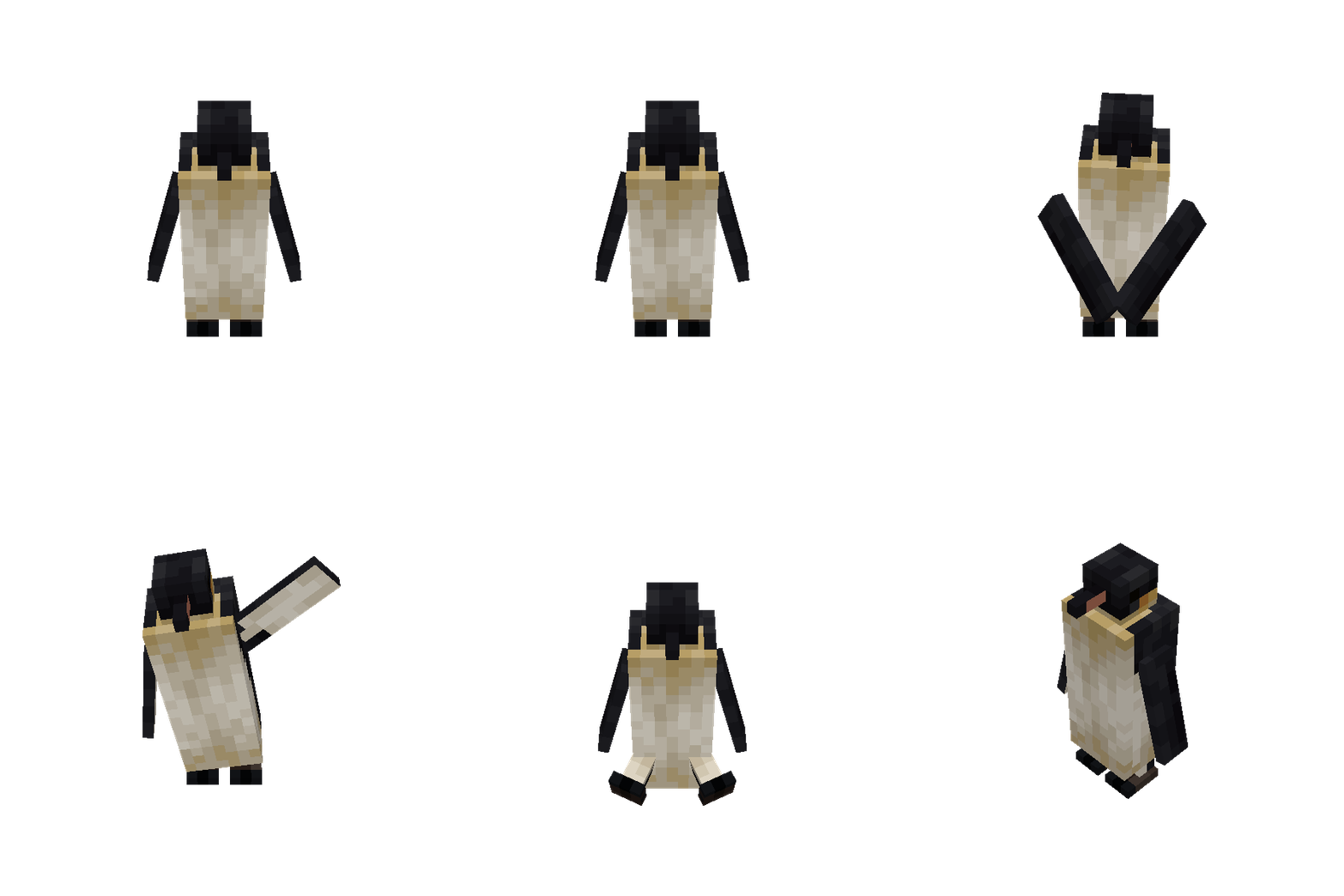
- Penguins (Emperor penguin)
- Gulls (Herring gull, ring-billed gull)
- Robins (American robin)
- Pigeons (Rock pigeon — with various colour and pattern variants)
- Cardinals (Northern cardinal)
- Blue Jays
- Old world Sparrows (House sparrow)
- Chickadees (Black-capped chickadee)
- Ravens (Common raven)
- Ducks (Mallard duck)
- Hawks (Red-tailed hawk)
- Crows (American/carrion crow)
- Geese (Greylag goose, canada goose, swan goose, emden goose, chinese goose)
Other:
- Updated chicken model with more variants (configurable)
- Scarecrows
Planned
- Old world Vultures (Griffon vulture, lappet-faced vulture)
- Ostriches (Common ostrich)
- Owls (Great horned owl, snowy owl, barn owl)
- Eagles (Bald eagle, golden eagle)
- Woodpeckers (Downy woodpecker, pileated woodpecker, yellow-bellied sapsucker)
- Falcons (Peregrine falcon, gyrfalcon, American kestrel)
Available Versions
How to Install Fowl Play on Your Server
Order Server
Order a Minecraft Java server with at least 3 GB RAM (4 GB recommended).
Set fabric Loader
In the panel under "Egg", select the fabric loader and matching Minecraft version (1.21.1).
Install Mod
Open the mod browser in the dashboard and search for "Fowl Play". Click "Install" – done! Alternatively, upload the .jar via SFTP to the /mods folder.
Compatibility
Mod Loaders
Minecraft Versions
1.21.1, 1.21, 1.20.1 (+1 more)
Server-side
✓ RequiredRecommended RAM
4 GB(min. 3 GB)Frequently Asked Questions
Fowl Play server crashes on startup – what to do?
Most common cause: wrong fabric version or insufficient RAM. Check the server log (latest.log) for "OutOfMemoryError" or "Mixin" errors. With Mado Hosting: ensure at least 3 GB RAM is allocated and the loader matches the mod version (1.21.1). You can switch loaders with one click in the panel.
Is Fowl Play compatible with fabric and forge and neoforge and quilt?
Fowl Play officially supports fabric, forge, neoforge, quilt for Minecraft 1.21.1, 1.21, 1.20.1. Note: Forge and Fabric mods are NOT cross-compatible – pick one loader and stick with it. The Mado dashboard automatically detects incompatible loader combinations.
Server lagging with Fowl Play – how to optimize performance?
Recommended RAM: 4 GB (per 8 players). Use /spark profiler to check if Fowl Play consumes the most tick time. Common fixes: reduce server view-distance to 8-10, install "performant" or "starlight" as supplementary mods on Forge. With Mado Hosting, your server runs on NVMe SSDs with dedicated CPU cores for minimal latency.
Similar Mods




Rent Modded Server
Install Fowl Play with just one click on your server.