
Homeostatic
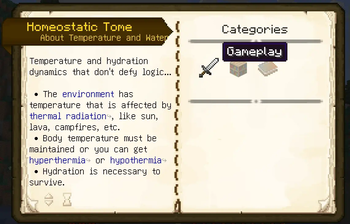
A temperature and thirst mod that doesn't defy logic. Challenging, but not in an annoying, grinding way. Very stable code, so shouldn't randomly crash game. Very vanilla friendly. Should integrate well with a heavily modded pack, or vanilla.
Screenshots
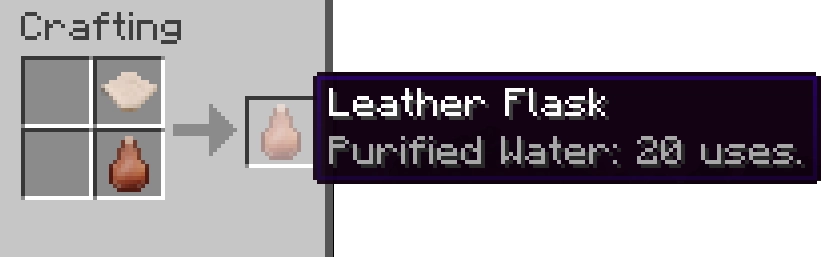
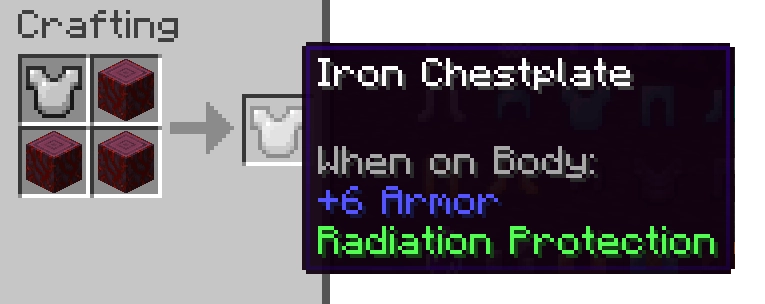
About this Mod
A temperature and thirst mod that doesn't defy logic. Challenging, but not in an annoying, grinding way. Very stable code, so shouldn't randomly crash game. Very vanilla friendly. Should integrate well with a heavily modded pack, or vanilla.
- Environment temperature is relative to a number of external factors based on wet-bulb globe temperature - WGBT
- Biome temperatures in Minecraft are overridden to give a more authentic feel to temperatures that players can relate to.
- Just because there is snow, doesn't mean that it is stupid cold. That doesn't work in reality with Minecraft anyhow, since the biomes are mixed where they are often close.
- Temperature smoothing is done to try and normalize temperature with nearby biomes.
- Seasons are taken into account if using Serene Seasons and Fabric Seasons.
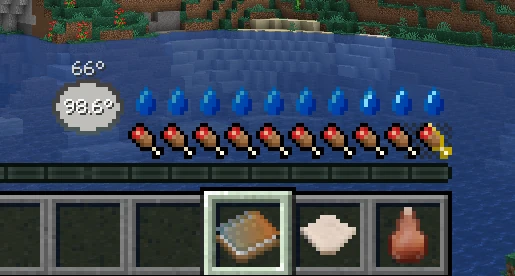
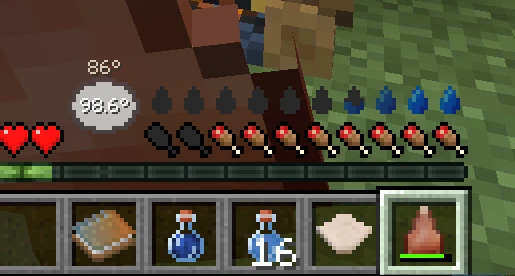
- Thirst is affected by the environment temperature, body temperature and activity.
- Water is life
- Being overheated will cause water to be used rapidly, which could lead to bad effects or death.
- Body temperature is regulated through armor modifications and heat sources.
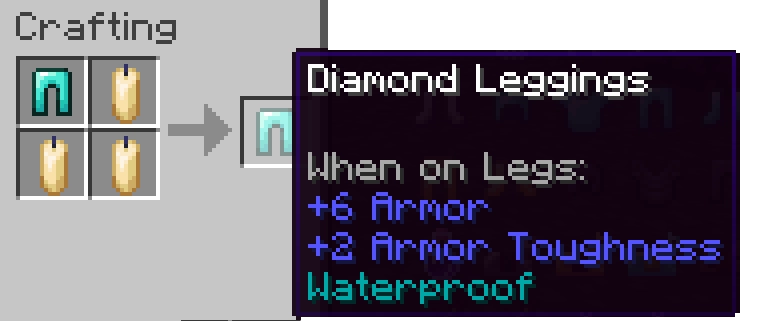
- Modifications can be "sewn" into any armor that gives various protective abilities.
- Cold isn't an energy form like in other mods (and Minecraft actually), that's just dumb.
- Lack of heat causing the body temperature to lower will eventually cause bad effects, even death.
- Being wet is really bad (unless you're overheated), it can causing rapid cooling.
- Blocks that generate heat aren't measured in temperature, but rather the thermal radiation they release, which affects how "hot" it is to be near these objects.
Available Versions
How to Install Homeostatic on Your Server
Order Server
Order a Minecraft Java server with at least 3 GB RAM (4 GB recommended).
Set fabric Loader
In the panel under "Egg", select the fabric loader and matching Minecraft version (26.3).
Install Mod
Open the mod browser in the dashboard and search for "Homeostatic". Click "Install" – done! Alternatively, upload the .jar via SFTP to the /mods folder.
Compatibility
Mod Loaders
Minecraft Versions
26.3, 26.2, 26.1.2 (+14 more)
Server-side
✓ RequiredRecommended RAM
4 GB(min. 3 GB)Frequently Asked Questions
Homeostatic server crashes on startup – what to do?
Most common cause: wrong fabric version or insufficient RAM. Check the server log (latest.log) for "OutOfMemoryError" or "Mixin" errors. With Mado Hosting: ensure at least 3 GB RAM is allocated and the loader matches the mod version (26.3). You can switch loaders with one click in the panel.
Is Homeostatic compatible with fabric and forge and neoforge?
Homeostatic officially supports fabric, forge, neoforge for Minecraft 26.3, 26.2, 26.1.2. Note: Forge and Fabric mods are NOT cross-compatible – pick one loader and stick with it. The Mado dashboard automatically detects incompatible loader combinations.
Server lagging with Homeostatic – how to optimize performance?
Recommended RAM: 4 GB (per 8 players). Use /spark profiler to check if Homeostatic consumes the most tick time. Common fixes: reduce server view-distance to 8-10, install "performant" or "starlight" as supplementary mods on Forge. With Mado Hosting, your server runs on NVMe SSDs with dedicated CPU cores for minimal latency.
Similar Mods




Rent Modded Server
Install Homeostatic with just one click on your server.