
Island Utils
A client-side utility mod for MCC Island
Screenshots

About this Mod
Island Utils
A client-side utility mod for MCC Island
Requires Minecraft 1.20 or higher, Yet Another Config Lib and Noxesium

For issues and support check issues on GitHub or join the Discord
This mod is not an official product or endorced by Noxcrew (MCCI) in any way.
Game music was created by Issac Wilkins, all credits go to them and Noxcrew.
Utilities
- Event music to the games on Island
- Custom Volume slider for music and sound effects
- Confirmation screen when clicking "Disconnect" during games
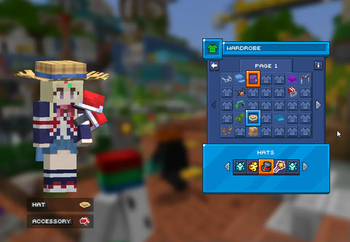
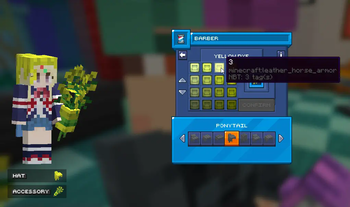
- Preview of your character when in the wardrobe or shops
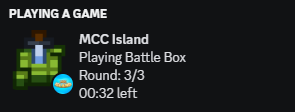
- Discord Presence
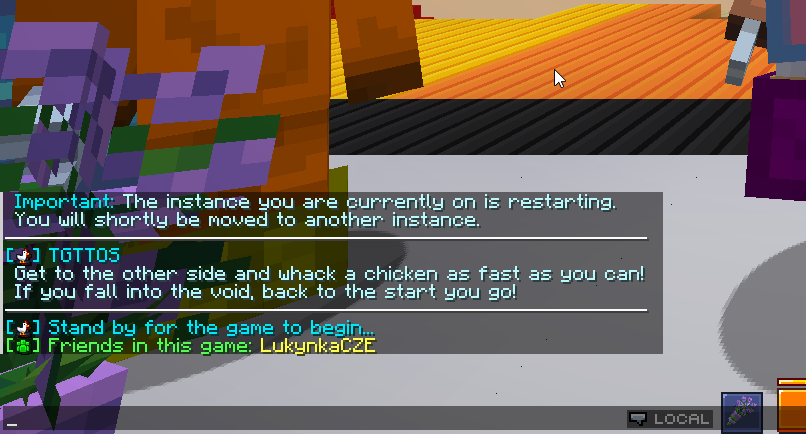
- Message to show friends in the same game
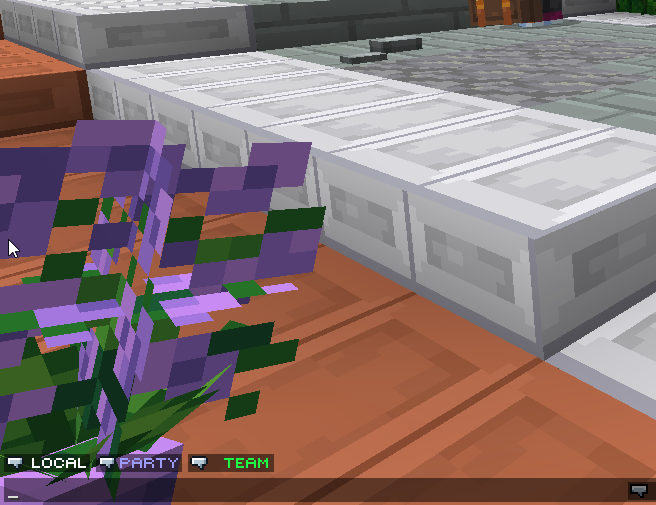
- Buttons above the chat box to switch between chat channels
- Split Timer for Parkour Warrior: Dojo
- Notifications for when Items you're crafting are complete
- Command for seeing how long your items have left in the Forge or assembler
Available Versions
How to Install Island Utils on Your Client
Install the Mod Loader Locally
Install fabric for your local Minecraft version.
Download the Matching File
Choose the Island Utils file for fabric and Minecraft 1.21.11.
Install Mod
Place the .jar file in your local .minecraft/mods folder and restart Minecraft. No server-side installation is required.
Compatibility
Mod Loaders
Minecraft Versions
1.21.11, 1.21.8, 1.21.7 (+16 more)
Server-side
✗ UnsupportedRecommended RAM
4 GB(min. 3 GB)Frequently Asked Questions
Does Island Utils need to be installed on the Minecraft server?
No. Modrinth marks Island Utils as unsupported on the server side. Install it only in your local Minecraft mods folder. Your server can remain unchanged unless the mod page lists an additional dependency.
Which version and loader does Island Utils require?
Use a file for fabric and your exact Minecraft version. Supported versions include 1.21.11, 1.21.8, 1.21.7. Files for different loaders are not interchangeable.
Island Utils is not working – what should I check?
First check the Minecraft version, loader version and required dependencies. Put the .jar file in your local .minecraft/mods folder and remove older duplicates. Because this mod is client-side, adding server RAM will not fix it.
Similar Mods




![[ETF] Entity Texture Features](https://cdn.modrinth.com/data/BVzZfTc1/af683d206d50b05258d865b0d6e4aa2f2cee12f2_96.webp)

Minecraft Server for Your Group
Island Utils stays on your client. Host a compatible world for your group.