
Loggit
logs your playtime. perfectly.
Screenshots
About this Mod
One of Minecraft's largest problems is it's lack of a full, complete timer.
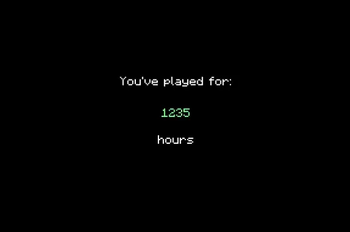
We don't really need words to explain what this mod does, so here's a demo:

My sincere apologies for the lack of visual quality in the above gif, but you understand the point.
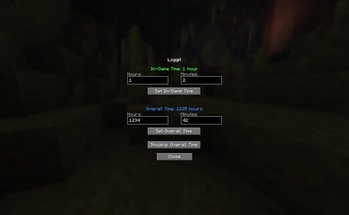
Wanted to add those couple thousand hours you already had?
We have a menu for that! Just click the green "Loggit" in the bottom left corner!
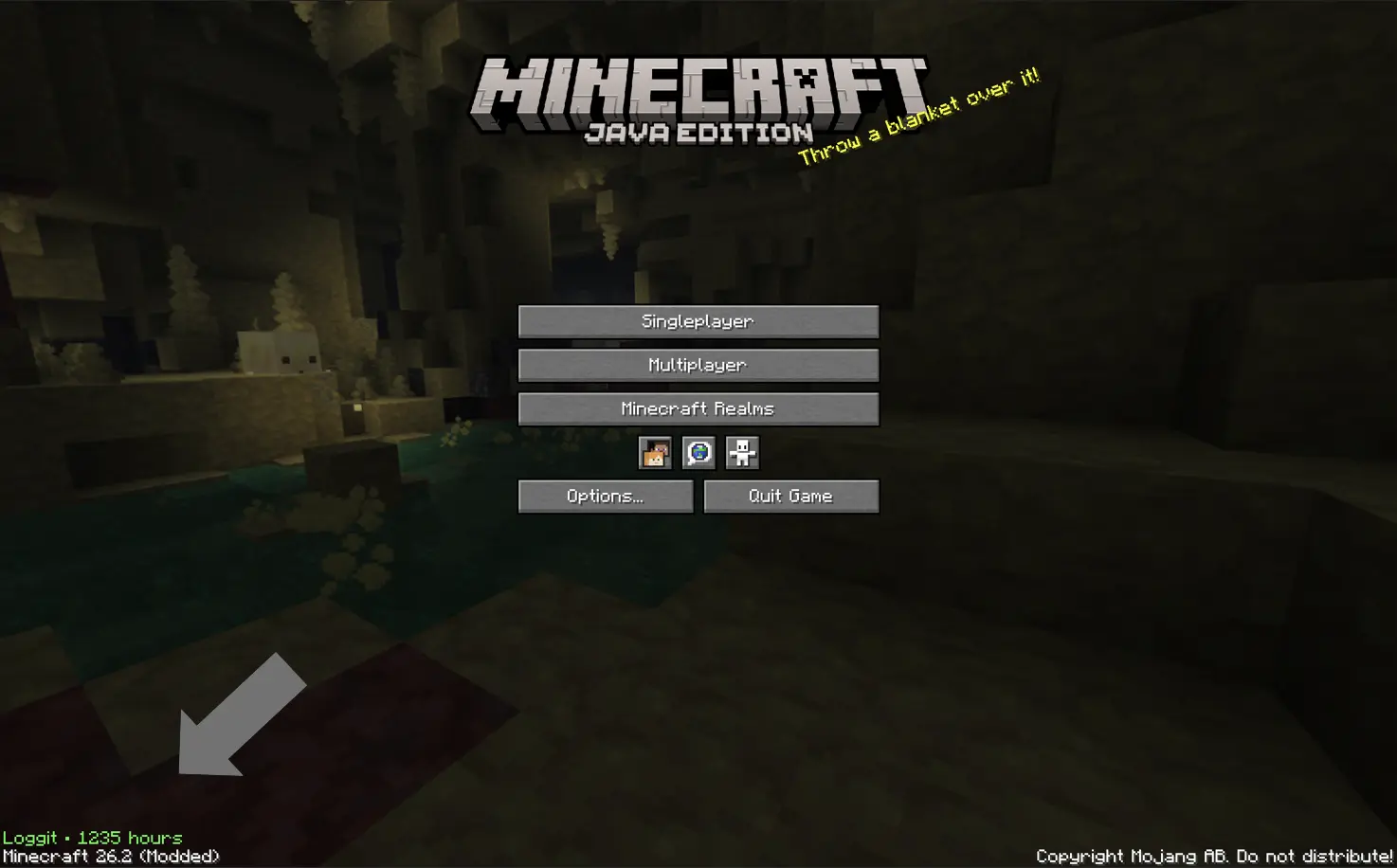
^^ That green text
Commonly asked questions:
Q: How do I transfer times between versions?
A: Just take a look at the in game menu on the older version, and copy paste in the old values into the in game menu on the newer version.
Q: How long is the intro?
A: ~ 4-5 seconds.
Q: Can I use this mod in my modpack?
A: Yeah! *As long as it's on Modrinth, however.
Q: For those who are unable to view the gif, here is alt text:
A: After the loading screen, the screen fades into a black background with the words "You've played for:" typing out in white on a black background. Then underneath, a series of numbers in green switch around before finally arriving at your total playtime. Then, the word "hours" types out at the bottom, the same way as the intital text for you've played for. Then, the screen fades into the normal minecraft home screen. The total time is ~5 seconds.
Available Versions
How to Install Loggit on Your Server
Order Server
Order a Minecraft Java server with at least 3 GB RAM (4 GB recommended).
Set fabric Loader
In the panel under "Egg", select the fabric loader and matching Minecraft version (26.2).
Install Mod
Open the mod browser in the dashboard and search for "Loggit". Click "Install" – done! Alternatively, upload the .jar via SFTP to the /mods folder.
Compatibility
Mod Loaders
Minecraft Versions
26.2
Server-side
✗ UnsupportedRecommended RAM
4 GB(min. 3 GB)Frequently Asked Questions
Loggit server crashes on startup – what to do?
Most common cause: wrong fabric version or insufficient RAM. Check the server log (latest.log) for "OutOfMemoryError" or "Mixin" errors. With Mado Hosting: ensure at least 3 GB RAM is allocated and the loader matches the mod version (26.2). You can switch loaders with one click in the panel.
Is Loggit compatible with fabric?
Loggit officially supports fabric for Minecraft 26.2. The Mado dashboard automatically detects incompatible loader combinations.
Server lagging with Loggit – how to optimize performance?
Recommended RAM: 4 GB (per 8 players). Use /spark profiler to check if Loggit consumes the most tick time. Common fixes: reduce server view-distance to 8-10, install "performant" or "starlight" as supplementary mods on Forge. With Mado Hosting, your server runs on NVMe SSDs with dedicated CPU cores for minimal latency.
Similar Mods






Rent Modded Server
Install Loggit with just one click on your server.