
Mod-erate Loading Screen Modernised
Makes mods fall down the screen while it is loading. Original mod by enjarai
Screenshots
About this Mod
Edit: apparently owo-lib is not on 26.2 for some reason, this will be updated as soon as owo-lib is on modern.
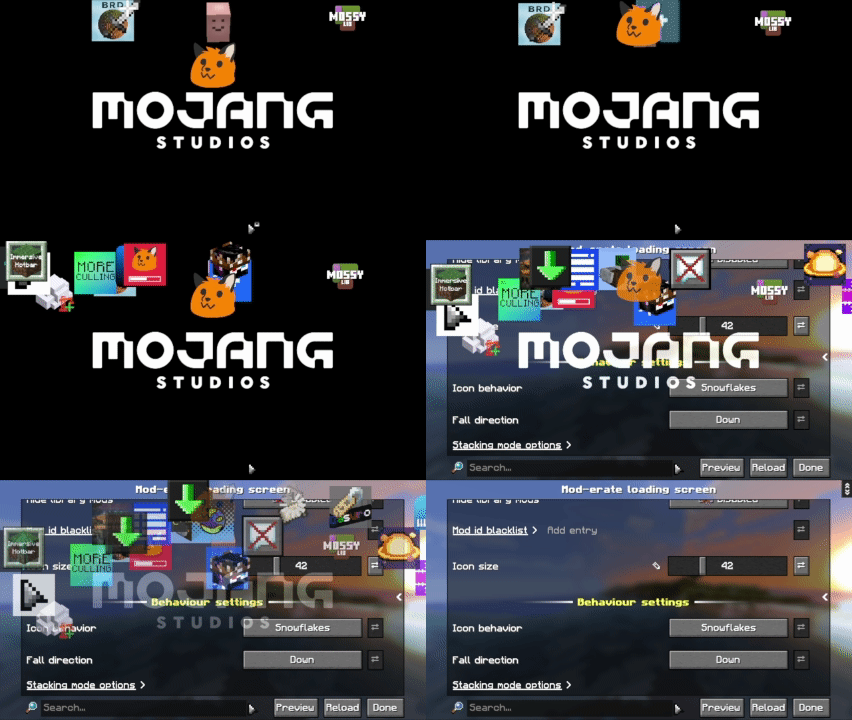
This is an updated port of Mod-erate Loading Screen by enjarai to modern versions of Minecraft. It makes all of your mods fall down the screen like snowflakes during the resource reload.
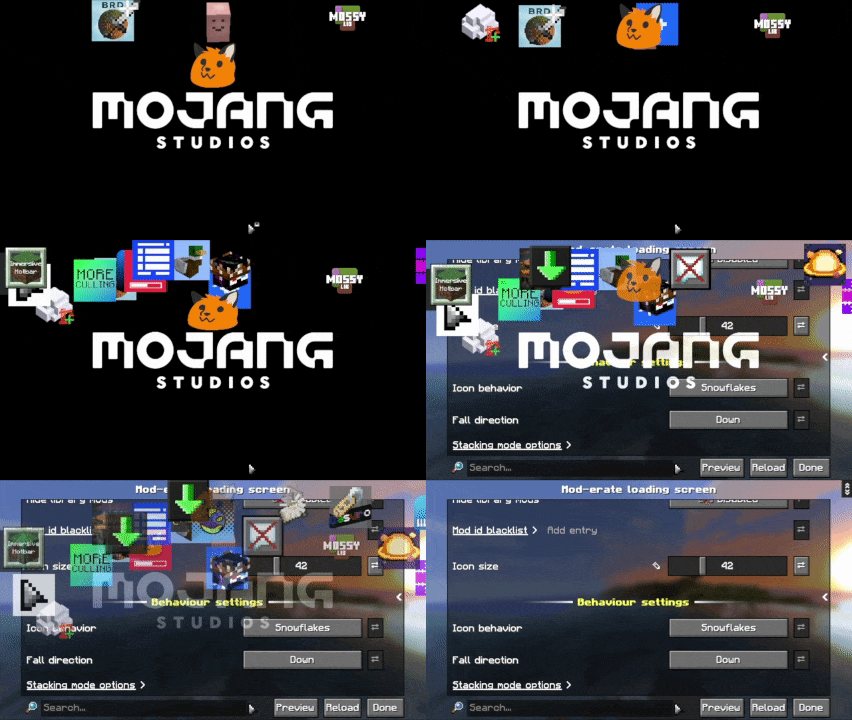
Snowflakes mode, taken with Splashfox.
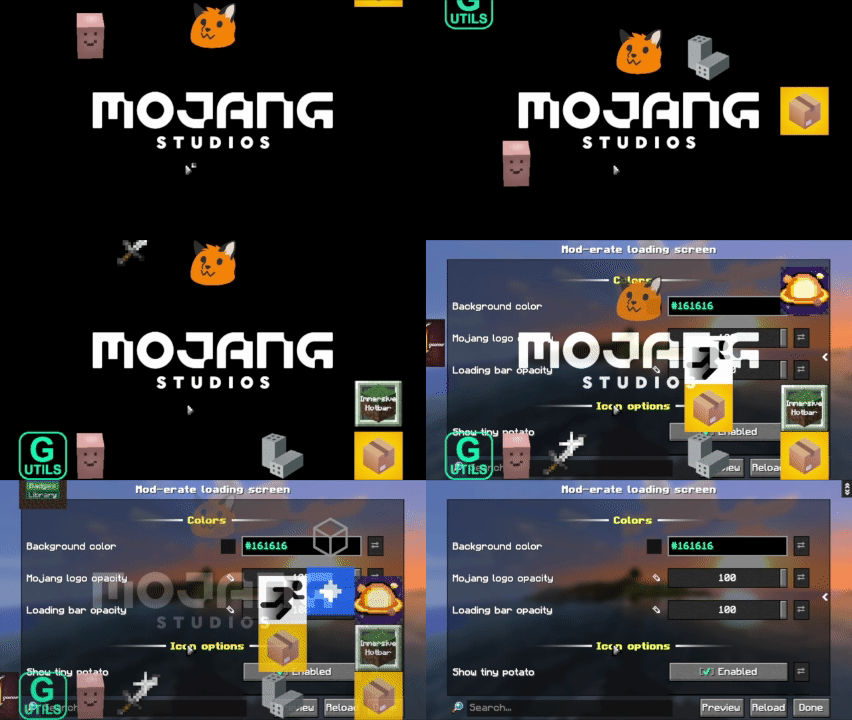
Alternatively, you can use stacking mode:
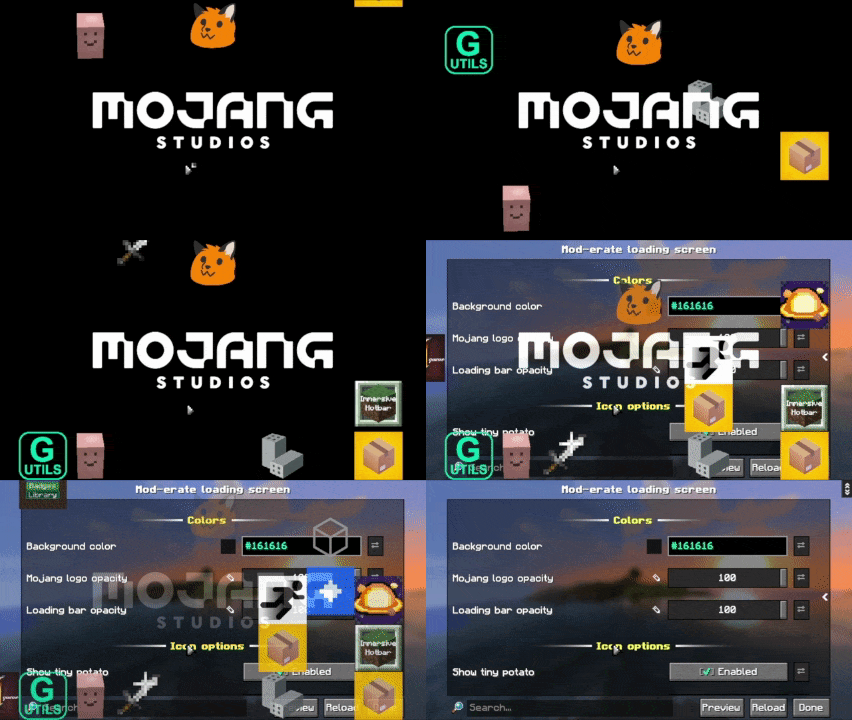
Also taken with Splashfox.
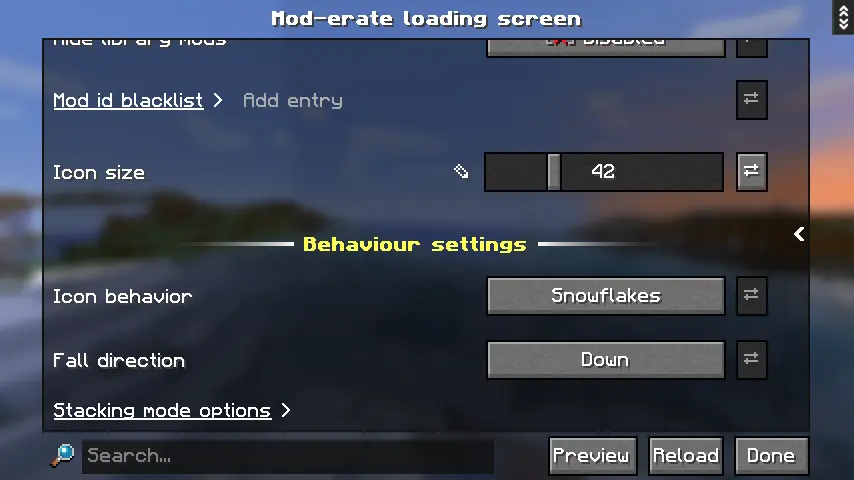
You can easily configure the options through ModMenu:
Improvements from the original version:
- Fade out animation (works better in stacking mode than snowflakes)
- Removed dependency on CICADA (it was literally doing nothing idek why it was there)
Available Versions
How to Install Mod-erate Loading Screen Modernised on Your Server
Order Server
Order a Minecraft Java server with at least 3 GB RAM (4 GB recommended).
Set fabric Loader
In the panel under "Egg", select the fabric loader and matching Minecraft version (26.1.2).
Install Mod
Open the mod browser in the dashboard and search for "Mod-erate Loading Screen Modernised". Click "Install" – done! Alternatively, upload the .jar via SFTP to the /mods folder.
Compatibility
Mod Loaders
Minecraft Versions
26.1.2, 26.1.1, 26.1
Server-side
✗ UnsupportedRecommended RAM
4 GB(min. 3 GB)Frequently Asked Questions
Mod-erate Loading Screen Modernised server crashes on startup – what to do?
Most common cause: wrong fabric version or insufficient RAM. Check the server log (latest.log) for "OutOfMemoryError" or "Mixin" errors. With Mado Hosting: ensure at least 3 GB RAM is allocated and the loader matches the mod version (26.1.2). You can switch loaders with one click in the panel.
Is Mod-erate Loading Screen Modernised compatible with fabric and quilt?
Mod-erate Loading Screen Modernised officially supports fabric, quilt for Minecraft 26.1.2, 26.1.1, 26.1. The Mado dashboard automatically detects incompatible loader combinations.
Server lagging with Mod-erate Loading Screen Modernised – how to optimize performance?
Recommended RAM: 4 GB (per 8 players). Use /spark profiler to check if Mod-erate Loading Screen Modernised consumes the most tick time. Common fixes: reduce server view-distance to 8-10, install "performant" or "starlight" as supplementary mods on Forge. With Mado Hosting, your server runs on NVMe SSDs with dedicated CPU cores for minimal latency.
Similar Mods

![[ETF] Entity Texture Features](https://cdn.modrinth.com/data/BVzZfTc1/af683d206d50b05258d865b0d6e4aa2f2cee12f2_96.webp)
![[EMF] Entity Model Features](https://cdn.modrinth.com/data/4I1XuqiY/6e5bbd0d06b1741bfdab6c0cfab6de8fdaf0064c_96.webp)



Rent Modded Server
Install Mod-erate Loading Screen Modernised with just one click on your server.