
Motion Capture
Allows you to record and replay player movements
Screenshots
About this Mod
About
Motion Capture is a mod that allows you to record and replay player movements. It is created mainly for people who want to create complex scenes in Minecraft without using real players.
It records:
- movements
- sprinting, jumping, swimming, sneaking
- swinging hands
- using items
- items in hands and armor
- states like being on fire, being invisible, or glowing
- placing, breaking and interacting with blocks
- nearby entities and riding them
After you save recording, you can create a scene to which you can add multiple recordings or other scenes with parameters like player name, position offset, or start delay.
How to use
- First, you need to start recording using
/mocap recording start. It will record all your movements or movements of a player given as an argument. - Then, you can stop recording using
/mocap recording stopand save it with/mocap recording save [name]. - Use
/mocap playing start [name] (player_name) (mineskin_url)to play recording. - You can also create scenes to which you can add multiple recordings or other scenes, with parameters like player name, position offset, or start delay.
- To create scene use
/mocap scenes add (scene_name). Then, add your recording using/mocap scenes addTo [scene_name] [recording_name] (delay) (x_offset) (y_offset) (z_offset) (player_name) (skin_source_type) (skin_source)(you can skip arguments in round brackets if you want). - To play scene use
/mocap playing start .[scene_name]- you need to put a dot before the scene name. - By putting a dot before name, when using
/mocap scenes addTo [...], you can also add scenes to other scenes.
Commands
/mocap recording [...] - Recording player movements
/mocap recordings [...] - Managing recording files
/mocap scenes [...] - Creating and modifying scenes
/mocap playing [...] - Playing scenes and recordings
/mocap settings [...] - Shows and modifies settings
/mocap info - Displays information about mod
/mocap help - Displays help message
Example
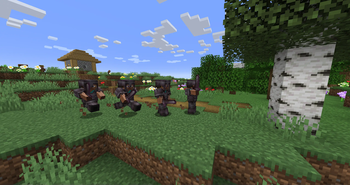
Simple example of one recording used 4 times in a scene with time and position offset

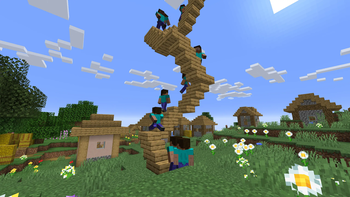
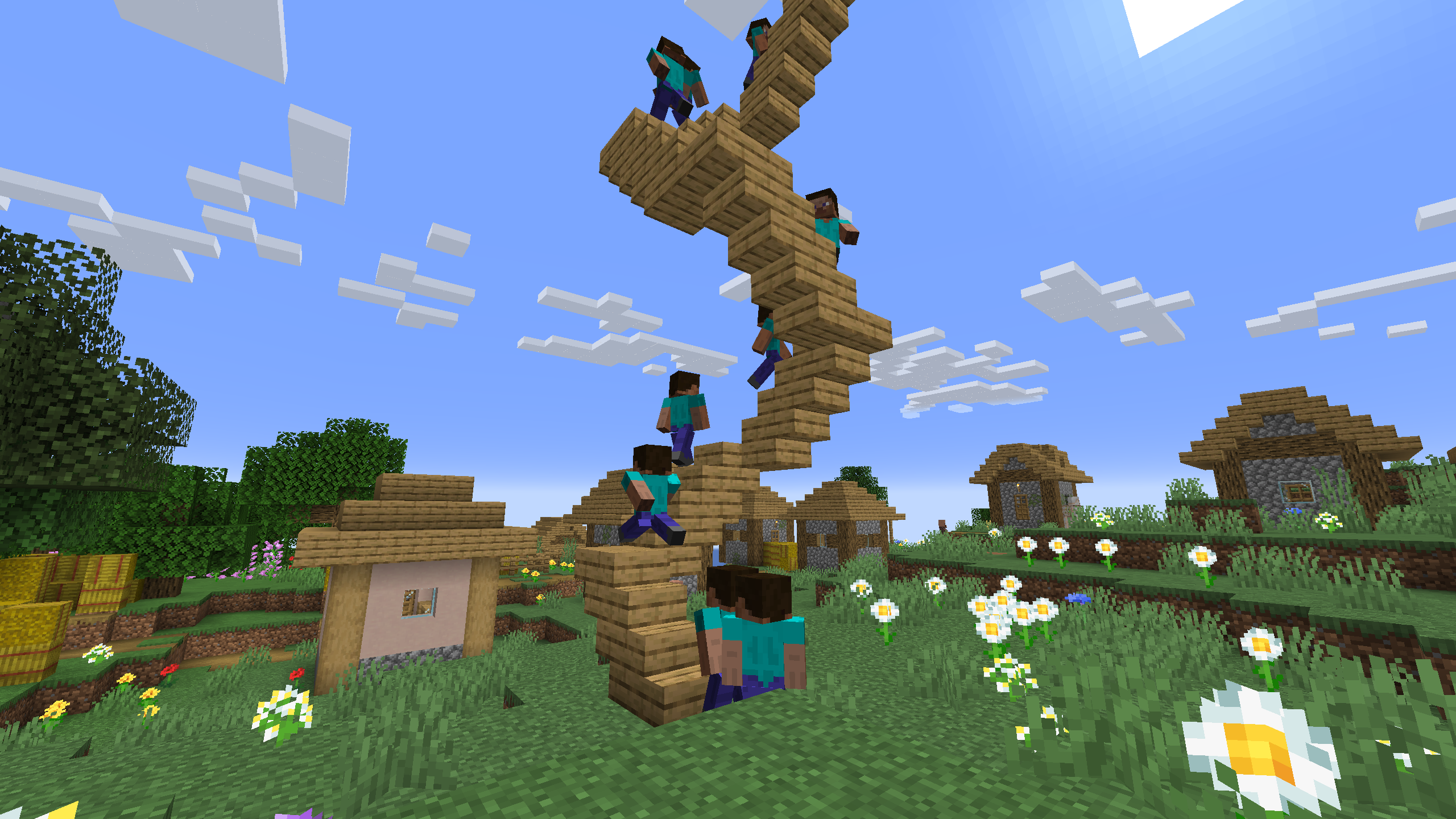
One recording of climbing stairs used multiple times in a scene with start delay
Available Versions
How to Install Motion Capture on Your Server
Order Server
Order a Minecraft Java server with at least 3 GB RAM (4 GB recommended).
Set fabric Loader
In the panel under "Egg", select the fabric loader and matching Minecraft version (26.2).
Install Mod
Open the mod browser in the dashboard and search for "Motion Capture". Click "Install" – done! Alternatively, upload the .jar via SFTP to the /mods folder.
Compatibility
Mod Loaders
Minecraft Versions
26.2, 26.1.2, 26.1.1 (+26 more)
Server-side
✓ RequiredRecommended RAM
4 GB(min. 3 GB)Frequently Asked Questions
Motion Capture server crashes on startup – what to do?
Most common cause: wrong fabric version or insufficient RAM. Check the server log (latest.log) for "OutOfMemoryError" or "Mixin" errors. With Mado Hosting: ensure at least 3 GB RAM is allocated and the loader matches the mod version (26.2). You can switch loaders with one click in the panel.
Is Motion Capture compatible with fabric and forge and neoforge?
Motion Capture officially supports fabric, forge, neoforge for Minecraft 26.2, 26.1.2, 26.1.1. Note: Forge and Fabric mods are NOT cross-compatible – pick one loader and stick with it. The Mado dashboard automatically detects incompatible loader combinations.
Server lagging with Motion Capture – how to optimize performance?
Recommended RAM: 4 GB (per 8 players). Use /spark profiler to check if Motion Capture consumes the most tick time. Common fixes: reduce server view-distance to 8-10, install "performant" or "starlight" as supplementary mods on Forge. With Mado Hosting, your server runs on NVMe SSDs with dedicated CPU cores for minimal latency.
Similar Mods




![[ETF] Entity Texture Features](https://cdn.modrinth.com/data/BVzZfTc1/af683d206d50b05258d865b0d6e4aa2f2cee12f2_96.webp)

Rent Modded Server
Install Motion Capture with just one click on your server.