
Origins: Player Scale
A datapack for Origins. Adds a Separate Origin Layer, allowing players to choose a body size in addition to the typical Origins.
Screenshots
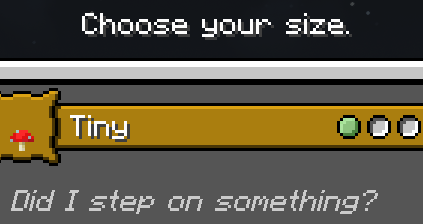
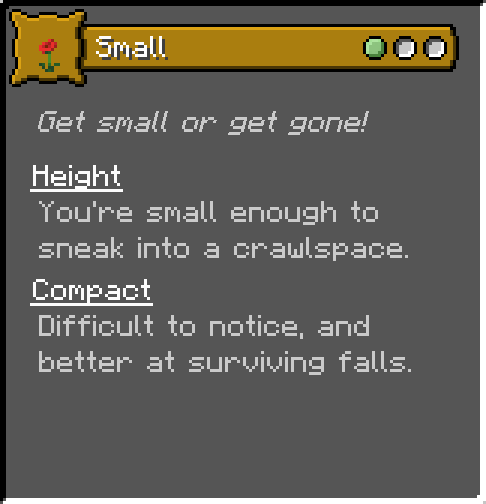
About this Mod
Origins: Player Scale
What's this?
This datapack adds an independent Origin layer that allows players to choose one of 6 sizes, or choose the standard Minecraft size.
You can play whatever classic or addon origin you like, in addition to picking a custom size.
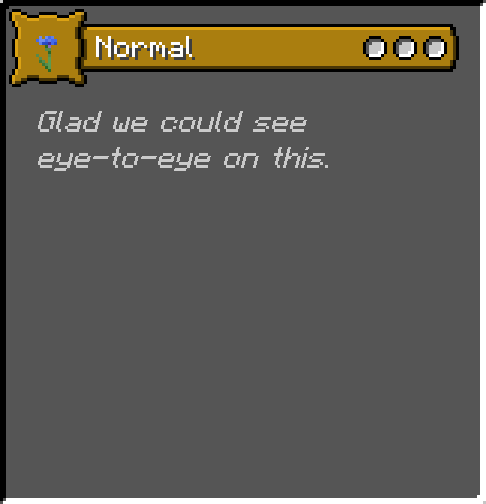
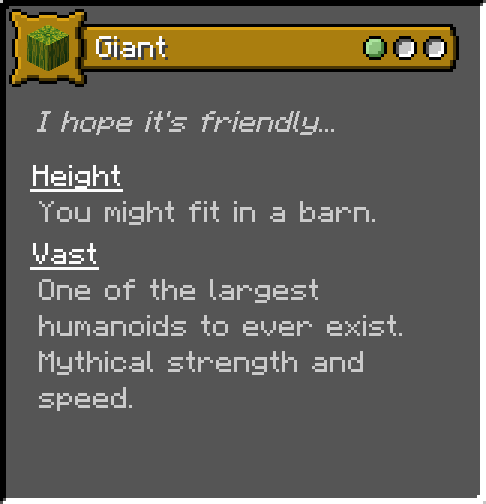
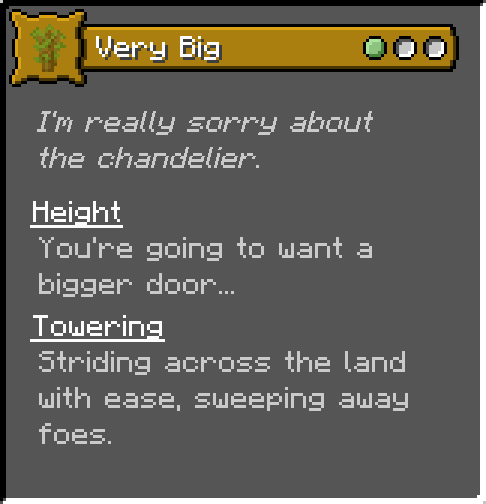
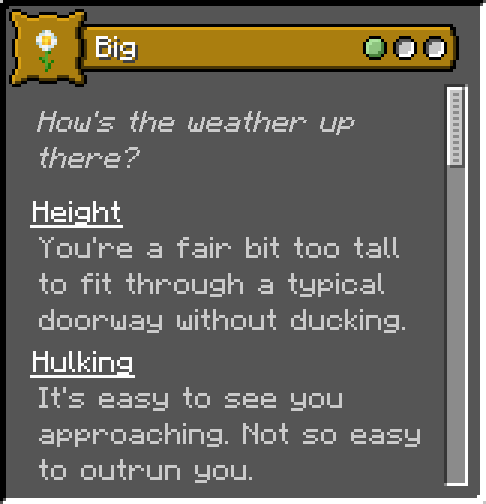
The available sizes are: Normal; Small; Very Small; Tiny; Big; Very Big; Giant.
You can view all the Origin cards in Modrinth's gallery; they include flavor text, but not exact stat bonuses.
All scaling is applied with multipliers, which should help with compatibility.
Tested on 1.18.2 through 1.20.2, but as a datapack it's likely to work on most if not all Minecraft versions.
1.20.2 is experiencing some bugs with its dependencies, as of 2023-12-8. This isn't the only datapack affected; hopefully the issues are resolved soon!
In general...
Small folk fit into smaller areas, take less fall damage, and are less visible to enemies. Being small has no significant downside.
Large folk have trouble with typical buildings. As a tradeoff, they are more mobile, with better speed, jump height, step height, and reach.
With greater bulk comes greater knockback and knockback resistance, and a small amount of extra health per size. (As an example, Giant receives 6 extra hearts, and is a cumbersome 4 blocks tall.)
This datapack requires the mod Origins, and the mod Pehkui.
Available Versions
How to Install Origins: Player Scale on Your Server
Order Server
Order a Minecraft Java server with at least 3 GB RAM (4 GB recommended).
Set datapack Loader
In the panel under "Egg", select the datapack loader and matching Minecraft version (1.20.4).
Install Mod
Open the mod browser in the dashboard and search for "Origins: Player Scale". Click "Install" – done! Alternatively, upload the .jar via SFTP to the /mods folder.
Compatibility
Mod Loaders
Minecraft Versions
1.20.4, 1.20.2, 1.20.1 (+7 more)
Server-side
✓ RequiredRecommended RAM
4 GB(min. 3 GB)Frequently Asked Questions
Origins: Player Scale server crashes on startup – what to do?
Most common cause: wrong datapack version or insufficient RAM. Check the server log (latest.log) for "OutOfMemoryError" or "Mixin" errors. With Mado Hosting: ensure at least 3 GB RAM is allocated and the loader matches the mod version (1.20.4). You can switch loaders with one click in the panel.
Is Origins: Player Scale compatible with datapack and fabric and forge and neoforge and quilt?
Origins: Player Scale officially supports datapack, fabric, forge, neoforge, quilt for Minecraft 1.20.4, 1.20.2, 1.20.1. Note: Forge and Fabric mods are NOT cross-compatible – pick one loader and stick with it. The Mado dashboard automatically detects incompatible loader combinations.
Server lagging with Origins: Player Scale – how to optimize performance?
Recommended RAM: 4 GB (per 8 players). Use /spark profiler to check if Origins: Player Scale consumes the most tick time. Common fixes: reduce server view-distance to 8-10, install "performant" or "starlight" as supplementary mods on Forge. With Mado Hosting, your server runs on NVMe SSDs with dedicated CPU cores for minimal latency.
Similar Mods




Rent Modded Server
Install Origins: Player Scale with just one click on your server.