
Overlay Tweaks
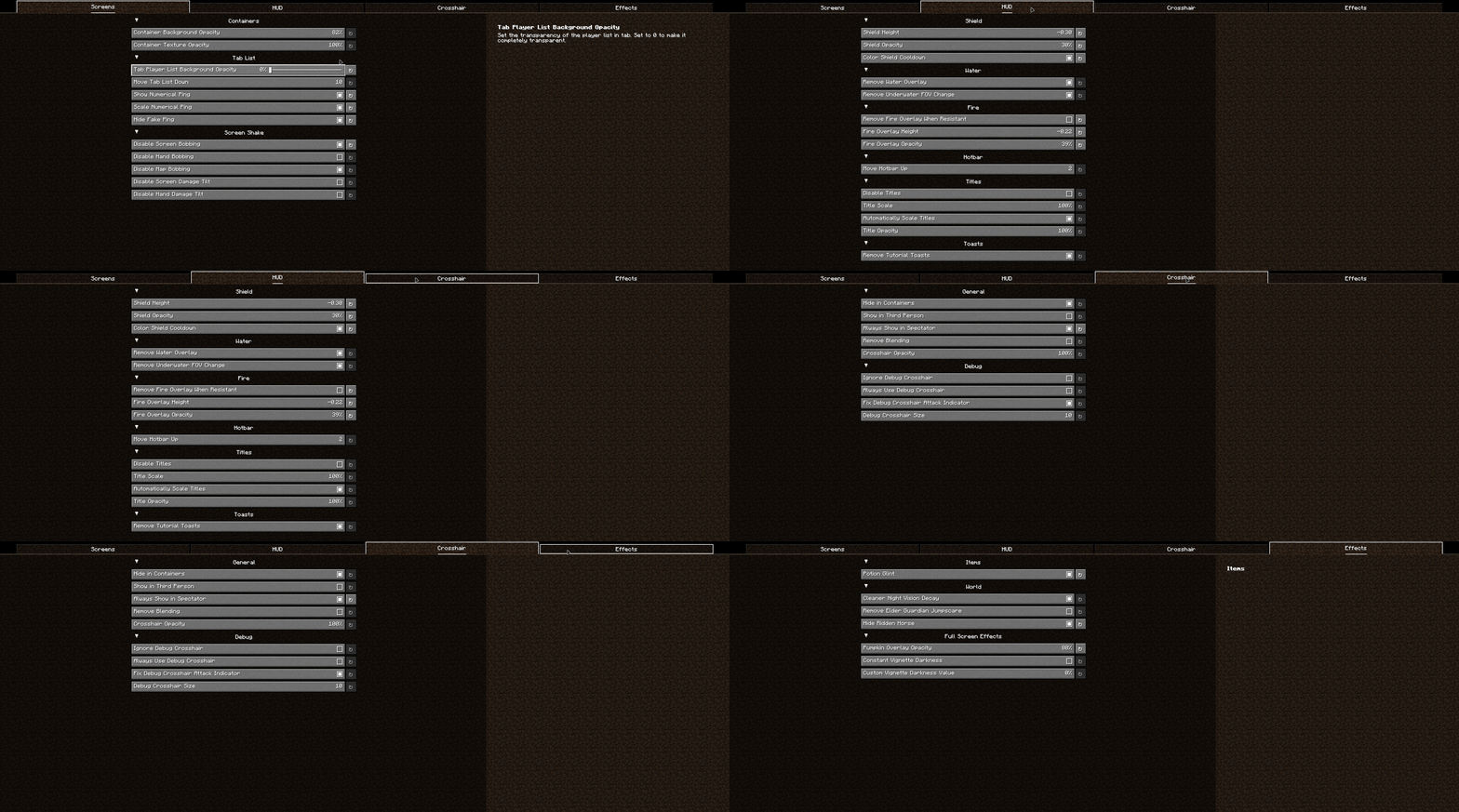
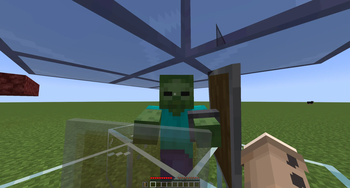
Small tweaks to Minecraft's overlays
Screenshots
About this Mod



Overlay Tweaks
A small QOL mod that lets you alter vanilla's overlays in small ways.
Features
Miscellaneous
Containers
- Container Background Opacity
- Container Texture Opacity
Hand
- Keep Hand in Hidden HUD
- Hand Invisibility Opacity
HUD
Water
- Remove Water Overlay
- Remove Underwater FOV Change
Fire
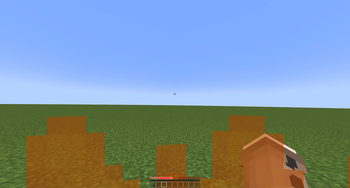
- Remove Fire Overlay When Resistant
- Fire Overlay Height
- Fire Overlay Opacity
Elements
- Remove Held Item Name Tooltip
- Closed Caption Background Color
Effects
Elder Guardian
- Elder Guardian Opacity
- Elder Guardian Scale
Full Screen Effects
- Pumpkin Overlay Opacity
- Freezing Overlay Opacity
- Spyglass Overlay Opacity
- Spyglass Background Color
- Constant Vignette Darkness
- Constant Vignette Darkness Value
- Suffocation Overlay Brightness
- Portal Overlay Opacity
Items
Shield
- Shield Height
- Shield Opacity
Available Versions
How to Install Overlay Tweaks on Your Client
Install the Mod Loader Locally
Install fabric for your local Minecraft version.
Download the Matching File
Choose the Overlay Tweaks file for fabric and Minecraft 26.3.
Install Mod
Place the .jar file in your local .minecraft/mods folder and restart Minecraft. No server-side installation is required.
Compatibility
Mod Loaders
Minecraft Versions
26.3, 26.2, 26.1.2 (+20 more)
Server-side
✗ UnsupportedRecommended RAM
4 GB(min. 3 GB)Frequently Asked Questions
Does Overlay Tweaks need to be installed on the Minecraft server?
No. Modrinth marks Overlay Tweaks as unsupported on the server side. Install it only in your local Minecraft mods folder. Your server can remain unchanged unless the mod page lists an additional dependency.
Which version and loader does Overlay Tweaks require?
Use a file for fabric, neoforge, ornithe and your exact Minecraft version. Supported versions include 26.3, 26.2, 26.1.2. Files for different loaders are not interchangeable.
Overlay Tweaks is not working – what should I check?
First check the Minecraft version, loader version and required dependencies. Put the .jar file in your local .minecraft/mods folder and remove older duplicates. Because this mod is client-side, adding server RAM will not fix it.
Similar Mods




![[ETF] Entity Texture Features](https://cdn.modrinth.com/data/BVzZfTc1/af683d206d50b05258d865b0d6e4aa2f2cee12f2_96.webp)

Minecraft Server for Your Group
Overlay Tweaks stays on your client. Host a compatible world for your group.