
Enchantment Effects
Make enchantments feel powerful!
Screenshots
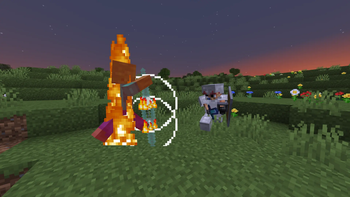
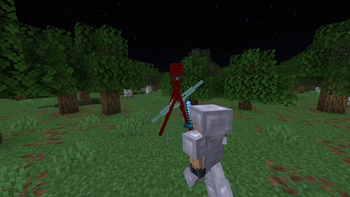
About this Mod

Because enchantments didn't feel special enough.
Enchantment Effects is a client-side mod that makes enchantments feel more powerful by adding sounds and particle effects that scale with enchantment level. After grinding out for max enchantments I realized my weapons and armor didn't feel any more powerful, so this mod fixes that!
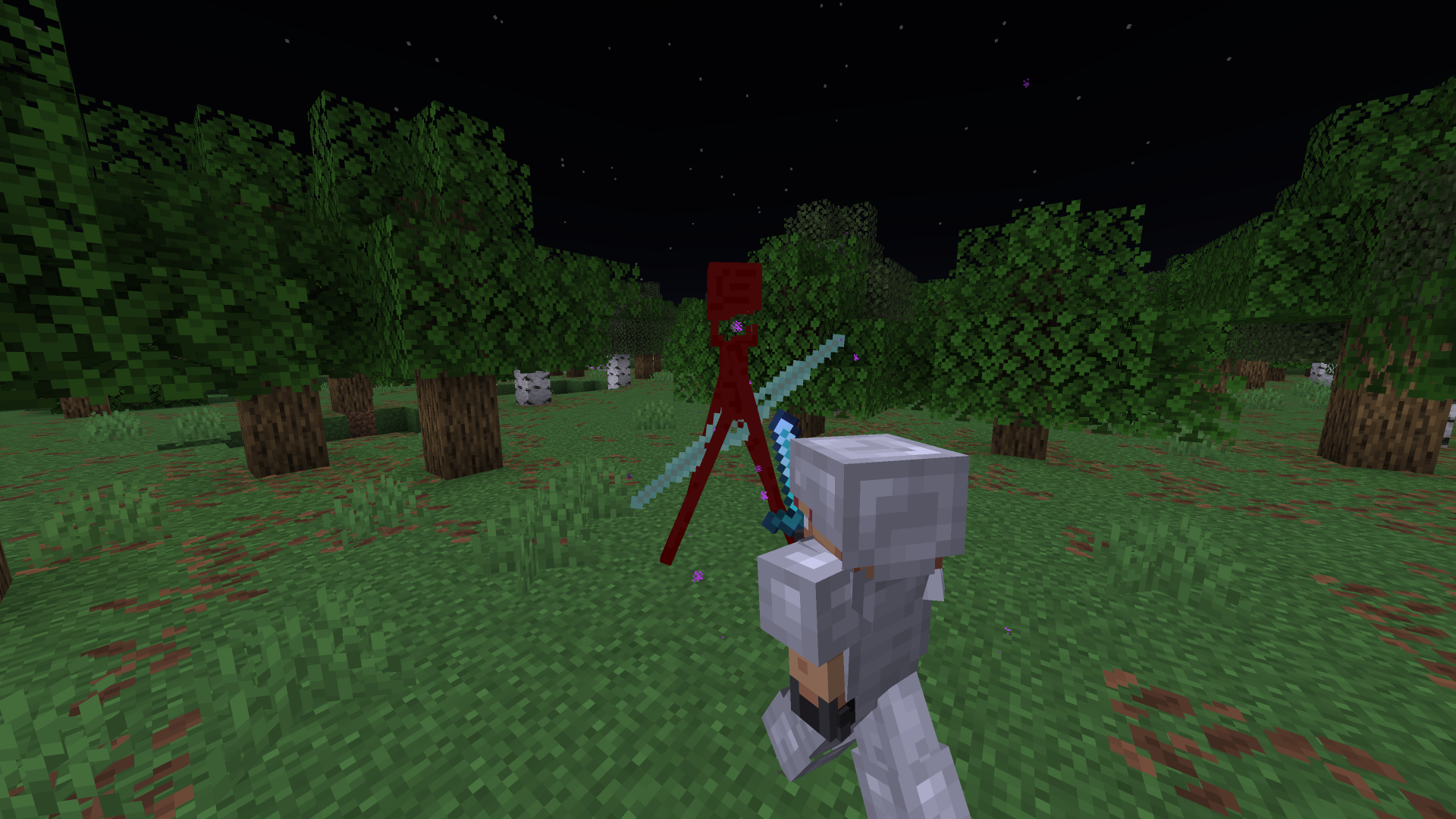
Sharpness
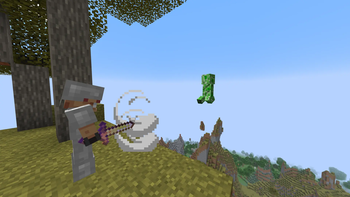
The Sharpness enchantment will now do a magic slash on the target! Slash size scales with enchantment level.
Picture
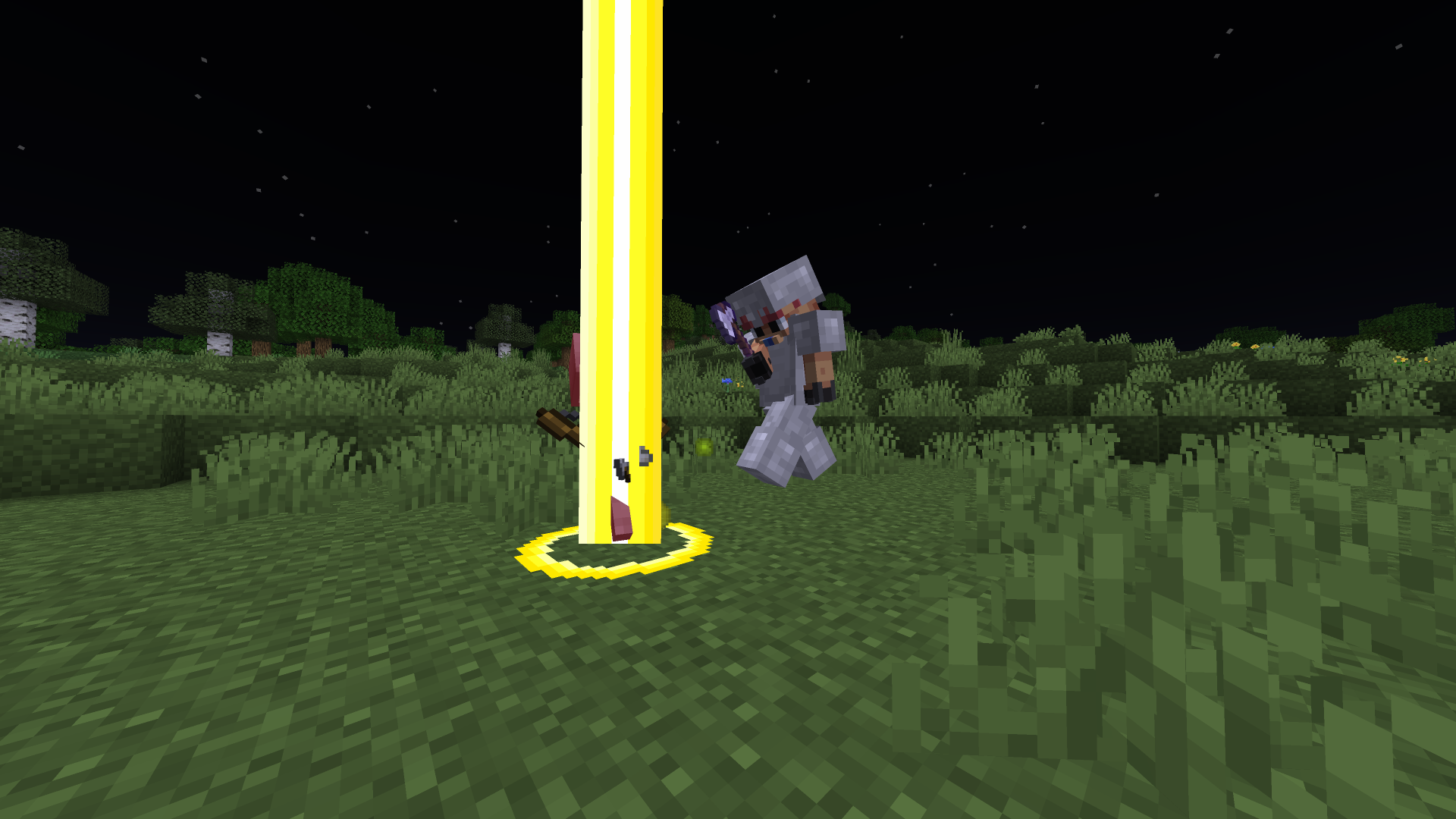
Smite
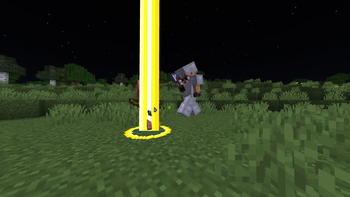
The Smite enchantment now summons a holy beam of light! Beam size scales with enchantment level.
Picture
Bane of Arthropods
The Bane of Arthropods enchantment now banishes the bug into nonexistence! Banish size scales with enchantment level.
Picture
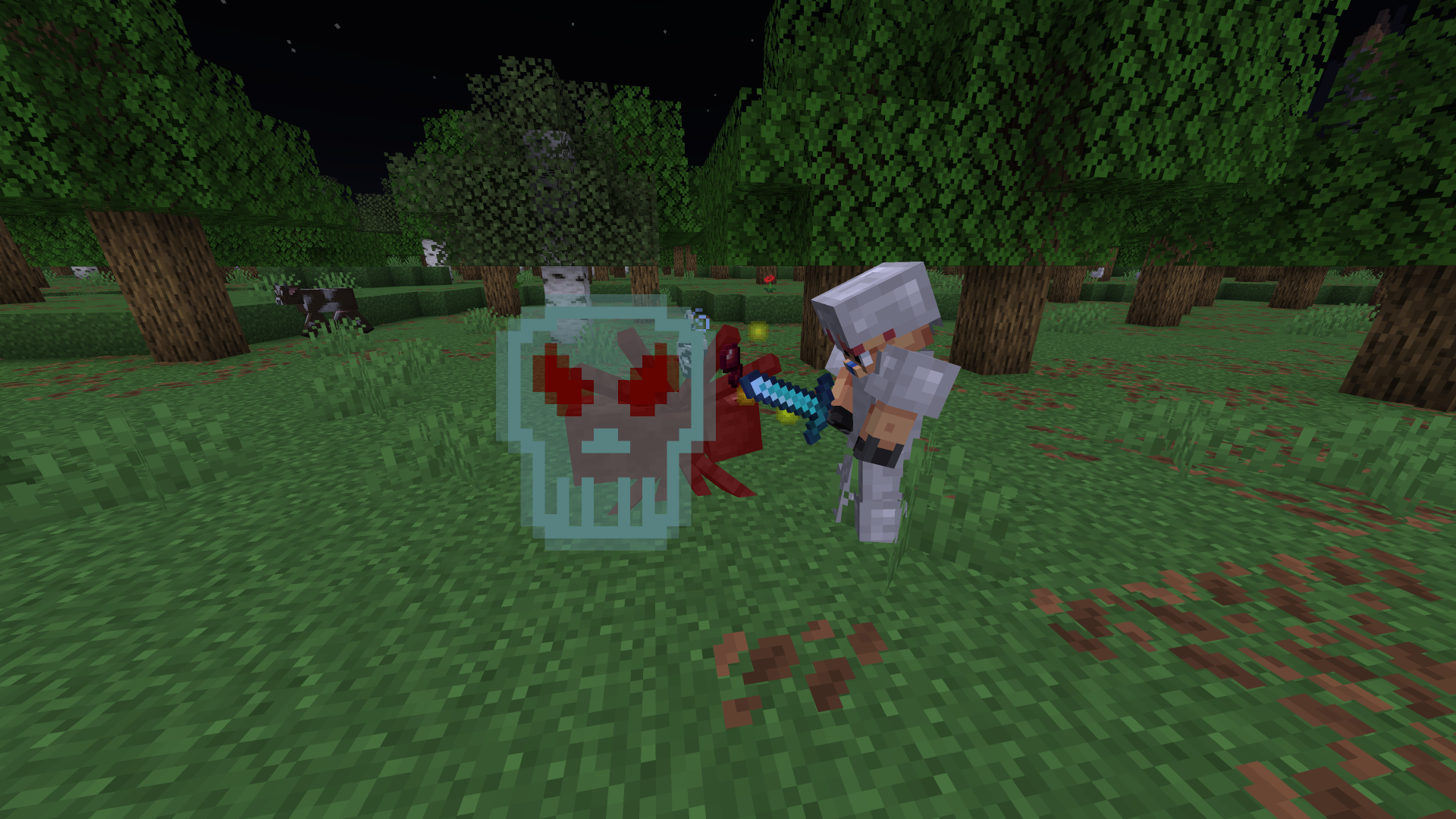
Fire Aspect
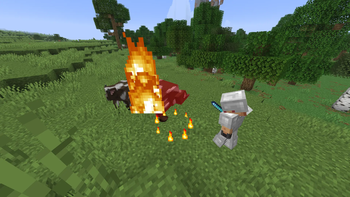
The Fire Aspect enchantment now ignites your target with a ring of fire! Number of rings increases with enchantment level.
Picture
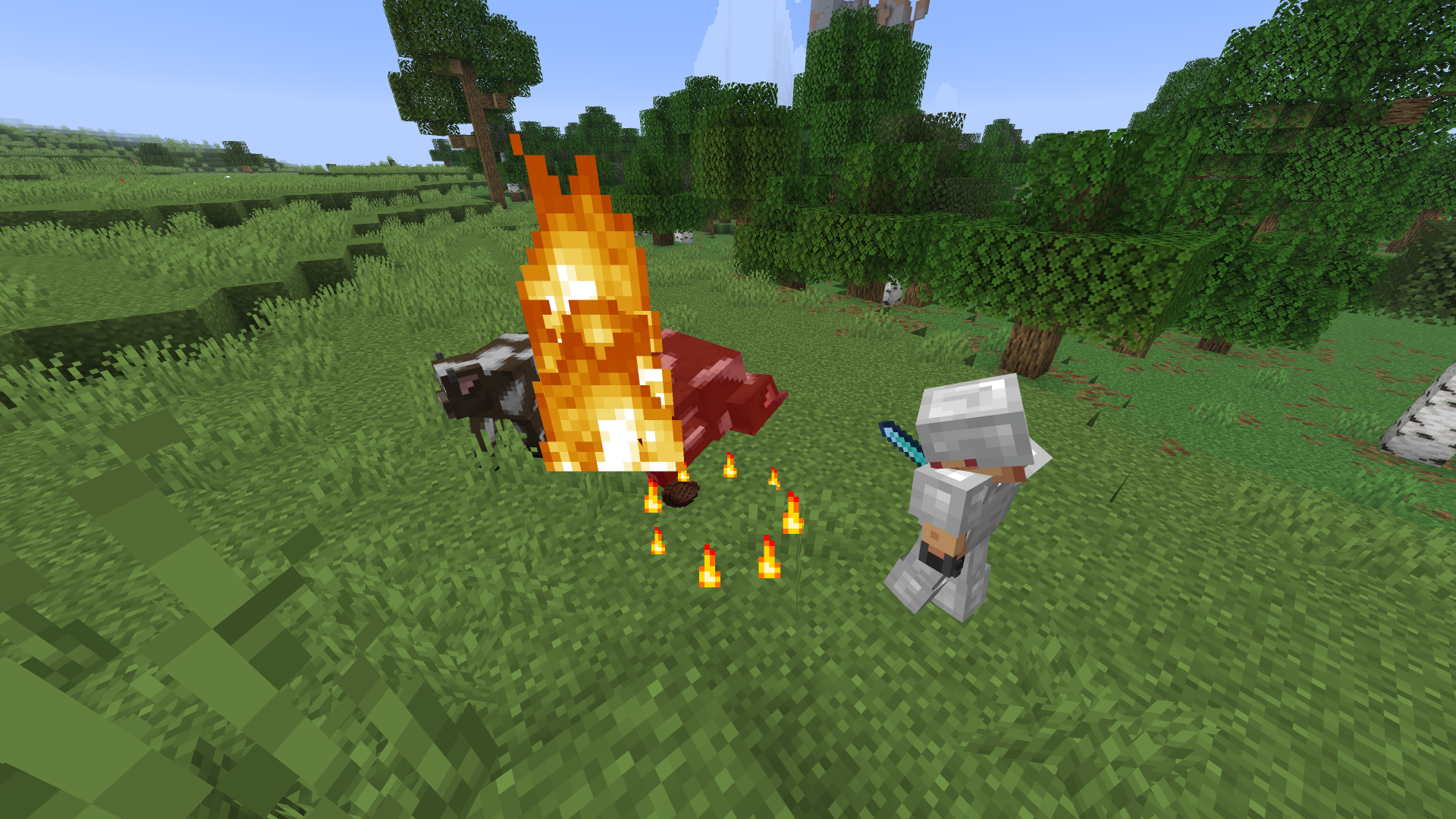
Knockback
The Knockback enchantment now pushes back your target with a gust of wind! Number of gusts increases with enchantment level.
Picture
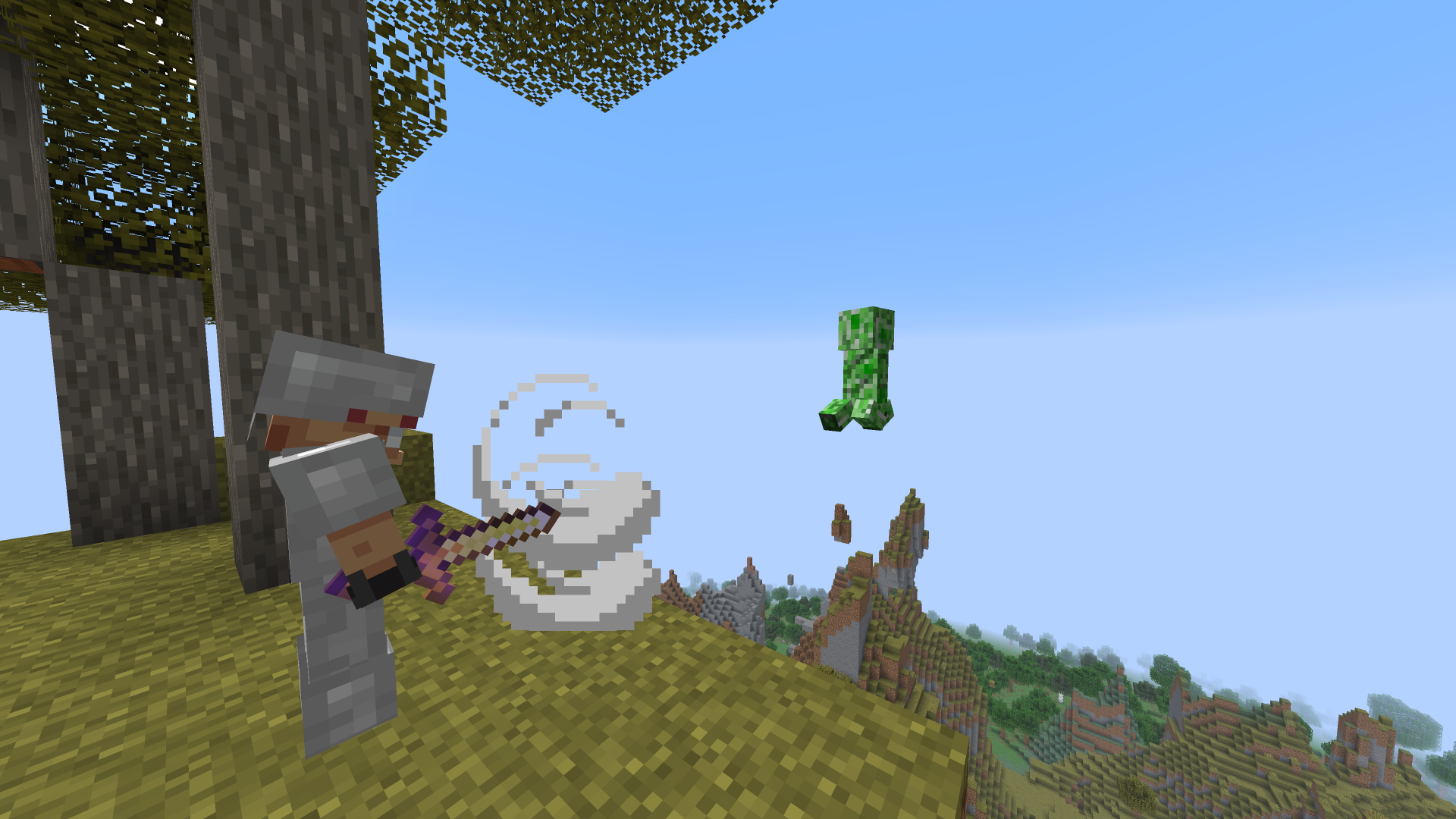
Thorns
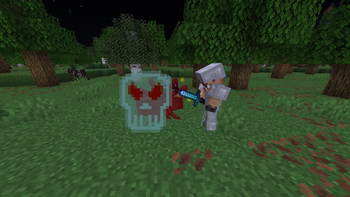
The Thorns enchantment now surrounds you with a guardian-style shield that strikes attackers whenever triggered! Guardians have this effect innately.
Planned Features:
- Effects for bow enchantments
- Effects for trident enchantments
- Effects for mace enchantments
- Special enchantment synergies (eg. Smite + Fire Aspect = Fiery Smite)
Available Versions
How to Install Enchantment Effects on Your Client
Install the Mod Loader Locally
Install fabric for your local Minecraft version.
Download the Matching File
Choose the Enchantment Effects file for fabric and Minecraft 26.3.
Install Mod
Place the .jar file in your local .minecraft/mods folder and restart Minecraft. No server-side installation is required.
Compatibility
Mod Loaders
Minecraft Versions
26.3, 26.2, 26.1.2 (+3 more)
Server-side
✗ UnsupportedRecommended RAM
4 GB(min. 3 GB)Frequently Asked Questions
Does Enchantment Effects need to be installed on the Minecraft server?
No. Modrinth marks Enchantment Effects as unsupported on the server side. Install it only in your local Minecraft mods folder. Your server can remain unchanged unless the mod page lists an additional dependency.
Which version and loader does Enchantment Effects require?
Use a file for fabric and your exact Minecraft version. Supported versions include 26.3, 26.2, 26.1.2. Files for different loaders are not interchangeable.
Enchantment Effects is not working – what should I check?
First check the Minecraft version, loader version and required dependencies. Put the .jar file in your local .minecraft/mods folder and remove older duplicates. Because this mod is client-side, adding server RAM will not fix it.
Similar Mods




Minecraft Server for Your Group
Enchantment Effects stays on your client. Host a compatible world for your group.