skin overrides
a powerful mod for changing skins and capes!
Screenshots
About this Mod
skin overrides
a powerful mod for changing skins and capes!
skin overrides is a mod that allows you to change your skin or cape on the fly: useful for anything from roleplay to skin artistry.
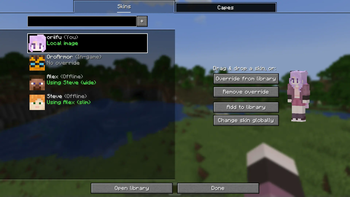
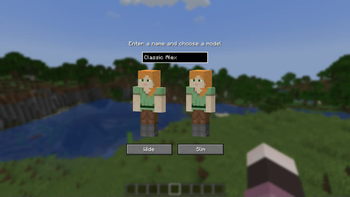
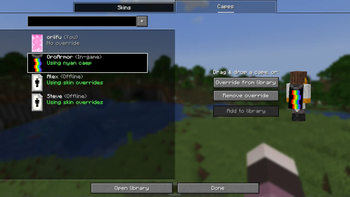
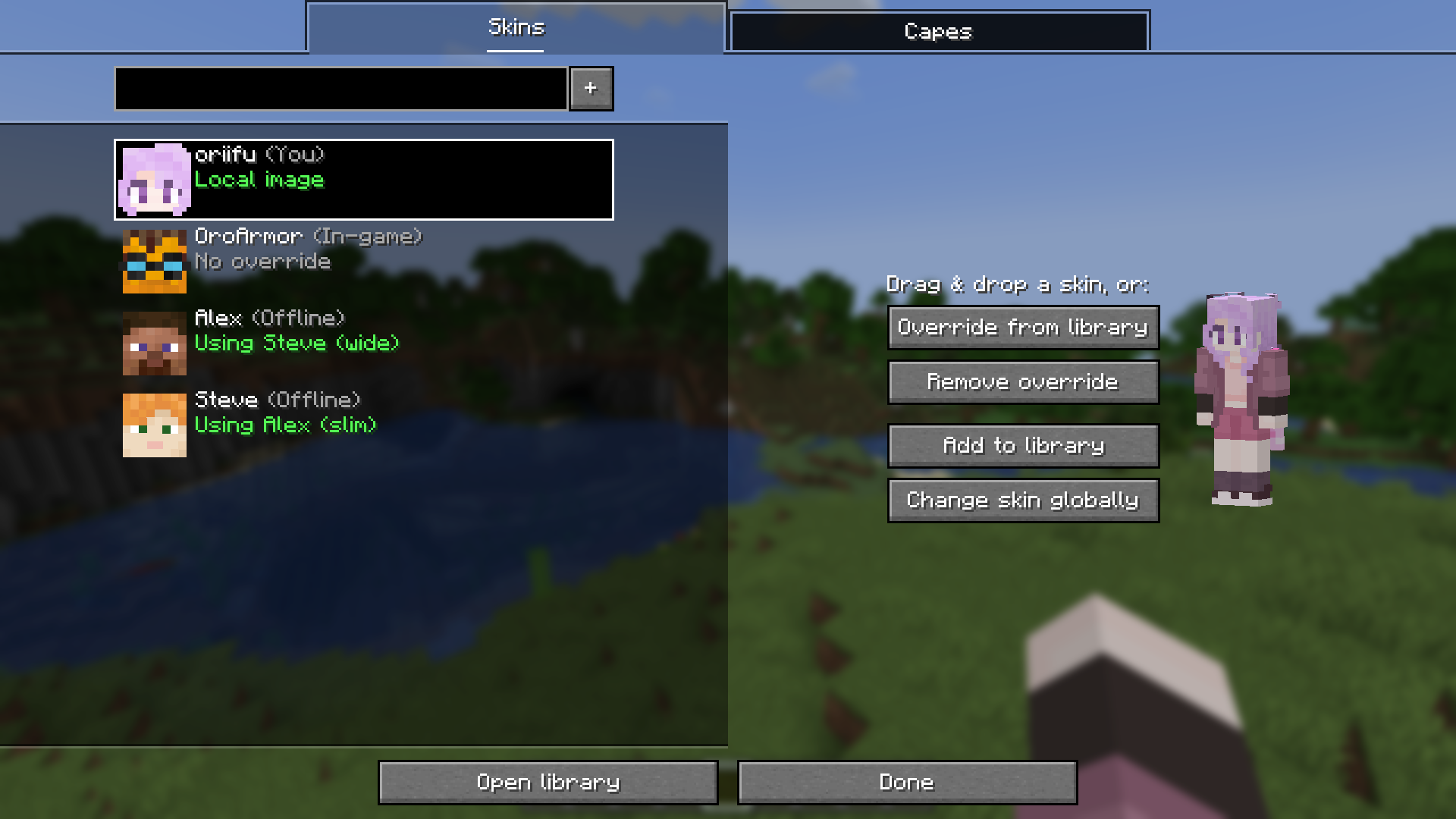
from the overrides screen, you can change any player's skin or cape to whatever your heart desires! this can be accessed from mod menu or by pressing the overrides key (defaults to I). from here, you can configure, add or remove overrides.
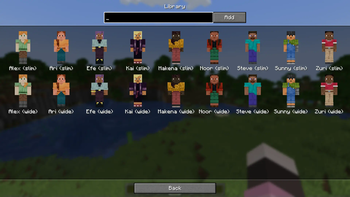
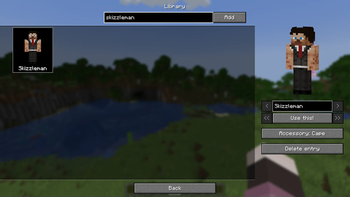
you can store a collection of skins and capes in your personal library. this allows you to easily switch between a few skins, and can also enable you to share your override with other online players!
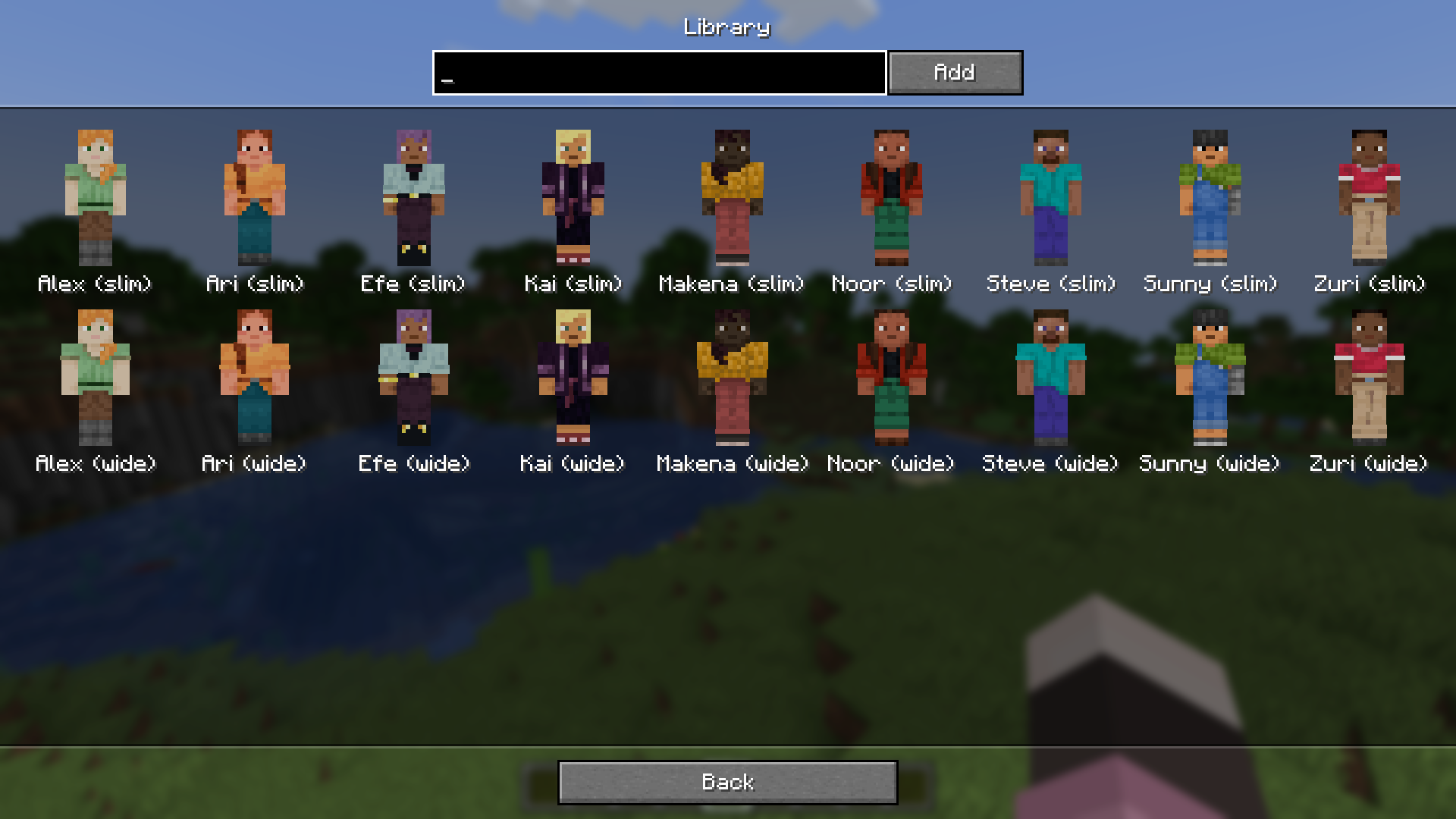
if skin overrides is installed on the server, when you use a library override, everyone will be able to see it, even if they don't have the mod!
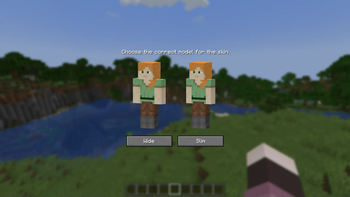
similarly, you can change your skin from within the mod, which will update it for everyone online if installed on the server.
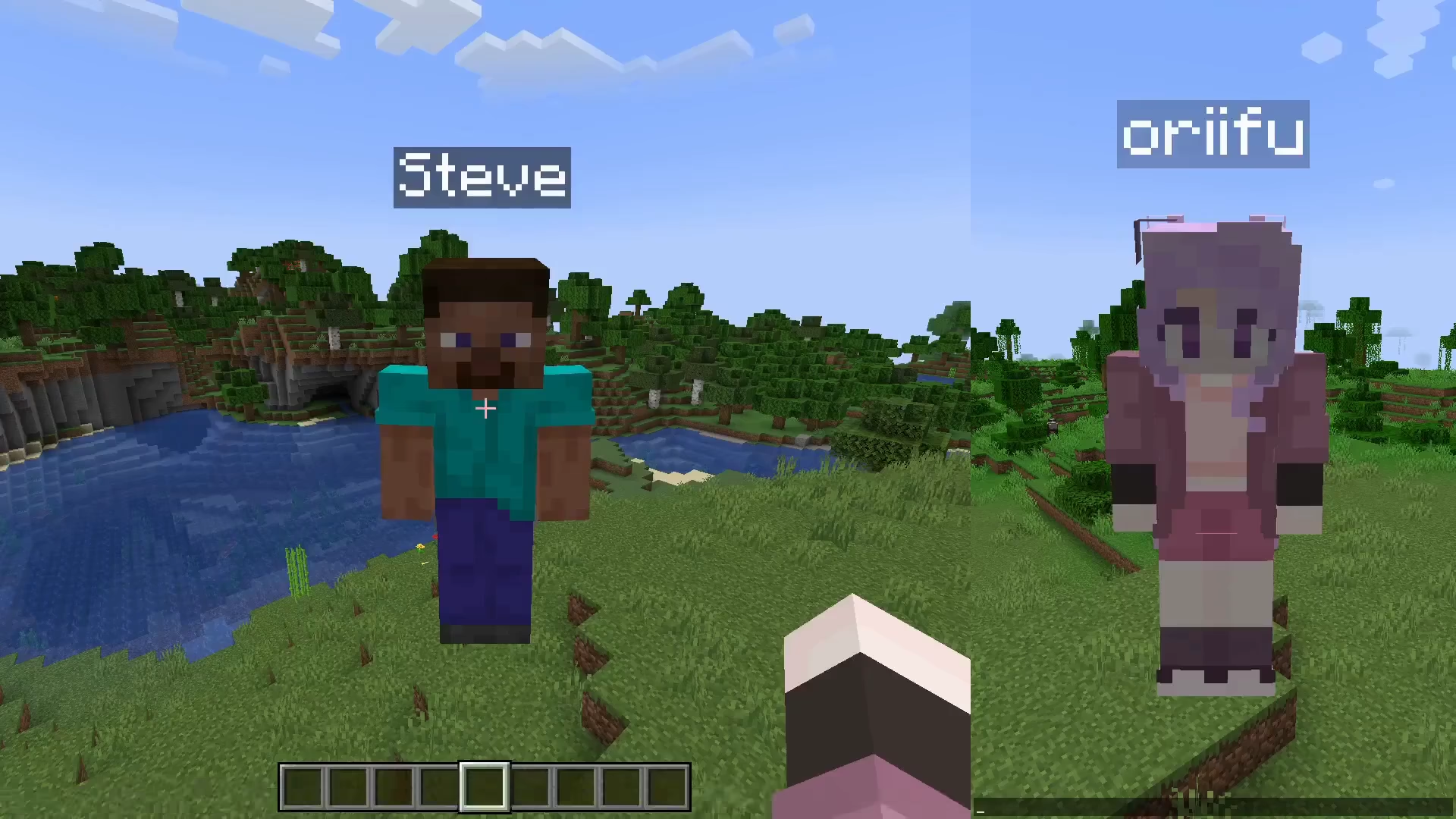
skin overrides also intends to keep compatibility with other skin related mods, such as ears and 3D skin layers. see the compatibility page for more info!
⚠️ versions prior to 2.7.0 used mineskin for skin signing. please refer to their terms of use and privacy policy for more information about their service.
Available Versions
How to Install skin overrides on Your Server
Order Server
Order a Minecraft Java server with at least 3 GB RAM (4 GB recommended).
Set fabric Loader
In the panel under "Egg", select the fabric loader and matching Minecraft version (26.3).
Install Mod
Open the mod browser in the dashboard and search for "skin overrides". Click "Install" – done! Alternatively, upload the .jar via SFTP to the /mods folder.
Compatibility
Mod Loaders
Minecraft Versions
26.3, 26.3-snapshot-8, 26.2 (+33 more)
Server-side
~ OptionalRecommended RAM
4 GB(min. 3 GB)Frequently Asked Questions
skin overrides server crashes on startup – what to do?
Most common cause: wrong fabric version or insufficient RAM. Check the server log (latest.log) for "OutOfMemoryError" or "Mixin" errors. With Mado Hosting: ensure at least 3 GB RAM is allocated and the loader matches the mod version (26.3). You can switch loaders with one click in the panel.
Is skin overrides compatible with fabric and quilt?
skin overrides officially supports fabric, quilt for Minecraft 26.3, 26.3-snapshot-8, 26.2. The Mado dashboard automatically detects incompatible loader combinations.
Server lagging with skin overrides – how to optimize performance?
Recommended RAM: 4 GB (per 8 players). Use /spark profiler to check if skin overrides consumes the most tick time. Common fixes: reduce server view-distance to 8-10, install "performant" or "starlight" as supplementary mods on Forge. With Mado Hosting, your server runs on NVMe SSDs with dedicated CPU cores for minimal latency.
Similar Mods




![[ETF] Entity Texture Features](https://cdn.modrinth.com/data/BVzZfTc1/af683d206d50b05258d865b0d6e4aa2f2cee12f2_96.webp)

Rent Modded Server
Install skin overrides with just one click on your server.