
Stellaris
Discover the next gen space mod!
Screenshots
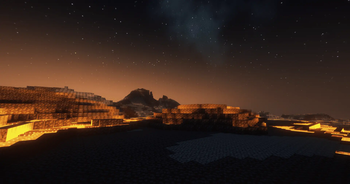
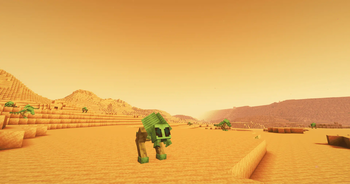
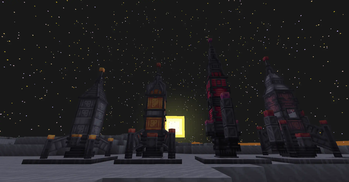
About this Mod
Stellaris introduces an expansive and immersive space exploration experience within the familiar Minecraft universe. Players can discover new planets, moon and galaxies!
Require Fabric API & Architectury API
You need help, you have a bug that you want to report to us or you just want to speak with nice people ? Join our discord server : https://discord.gg/Xb2nPmN
Rocket Crafting and Launching: Players can craft there own rocket using our new rocket component system, allowing for progressive upgrades and customization of spacecraft.
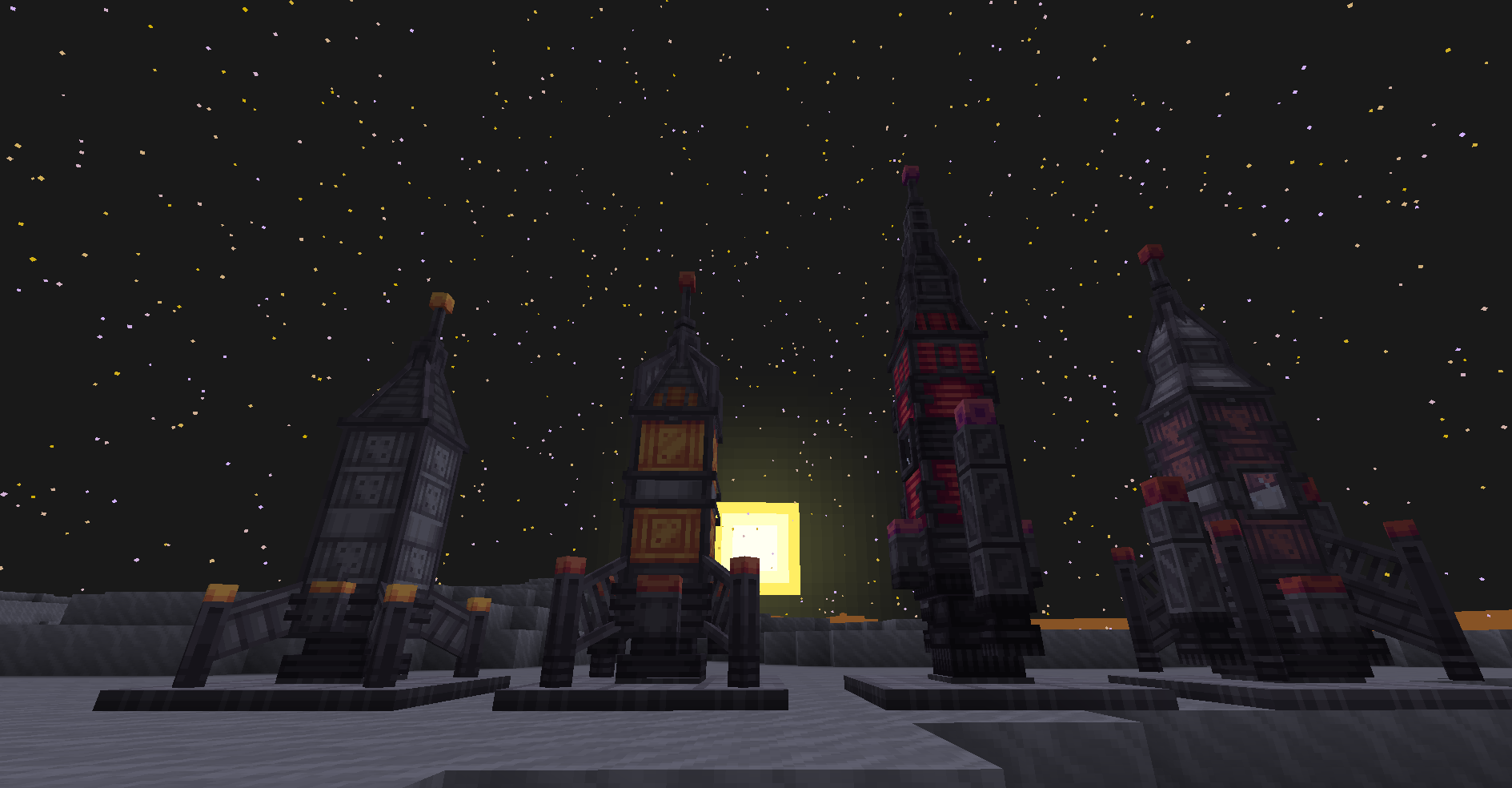
Planetary Exploration: The mod adds a variety of planets and moons to explore, each with distinct environments and gravity levels. Some planets have alien flora and fauna, while others contain rare minerals and treasures.
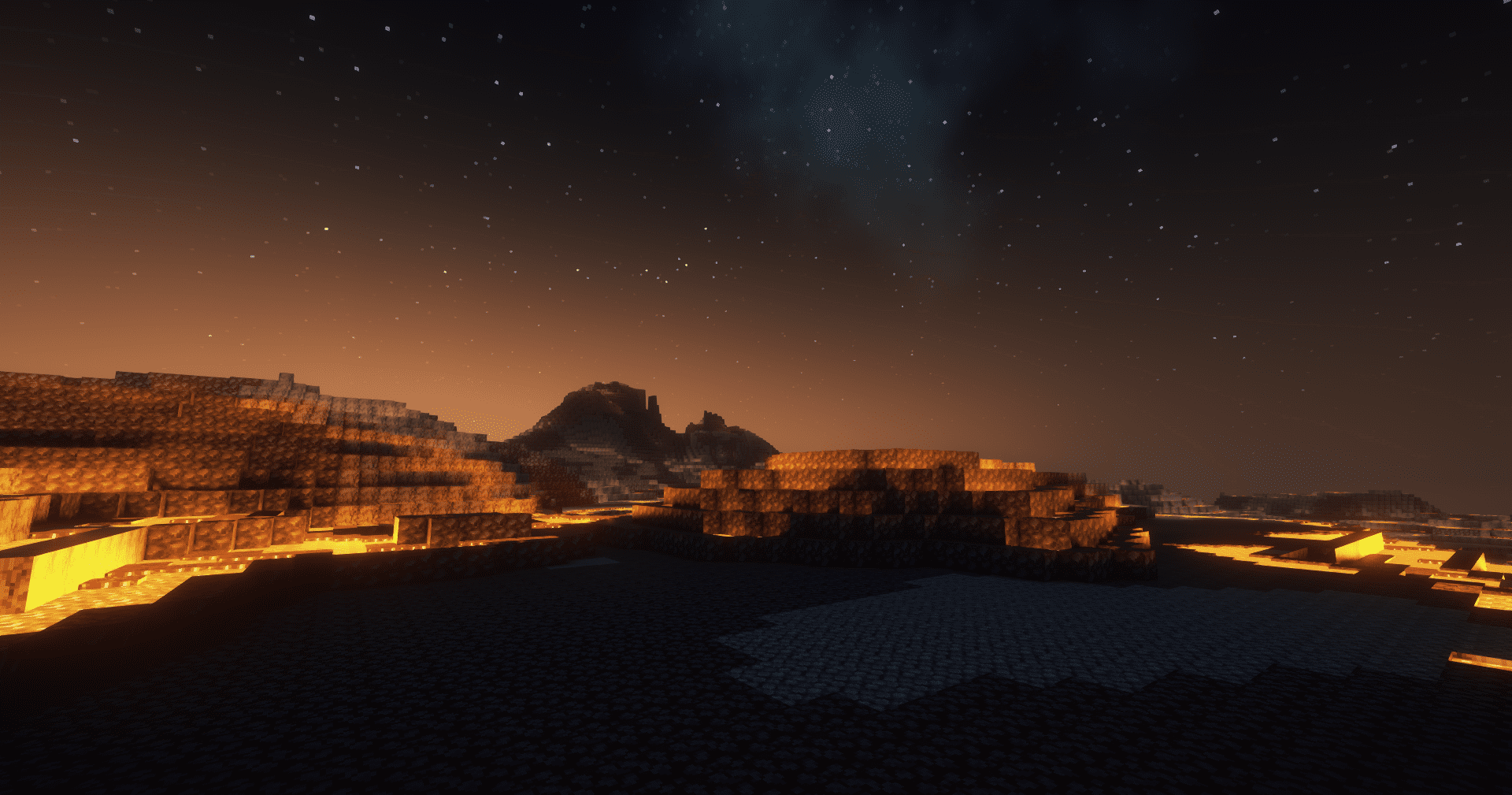
Advanced Technology and Machinery: The mod introduces new technological advancements such as advanced energy systems, machinery for resource extraction and processing, and specialized tools for space survival and exploration.
Aliens and Hostile Entities: Space is not without its dangers. Players may encounter alien species, some of which are hostile and require strategic combat to overcome.
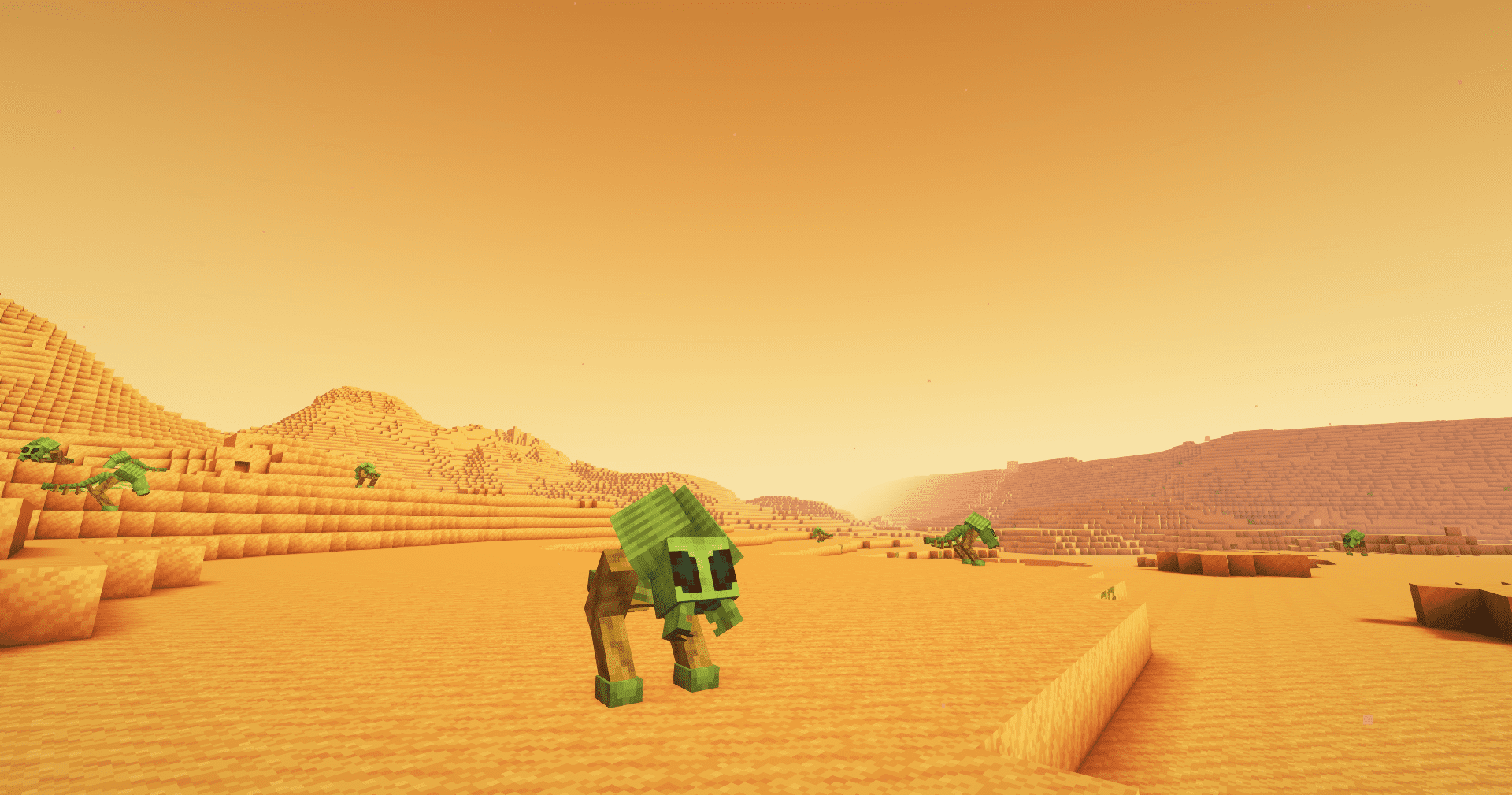
Multiplayer Compatibility: The mod supports multiplayer gameplay, allowing players to embark on space adventures together, cooperate on building projects, and explore the cosmos as a team.
Customizable Options: Players can adjust various settings within the mod to tailor the difficulty and complexity of their space adventures, making it accessible to both casual players and hardcore space enthusiasts. Overall, the Minecraft Space Mod transforms the game into a vast frontier of space exploration, providing endless opportunities for adventure, creativity, and discovery. Whether you're building a thriving space colony or venturing into the unknown depths of the galaxy, this mod offers a rich and engaging experience for all Minecraft players.
Datapack and Addon Support: You can add new planet easily with datapack or create new features with addons, a wiki for developers is disponible here
Need help to start the mod ? We got you ! Well, Jav got you ! Watch his awesome tutorial about Stellaris !
Available Versions
How to Install Stellaris on Your Server
Order Server
Order a Minecraft Java server with at least 4 GB RAM (6 GB recommended).
Set fabric Loader
In the panel under "Egg", select the fabric loader and matching Minecraft version (26.1.2).
Install Mod
Open the mod browser in the dashboard and search for "Stellaris". Click "Install" – done! Alternatively, upload the .jar via SFTP to the /mods folder.
Compatibility
Mod Loaders
Minecraft Versions
26.1.2, 1.21.5, 1.21.1 (+2 more)
Server-side
✓ RequiredRecommended RAM
6 GB(min. 4 GB)Frequently Asked Questions
Stellaris server crashes on startup – what to do?
Most common cause: wrong fabric version or insufficient RAM. Check the server log (latest.log) for "OutOfMemoryError" or "Mixin" errors. With Mado Hosting: ensure at least 4 GB RAM is allocated and the loader matches the mod version (26.1.2). You can switch loaders with one click in the panel.
Is Stellaris compatible with fabric and neoforge?
Stellaris officially supports fabric, neoforge for Minecraft 26.1.2, 1.21.5, 1.21.1. The Mado dashboard automatically detects incompatible loader combinations.
Server lagging with Stellaris – how to optimize performance?
Recommended RAM: 6 GB (per 5 players). Use /spark profiler to check if Stellaris consumes the most tick time. Common fixes: reduce server view-distance to 8-10, install "performant" or "starlight" as supplementary mods on Forge. With Mado Hosting, your server runs on NVMe SSDs with dedicated CPU cores for minimal latency.
Similar Mods




Rent Modded Server
Install Stellaris with just one click on your server.
Details
- License
- Creative Commons Attribution Non Commercial Share Alike 4.0 International
- Server-side
- Required