TDmon
A datapack of Cobblemon made by DiEn.
Screenshots
About this Mod
TDmon
I don't really know what I should write down here, so I just listed what this pack got so far:
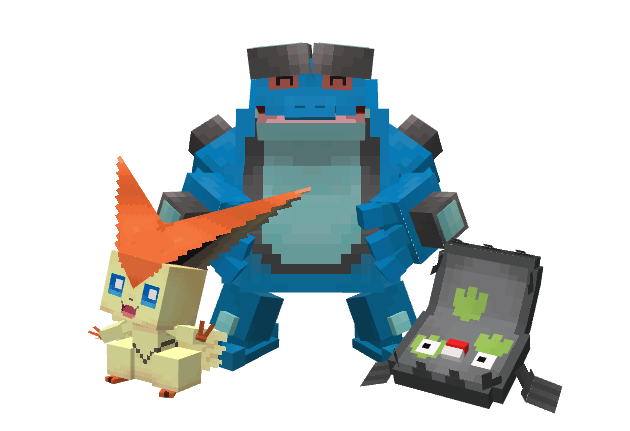
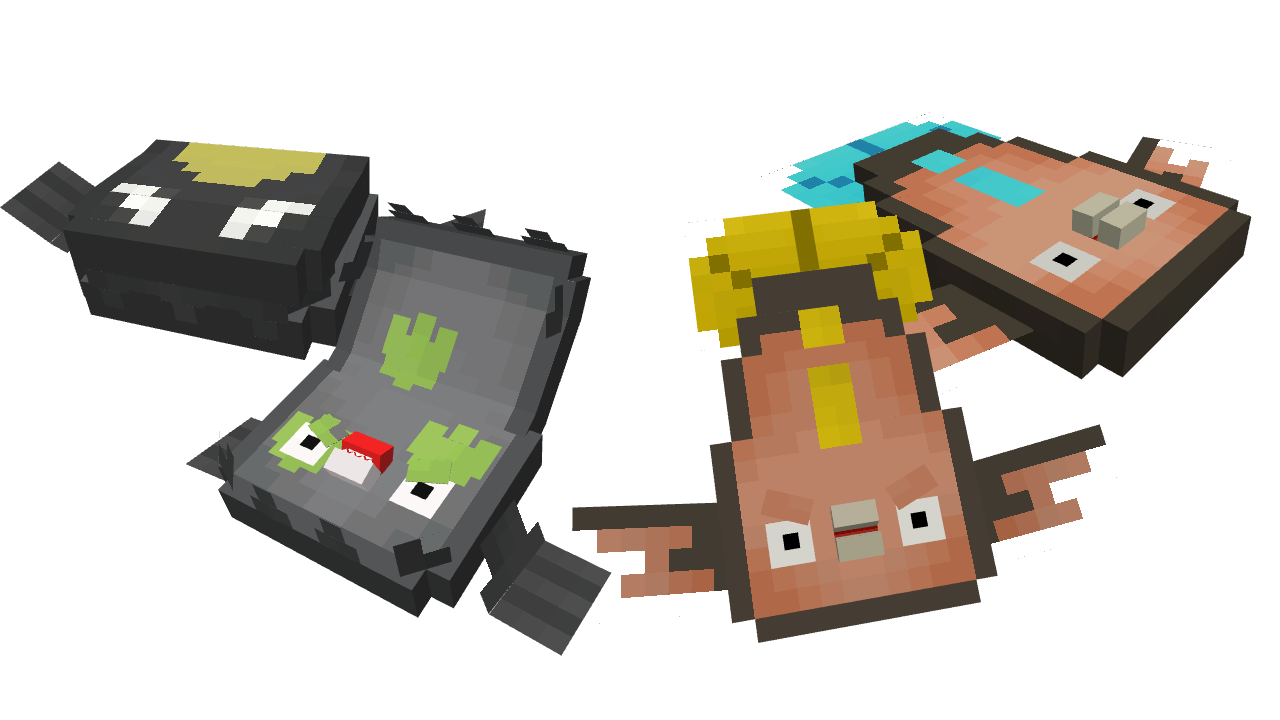
Stunfisk & Galarian Stunfisk
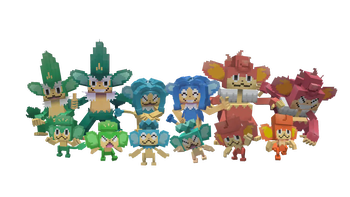
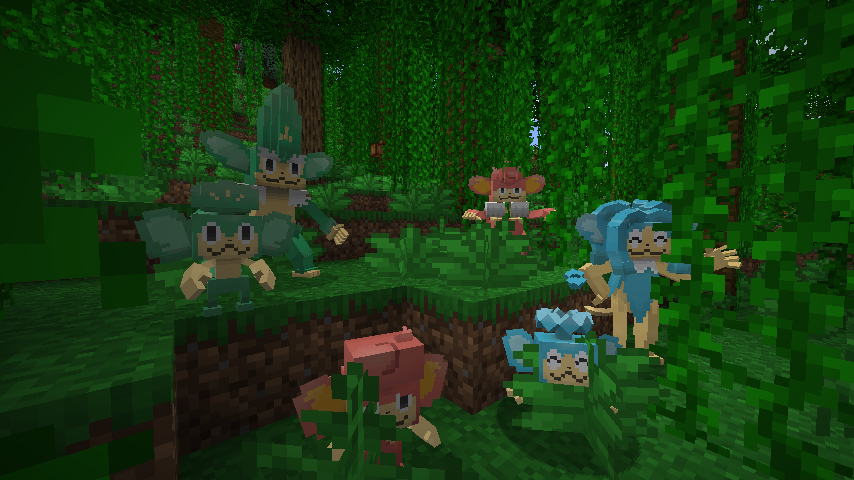
Elemental Monkeys

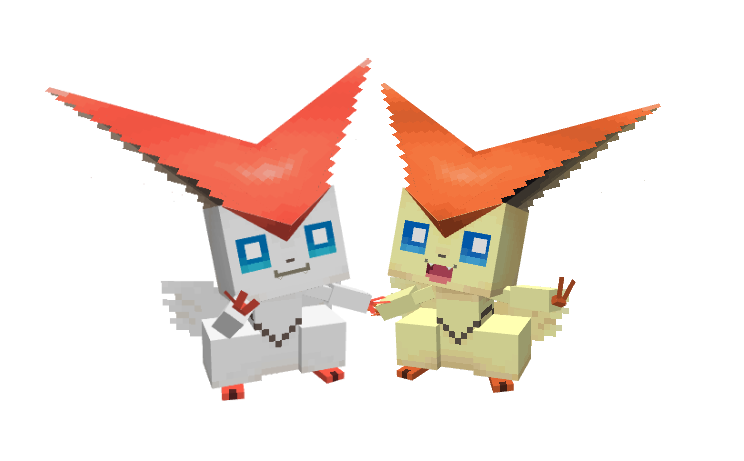
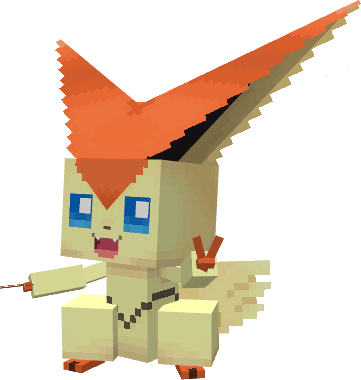
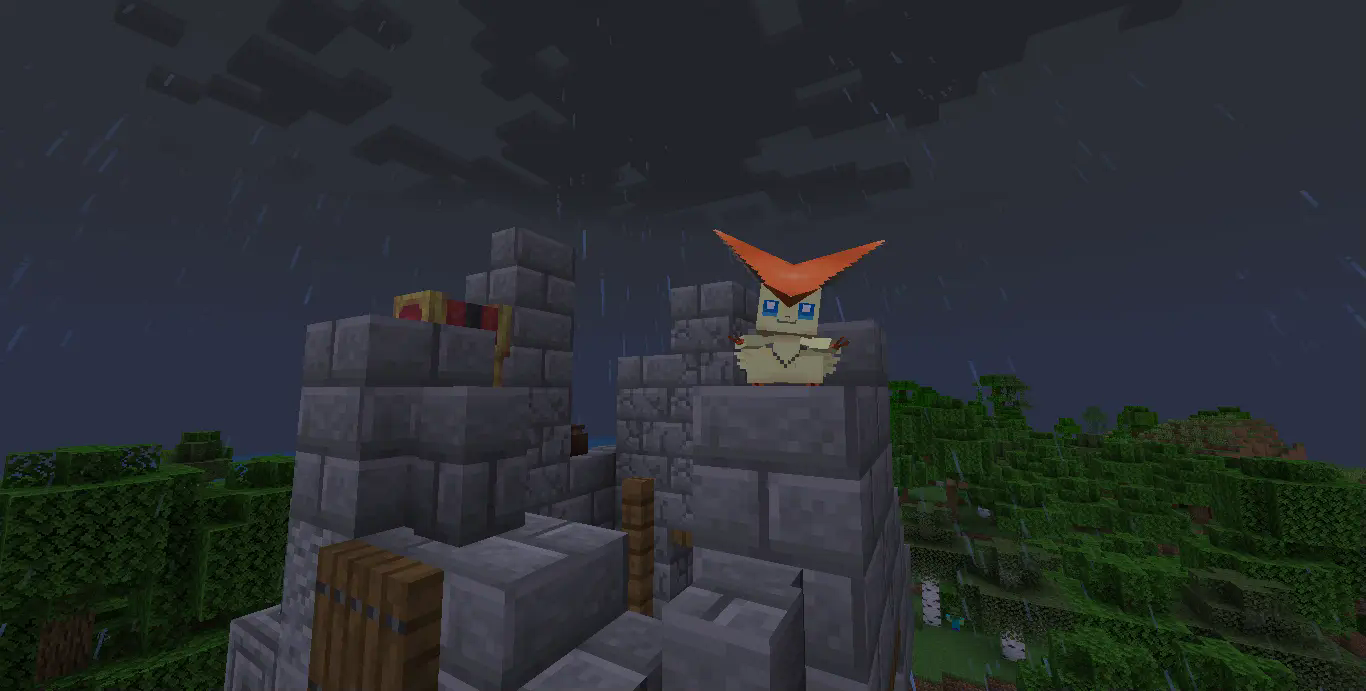
Victini
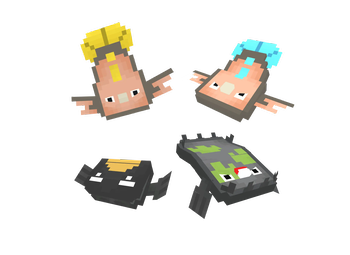
Tympole Line
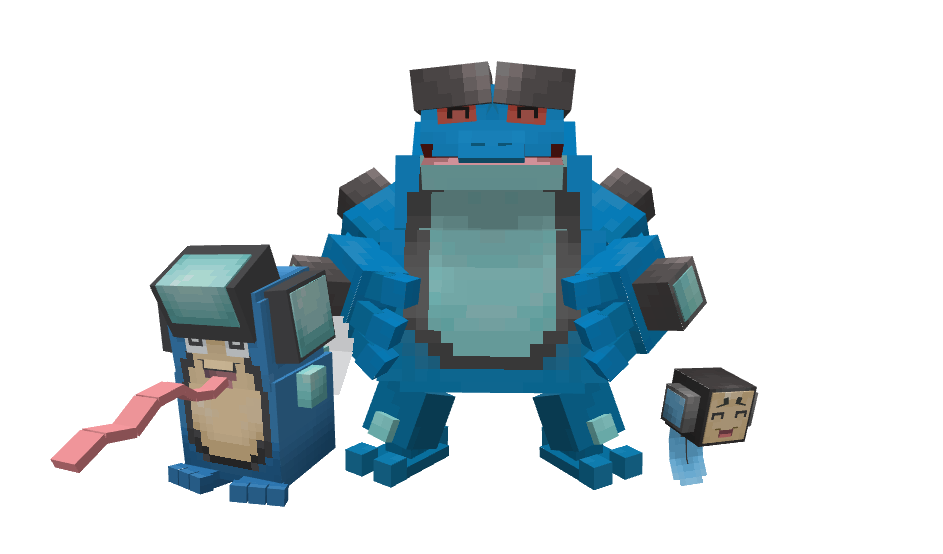
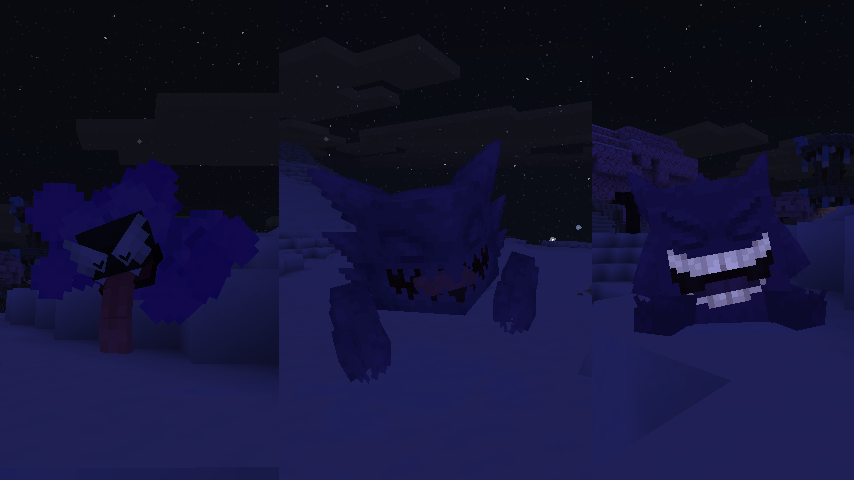
I'm trying my best with the models, textures and animations for these guys, really hope you enjoy it!
Spawn Info
Stunfisk & Galarian Stunfisk
Stunfisk is uncommonly found in Swamp, while Galarian Stunfisk is in the Taiga forest.
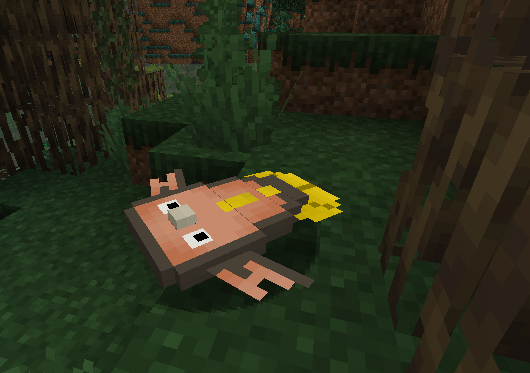
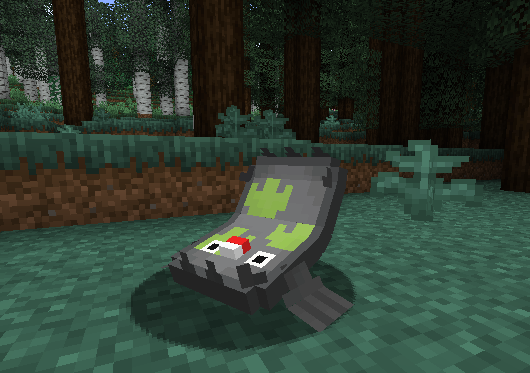
The elemental Monkeys
All the monkeys can be rarely found in the Jungle, obviously.
The Victory Victini
Be sure to check the Castle Ruin, rumor said if you lucky enough, a Victini migh come to visit.
Installation
After downloading the Datapack, be sure to put it in your "resources" folder and "datapack" folder within your world. or you can use Global Packs by JTK222 to load the datapack automatically.

Available Versions
How to Install TDmon on Your Server
Order Server
Order a Minecraft Java server with at least 3 GB RAM (4 GB recommended).
Set datapack Loader
In the panel under "Egg", select the datapack loader and matching Minecraft version (1.21.1).
Install Mod
Open the mod browser in the dashboard and search for "TDmon". Click "Install" – done! Alternatively, upload the .jar via SFTP to the /mods folder.
Compatibility
Mod Loaders
Minecraft Versions
1.21.1, 1.20.1
Server-side
✓ RequiredRecommended RAM
4 GB(min. 3 GB)Frequently Asked Questions
TDmon server crashes on startup – what to do?
Most common cause: wrong datapack version or insufficient RAM. Check the server log (latest.log) for "OutOfMemoryError" or "Mixin" errors. With Mado Hosting: ensure at least 3 GB RAM is allocated and the loader matches the mod version (1.21.1). You can switch loaders with one click in the panel.
Is TDmon compatible with datapack and fabric and forge and minecraft and neoforge and quilt?
TDmon officially supports datapack, fabric, forge, minecraft, neoforge, quilt for Minecraft 1.21.1, 1.20.1. Note: Forge and Fabric mods are NOT cross-compatible – pick one loader and stick with it. The Mado dashboard automatically detects incompatible loader combinations.
Server lagging with TDmon – how to optimize performance?
Recommended RAM: 4 GB (per 8 players). Use /spark profiler to check if TDmon consumes the most tick time. Common fixes: reduce server view-distance to 8-10, install "performant" or "starlight" as supplementary mods on Forge. With Mado Hosting, your server runs on NVMe SSDs with dedicated CPU cores for minimal latency.
Similar Mods




Rent Modded Server
Install TDmon with just one click on your server.