
Threateningly Mobs Continued
A community continuation of Threateningly Mobs with dangerous creatures, bosses, structures, and equipment for Fabric and NeoForge.
Screenshots
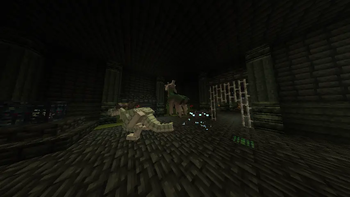
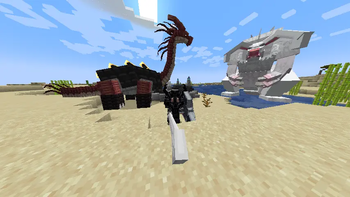
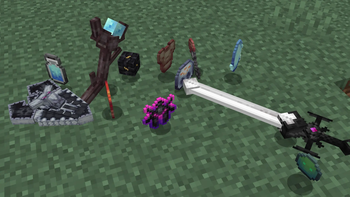
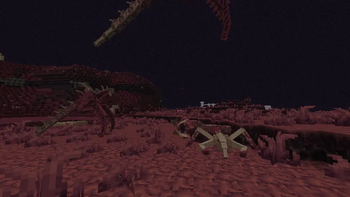

About this Mod
Threateningly Mobs Continued
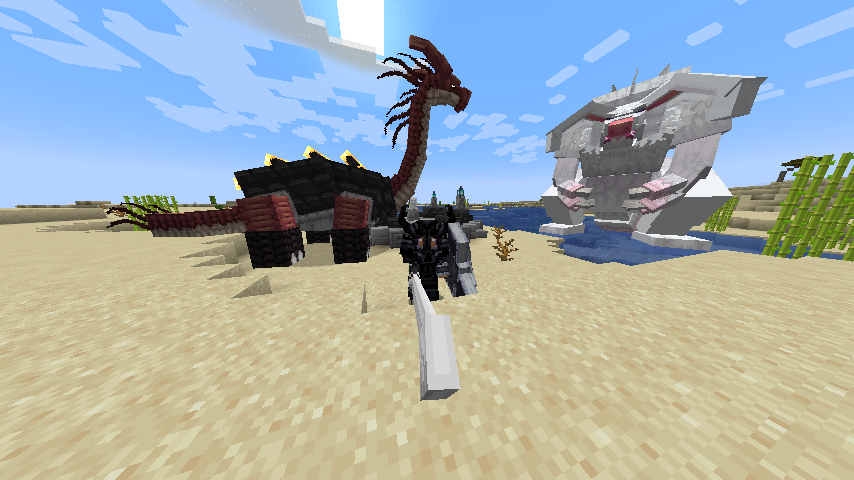
Threateningly Mobs adds hostile creatures, bosses, structures and equipment to survival. Most of the new mobs are stronger than vanilla mobs, and several of them will also attack livestock.
This is a NeoForge 1.21.1 port of Tkhy's original Forge 1.20.1 mod.
Make a new world before installing. The mod adds structures and a dimension. Back up the world before removing the mod too, since the save may not work afterward.
Mobs and bosses
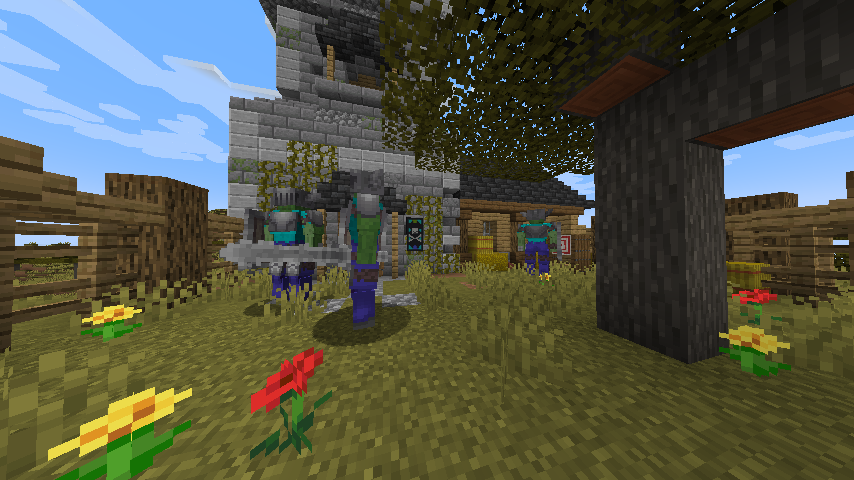
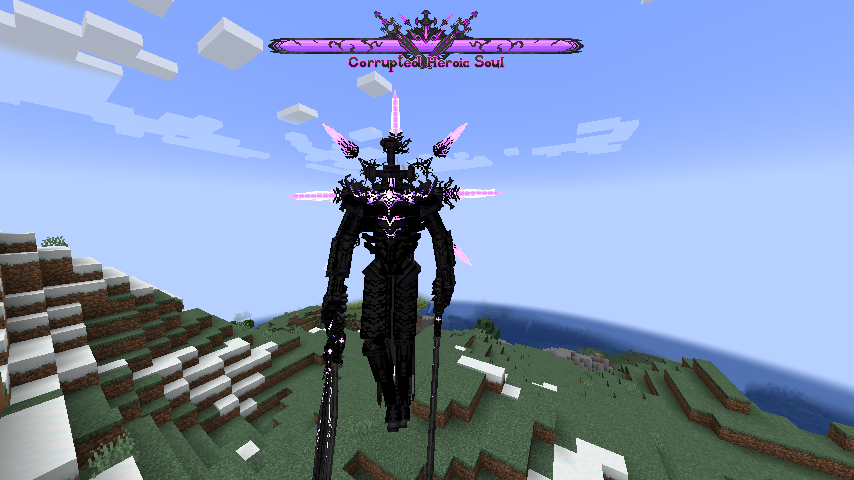
The mod has smaller creatures mixed in with normal spawns, but the heavy mobs are the main danger. Medium mobs can have more than 40 health and heavy mobs can have more than 200. Going after them with early-game equipment is a bad idea.
Some of the heavy mobs and where they appear:
- Nature Spirit: forests, birch forests and dark forests
- Earthloong: forests and jungles
- Desert Beetle: deserts, badlands and savannas
- Lich: the Overworld
- Armor of Desert: deserts and badlands
- Beast Horseshoe Crab: oceans and beaches
- Hydra: oceans, rivers and swamps
- Steelboar: savannas, meadows, dark forests and badlands
- Regalhart: meadows, taigas and forests
- Riptooth: oceans at night
- Flamehorn: savannas
A few bosses have to be summoned instead:
- Titan Rabbit, Inferno and Terradragon: use an Ultra Summon Stone at their altar
- Abyss Fang: use an Ultra Summon Stone at the underwater altar
There are many other creatures besides the ones listed here. Some are regular enemies, some are useful mobs and some only appear around certain structures.
Structures and equipment
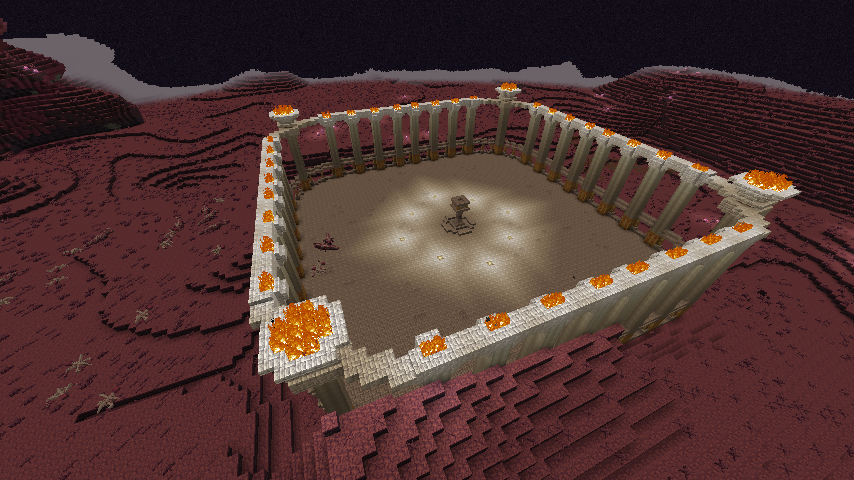
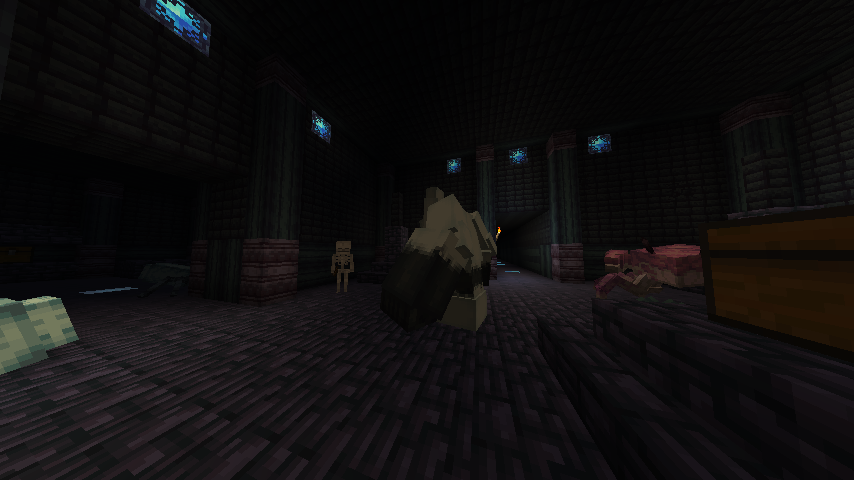
Palaces, dungeons, nests, outposts and altars generate in new chunks. The three palaces are part of the main progression, while the other structures give you more places to fight and search for loot.
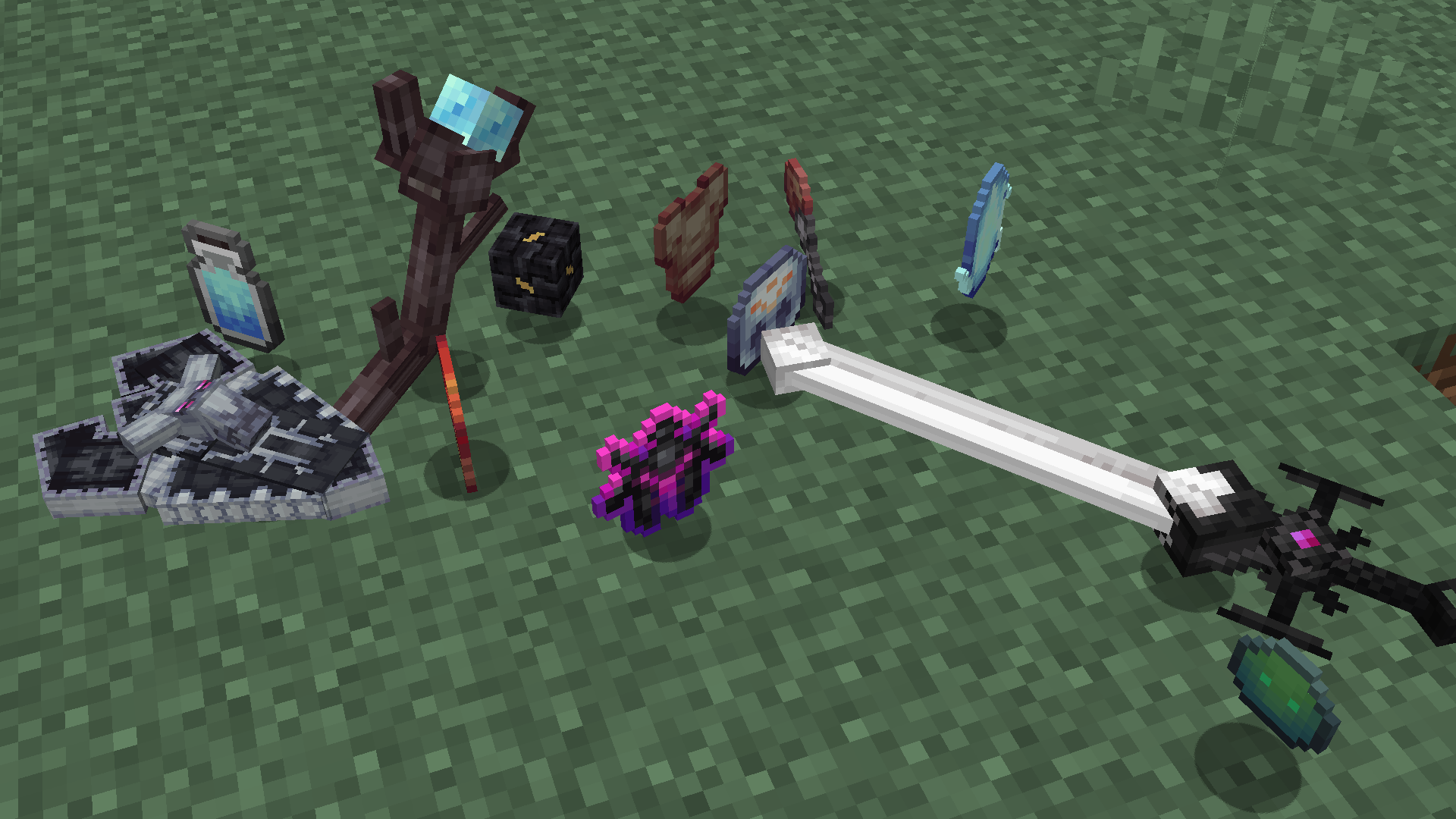
Bosses and structures provide materials for new recipes. The mod includes Ebonlord, Bionics and Desert equipment, along with shields, staves, creature-material tools and weapons such as the Emperor Blade.
Getting to the Distortion Land
First, find the trial structures in forest, snowy and desert regions. Defeat their bosses and collect these three items:
- Forest trial proving
- Ice trial proving
- Flame trial proving
Craft Triple eyes in this arrangement:
| Flame | ||
| Ice | Forest |
Find a Summon stele and use Triple eyes on it. This creates the portal frame and consumes the stele. Use Triple eyes on the new frame once more to activate the portal.
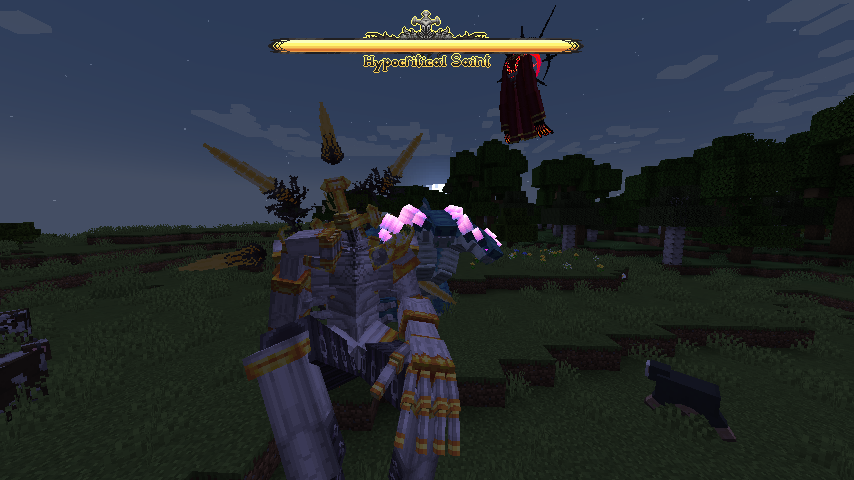
Inside the Distortion Land, find the center of the Saint Palace. Use a Hypocritical saint summon rune on the altar when you are ready to start the fight.
Credits
Threateningly Mobs was originally created by Tkhy. This is an unofficial reconstruction and port of version 1.1.1. The original mod and this port use the MIT License.
Available Versions
How to Install Threateningly Mobs Continued on Your Server
Order Server
Order a Minecraft Java server with at least 3 GB RAM (4 GB recommended).
Set fabric Loader
In the panel under "Egg", select the fabric loader and matching Minecraft version (26.2).
Install Mod
Open the mod browser in the dashboard and search for "Threateningly Mobs Continued". Click "Install" – done! Alternatively, upload the .jar via SFTP to the /mods folder.
Compatibility
Mod Loaders
Minecraft Versions
26.2, 26.1.2, 1.21.8 (+1 more)
Server-side
✓ RequiredRecommended RAM
4 GB(min. 3 GB)Frequently Asked Questions
Threateningly Mobs Continued server crashes on startup – what to do?
Most common cause: wrong fabric version or insufficient RAM. Check the server log (latest.log) for "OutOfMemoryError" or "Mixin" errors. With Mado Hosting: ensure at least 3 GB RAM is allocated and the loader matches the mod version (26.2). You can switch loaders with one click in the panel.
Is Threateningly Mobs Continued compatible with fabric and forge and neoforge?
Threateningly Mobs Continued officially supports fabric, forge, neoforge for Minecraft 26.2, 26.1.2, 1.21.8. Note: Forge and Fabric mods are NOT cross-compatible – pick one loader and stick with it. The Mado dashboard automatically detects incompatible loader combinations.
Server lagging with Threateningly Mobs Continued – how to optimize performance?
Recommended RAM: 4 GB (per 8 players). Use /spark profiler to check if Threateningly Mobs Continued consumes the most tick time. Common fixes: reduce server view-distance to 8-10, install "performant" or "starlight" as supplementary mods on Forge. With Mado Hosting, your server runs on NVMe SSDs with dedicated CPU cores for minimal latency.
Similar Mods




Rent Modded Server
Install Threateningly Mobs Continued with just one click on your server.