
Tropicraft
The utopian idyllic getaway that you have been waiting for!
Screenshots
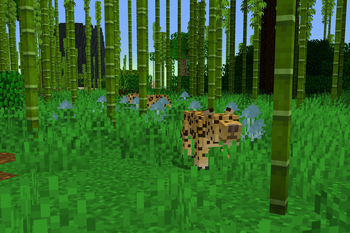
About this Mod
Are Vanilla beaches not doing it for you? Are the long hours of mining wearing you down?
Get ready for the Minecraft vacation of a lifetime!
Introducing...

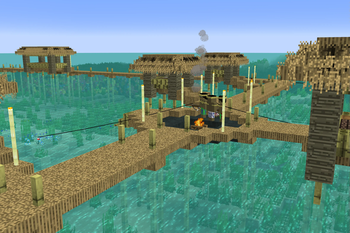
Tropicraft is a mod that adds a tropical dimension into your Minecraft world.
Founded in 2011, Tropicraft is one of the oldest Minecraft mods still being actively updated.
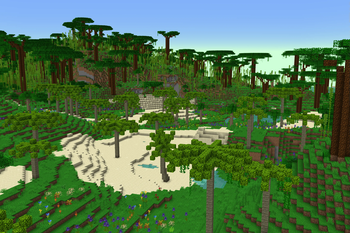
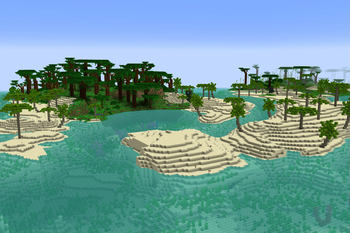
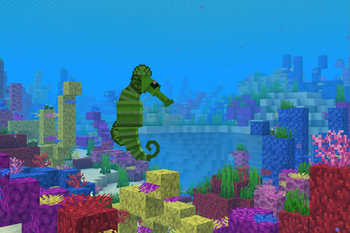
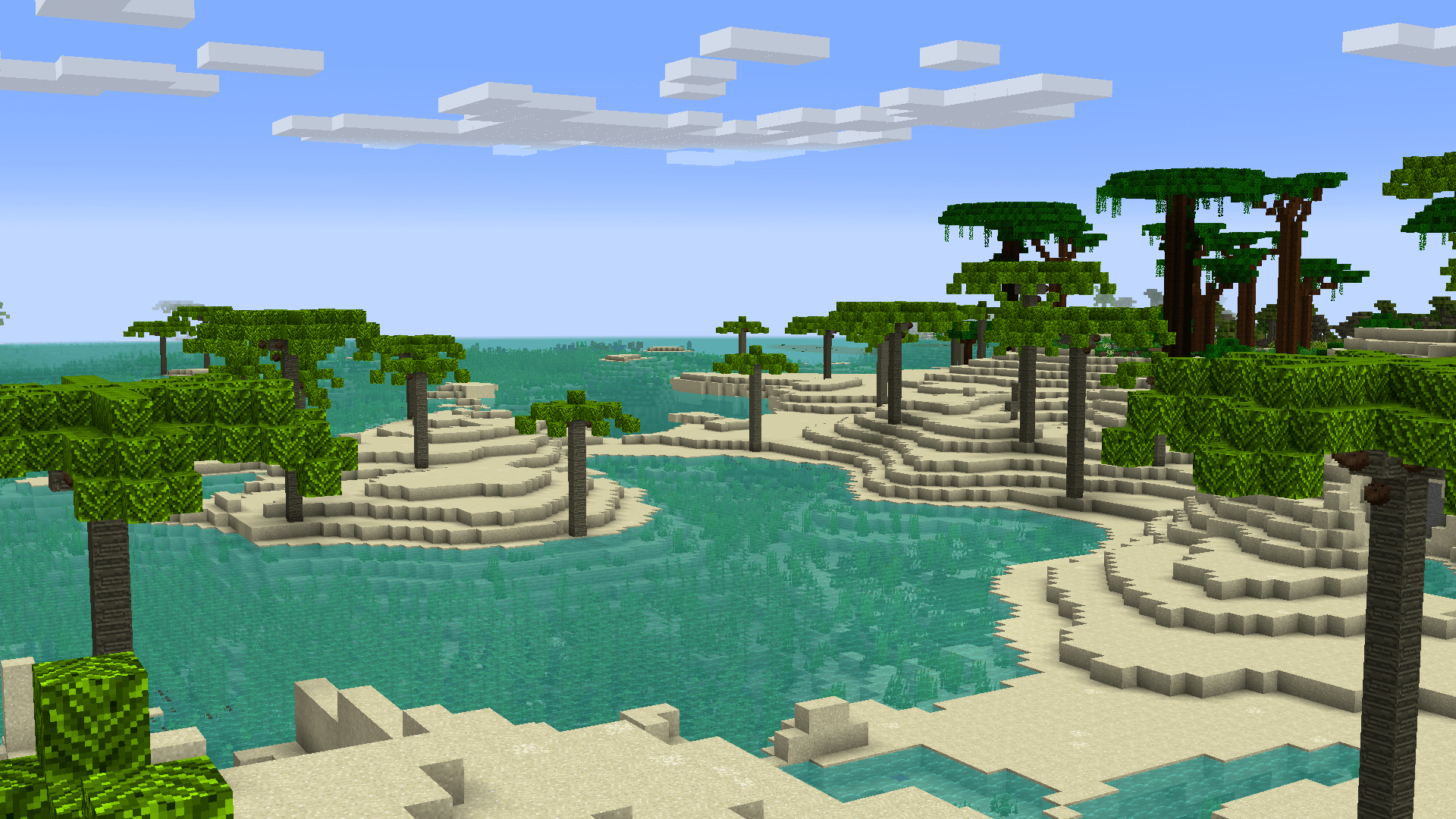
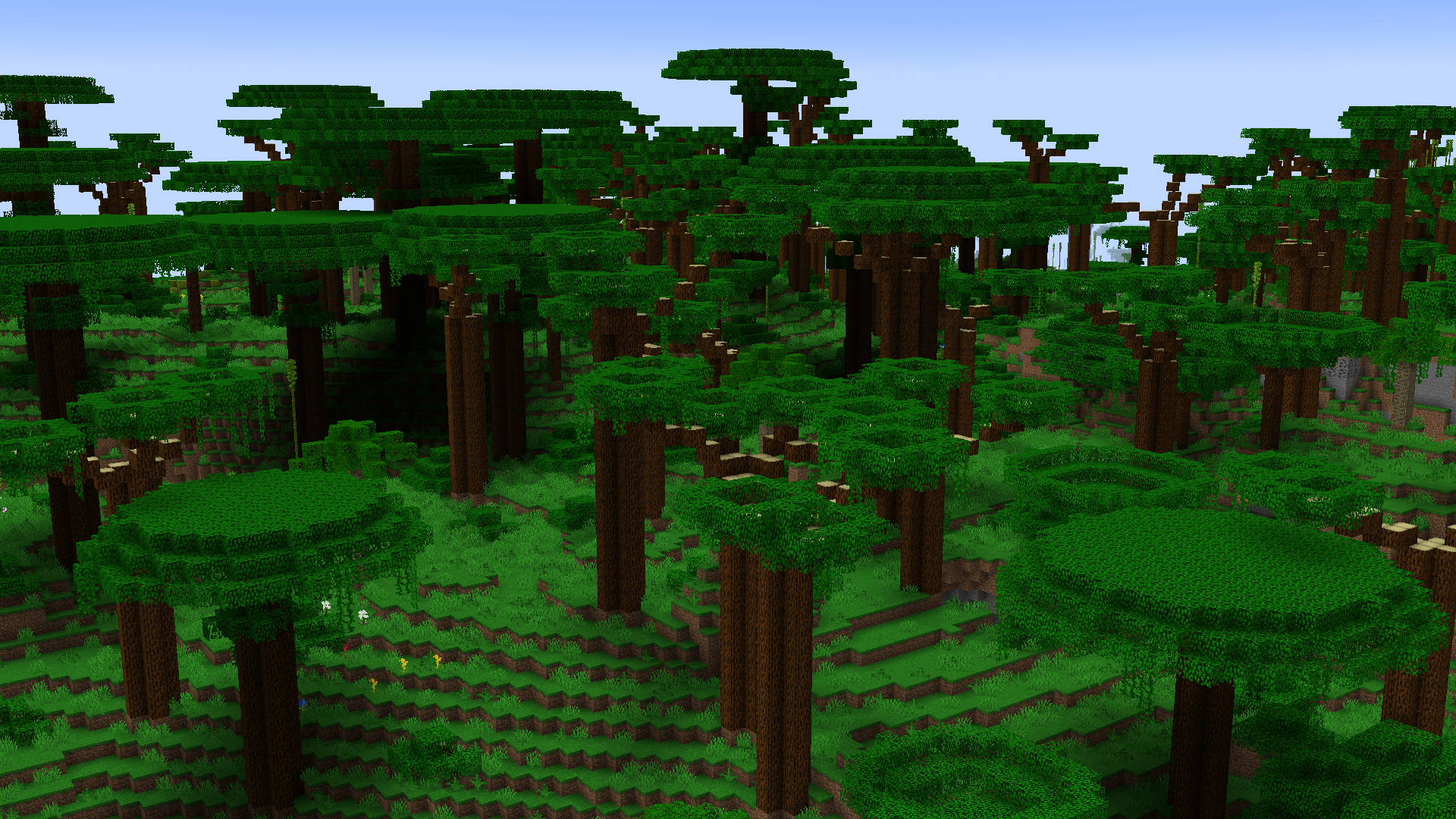
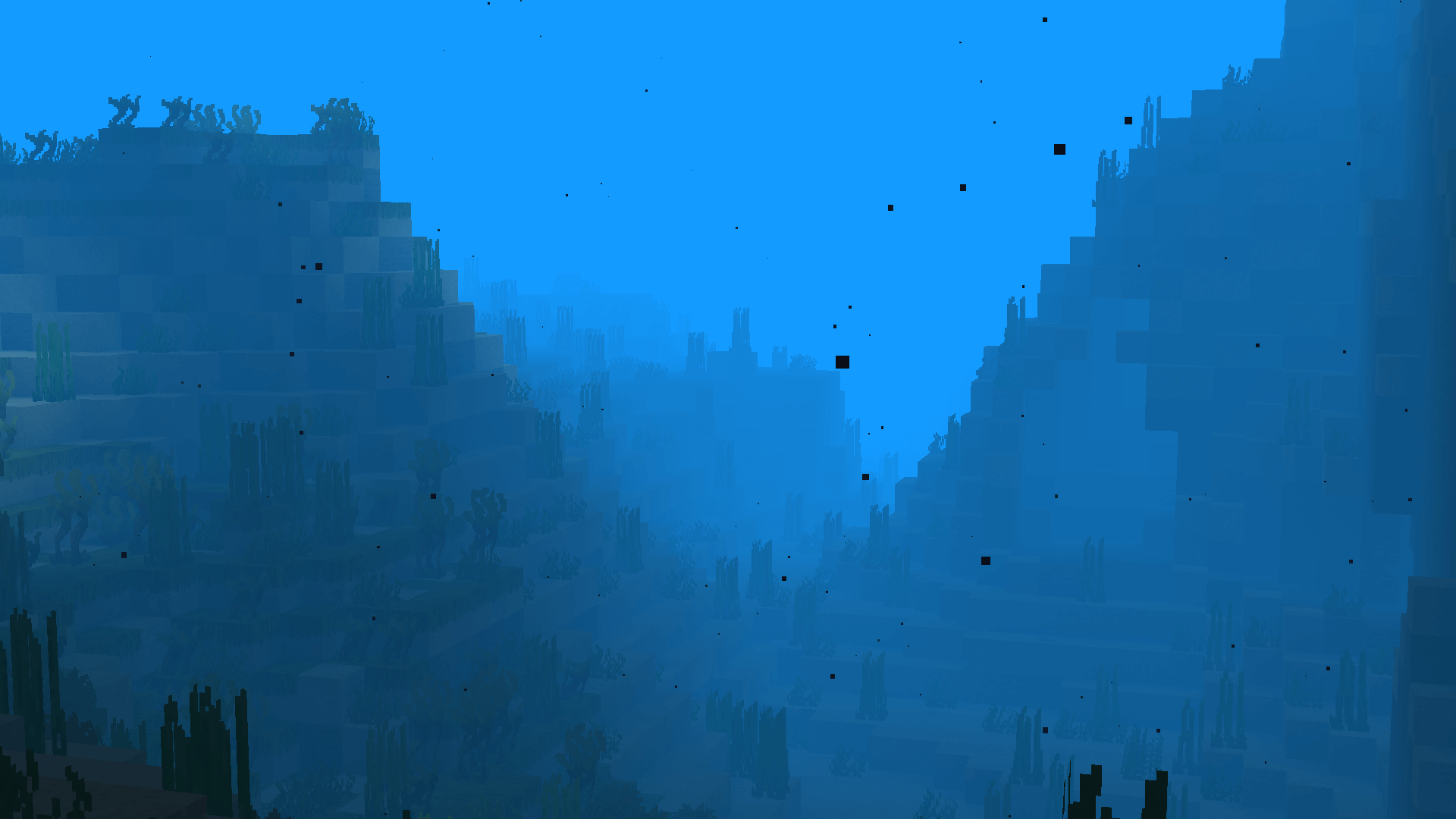
Explore the dense tropical rainforests, build a sand castle on the vast beaches, or go diving in the deep oceans!
Screenshots
Getting to the Tropics
1. Craft a beach chair (available in all 16 wool colors)
2. Craft a Piña Colada (All combinations of pineapples, coconuts, and chunks can create this)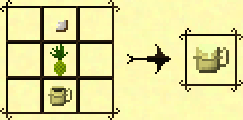
3. Sip your drink in your beach chair at sunset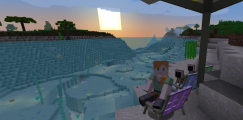
4. Find out what happens next for yourself!
Support
We can provide support via our Discord Guild. If you don't want to create a Discord account, reach out via the Discussions tab above! You can also file any issues that you encounter on our GitHub issue tracker.
Modpacks
Tropicraft can be used in any Public & Private Modpack without permission. Feel free to reach out to us via Discord and let us know how you're using Tropicraft!
Love Tropics
Love Tropics is a weekend-long charity livestream founded by the Tropicraft Devs, and is focused on raising funds to fight climate change in the regions impacted the most.
Since inception in 2017, over US$200,000 has been raised for various different causes.
Click on the link above to learn more about the event.
Available Versions
How to Install Tropicraft on Your Server
Order Server
Order a Minecraft Java server with at least 4 GB RAM (6 GB recommended).
Set forge Loader
In the panel under "Egg", select the forge loader and matching Minecraft version (26.2).
Install Mod
Open the mod browser in the dashboard and search for "Tropicraft". Click "Install" – done! Alternatively, upload the .jar via SFTP to the /mods folder.
Compatibility
Mod Loaders
Minecraft Versions
26.2, 26.1.2, 1.21.8 (+10 more)
Server-side
✓ RequiredRecommended RAM
6 GB(min. 4 GB)Frequently Asked Questions
Tropicraft server crashes on startup – what to do?
Most common cause: wrong forge version or insufficient RAM. Check the server log (latest.log) for "OutOfMemoryError" or "Mixin" errors. With Mado Hosting: ensure at least 4 GB RAM is allocated and the loader matches the mod version (26.2). You can switch loaders with one click in the panel.
Is Tropicraft compatible with forge and neoforge?
Tropicraft officially supports forge, neoforge for Minecraft 26.2, 26.1.2, 1.21.8. The Mado dashboard automatically detects incompatible loader combinations.
Server lagging with Tropicraft – how to optimize performance?
Recommended RAM: 6 GB (per 5 players). Use /spark profiler to check if Tropicraft consumes the most tick time. Common fixes: reduce server view-distance to 8-10, install "performant" or "starlight" as supplementary mods on Forge. With Mado Hosting, your server runs on NVMe SSDs with dedicated CPU cores for minimal latency.
Similar Mods




Rent Modded Server
Install Tropicraft with just one click on your server.