
Unwrecked Ships
Vanilla shipwreck structures repaired and sailing the seas!
Screenshots
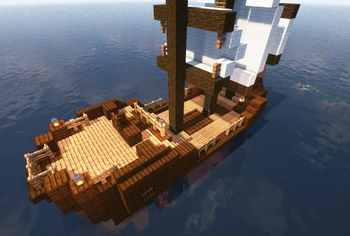
![[Plus] Pure cherry ship with black sails](https://cdn.modrinth.com/data/ae8EZLiC/images/5253cba3aeb39e9e709c83999d898cf58acd86bb_350.webp)
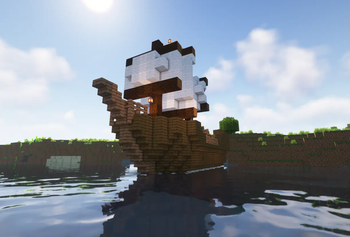
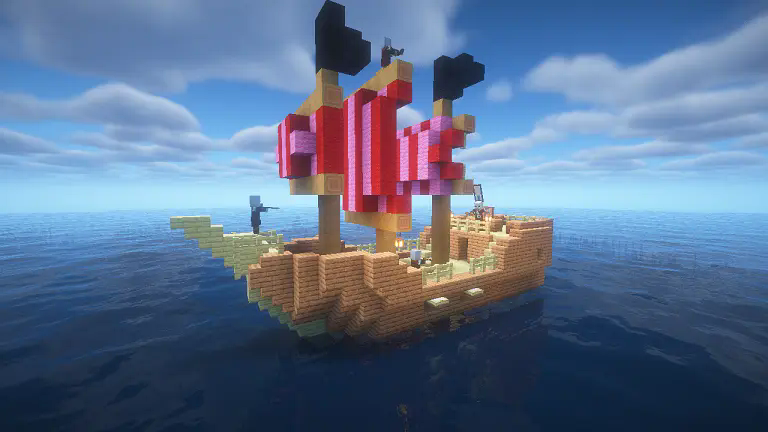
![[Plus] Spruce mangrove ship with pink sails and villagers](https://cdn.modrinth.com/data/ae8EZLiC/images/8c1dba4e41fdb8abdf7e6b6e18b966872661b03c_350.webp)
![[Plus] Pirate ship](https://cdn.modrinth.com/data/ae8EZLiC/images/81af9abf0c87e4a80bd95a37fe7f590bcf6c7f9e_350.webp)
![[Plus] Nether Privateer Ship](https://cdn.modrinth.com/data/ae8EZLiC/images/5855713fabe83ae687dd2d7f566dd2c559888c52_350.webp)
About this Mod
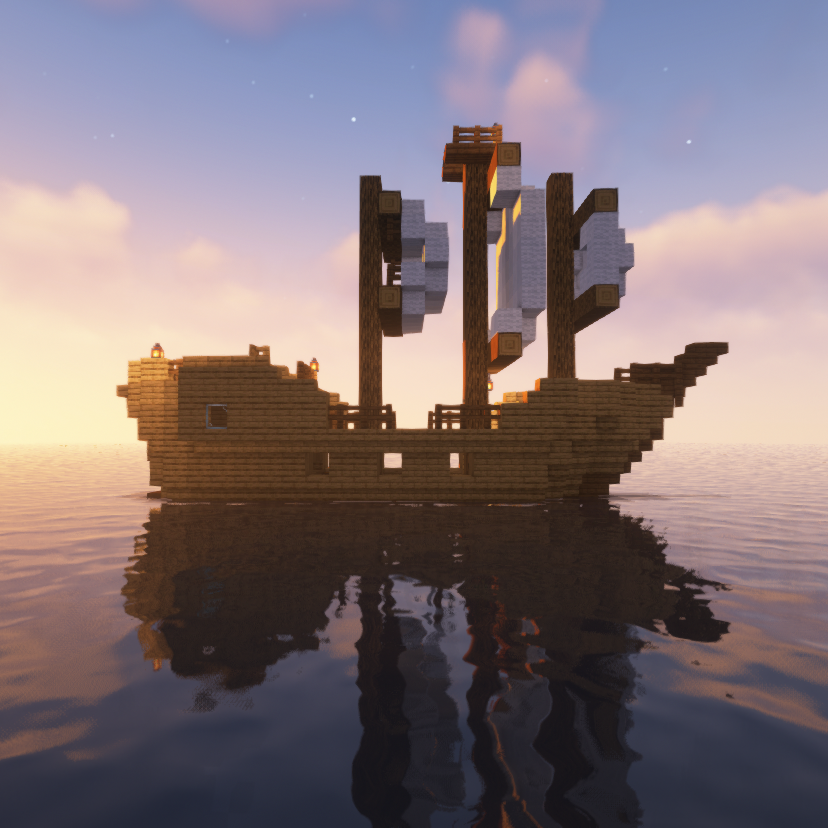
Have you ever wondered how the shipwrecks in vanilla Minecraft would look in their prime? Wonder no longer, for this datapack adds shipwrecks repaired and sailing again, naturally generating in your world! They come with few changes (e.g. sails and lanterns), and only come in their vanilla design.
 Unwrecked Ships Base adds 7 ship variants, using only the wood-type combinations used in vanilla, and only white sails.
 Unwrecked Ships Plus adds every combination of wood-type and sail color in the game, as well as Nether ships that use Nether-only woods. In addition, some ships can have sailors, such as Villagers, Pillagers, and Piglins for the Nether ships. These ships also vary from vanilla in loot layout.
Installation
Fabric

- Download the Fabric installer.
- Install a version of Fabric Loader compatible with the version of the mod you are using.
- Locate your .minecraft directory. If there is a "mods" folder inside open it, otherwise create one and open it.
- Download Fabric API and Unwrecked Ships and place their .jar files inside the mods folder.
- Launch Minecraft with the newly created Fabric installation.
Forge

- Download and install a version of Forge compatible with the version of the mod you are using.
- Locate your .minecraft directory. If there is a "mods" folder inside open it, otherwise create one and open it.
- Download Unwrecked Ships and place the .jar file inside the mods folder.
Launch Minecraft with the newly created Forge installation.
Check out our other projects!
 Wabi-Sabi Structures
 Pale Formations
 Revamped Shipwrecks
Available Versions
How to Install Unwrecked Ships on Your Server
Order Server
Order a Minecraft Java server with at least 4 GB RAM (6 GB recommended).
Set datapack Loader
In the panel under "Egg", select the datapack loader and matching Minecraft version (1.21.11).
Install Mod
Open the mod browser in the dashboard and search for "Unwrecked Ships". Click "Install" – done! Alternatively, upload the .jar via SFTP to the /mods folder.
Compatibility
Mod Loaders
Minecraft Versions
1.21.11, 1.21.10, 1.21.9 (+21 more)
Server-side
✓ RequiredRecommended RAM
6 GB(min. 4 GB)Frequently Asked Questions
Unwrecked Ships server crashes on startup – what to do?
Most common cause: wrong datapack version or insufficient RAM. Check the server log (latest.log) for "OutOfMemoryError" or "Mixin" errors. With Mado Hosting: ensure at least 4 GB RAM is allocated and the loader matches the mod version (1.21.11). You can switch loaders with one click in the panel.
Is Unwrecked Ships compatible with datapack and fabric and forge and neoforge and quilt?
Unwrecked Ships officially supports datapack, fabric, forge, neoforge, quilt for Minecraft 1.21.11, 1.21.10, 1.21.9. Note: Forge and Fabric mods are NOT cross-compatible – pick one loader and stick with it. The Mado dashboard automatically detects incompatible loader combinations.
Server lagging with Unwrecked Ships – how to optimize performance?
Recommended RAM: 6 GB (per 5 players). Use /spark profiler to check if Unwrecked Ships consumes the most tick time. Common fixes: reduce server view-distance to 8-10, install "performant" or "starlight" as supplementary mods on Forge. With Mado Hosting, your server runs on NVMe SSDs with dedicated CPU cores for minimal latency.
Similar Mods




Rent Modded Server
Install Unwrecked Ships with just one click on your server.