
WAIG: Where Am I Going
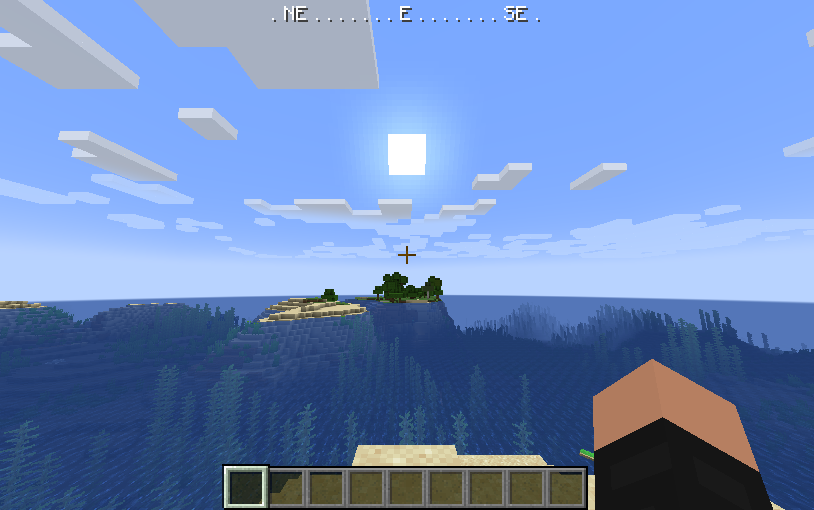
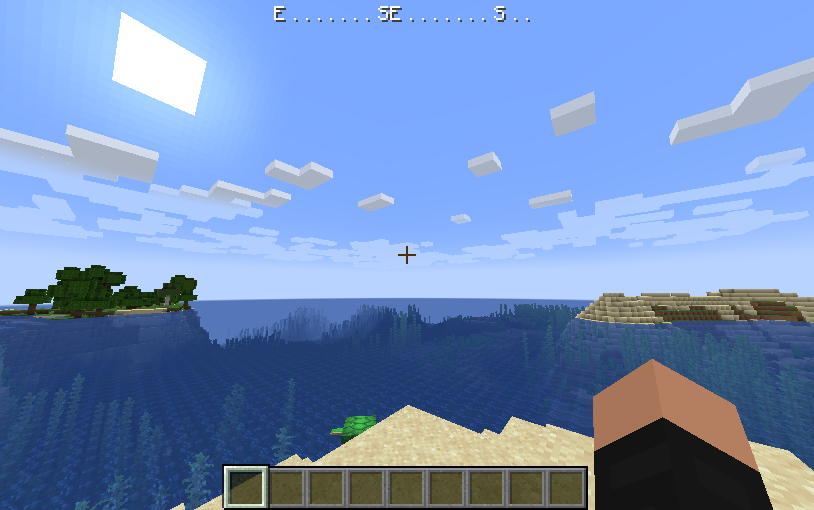
Fabric mod for Minecraft, adds a minimal RPG-inspired compass HUD to the game.
Screenshots
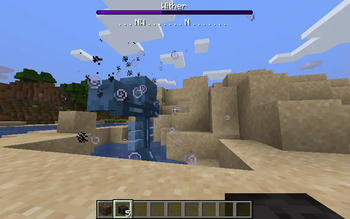
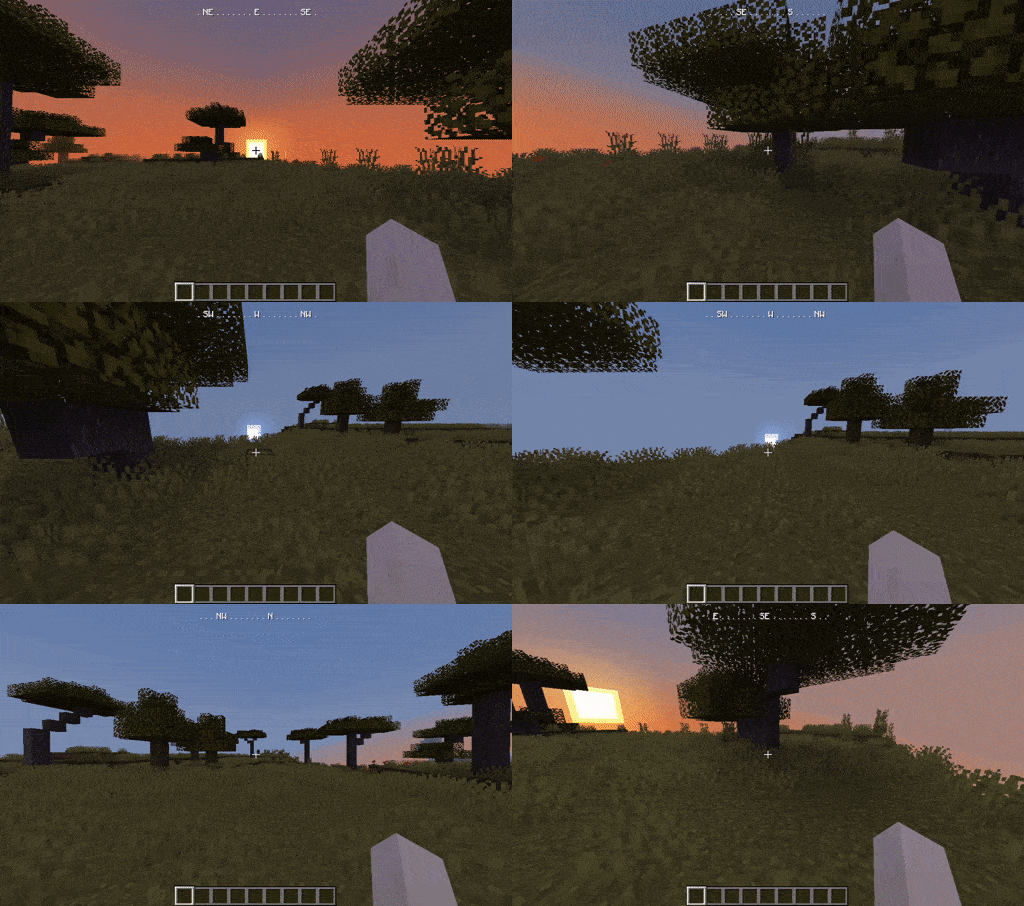
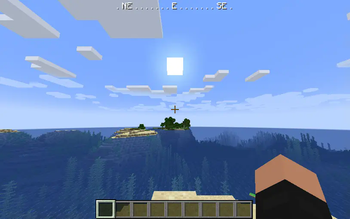
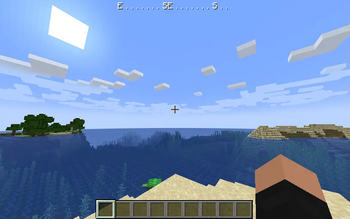
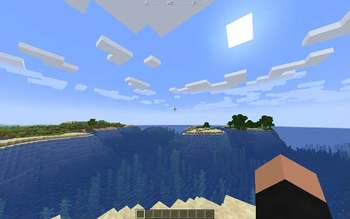
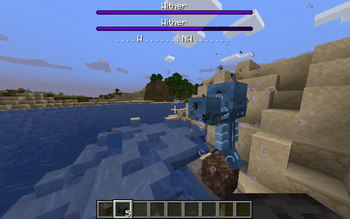
About this Mod
WAIG: Where Am I Going
Fabric mod for Minecraft, adds a minimal RPG-inspired compass HUD to the game.
This mod is client side only.
 : In case it is not shown the short demo gif showcasing the HUD can be found here and in the image gallery.
Features
- Always know in which direction your Minecraft character is going
- Toggleable via key binding (default: F6)
- Can be configured to show the HUD only when the player carries a compass in the inventory or is holding a compass in any hand. See Configuration section below for details.
- Does not obstruct boss bars by moving down
- Client side only
- Scales with the GUI
Configuration
- Config file location:
minecraft-base-folder/config/waig.config - A default configuration is generated when the mod is started for the first time or if the config file is missing
hud-show-mode: config key to enable the compass HUD only in certain circumstances (default:always)- if set to
alwaysthe HUD will always be displayed - if set to
inventorythe HUD will be displayed only if the player carries a compass in the inventory - if set to
handthe HUD will be displayed only if the player holds a compass in the main hand or off-hand
- if set to
compass-items: config key to list all items that count as compass equivalent. Whenhud-show-modeis set toinventoryorhand, the mod checks if any of the listed items are in the inventory or held, and if so will show the HUD.
Developer Support Options
If you like this project and want to support me you can buy me a coffee - everything is greatly appreciated, you are the best! <3
Images
Available Versions
How to Install WAIG: Where Am I Going on Your Client
Install the Mod Loader Locally
Install fabric for your local Minecraft version.
Download the Matching File
Choose the WAIG: Where Am I Going file for fabric and Minecraft 26.3.
Install Mod
Place the .jar file in your local .minecraft/mods folder and restart Minecraft. No server-side installation is required.
Compatibility
Mod Loaders
Minecraft Versions
26.3, 26.2, 26.1.2 (+29 more)
Server-side
✗ UnsupportedRecommended RAM
4 GB(min. 3 GB)Frequently Asked Questions
Does WAIG: Where Am I Going need to be installed on the Minecraft server?
No. Modrinth marks WAIG: Where Am I Going as unsupported on the server side. Install it only in your local Minecraft mods folder. Your server can remain unchanged unless the mod page lists an additional dependency.
Which version and loader does WAIG: Where Am I Going require?
Use a file for fabric and your exact Minecraft version. Supported versions include 26.3, 26.2, 26.1.2. Files for different loaders are not interchangeable.
WAIG: Where Am I Going is not working – what should I check?
First check the Minecraft version, loader version and required dependencies. Put the .jar file in your local .minecraft/mods folder and remove older duplicates. Because this mod is client-side, adding server RAM will not fix it.
Similar Mods




Minecraft Server for Your Group
WAIG: Where Am I Going stays on your client. Host a compatible world for your group.