
WolfSwordMod - Wolf equips Swords and Spins!
Wolves now can hold sword and SPIN-ATTACK with them!
Screenshots
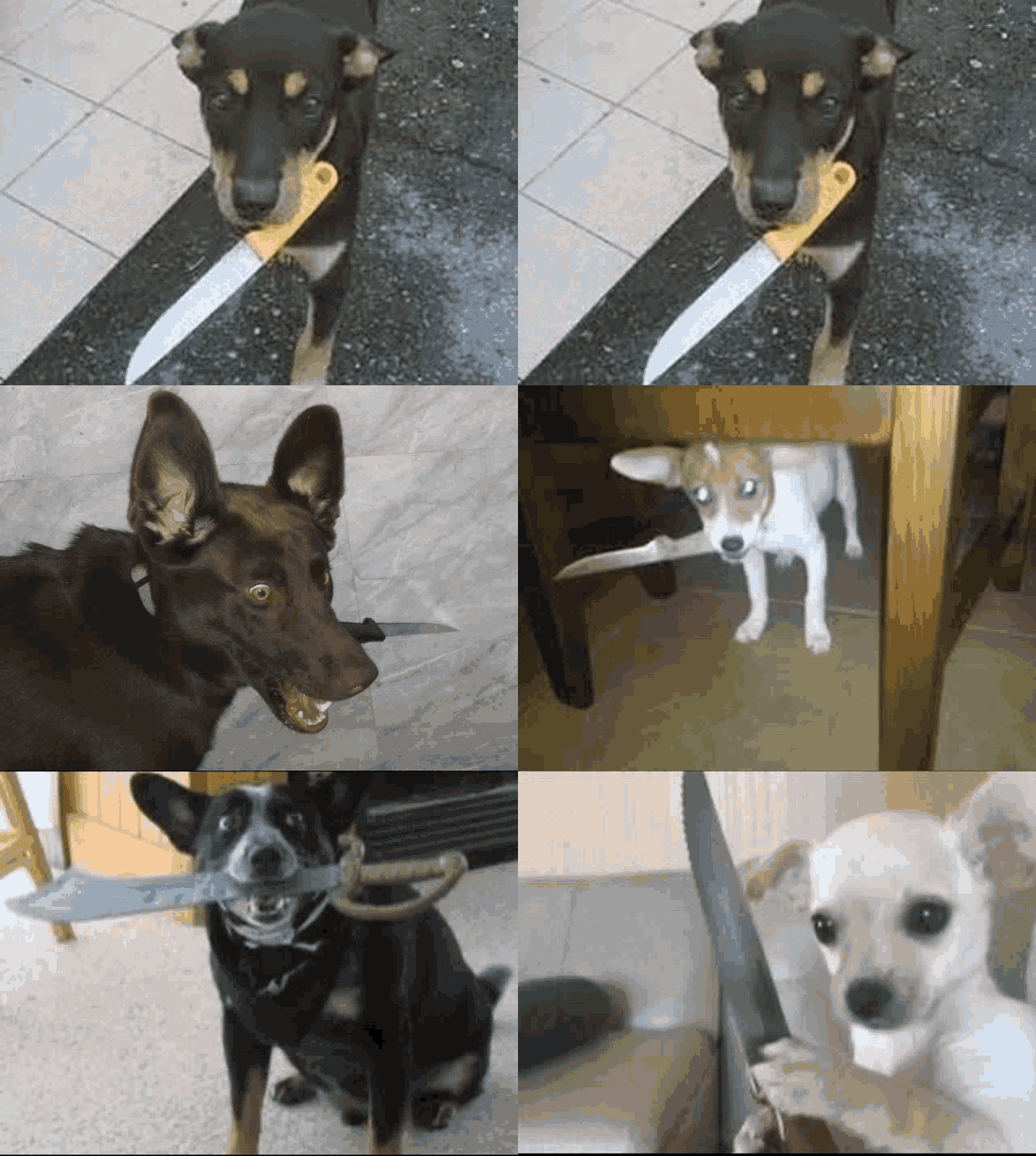
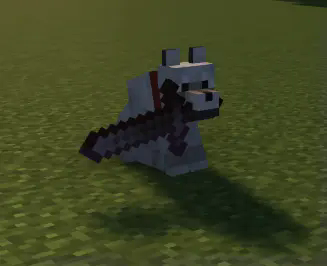
About this Mod
Wolves now can hold sword and SPIN-ATTACK with them!
Give the wolf a sword and have fun.
Right-click and crouch to take sword from wolf.
Adding your own swords:
Out of the box wolves will use every vanilla sword and almost every modded one, so most people never need to touch this. If a sword from another mod is being ignored, you can add it yourself with a datapack.
Make this folder inside your world:
Put a pack.mcmeta in it:
{
  "pack": { "pack_format": 15, "description": "Extra wolf swords" }
}
Then create data/wolfswordmod/tags/items/swords.json inside that same folder and list the items you want, using the id shown by pressing F3+H in game:
{
  "replace": false,
  "values": [
    "somemod:ruby_sword",
    "othermod:cursed_blade"
  ]
}
Keep "replace": false so your list is added to the built-in one instead of wiping it. Reload with /reload or by rejoining the world.
To stop wolves using a sword, use the same setup but name the file swords_excluded.json instead. Exclusions win over everything, so this is how you ban a weapon that the mod picks up automatically. A wolf already carrying a sword you just banned will drop it on the ground.
Available Versions
How to Install WolfSwordMod - Wolf equips Swords and Spins! on Your Client
Install the Mod Loader Locally
Install forge for your local Minecraft version.
Download the Matching File
Choose the WolfSwordMod - Wolf equips Swords and Spins! file for forge and Minecraft 1.20.6.
Install Mod
Place the .jar file in your local .minecraft/mods folder and restart Minecraft. No server-side installation is required.
Compatibility
Mod Loaders
Minecraft Versions
1.20.6, 1.20.5, 1.20.4 (+4 more)
Server-side
✗ UnsupportedRecommended RAM
4 GB(min. 3 GB)Frequently Asked Questions
Does WolfSwordMod - Wolf equips Swords and Spins! need to be installed on the Minecraft server?
No. Modrinth marks WolfSwordMod - Wolf equips Swords and Spins! as unsupported on the server side. Install it only in your local Minecraft mods folder. Your server can remain unchanged unless the mod page lists an additional dependency.
Which version and loader does WolfSwordMod - Wolf equips Swords and Spins! require?
Use a file for forge and your exact Minecraft version. Supported versions include 1.20.6, 1.20.5, 1.20.4. Files for different loaders are not interchangeable.
WolfSwordMod - Wolf equips Swords and Spins! is not working – what should I check?
First check the Minecraft version, loader version and required dependencies. Put the .jar file in your local .minecraft/mods folder and remove older duplicates. Because this mod is client-side, adding server RAM will not fix it.
Similar Mods




Minecraft Server for Your Group
WolfSwordMod - Wolf equips Swords and Spins! stays on your client. Host a compatible world for your group.