
Wolf Port
A port mod replacing classic wolves with those added in 24w10a+ and making tamed ones have more hp (No other features added)
Screenshots
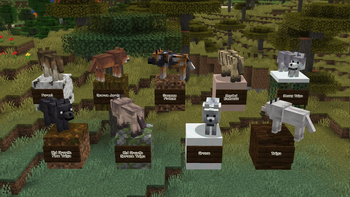
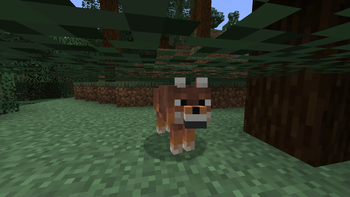
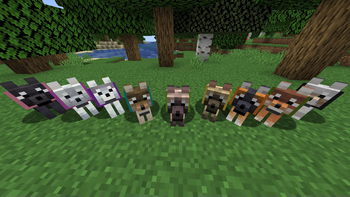
About this Mod
General
Aim of this port is to replace classic, stale wolves with the 24w10a+ 9 variants, effectively making them more varied without much interference with vanilla
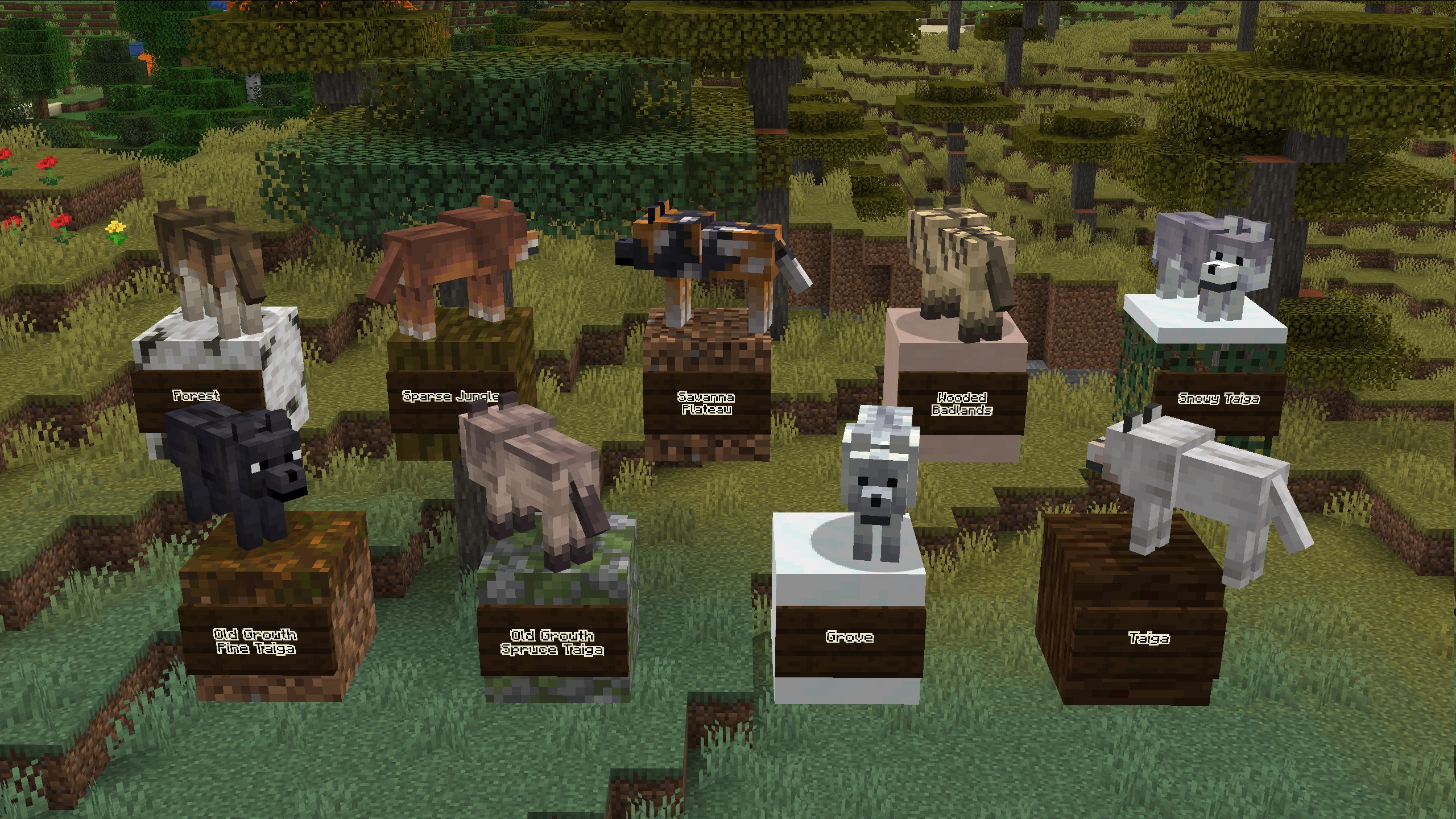
Main points:
- Consider using "Disable Custom Worlds Advice" mod for versions below 1.20
- The mod is compatible with Woodwalkers
Soon to be asked questions
Will you add wolf armor/other 24w10a+ functionalities as well?
No, if heavily requested I'll do another mod implementing those
Is this compatible with mods adding utilities for wolves?
Yes, it is directly modifying WolfEntity class so everything except other mods adding new variants/using mixins on the class should be compatible
Available Versions
How to Install Wolf Port on Your Server
Order Server
Order a Minecraft Java server with at least 4 GB RAM (6 GB recommended).
Set fabric Loader
In the panel under "Egg", select the fabric loader and matching Minecraft version (1.20.4).
Install Mod
Open the mod browser in the dashboard and search for "Wolf Port". Click "Install" – done! Alternatively, upload the .jar via SFTP to the /mods folder.
Compatibility
Mod Loaders
Minecraft Versions
1.20.4, 1.20.3, 1.20.2 (+5 more)
Server-side
✓ RequiredRecommended RAM
6 GB(min. 4 GB)Frequently Asked Questions
Wolf Port server crashes on startup – what to do?
Most common cause: wrong fabric version or insufficient RAM. Check the server log (latest.log) for "OutOfMemoryError" or "Mixin" errors. With Mado Hosting: ensure at least 4 GB RAM is allocated and the loader matches the mod version (1.20.4). You can switch loaders with one click in the panel.
Is Wolf Port compatible with fabric and quilt?
Wolf Port officially supports fabric, quilt for Minecraft 1.20.4, 1.20.3, 1.20.2. The Mado dashboard automatically detects incompatible loader combinations.
Server lagging with Wolf Port – how to optimize performance?
Recommended RAM: 6 GB (per 5 players). Use /spark profiler to check if Wolf Port consumes the most tick time. Common fixes: reduce server view-distance to 8-10, install "performant" or "starlight" as supplementary mods on Forge. With Mado Hosting, your server runs on NVMe SSDs with dedicated CPU cores for minimal latency.
Similar Mods




Rent Modded Server
Install Wolf Port with just one click on your server.