
Props and Deco
Decorative Buildables
Description
This is yet another Decoration Modpack. But the more options the better, right?
Most of them can be purchased in the Awesome Shop (some unlock with Milestone 1)
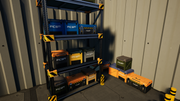
Crate, Storage with 16 Slots, snaps on Shelf (more sizes are planned)
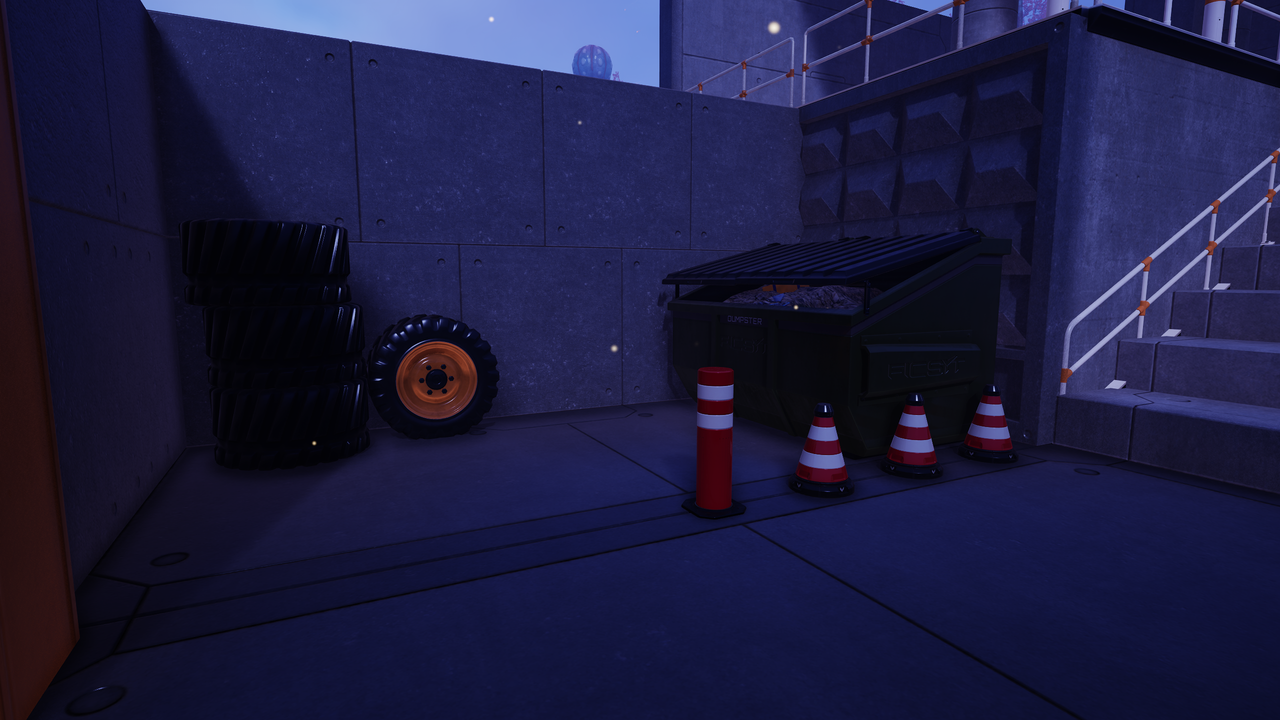
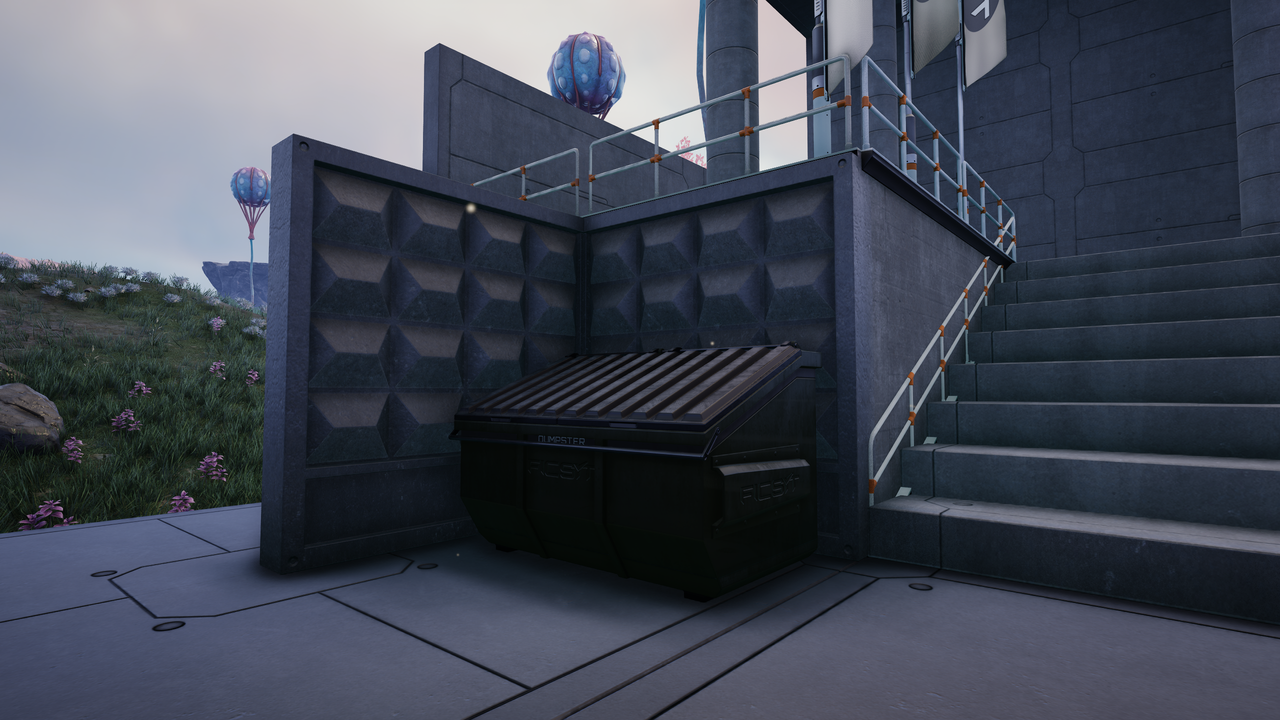
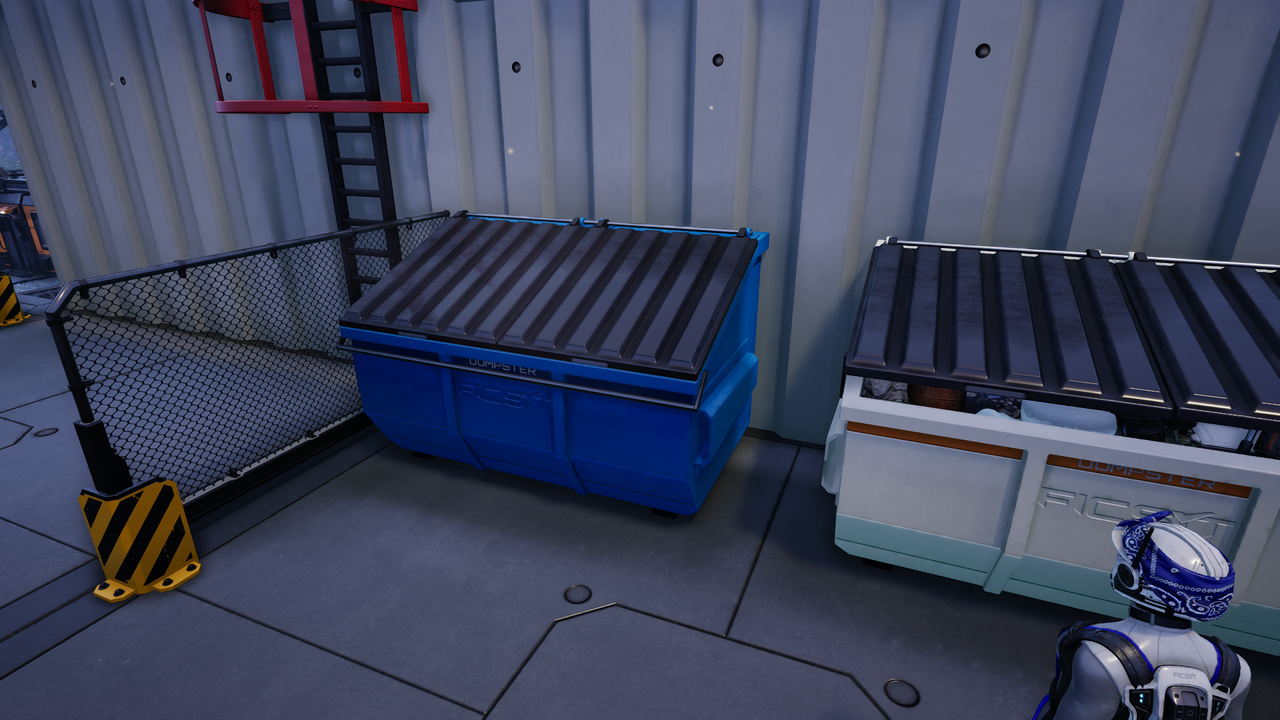
Dumpster, has 16 Slots to Store your Trashitems
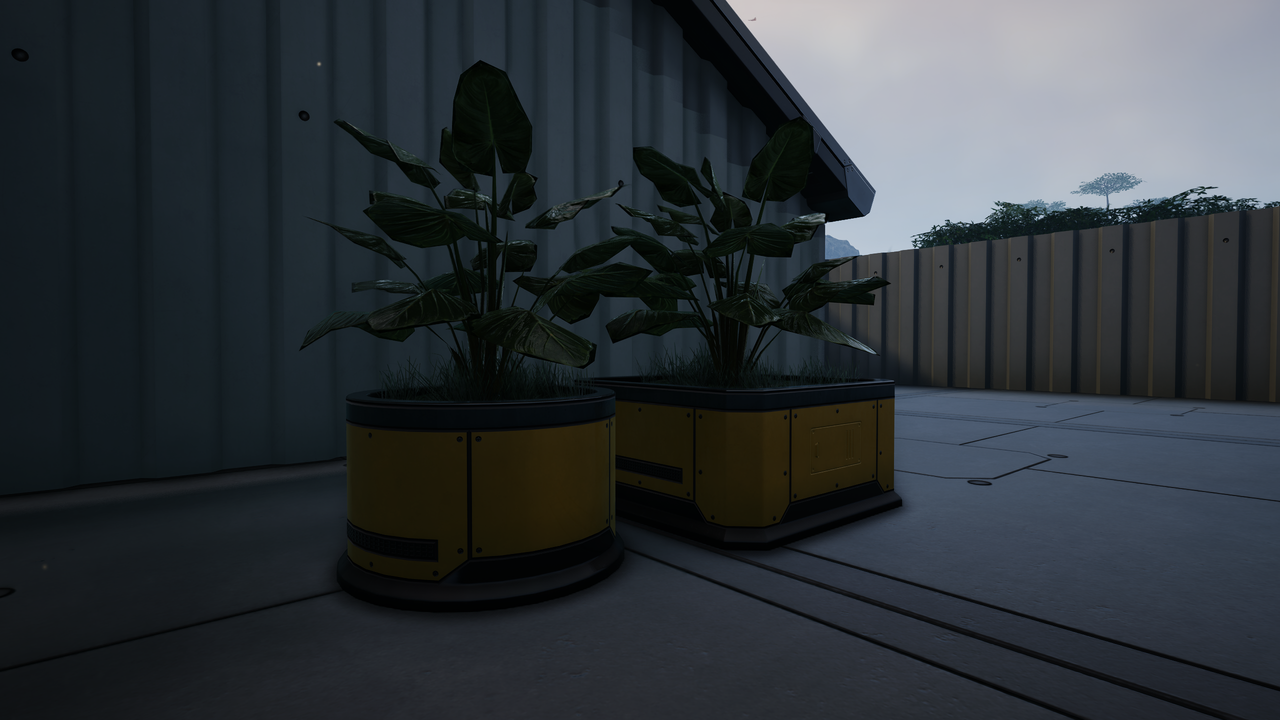
2 Planters with a Widget to choose the visual Plant
Collision Protection, typically seen around Shelves and Doors/Gates
Retractable Bollard, can be set to be always extended/retracted and has 2 Automatic Modes
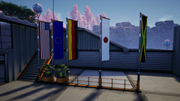
Flag, when first placed points towards 0,0,0, height and orientation can be adjusted from the widget, 95 Flags to chose from, 14 styles with option for
custom Colors and Logo Rotation/Size
Banner, attaches to Walls, Copy/Paste works between Flags and Banners
Placeable Wheels from Explorer, Truck and Tractor
Placeable "Days Since Last Incident" Display
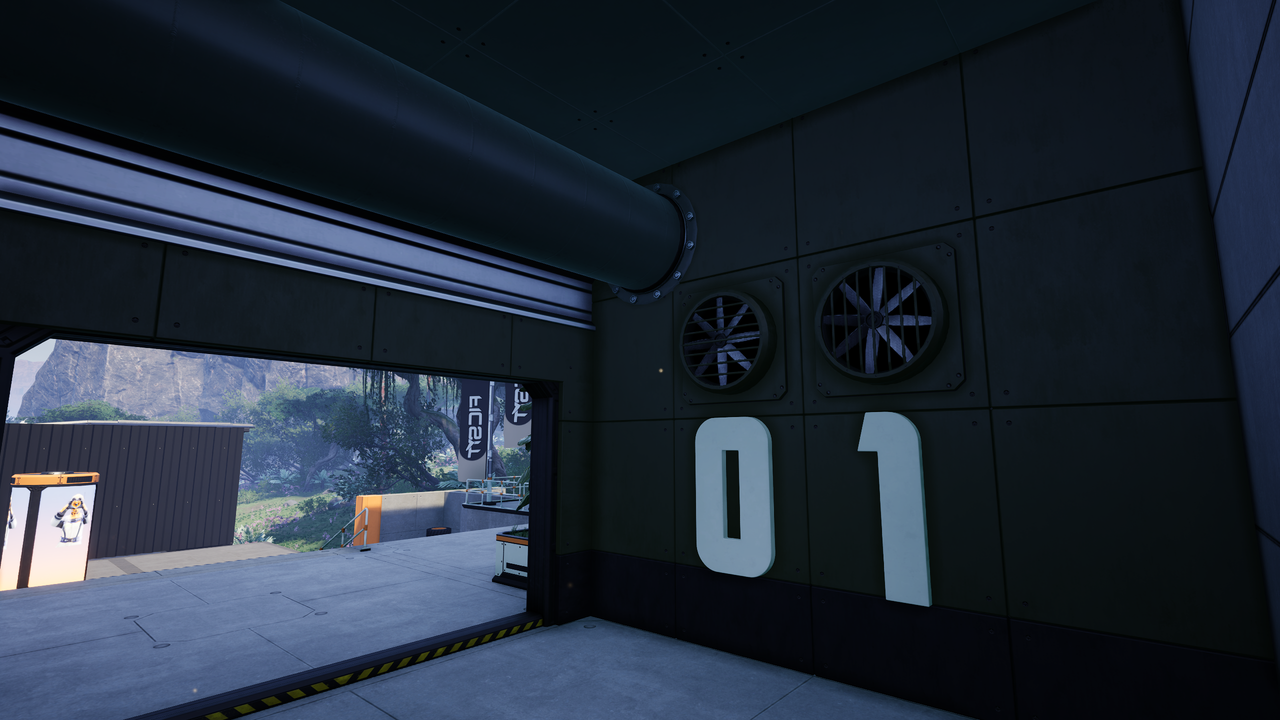
Numbers (0-9) and Letters (A-Z), included a Skin to make them emissive
Fuse Box, used to distribute Power and has 6 Power Connections
Small Fan
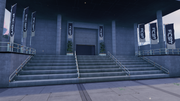
Advertising Column/Pillar, slowly rotating
Molded Concrete Walls (8x4 and 4x4m)
Traffic Cone (2 color variants)
Metal and Concrete Tiles
---
Credits:
[The Urban Goose](https://ficsit.app/user/7Bq8NxqGa8tGtJ) for helping with Widgets and providing uassets
https://3dtextures.me for some Textures
* https://natewren.com/satisfontory for the Font
Versions
How to Install Props and Deco on Your Server
Order Satisfactory Server
Order a Satisfactory server with at least 4 GB RAM (6 GB recommended). For multiplayer: per 4 players.
Install Mod
Open the mod manager in the dashboard and search for "Props and Deco". Installation dependencies are installed automatically.
Restart Server
Restart the server so the mod is loaded. Players need to have the mod installed locally as well.
Frequently Asked Questions
Props and Deco not working after update – what to do?
After a Satisfactory update, mods need to be updated. Check ficsit.app whether Props and Deco has been updated for the new game version. With Mado Hosting: open the mod manager and click "Update All". If the mod hasn't been updated yet, temporarily remove it so the server starts.
Props and Deco causing crashes in multiplayer – solution
Most common cause: all players must have exactly the same mod version installed. Check server logs for "ModMismatch" or "Version Conflict". Ensure all players use Props and Deco v0.10.0 and the same SML. With Mado Hosting, Satisfactory servers run with 6 GB RAM for stable multiplayer performance.
Is Props and Deco compatible with other Satisfactory mods?
Props and Deco uses the Satisfactory Mod Loader (SML). Generally, SML-based mods are cross-compatible, but mods modifying the same game systems can cause conflicts. Test new mod combinations on a backup save. The Mado dashboard automatically detects known conflicts and warns you.
Rent Props and Deco Server
Play Props and Deco on your own Satisfactory server with mod support.
Mod Information
- Author
- Eikester
- Latest Version
- v0.10.0
- Created
- August 12, 2026
- Last Updated
- October 7, 2026