
AcryliCraft
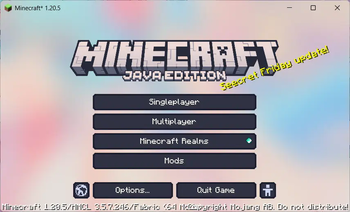
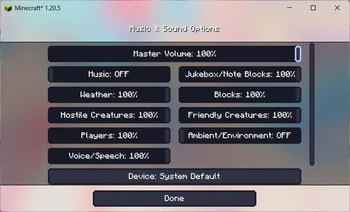
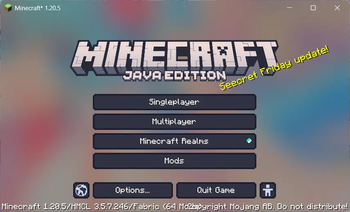
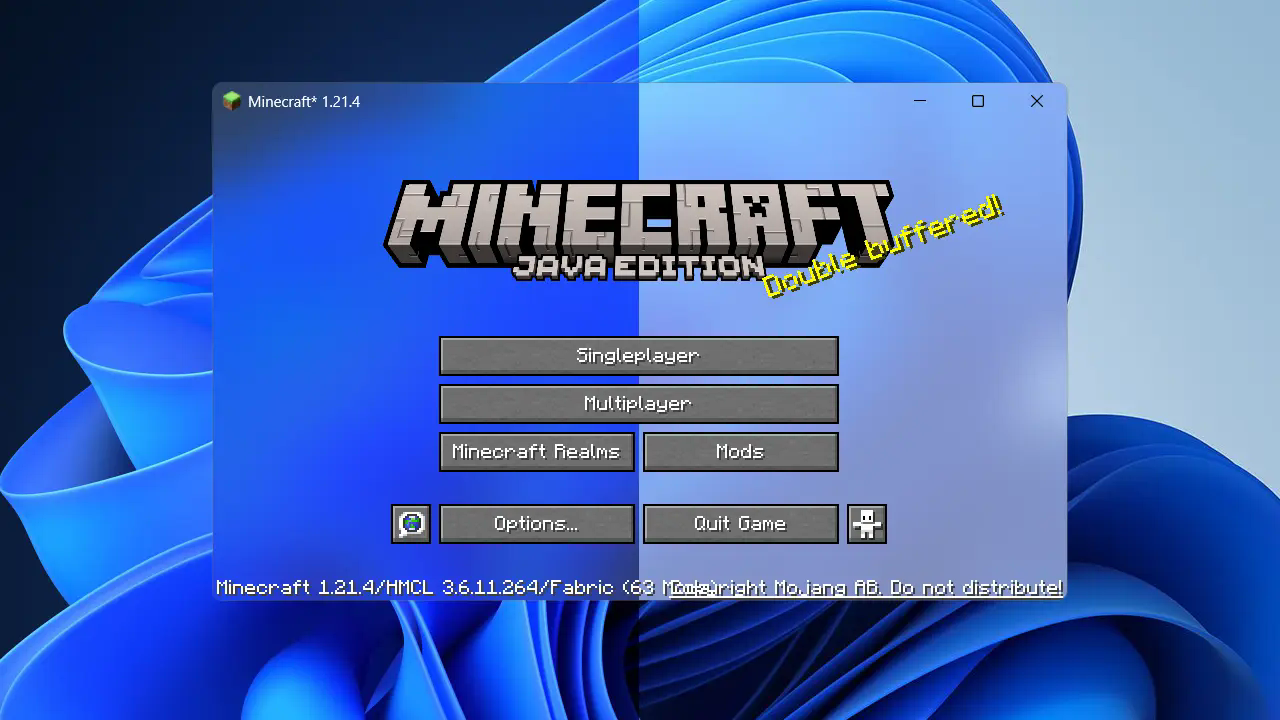
Apply Windows 11 Fluent Design materials to Minecraft window.
Screenshots
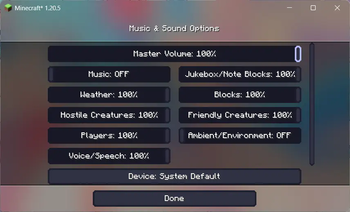
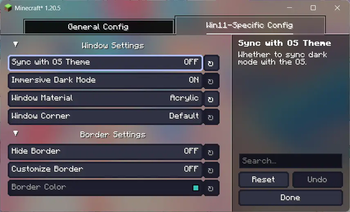
About this Mod
AcryliCraft
Apply Fluent Design materials to Minecraft window.
System Requirement
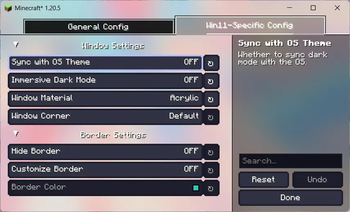
Fluent design materials, dark mode and border customization are exclusive to Windows 11 Version 22H2 (OS build 22621) or above. However, you can still utilize this mod on other operating systems to get the window background transparent, and then use other tools(e.g. Blur My Shell for GNOME) for further customizations.
Mod Dependencies
Acrylic depends on YetAnotherConfigLib as its configuration library. Additionally, you will need Mod Menu placed in your mods folder to access mod config if using Fabric.
IMPORTANT! For Forge/NeoForge 1.20 and above, it is also necessary to disable FML splash screen for the translucent game window to be properly initialized. This can be done by setting earlyWindowControl in .minecraft\config\fml.toml to false. Note that this MIGHT lead to malfunction for some rendering mods which leverages advanced OpenGL features, so proceed at your own risk.
Known Issues
Some NVIDIA graphics cards don't render translucency properly for Minecraft's window (or any other GLFW window), in which case the window background would appear black. This is likely an issue with their drivers and is unfortunately not solveable on my end. Switching to another graphics card should make it work, if you happen to have one installed on your machine.
Credits
This mod was inspired by some other open source projects. Here's a list of them:
- Mica: Minecraft Mod / Enable Mica, Acrylic on Windows 11 21H2 22000 or later.
- jSystemThemeDetector: Java library for detecting that the (desktop) operating system uses dark UI theme or not
Available Versions
How to Install AcryliCraft on Your Server
Order Server
Order a Minecraft Java server with at least 3 GB RAM (4 GB recommended).
Set fabric Loader
In the panel under "Egg", select the fabric loader and matching Minecraft version (26.1.2).
Install Mod
Open the mod browser in the dashboard and search for "AcryliCraft". Click "Install" – done! Alternatively, upload the .jar via SFTP to the /mods folder.
Compatibility
Mod Loaders
Minecraft Versions
26.1.2, 26.1.1, 26.1 (+19 more)
Server-side
✗ UnsupportedRecommended RAM
4 GB(min. 3 GB)Frequently Asked Questions
AcryliCraft server crashes on startup – what to do?
Most common cause: wrong fabric version or insufficient RAM. Check the server log (latest.log) for "OutOfMemoryError" or "Mixin" errors. With Mado Hosting: ensure at least 3 GB RAM is allocated and the loader matches the mod version (26.1.2). You can switch loaders with one click in the panel.
Is AcryliCraft compatible with fabric and forge and neoforge and quilt?
AcryliCraft officially supports fabric, forge, neoforge, quilt for Minecraft 26.1.2, 26.1.1, 26.1. Note: Forge and Fabric mods are NOT cross-compatible – pick one loader and stick with it. The Mado dashboard automatically detects incompatible loader combinations.
Server lagging with AcryliCraft – how to optimize performance?
Recommended RAM: 4 GB (per 8 players). Use /spark profiler to check if AcryliCraft consumes the most tick time. Common fixes: reduce server view-distance to 8-10, install "performant" or "starlight" as supplementary mods on Forge. With Mado Hosting, your server runs on NVMe SSDs with dedicated CPU cores for minimal latency.
Similar Mods

![[ETF] Entity Texture Features](https://cdn.modrinth.com/data/BVzZfTc1/af683d206d50b05258d865b0d6e4aa2f2cee12f2_96.webp)
![[EMF] Entity Model Features](https://cdn.modrinth.com/data/4I1XuqiY/6e5bbd0d06b1741bfdab6c0cfab6de8fdaf0064c_96.webp)



Rent Modded Server
Install AcryliCraft with just one click on your server.