
AdaptiveHUD
Adds FPS, light, coordinates etc directly on your screen! Endless customization! Variable-based!
Screenshots
About this Mod

Description




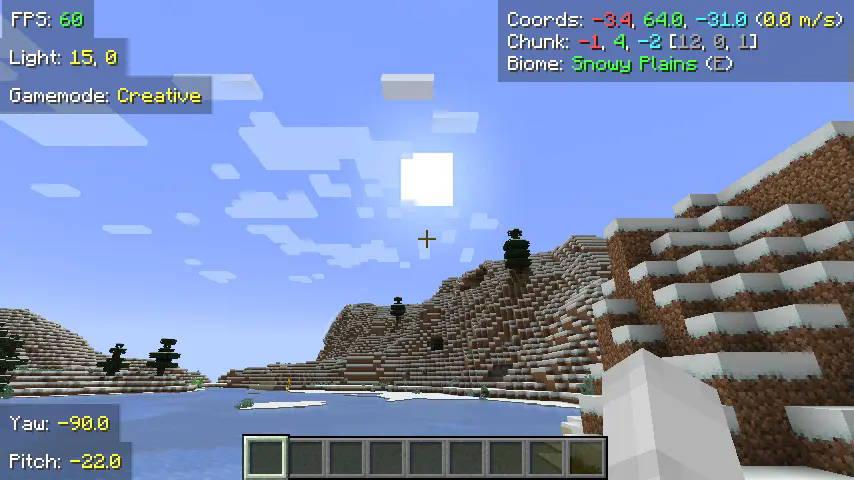
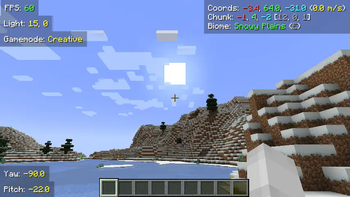
AdaptiveHUD is a highly customizable HUD mod, it is based on variables meaning you can make it display pretty much anything you want! From your current FPS to the amount of outgoing packets, anything is possible. While there are other mods like this, AdaptiveHUD gives you the ability to position these elements wherever you want (through a dragging-screen), you can change the padding, the background, the colors, shadows, scale and much more.
When you create a new element you use variables to display what you want. For example you could enter something like FPS: {fps}, which then would display your current FPS like FPS: 103. The mod has many different variables, and you can find them all by checking out the documentation.
Why use this mod instead of other simular ones?
While there are a few other mods like this, they all have some missing features that I would have liked.
Minihud: Lacks customization, while you can display a lot of information, you can't move each induvidually, it isn't variable based (meaning the text is set), also you can't change colors, scale, padding and such as easily.
CustomHUD: Not that user-friendly. While CustomHUD is able to scale, change colors and more, it isn't that easy to use since you must edit the files manually. CustomHUD also focuses more on paragraphs of text, while AdaptiveHUD has each variable as an individual element.
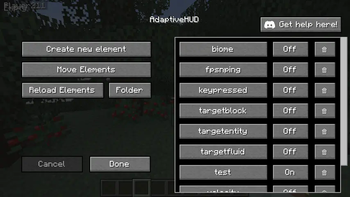
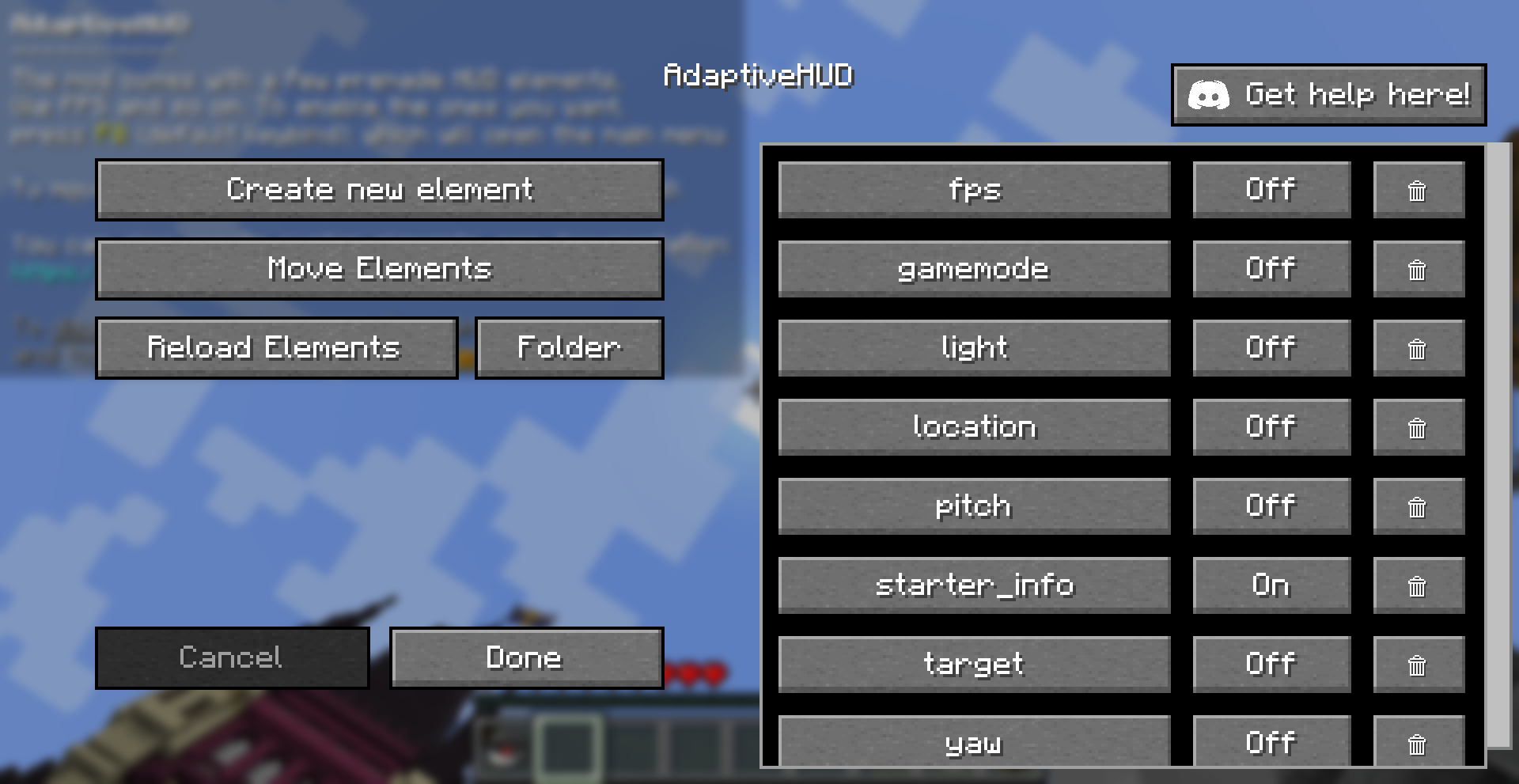
Editing Screen
Moving Screen
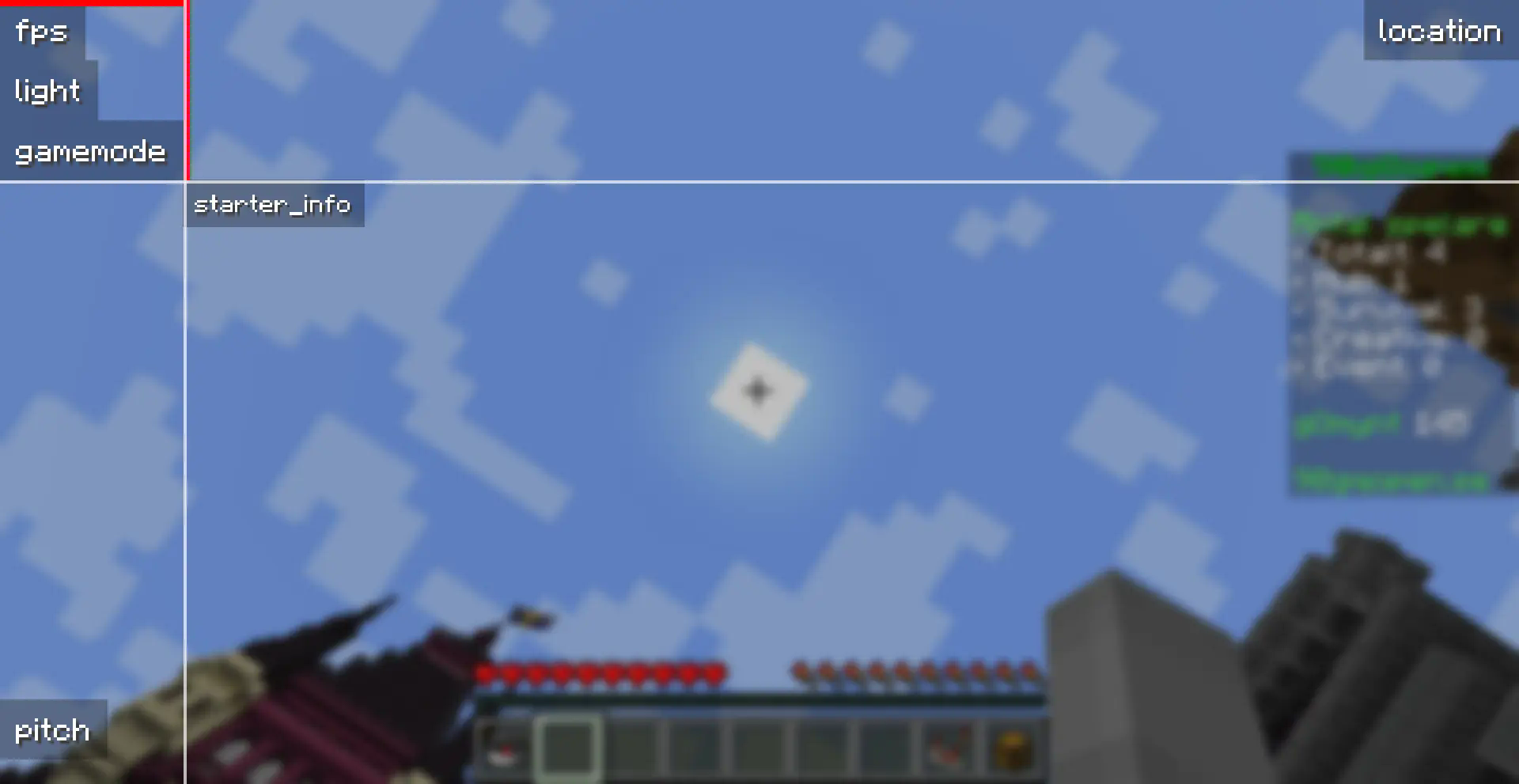
The mod is currently only available for Fabric, but might get ported to other loaders in the future.
Available Versions
How to Install AdaptiveHUD on Your Server
Order Server
Order a Minecraft Java server with at least 3 GB RAM (4 GB recommended).
Set fabric Loader
In the panel under "Egg", select the fabric loader and matching Minecraft version (1.21.10).
Install Mod
Open the mod browser in the dashboard and search for "AdaptiveHUD". Click "Install" – done! Alternatively, upload the .jar via SFTP to the /mods folder.
Compatibility
Mod Loaders
Minecraft Versions
1.21.10, 1.21.9, 1.21.9-rc1 (+13 more)
Server-side
✗ UnsupportedRecommended RAM
4 GB(min. 3 GB)Frequently Asked Questions
AdaptiveHUD server crashes on startup – what to do?
Most common cause: wrong fabric version or insufficient RAM. Check the server log (latest.log) for "OutOfMemoryError" or "Mixin" errors. With Mado Hosting: ensure at least 3 GB RAM is allocated and the loader matches the mod version (1.21.10). You can switch loaders with one click in the panel.
Is AdaptiveHUD compatible with fabric?
AdaptiveHUD officially supports fabric for Minecraft 1.21.10, 1.21.9, 1.21.9-rc1. The Mado dashboard automatically detects incompatible loader combinations.
Server lagging with AdaptiveHUD – how to optimize performance?
Recommended RAM: 4 GB (per 8 players). Use /spark profiler to check if AdaptiveHUD consumes the most tick time. Common fixes: reduce server view-distance to 8-10, install "performant" or "starlight" as supplementary mods on Forge. With Mado Hosting, your server runs on NVMe SSDs with dedicated CPU cores for minimal latency.
Similar Mods

![[ETF] Entity Texture Features](https://cdn.modrinth.com/data/BVzZfTc1/af683d206d50b05258d865b0d6e4aa2f2cee12f2_96.webp)
![[EMF] Entity Model Features](https://cdn.modrinth.com/data/4I1XuqiY/6e5bbd0d06b1741bfdab6c0cfab6de8fdaf0064c_96.webp)



Rent Modded Server
Install AdaptiveHUD with just one click on your server.