
Admin Command Tool
Easily Apply in-game commands and set custom commands with hotkeys.
Screenshots
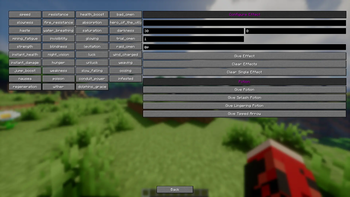
About this Mod
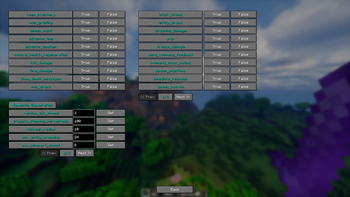
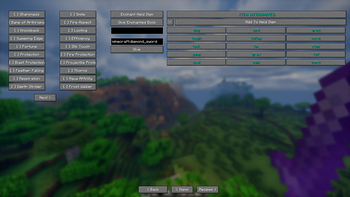
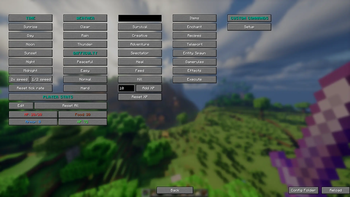
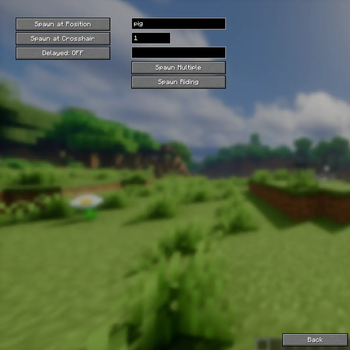
An in-game GUI tool for server admins and operators. Press the hotkey G to open a menu where you can:
Report Bugs Here : https://discord.gg/qc4TrREeMf
Teleport players to any coordinate or to other players.
Locate biomes and structures by ID.
Give custom items with dynamic stack size, fill inventory, or clear it.
Spawn any entity with custom count and NBT data.
Apply status effects with configurable duration and amplifier.
Toggle game rules and change their numeric values.
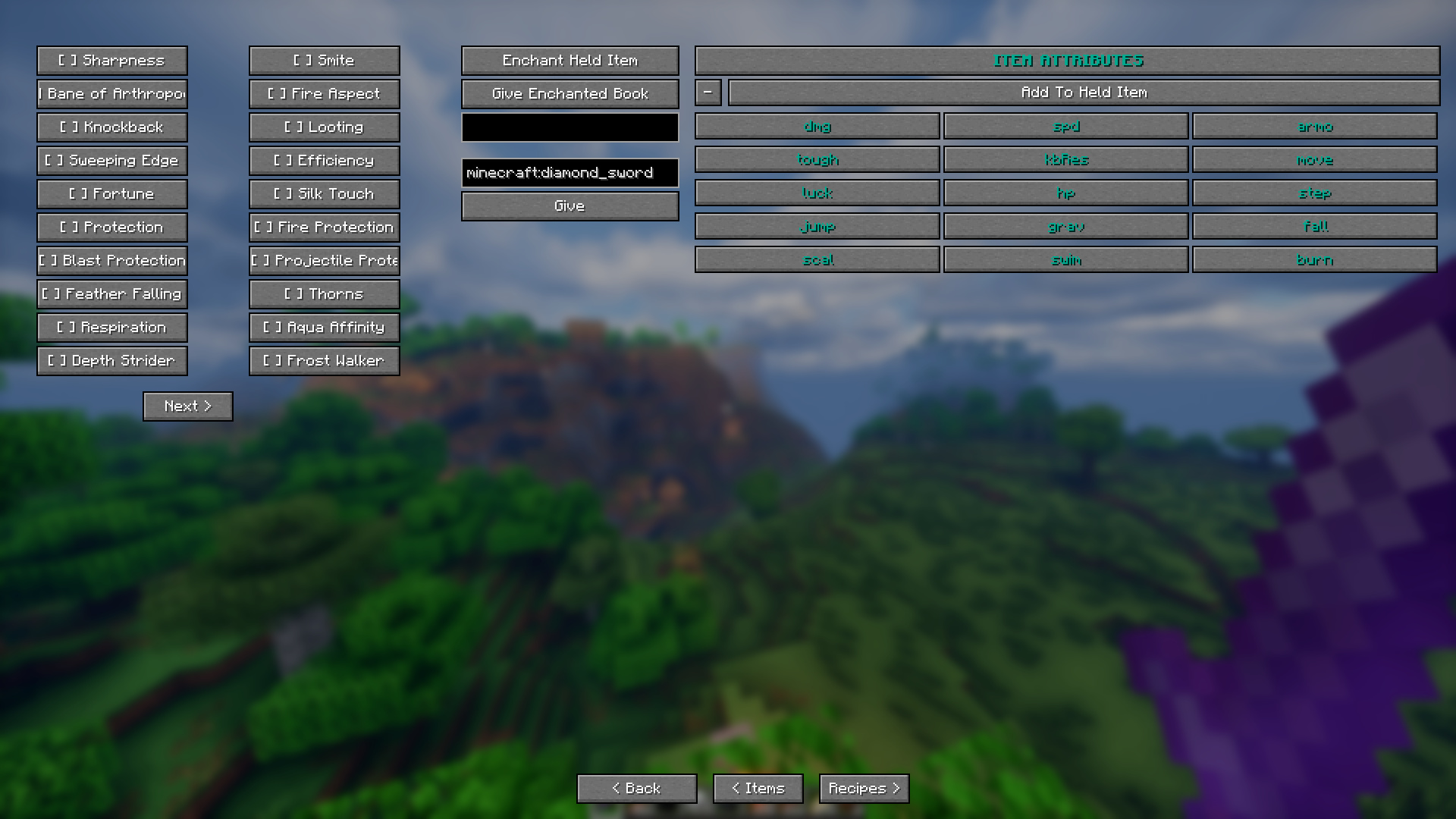
Enchant items with any enchantment at any level & add custom Attributes.
Give or remove recipes from players.
Kill hostile, peaceful, or specific mobs and clear ground items.
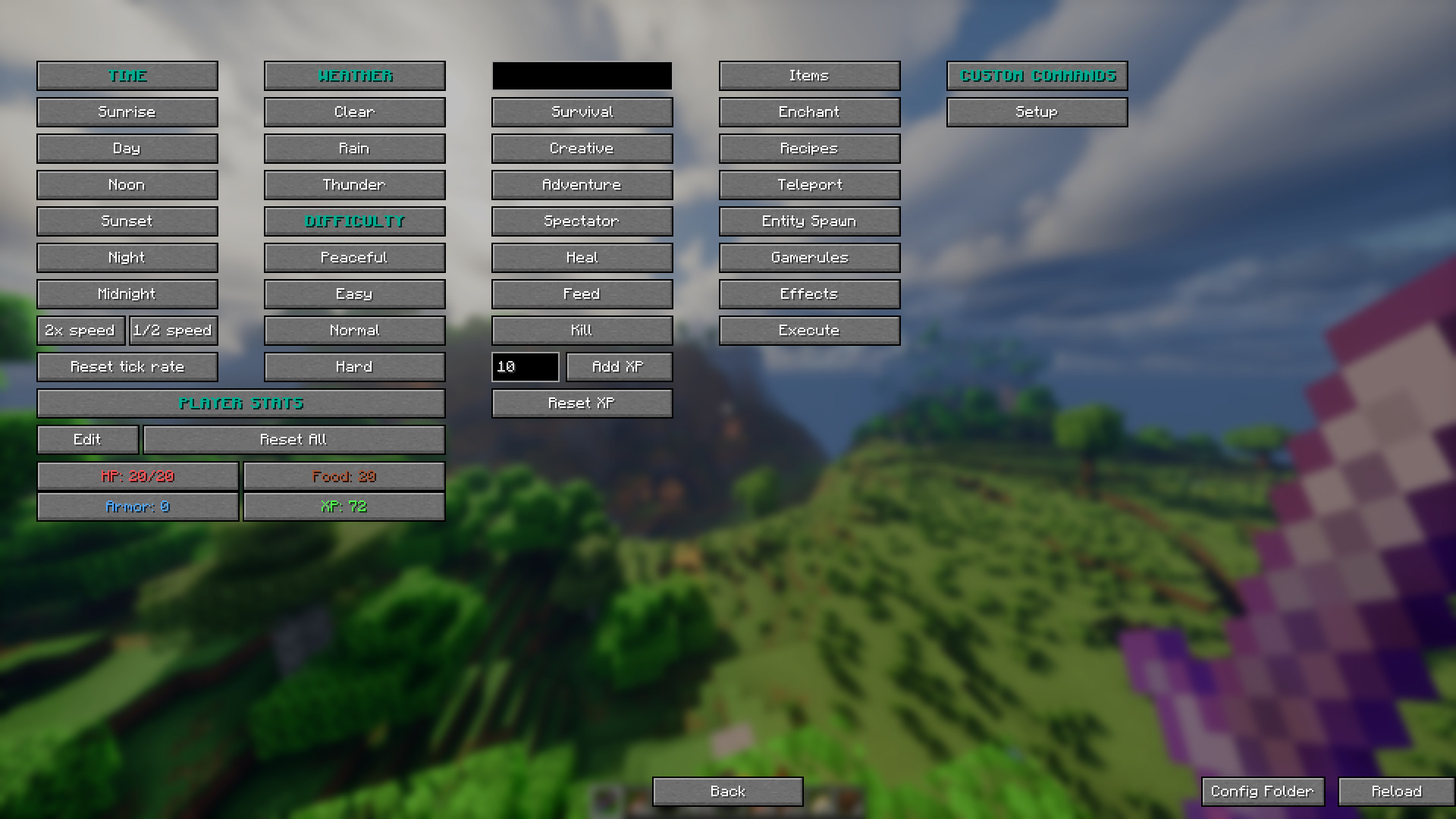
Manage time, weather, difficulty, gamemode, and tick rate.
Manage player health, hunger, and XP levels on any player.
Create custom command presets with auto-repeat and configurable execution count and Assign hotkeys.
Player stats display showing HP, food, XP, armor.
And many more.
No need to memorize slash commands. Just makes managing your Minecraft world a little bit easier.
Available Versions
How to Install Admin Command Tool on Your Server
Order Server
Order a Minecraft Java server with at least 3 GB RAM (4 GB recommended).
Set fabric Loader
In the panel under "Egg", select the fabric loader and matching Minecraft version (26.1.2).
Install Mod
Open the mod browser in the dashboard and search for "Admin Command Tool". Click "Install" – done! Alternatively, upload the .jar via SFTP to the /mods folder.
Compatibility
Mod Loaders
Minecraft Versions
26.1.2, 26.1.1, 26.1 (+4 more)
Server-side
✗ UnsupportedRecommended RAM
4 GB(min. 3 GB)Frequently Asked Questions
Admin Command Tool server crashes on startup – what to do?
Most common cause: wrong fabric version or insufficient RAM. Check the server log (latest.log) for "OutOfMemoryError" or "Mixin" errors. With Mado Hosting: ensure at least 3 GB RAM is allocated and the loader matches the mod version (26.1.2). You can switch loaders with one click in the panel.
Is Admin Command Tool compatible with fabric?
Admin Command Tool officially supports fabric for Minecraft 26.1.2, 26.1.1, 26.1. The Mado dashboard automatically detects incompatible loader combinations.
Server lagging with Admin Command Tool – how to optimize performance?
Recommended RAM: 4 GB (per 8 players). Use /spark profiler to check if Admin Command Tool consumes the most tick time. Common fixes: reduce server view-distance to 8-10, install "performant" or "starlight" as supplementary mods on Forge. With Mado Hosting, your server runs on NVMe SSDs with dedicated CPU cores for minimal latency.
Similar Mods




Rent Modded Server
Install Admin Command Tool with just one click on your server.