
Advanced Chat Hud Reboot
An update of the original Advanced Chat HUD(With fixes). A brand new chat HUD design for Minecraft with tons of features.
About this Mod
An updated port of AdvancedChatHUD to 1.21.10 with bug fixes(Chat scale no longer breaks functionality).
THIS IS AN UPDATED PORT FROM THE ORIGINAL BY DarkKronicle!
AdvancedChatHUD
AdvancedChatHUD is an overhaul of Minecraft chat HUD adding many new features.
Please submit bugs to the issue tracker.
Dependencies:
Advanced Chat Core Reboot is required to run the mod.
Features
Many features to completely change the way you message in Minecraft.
Redesigned HUD
Stripe messages
Stack messages
Display player heads on any server
Change padding from top, bottom, left, and right
Change background color
Change border color
Spacing between lines
Spacing between separate messages
Change fade time
Change fade type
Compact or full line backgrounds
Change scale
Custom visibilities
Customize stored amount of lines
Have multiple chat windows
Easy resize and different visibility for each chat window
Chat Tabs
Send messages with specific content to chat tabs
Customize the main chat tab
Add as many chat tabs as you want
Easily add multiple matches per tab
Change tab name
Change specific tabs color
Change background color
Change border color
Show amount of unread messages
Easily export and share tabs with others
Images
Multiple Tabs: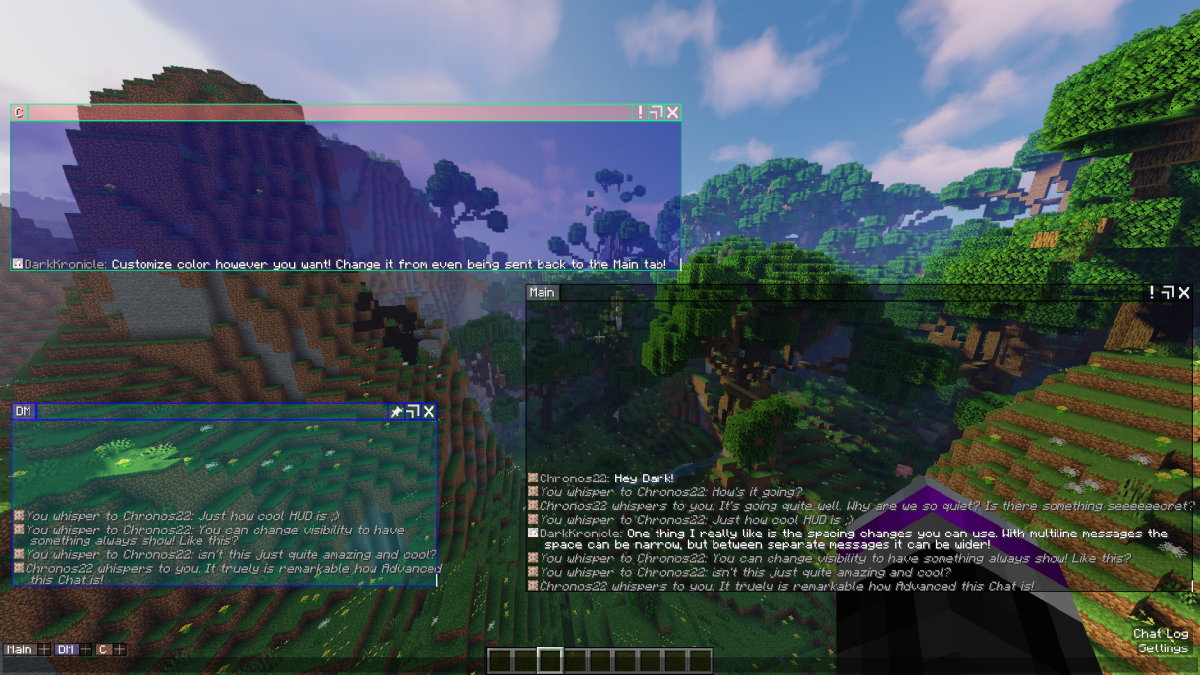
Color and Always On: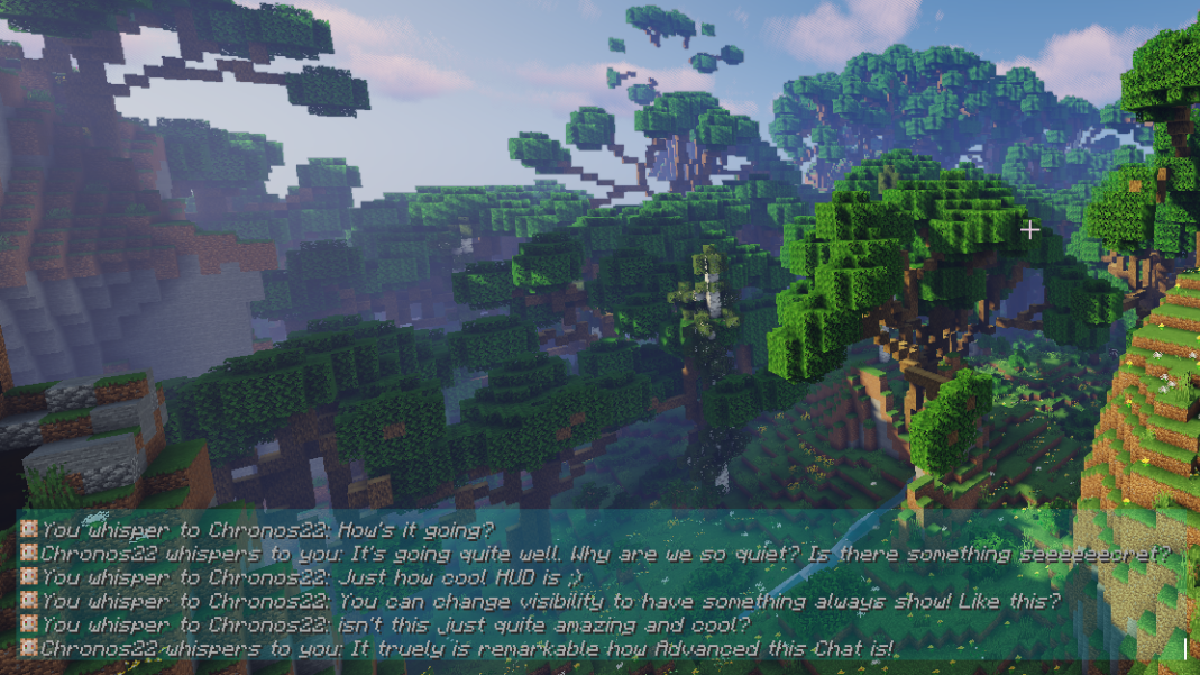
Stripe and Always On: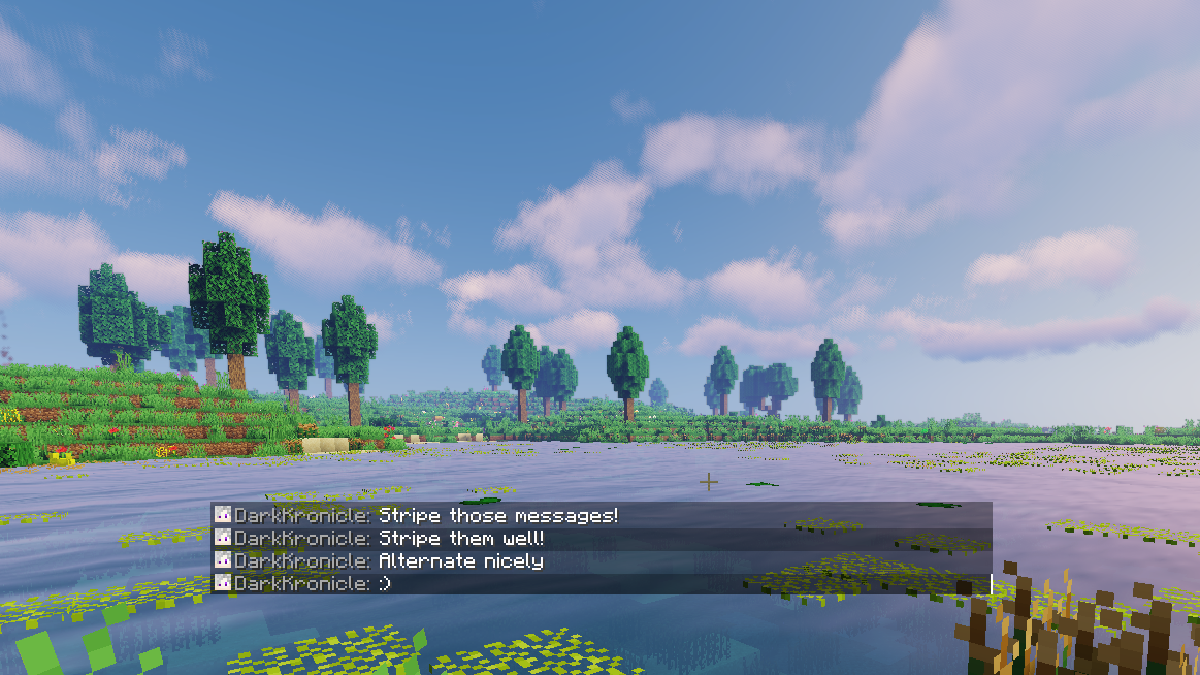
Available Versions
How to Install Advanced Chat Hud Reboot on Your Server
Order Server
Order a Minecraft Java server with at least 3 GB RAM (4 GB recommended).
Set fabric Loader
In the panel under "Egg", select the fabric loader and matching Minecraft version (1.21.11).
Install Mod
Open the mod browser in the dashboard and search for "Advanced Chat Hud Reboot". Click "Install" – done! Alternatively, upload the .jar via SFTP to the /mods folder.
Compatibility
Mod Loaders
Minecraft Versions
1.21.11, 1.21.10
Server-side
✗ UnsupportedRecommended RAM
4 GB(min. 3 GB)Frequently Asked Questions
Advanced Chat Hud Reboot server crashes on startup – what to do?
Most common cause: wrong fabric version or insufficient RAM. Check the server log (latest.log) for "OutOfMemoryError" or "Mixin" errors. With Mado Hosting: ensure at least 3 GB RAM is allocated and the loader matches the mod version (1.21.11). You can switch loaders with one click in the panel.
Is Advanced Chat Hud Reboot compatible with fabric?
Advanced Chat Hud Reboot officially supports fabric for Minecraft 1.21.11, 1.21.10. The Mado dashboard automatically detects incompatible loader combinations.
Server lagging with Advanced Chat Hud Reboot – how to optimize performance?
Recommended RAM: 4 GB (per 8 players). Use /spark profiler to check if Advanced Chat Hud Reboot consumes the most tick time. Common fixes: reduce server view-distance to 8-10, install "performant" or "starlight" as supplementary mods on Forge. With Mado Hosting, your server runs on NVMe SSDs with dedicated CPU cores for minimal latency.
Similar Mods

![[ETF] Entity Texture Features](https://cdn.modrinth.com/data/BVzZfTc1/af683d206d50b05258d865b0d6e4aa2f2cee12f2_96.webp)
![[EMF] Entity Model Features](https://cdn.modrinth.com/data/4I1XuqiY/6e5bbd0d06b1741bfdab6c0cfab6de8fdaf0064c_96.webp)



Rent Modded Server
Install Advanced Chat Hud Reboot with just one click on your server.