
Advanced Paintings
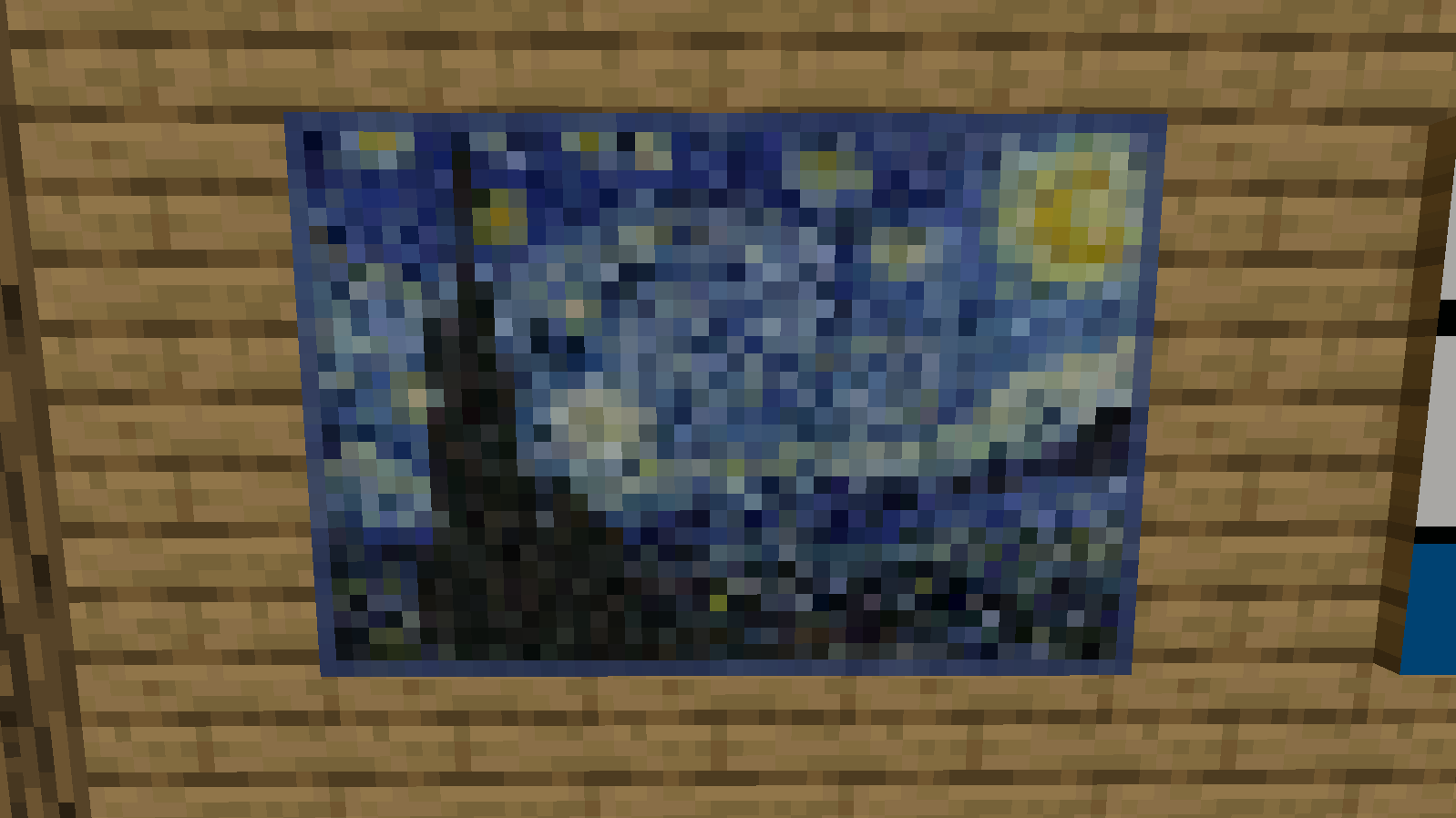
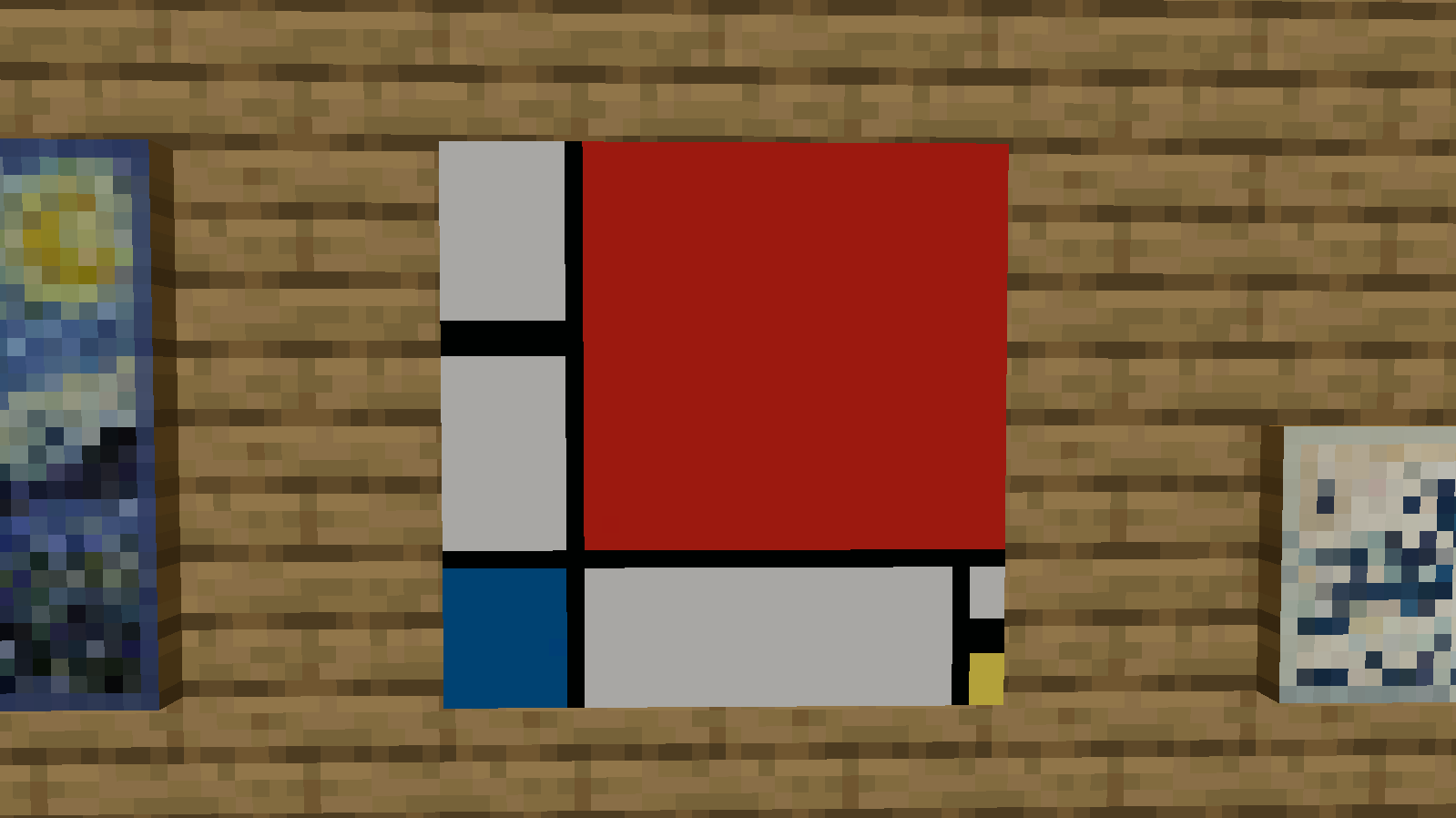
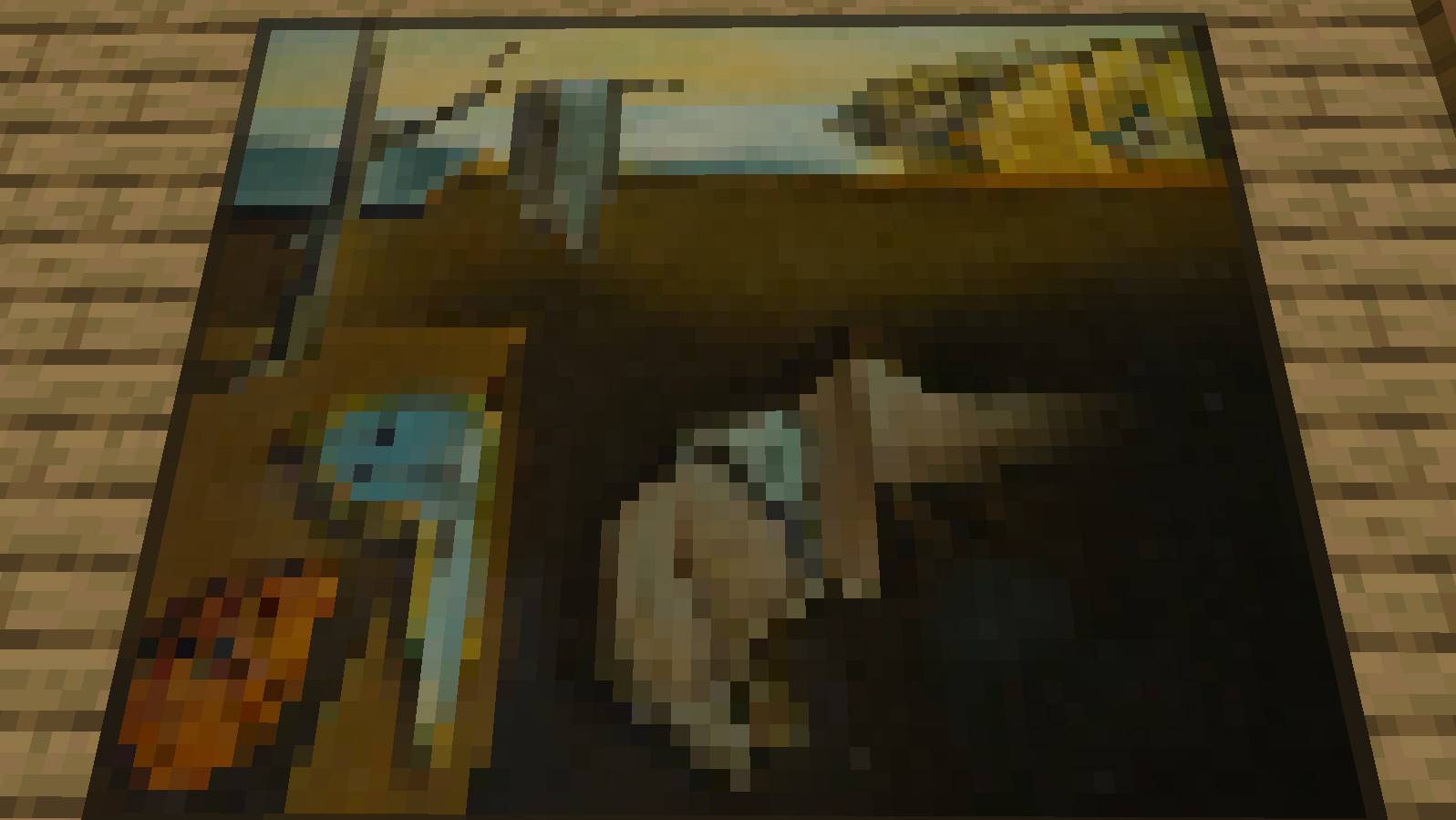
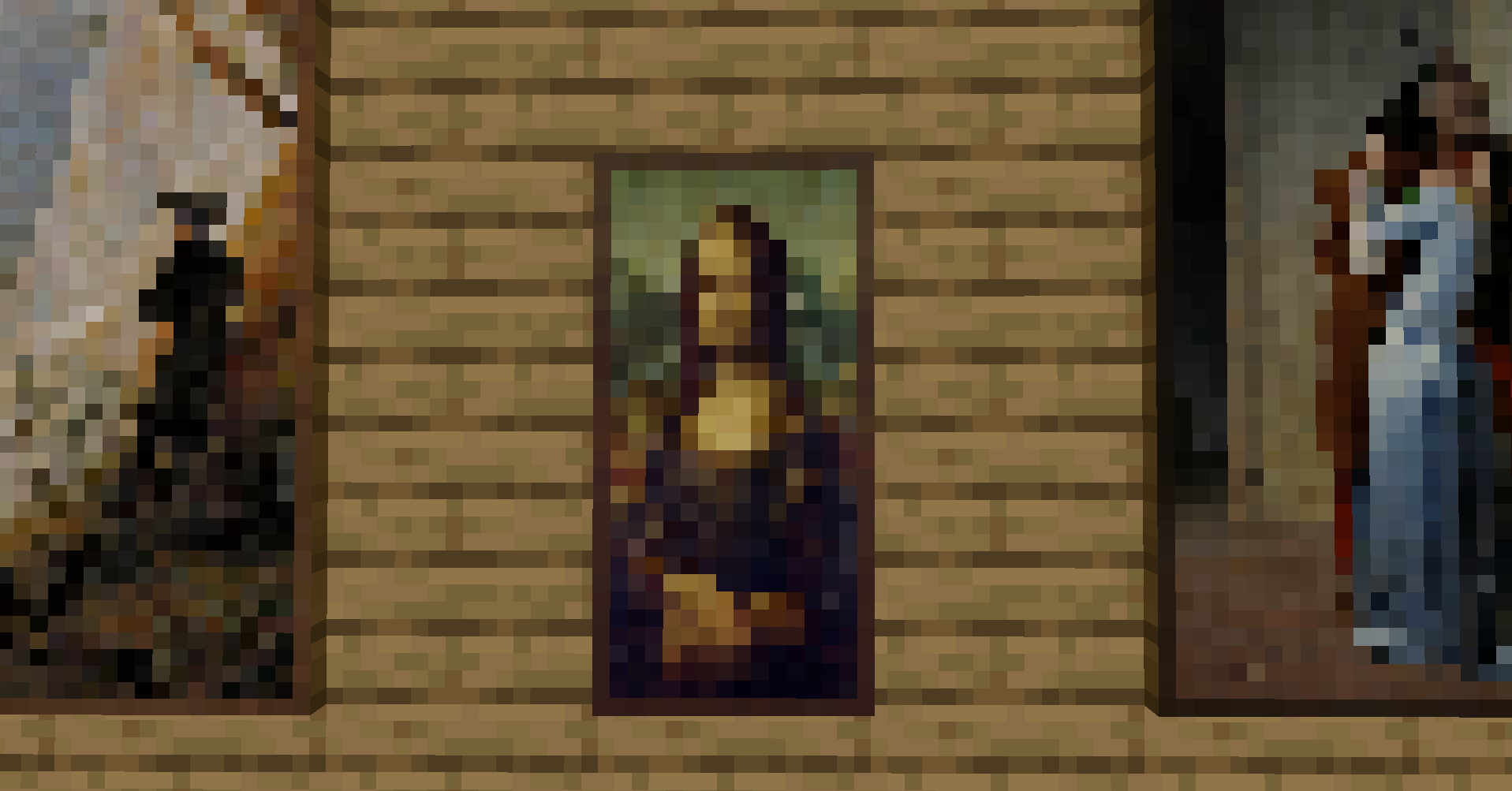
🎨 Transform your game into an art gallery with Advanced Paintings! This mod adds a diverse selection of paintings, from abstract to serene landscapes, in pixel art styles. Personalize your spaces and bring timeless art into your game! 🎮
Screenshots
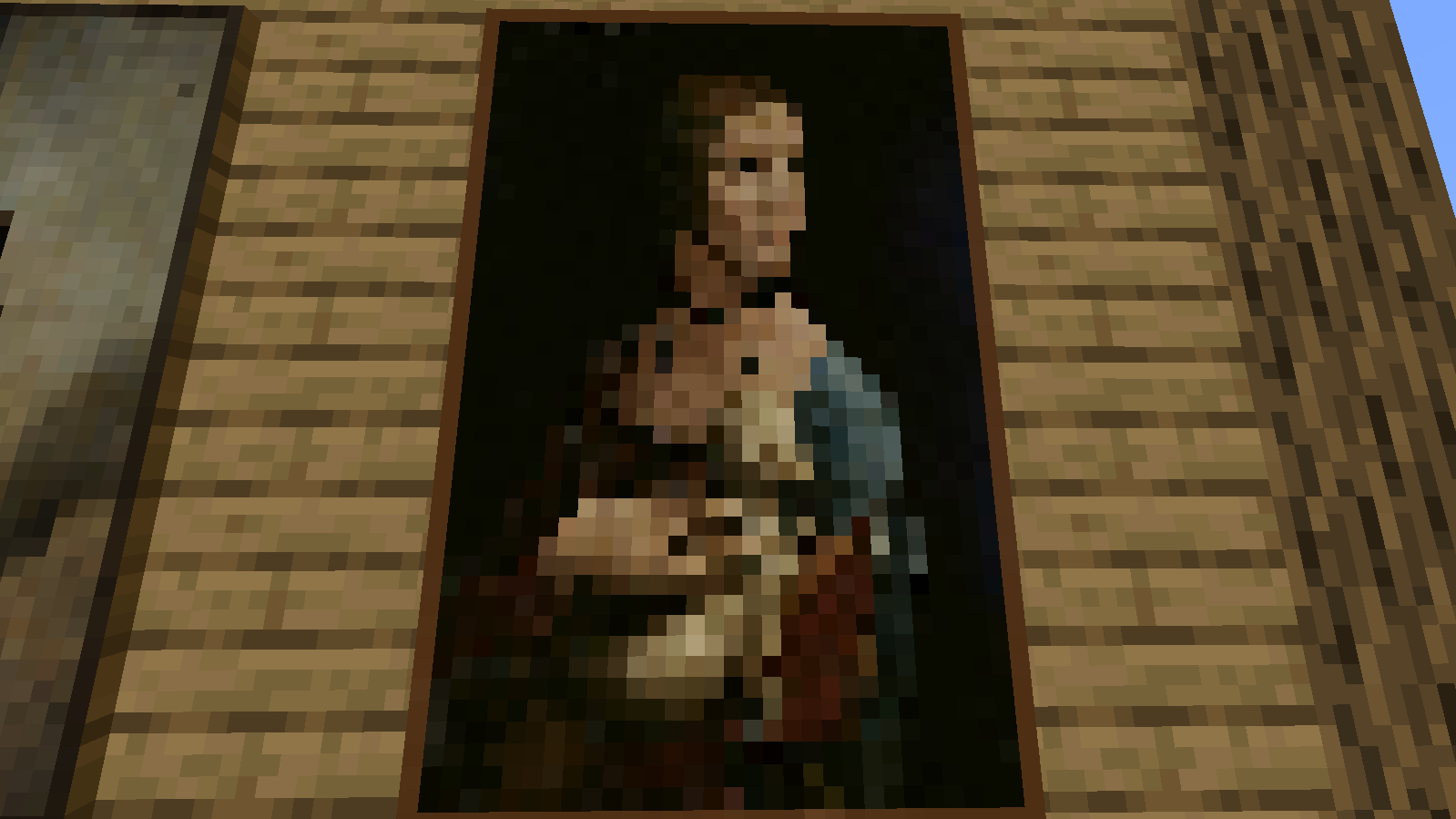
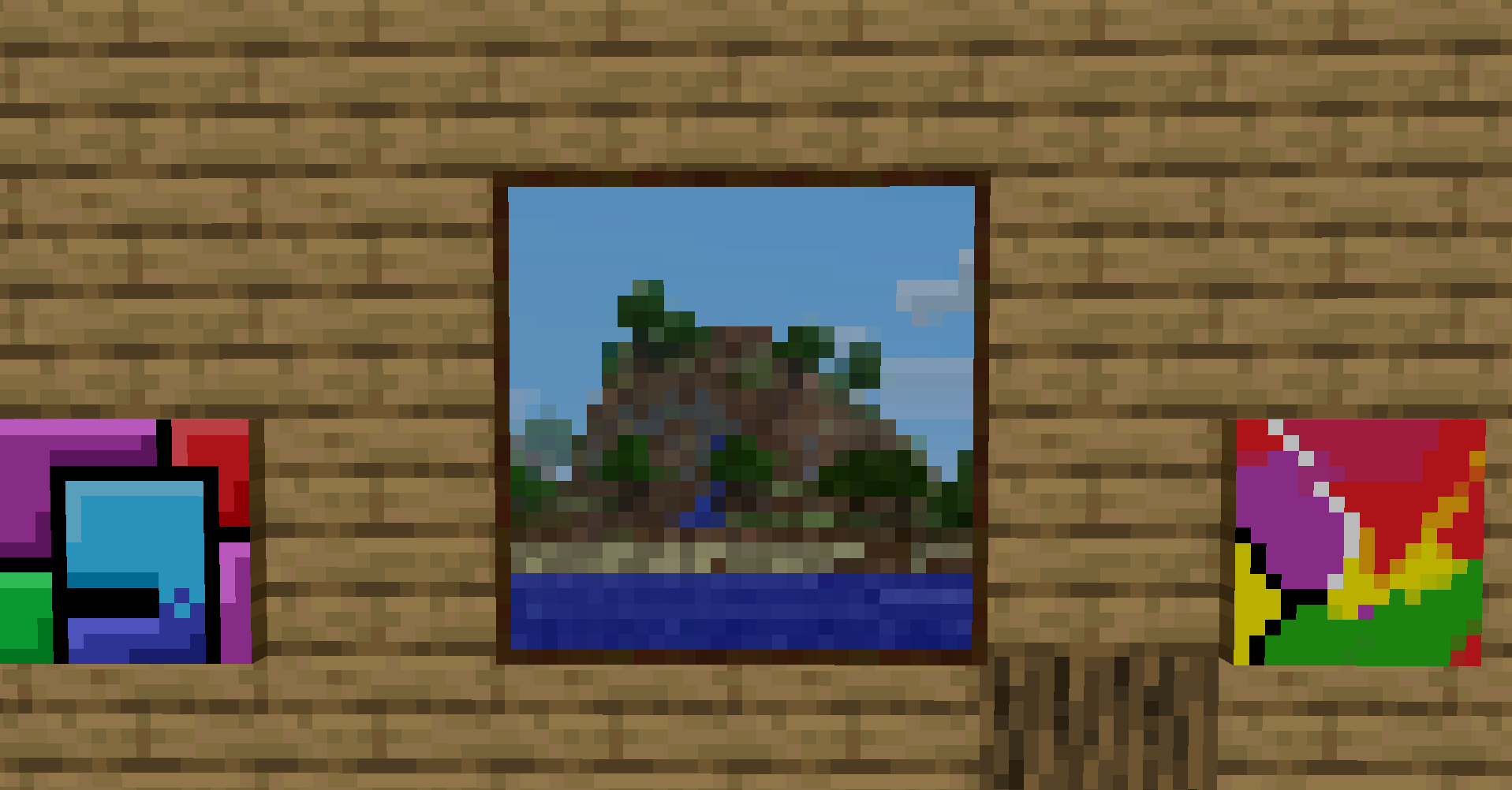
About this Mod
🎨 MOD "Advanced Paintings" - Bring Art into Your Game! 🎨
Ready to turn your game world into an unparalleled art gallery? With Advanced Paintings, you can enrich your spaces with a unique selection of paintings that capture the essence of various artistic styles.
🌟 Explore a Unique Collection 🌟
This mod introduces a wide variety of paintings, from vibrant colors and abstract forms to serene and delicate scenes. Each artwork is chosen to add depth and character to your game environments, making every space unique and evocative.
🎮 Customize Your Game Spaces 🎮
Decorate your builds with artistic masterpieces that reflect your creative vision. Whether you want to create an art gallery or simply enhance the ambiance of a room, Advanced Paintings offers endless customization possibilities.
📦 Easy Installation & Compatibility 📦
Installing Advanced Paintings is quick and easy, with full compatibility guaranteed with the latest game versions. Download the mod and start transforming your world into an extraordinary art gallery!
Available Versions
How to Install Advanced Paintings on Your Server
Order Server
Order a Minecraft Java server with at least 3 GB RAM (4 GB recommended).
Set fabric Loader
In the panel under "Egg", select the fabric loader and matching Minecraft version (1.21.8).
Install Mod
Open the mod browser in the dashboard and search for "Advanced Paintings". Click "Install" – done! Alternatively, upload the .jar via SFTP to the /mods folder.
Compatibility
Mod Loaders
Minecraft Versions
1.21.8, 1.21.4, 1.21.1 (+6 more)
Server-side
~ OptionalRecommended RAM
4 GB(min. 3 GB)Frequently Asked Questions
Advanced Paintings server crashes on startup – what to do?
Most common cause: wrong fabric version or insufficient RAM. Check the server log (latest.log) for "OutOfMemoryError" or "Mixin" errors. With Mado Hosting: ensure at least 3 GB RAM is allocated and the loader matches the mod version (1.21.8). You can switch loaders with one click in the panel.
Is Advanced Paintings compatible with fabric and forge and neoforge?
Advanced Paintings officially supports fabric, forge, neoforge for Minecraft 1.21.8, 1.21.4, 1.21.1. Note: Forge and Fabric mods are NOT cross-compatible – pick one loader and stick with it. The Mado dashboard automatically detects incompatible loader combinations.
Server lagging with Advanced Paintings – how to optimize performance?
Recommended RAM: 4 GB (per 8 players). Use /spark profiler to check if Advanced Paintings consumes the most tick time. Common fixes: reduce server view-distance to 8-10, install "performant" or "starlight" as supplementary mods on Forge. With Mado Hosting, your server runs on NVMe SSDs with dedicated CPU cores for minimal latency.
Similar Mods

![[ETF] Entity Texture Features](https://cdn.modrinth.com/data/BVzZfTc1/af683d206d50b05258d865b0d6e4aa2f2cee12f2_96.webp)
![[EMF] Entity Model Features](https://cdn.modrinth.com/data/4I1XuqiY/6e5bbd0d06b1741bfdab6c0cfab6de8fdaf0064c_96.webp)



Rent Modded Server
Install Advanced Paintings with just one click on your server.