
Aesthetic Edges
Aesthetic Edges adds detailed architectural elements like baseboards, curbs, friezes, cornices, and more, giving your Minecraft builds a richer, more polished look.
Screenshots
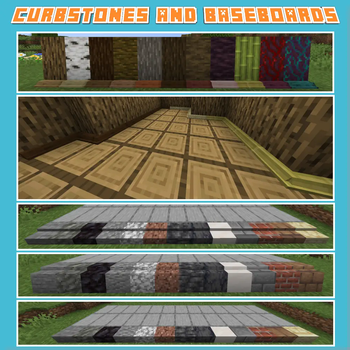
About this Mod
Aesthetic Edges is a Minecraft mod that introduces a variety of decorative edging blocks to enhance the realism, depth, and finish of your structures. Builders often spend hours perfecting walls, floors, and roofs—now, you can also frame and complete those builds with baseboards, curbs, friezes, cornices, curbstones, and more detailed architectural elements.
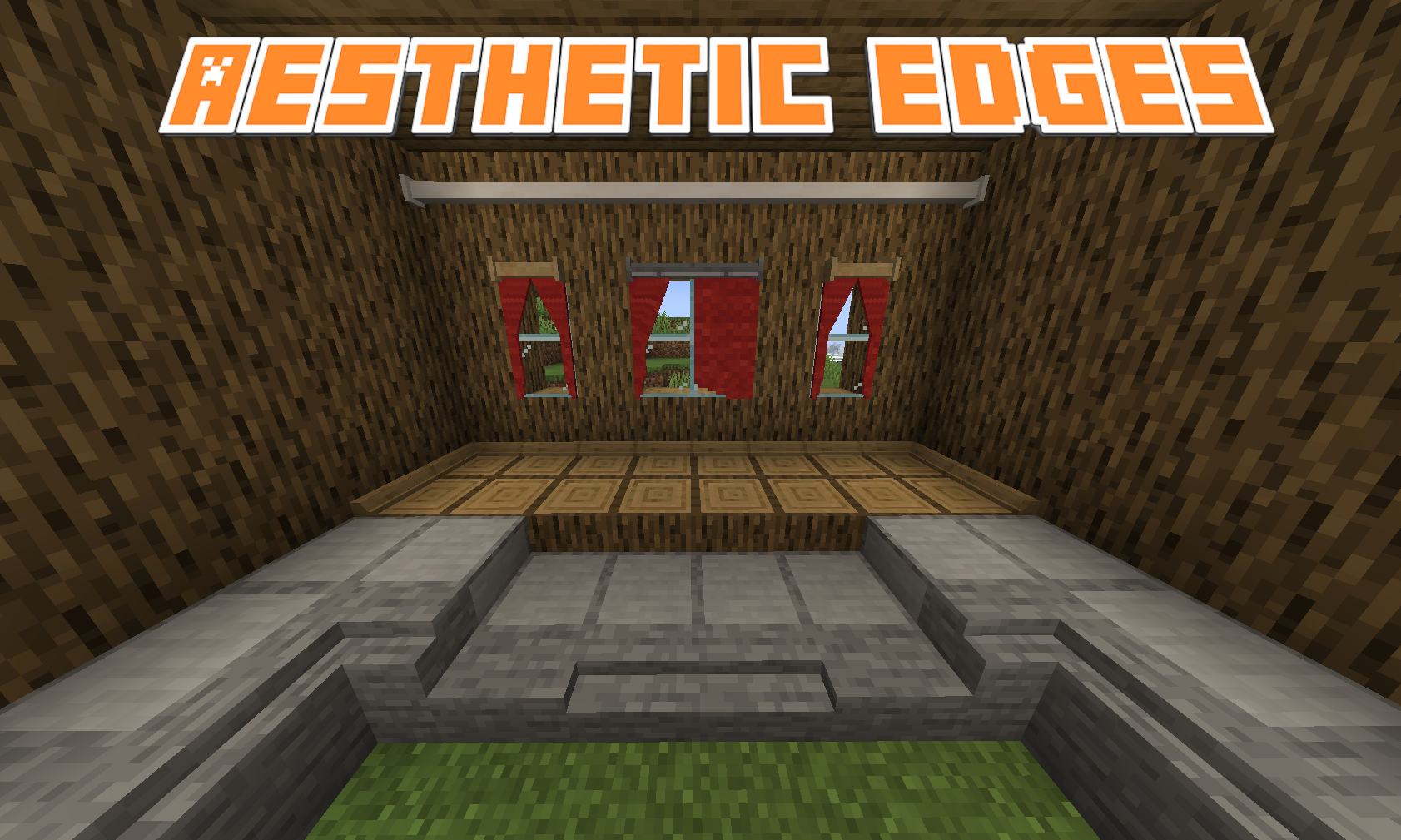
Each block type is designed to naturally complement Minecraft's aesthetic while offering new ways to add subtle detail or grand accents to your creations. Whether you're constructing an elegant palace, a cozy village house, a modern cityscape, or intricate garden paths, Aesthetic Edges provides the tools to make your structures feel complete and thoughtfully finished.
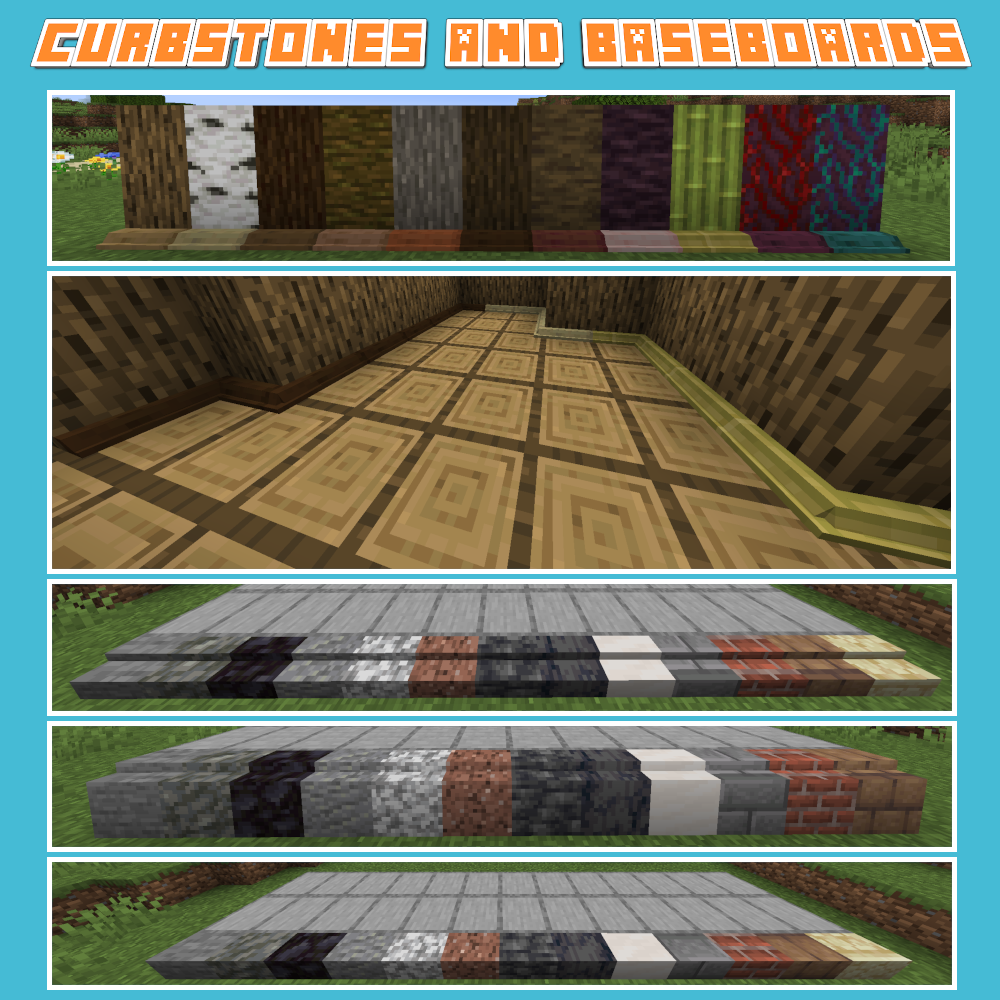
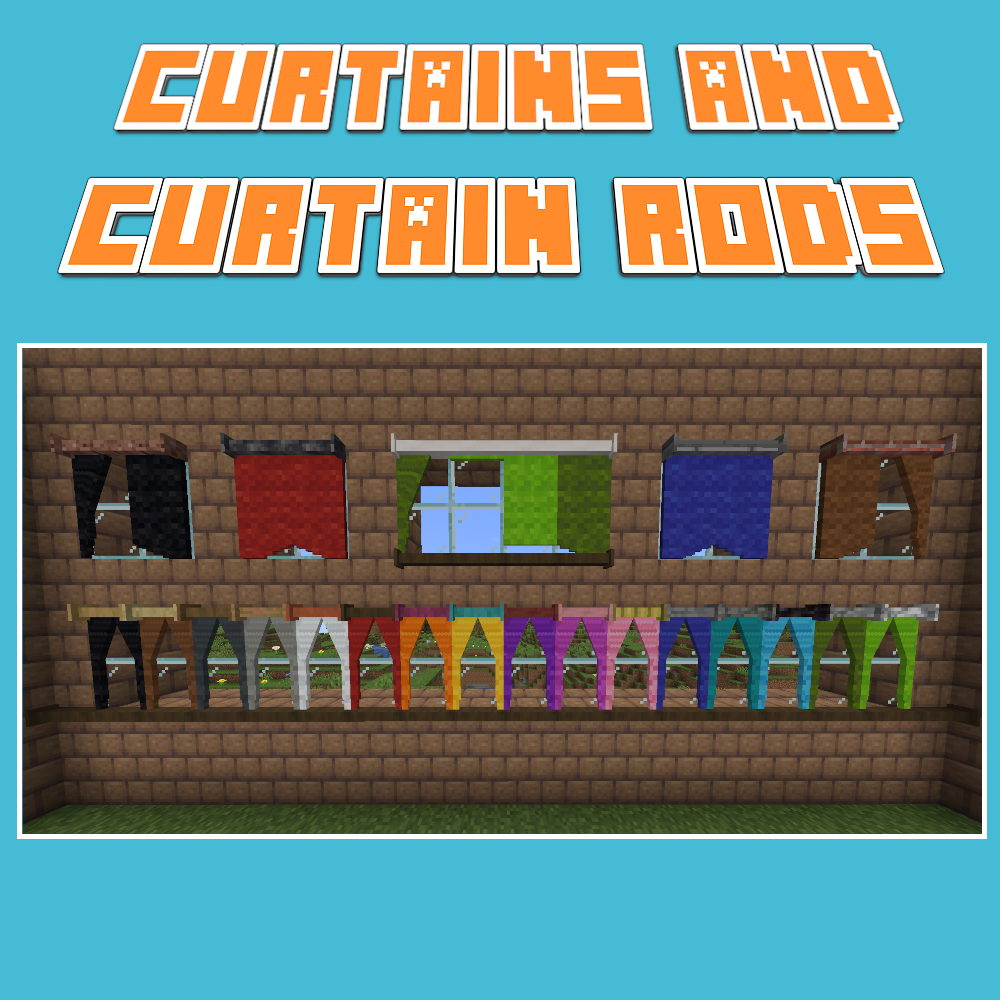
Current Features:
- Baseboards to elegantly frame rooms
- Curbs and curbstones for realistic streets and pathways
- Vanilla-friendly recipes crafted to feel intuitive and survival-ready
- Seamless compatibility with a wide range of building blocks and materials (with Arboreal Nature and Wild Fields Integration)
- Aesthetic and functional curtains and curtain rods
Future Updates:
- New material sets for different themes (e.g., stone, wood, brick, metal, nether/end variants)
- Expanded architectural details for gardens, interiors, and large-scale builds
- Additional variants such as ornate friezes, simple cornices, and industrial curbs
- Integration with other modded materials for even more decorative options
Whether you want a clean and modern edge to your hallways or a detailed historic façade for a grand city, Aesthetic Edges helps transform simple builds into refined masterpieces.
Finish your structures with style. Frame your creativity.
Available Versions
How to Install Aesthetic Edges on Your Server
Order Server
Order a Minecraft Java server with at least 3 GB RAM (4 GB recommended).
Set fabric Loader
In the panel under "Egg", select the fabric loader and matching Minecraft version (1.21.1).
Install Mod
Open the mod browser in the dashboard and search for "Aesthetic Edges". Click "Install" – done! Alternatively, upload the .jar via SFTP to the /mods folder.
Compatibility
Mod Loaders
Minecraft Versions
1.21.1, 1.20.1, 1.19.4 (+2 more)
Server-side
✓ RequiredRecommended RAM
4 GB(min. 3 GB)Frequently Asked Questions
Aesthetic Edges server crashes on startup – what to do?
Most common cause: wrong fabric version or insufficient RAM. Check the server log (latest.log) for "OutOfMemoryError" or "Mixin" errors. With Mado Hosting: ensure at least 3 GB RAM is allocated and the loader matches the mod version (1.21.1). You can switch loaders with one click in the panel.
Is Aesthetic Edges compatible with fabric and forge and neoforge?
Aesthetic Edges officially supports fabric, forge, neoforge for Minecraft 1.21.1, 1.20.1, 1.19.4. Note: Forge and Fabric mods are NOT cross-compatible – pick one loader and stick with it. The Mado dashboard automatically detects incompatible loader combinations.
Server lagging with Aesthetic Edges – how to optimize performance?
Recommended RAM: 4 GB (per 8 players). Use /spark profiler to check if Aesthetic Edges consumes the most tick time. Common fixes: reduce server view-distance to 8-10, install "performant" or "starlight" as supplementary mods on Forge. With Mado Hosting, your server runs on NVMe SSDs with dedicated CPU cores for minimal latency.
Similar Mods

![[ETF] Entity Texture Features](https://cdn.modrinth.com/data/BVzZfTc1/af683d206d50b05258d865b0d6e4aa2f2cee12f2_96.webp)
![[EMF] Entity Model Features](https://cdn.modrinth.com/data/4I1XuqiY/6e5bbd0d06b1741bfdab6c0cfab6de8fdaf0064c_96.webp)



Rent Modded Server
Install Aesthetic Edges with just one click on your server.