
AlelChemist
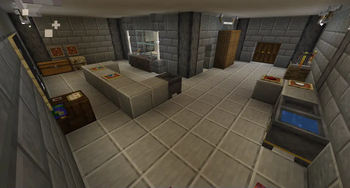
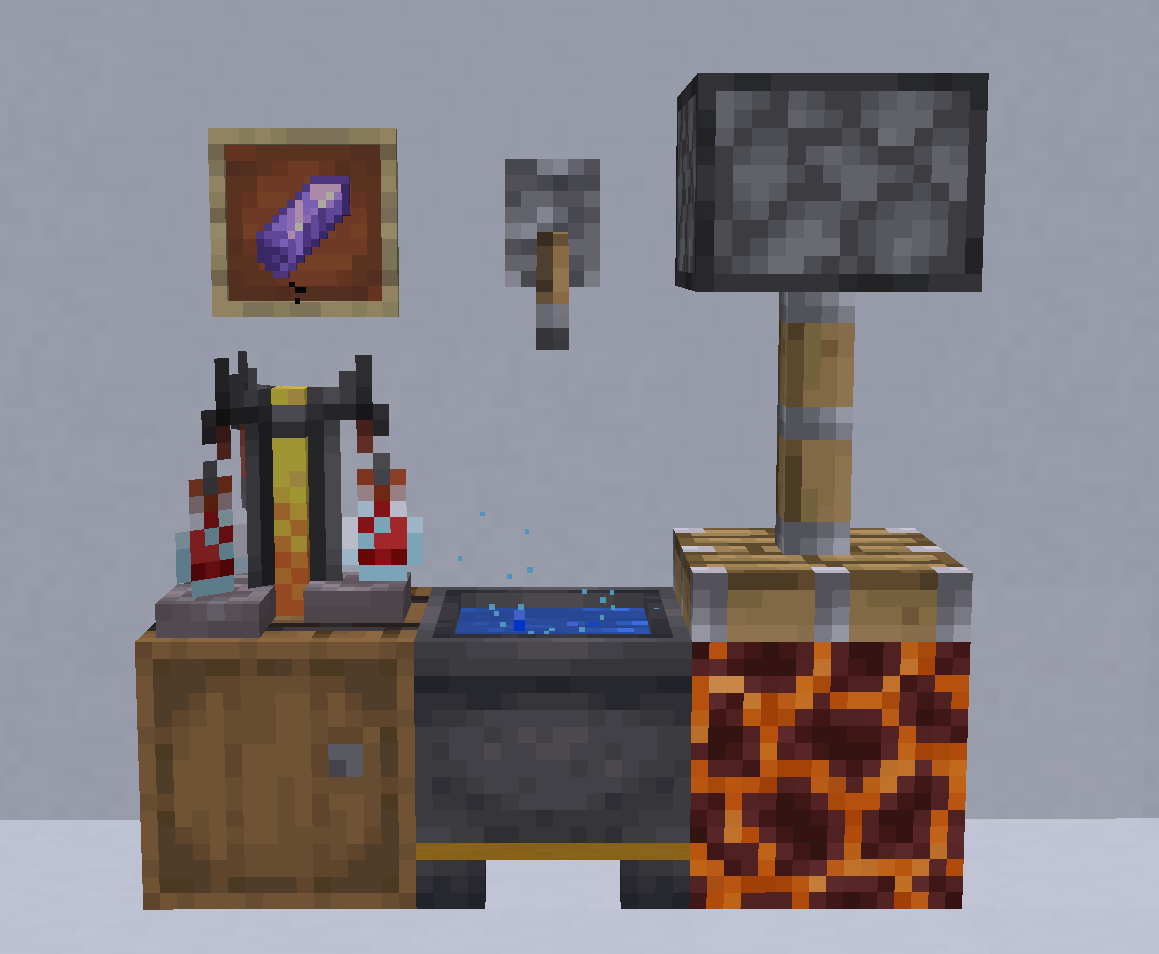
AlelChemist is a science-driven datapack that brings experimental fantasy chemistry to Minecraft. Test over 100 reagents, observe, and discover unique reactions through real experimentation.
Screenshots


About this Mod
AlelChemist — Fantasy Chemistry Datapack
What if alchemy was real science?
AlelChemist recreates the process of scientific experimentation in Minecraft. Over 100 reagents combine inside the Aleldron to produce reproducible reactions — but why and how they work remains unknown. Your role is to hypothesize, test, and gradually uncover hidden principles through observation and analysis.
There are no recipes — only patterns waiting to be discovered.
Every reaction follows consistent, logical rules, but their exact mechanisms are concealed. Experiment, collect data, and build your understanding piece by piece.
Designed for true experimenters, not mere crafters.
This datapack prioritizes curiosity, critical thinking, and the thrill of discovery over grinding or rote memorization.
Key features:
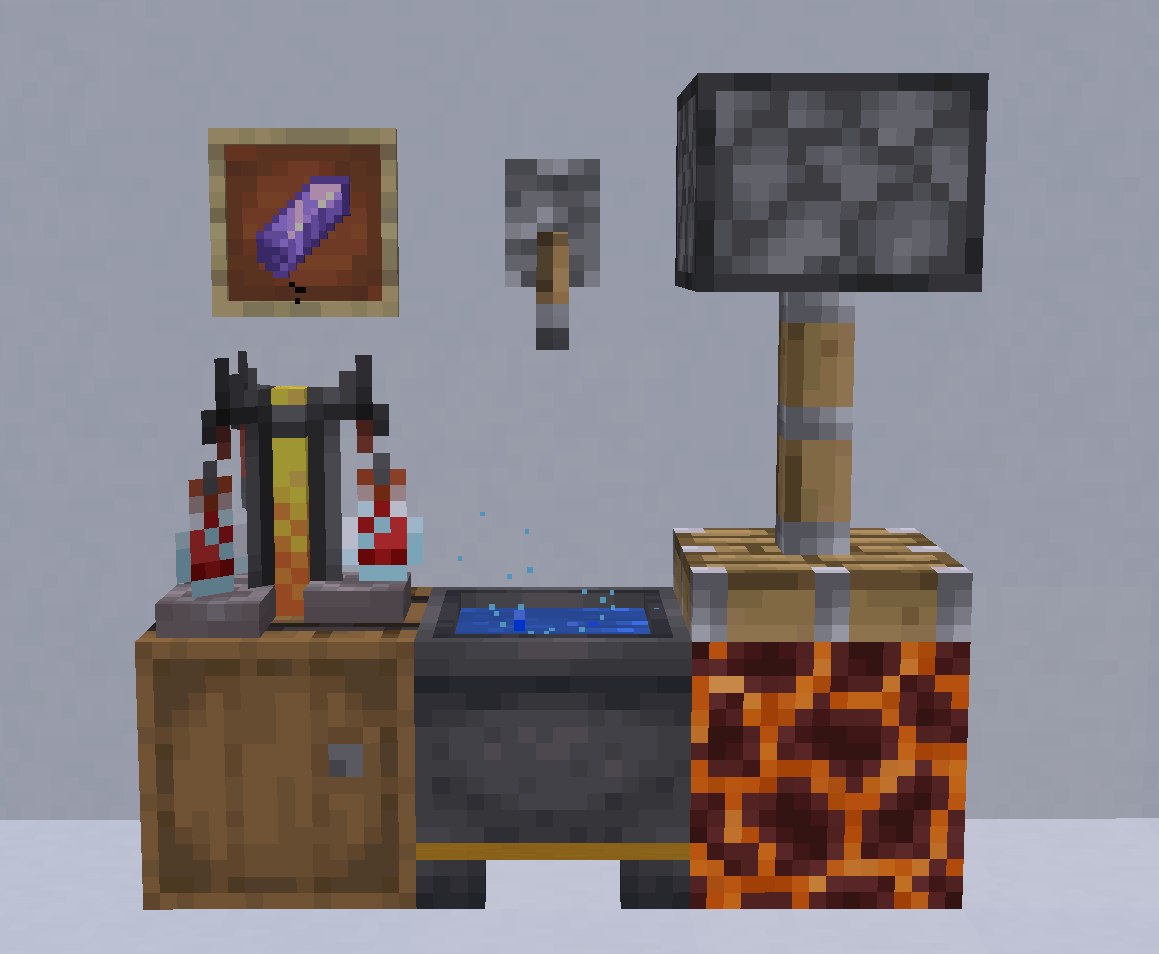
- New workstation: the Aleldron — a custom cauldron for your experiments
- In-game starter notes, accessible from the pause menu
- Over 100 reagents, with more to come
- 20 reaction types, most with multiple variations
- Some reactions may be dangerous — explosions, poisons, and worse
- Others might be surprisingly useful — if you can figure them out
- And secrets
If you'd like to support me...
There's a link to my Boosty page — but be aware it's in Russian and unrelated to Minecraft or this datapack. Feel free to ignore it.
Available Versions
How to Install AlelChemist on Your Server
Order Server
Order a Minecraft Java server with at least 3 GB RAM (4 GB recommended).
Set datapack Loader
In the panel under "Egg", select the datapack loader and matching Minecraft version (26.1).
Install Mod
Open the mod browser in the dashboard and search for "AlelChemist". Click "Install" – done! Alternatively, upload the .jar via SFTP to the /mods folder.
Compatibility
Mod Loaders
Minecraft Versions
26.1, 1.21.11, 1.21.10 (+4 more)
Server-side
✓ RequiredRecommended RAM
4 GB(min. 3 GB)Frequently Asked Questions
AlelChemist server crashes on startup – what to do?
Most common cause: wrong datapack version or insufficient RAM. Check the server log (latest.log) for "OutOfMemoryError" or "Mixin" errors. With Mado Hosting: ensure at least 3 GB RAM is allocated and the loader matches the mod version (26.1). You can switch loaders with one click in the panel.
Is AlelChemist compatible with datapack and fabric and forge and neoforge and quilt?
AlelChemist officially supports datapack, fabric, forge, neoforge, quilt for Minecraft 26.1, 1.21.11, 1.21.10. Note: Forge and Fabric mods are NOT cross-compatible – pick one loader and stick with it. The Mado dashboard automatically detects incompatible loader combinations.
Server lagging with AlelChemist – how to optimize performance?
Recommended RAM: 4 GB (per 8 players). Use /spark profiler to check if AlelChemist consumes the most tick time. Common fixes: reduce server view-distance to 8-10, install "performant" or "starlight" as supplementary mods on Forge. With Mado Hosting, your server runs on NVMe SSDs with dedicated CPU cores for minimal latency.
Similar Mods





Rent Modded Server
Install AlelChemist with just one click on your server.
Details
- License
- Creative Commons Attribution Non Commercial Share Alike 4.0 International
- Server-side
- Required