
All The Heads
Heads up! Every mob, every head, all in one, proudly displayed.
Screenshots

About this Mod
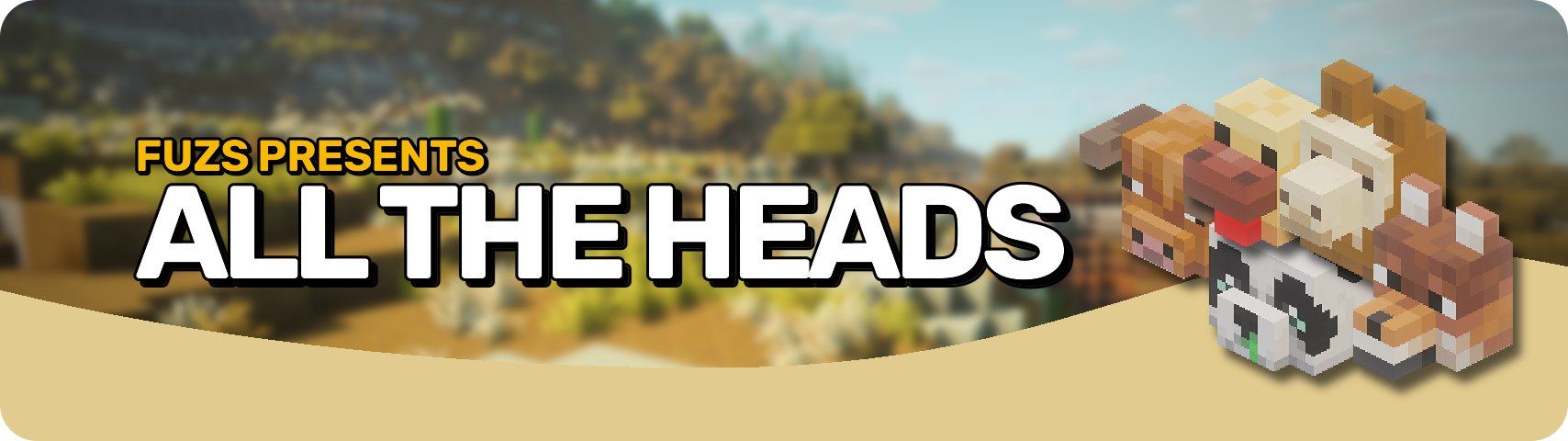








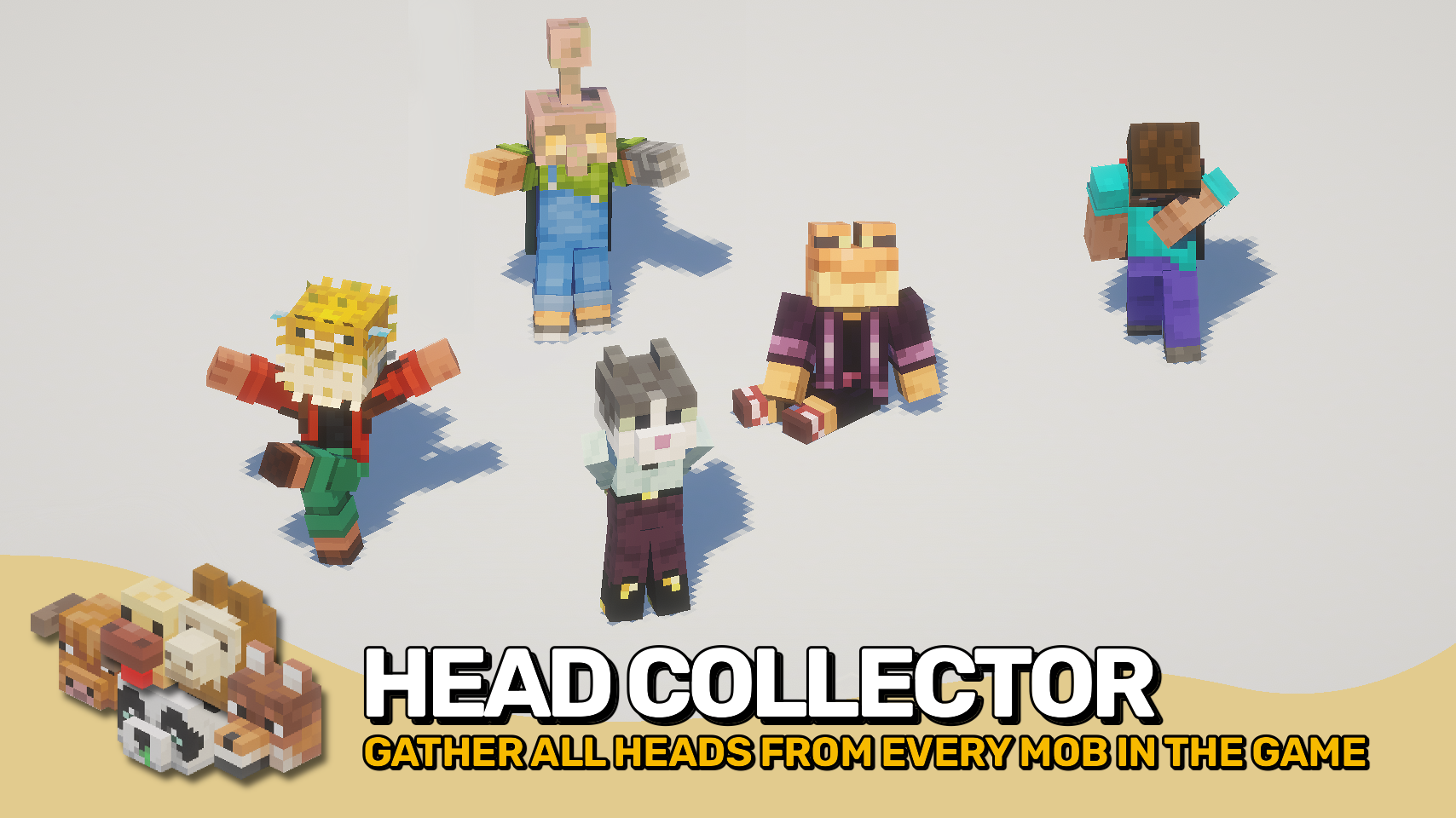
Ever wanted more than the few vanilla mob heads? All The Heads adds over 450 unique mob heads, covering every creature and its variants. Each head is fully modeled, accurately scaled, and even includes correct hitboxes and noteblock sounds. Built on a fully data-driven system, you can easily add, remove, or tweak any head without touching code. Perfect for modpack makers, server admins, or anyone who loves collecting.
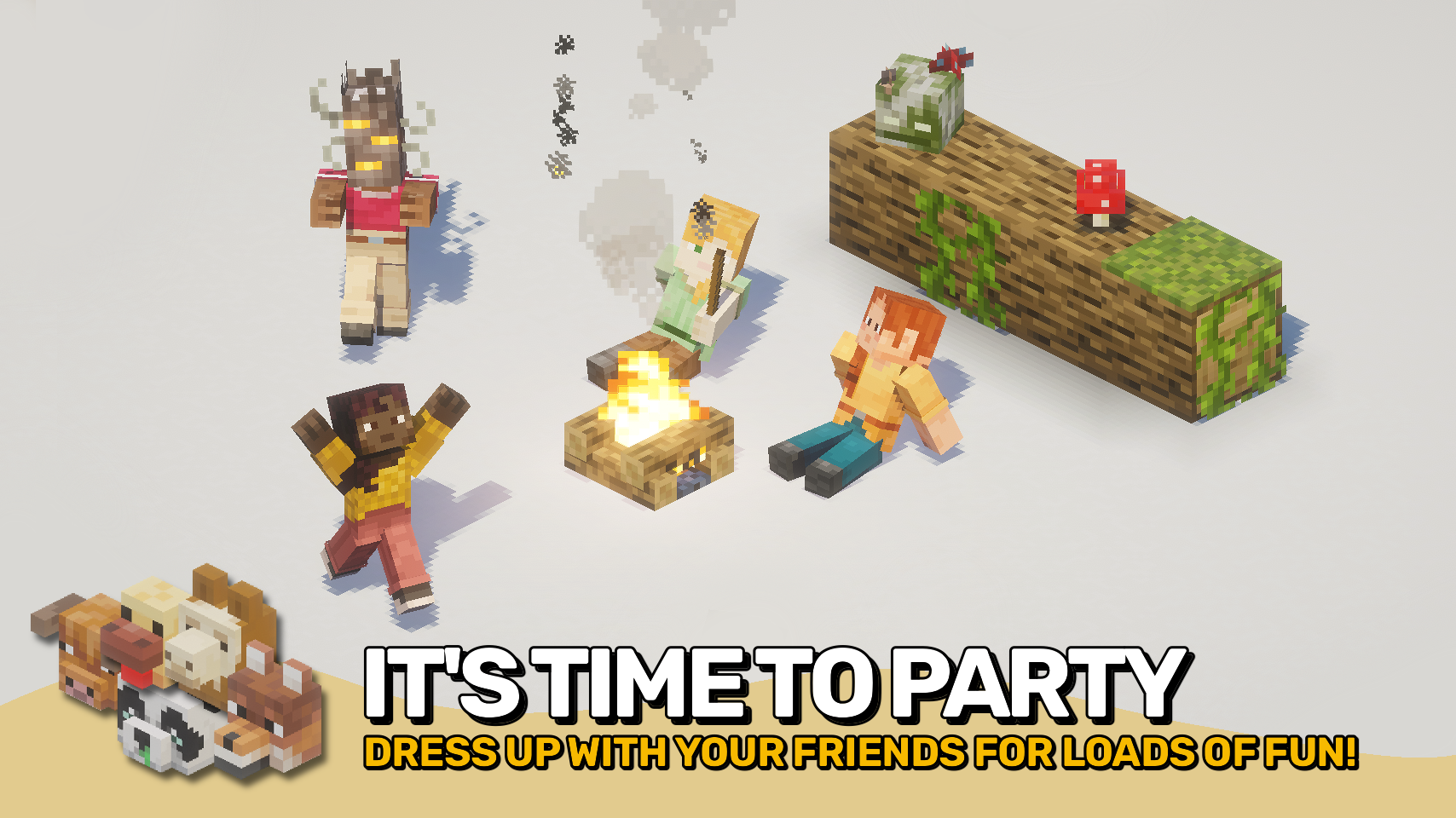
All heads are wearable or placeable, letting you decorate, craft statues, or create custom trophies. Start collecting them all and show off your ultimate mob head collection!

- 🪦 Complete Collection: Over 450 heads, including all mob variants and colors.
- 🎨 Attention to Detail: Correct scale, hitbox, and sounds for perfect display.
- 💡 Decor-Friendly: Ideal for building, decorating, or pranking friends.
- 🏆 Ready to Show Off: Display your collection anywhere in your world with style.
- ⚙️ Fully Data-Driven: Add or edit head definitions without touching code.
- 🔌 Mod Friendly: Easily extend support to new mobs from other mods with datapacks.


⏩ INSTALLATION REQUIRED ON CLIENT & REQUIRED ON SERVER
⏩ REQUIRES PUZZLES LIB TO BE INSTALLED (FABRIC & NEOFORGE)
⏩ REQUIRES FABRIC API TO BE INSTALLED (FABRIC)
⏩ REQUIRES FORGE CONFIG API PORT TO BE INSTALLED (FABRIC)

If available for a mod, configuration is possible directly from in-game using the mod menu (requires Mod Menu by Prospector to be installed on Fabric). Please note that on older Minecraft versions installing Forge Config Screens is also a requirement.
For manual configuration using an external text editor all files are found at .minecraft/config, named as MOD_ID-client.toml, MOD_ID-common.toml, or MOD_ID-server.toml, depending on the type of config. Not all types might exist for a mod, if any at all.

🌟 Thanks a lot to the Vanilla Tweaks Team for their More Mob Heads data pack, which inspired many of the default head drop rates used here.

Available Versions
How to Install All The Heads on Your Server
Order Server
Order a Minecraft Java server with at least 3 GB RAM (4 GB recommended).
Set fabric Loader
In the panel under "Egg", select the fabric loader and matching Minecraft version (26.1.2).
Install Mod
Open the mod browser in the dashboard and search for "All The Heads". Click "Install" – done! Alternatively, upload the .jar via SFTP to the /mods folder.
Compatibility
Mod Loaders
Minecraft Versions
26.1.2, 26.1.1, 26.1 (+4 more)
Server-side
✓ RequiredRecommended RAM
4 GB(min. 3 GB)Frequently Asked Questions
All The Heads server crashes on startup – what to do?
Most common cause: wrong fabric version or insufficient RAM. Check the server log (latest.log) for "OutOfMemoryError" or "Mixin" errors. With Mado Hosting: ensure at least 3 GB RAM is allocated and the loader matches the mod version (26.1.2). You can switch loaders with one click in the panel.
Is All The Heads compatible with fabric and neoforge?
All The Heads officially supports fabric, neoforge for Minecraft 26.1.2, 26.1.1, 26.1. The Mado dashboard automatically detects incompatible loader combinations.
Server lagging with All The Heads – how to optimize performance?
Recommended RAM: 4 GB (per 8 players). Use /spark profiler to check if All The Heads consumes the most tick time. Common fixes: reduce server view-distance to 8-10, install "performant" or "starlight" as supplementary mods on Forge. With Mado Hosting, your server runs on NVMe SSDs with dedicated CPU cores for minimal latency.
Similar Mods

![[ETF] Entity Texture Features](https://cdn.modrinth.com/data/BVzZfTc1/af683d206d50b05258d865b0d6e4aa2f2cee12f2_96.webp)
![[EMF] Entity Model Features](https://cdn.modrinth.com/data/4I1XuqiY/6e5bbd0d06b1741bfdab6c0cfab6de8fdaf0064c_96.webp)



Rent Modded Server
Install All The Heads with just one click on your server.