
Alternate Block Designs
A curated collection of vanilla block variants that have been ignored by Mojang.
Screenshots
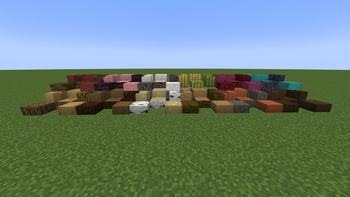
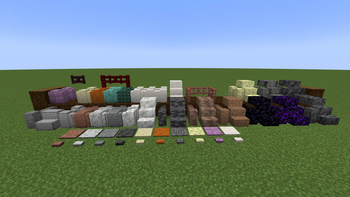
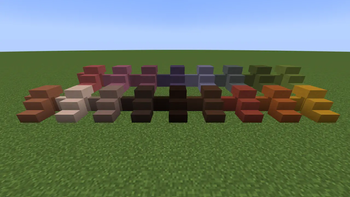
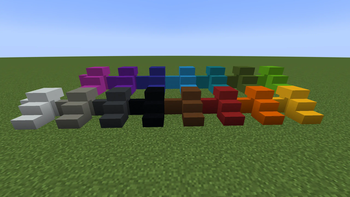
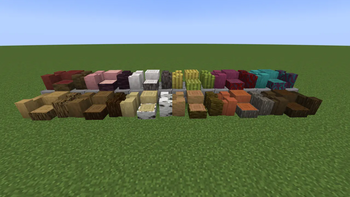
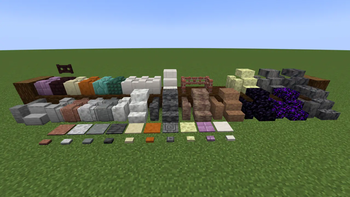
About this Mod
What This Mod Is
This mod is a curated set of block variants that Mojang has left out of the vanilla game.
What This Mod Is Not
This mod is not an exhaustive set of all alternate block types for all vanilla materials.
This is my take on adding block variants that I feel belong in the base game, and are based on the existing choices that Mojang have made for the current block set.
Showcase
Current Block Variant List
Below is a list of all variant blocks included in the mod.
New for v1.2.0
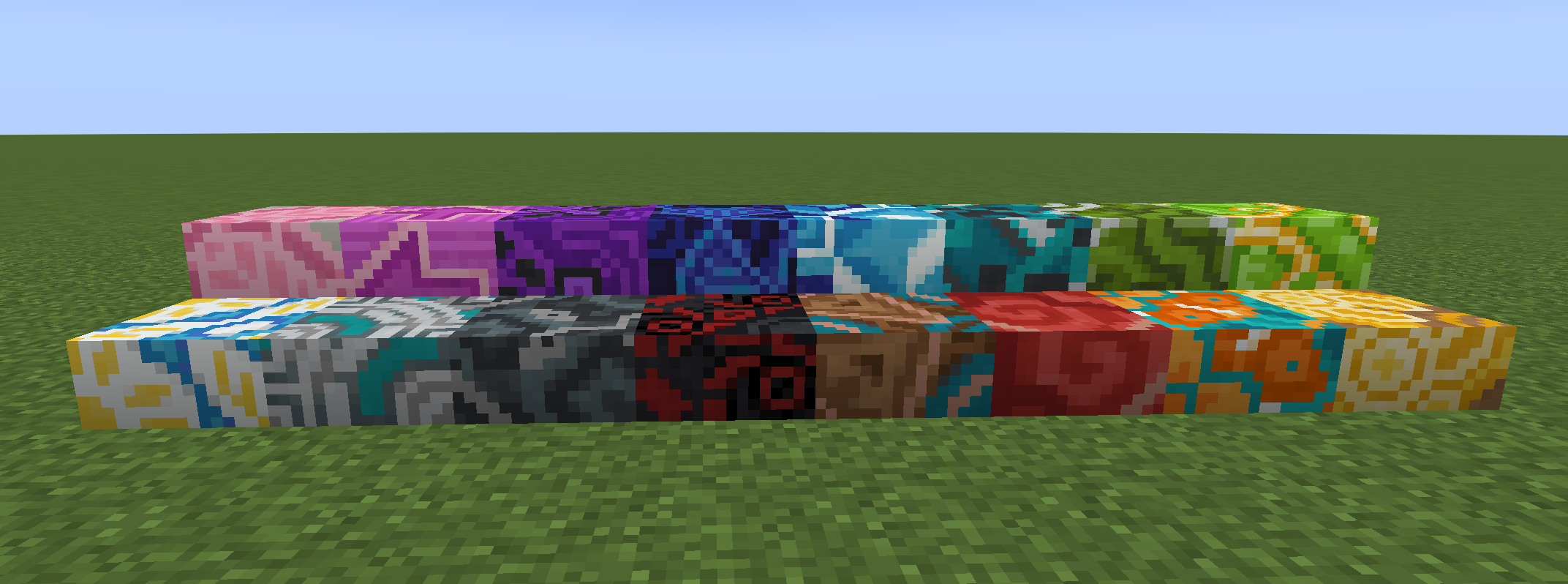
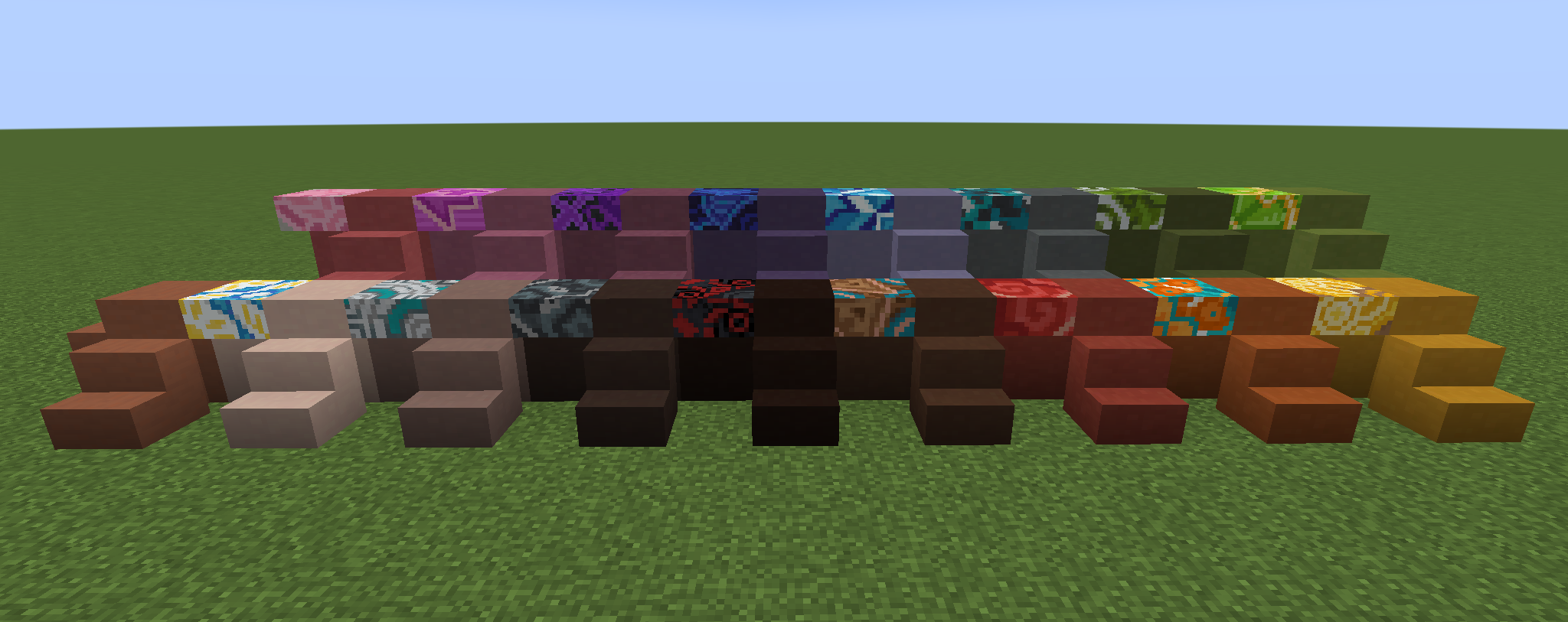
Slabs for all colors of Glazed Terracotta
- Slabs respect placement orientation correctly
- Double slabs will retain the facing orientation of the first slab placed in the world, regardless of direction the second slab is placed - this is the intended behavior
Wood Types
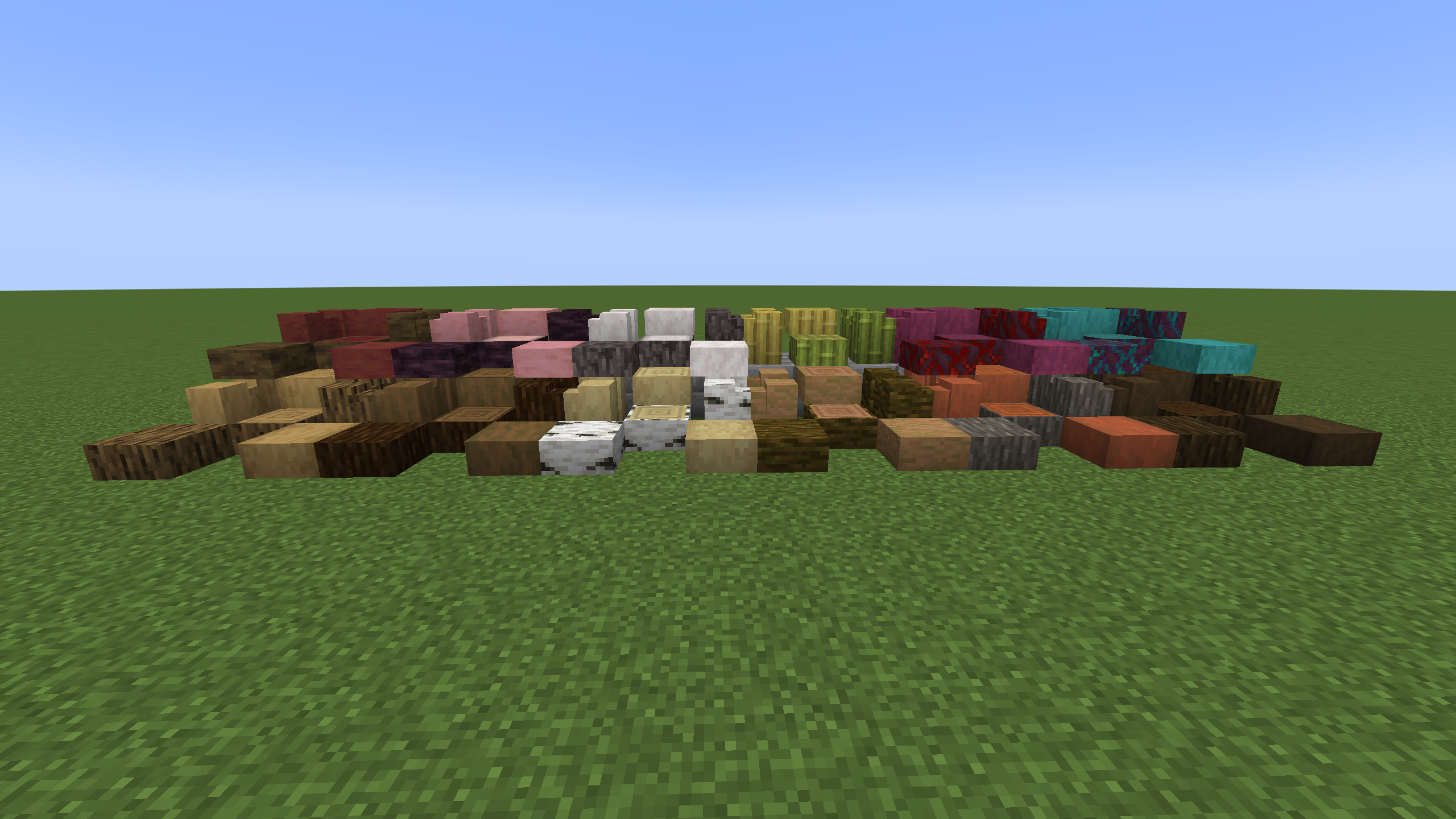
- Slab
- All vanilla logs
- All vanilla wood blocks (bark texture on all 6 sides)
- All stripped vanilla logs
- All stripped vanilla wood blocks
- Wall
- All vanilla wood blocks
- All stripped vanilla wood blocks
Stone Types
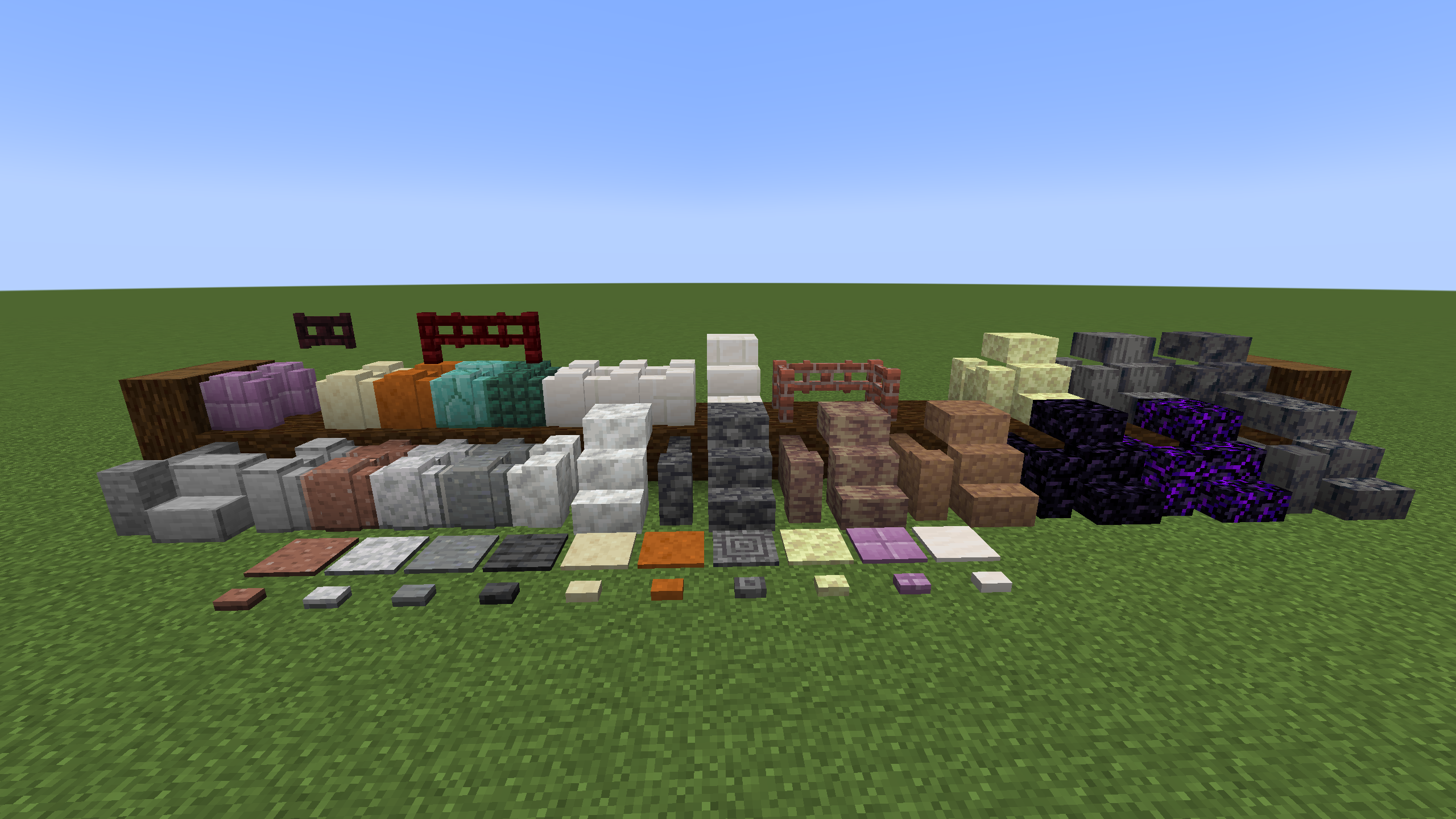

- Stairs
- Smooth Stone
- Calcite
- Deepslate
- Dripstone
- Packed Mud
- Obsidian
- Crying Obsidian
- Basalt
- Smooth Basalt
- Polished Basalt
- End Stone
- Quartz Bricks
- All Terracotta
- All Concrete
- Slab
- Calcite
- Deepslate
- Dripstone
- Packed Mud
- Obsidian
- Crying Obsidian
- Basalt
- Smooth Basalt
- Polished Basalt
- End Stone
- Quartz Bricks
- All Terracotta
- All Glazed Terracotta
- All Concrete
- Fence
- Brick
- Red Nether Brick
- Fence Gate
- Brick
- Nether Brick
- Red Nether Brick
- Wall
- Stone
- Smooth Stone
- Polished Granite
- Polished Diorite
- Polished Andesite
- Calcite
- Deepslate
- Dripstone
- Packed Mud
- Smooth Sandstone
- Smooth Red Sandstone
- Prismarine Brick
- Dark Prismarine
- Obsidian
- Crying Obsidian
- Nether Brick
- Basalt
- Smooth Basalt
- Polished Basalt
- End Stone
- Purpur
- Quartz
- Quartz Brick
- Smooth Quartz
- All Terracotta
- All Concrete
- Pressure Plate and Button
- Polished Granite
- Polished Diorite
- Polished Andesite
- Polished Deepslate
- Smooth Sandstone
- Smooth Red Sandstone
- Polished Basalt
- End Stone
- Purpur
- Smooth Quartz
Known Issues
- Nether Brick Fence Gate, Red Nether Brick Fence Gate, and Brick Fence Gate use the wrong sounds, using all standard Wood sounds.
There are no existing non-wood gate opening or closing sounds.- Fun Fact: The vanilla codebase hard codes a requirement for all Fence Gates to have an associated WoodType.
Future Considerations
There are currently only a couple of features planned for a future update.
- Add dripping tear effect to Crying Obsidian slab, stairs, and wall
- Chiseled Red Nether Bricks
- Correct block hit and break sounds for Brick and Nether Brick Fence Gates
- Add a brick type sound for Nether Brick and Brick Fence Gates
Available Versions
How to Install Alternate Block Designs on Your Server
Order Server
Order a Minecraft Java server with at least 3 GB RAM (4 GB recommended).
Set fabric Loader
In the panel under "Egg", select the fabric loader and matching Minecraft version (1.21.8).
Install Mod
Open the mod browser in the dashboard and search for "Alternate Block Designs". Click "Install" – done! Alternatively, upload the .jar via SFTP to the /mods folder.
Compatibility
Mod Loaders
Minecraft Versions
1.21.8, 1.21.7, 1.21.6 (+1 more)
Server-side
✓ RequiredRecommended RAM
4 GB(min. 3 GB)Frequently Asked Questions
Alternate Block Designs server crashes on startup – what to do?
Most common cause: wrong fabric version or insufficient RAM. Check the server log (latest.log) for "OutOfMemoryError" or "Mixin" errors. With Mado Hosting: ensure at least 3 GB RAM is allocated and the loader matches the mod version (1.21.8). You can switch loaders with one click in the panel.
Is Alternate Block Designs compatible with fabric?
Alternate Block Designs officially supports fabric for Minecraft 1.21.8, 1.21.7, 1.21.6. The Mado dashboard automatically detects incompatible loader combinations.
Server lagging with Alternate Block Designs – how to optimize performance?
Recommended RAM: 4 GB (per 8 players). Use /spark profiler to check if Alternate Block Designs consumes the most tick time. Common fixes: reduce server view-distance to 8-10, install "performant" or "starlight" as supplementary mods on Forge. With Mado Hosting, your server runs on NVMe SSDs with dedicated CPU cores for minimal latency.
Similar Mods

![[ETF] Entity Texture Features](https://cdn.modrinth.com/data/BVzZfTc1/af683d206d50b05258d865b0d6e4aa2f2cee12f2_96.webp)
![[EMF] Entity Model Features](https://cdn.modrinth.com/data/4I1XuqiY/6e5bbd0d06b1741bfdab6c0cfab6de8fdaf0064c_96.webp)



Rent Modded Server
Install Alternate Block Designs with just one click on your server.