Ambient HUD
Replaces Minecraft's HUD with a minimal, context-sensitive interface
Screenshots
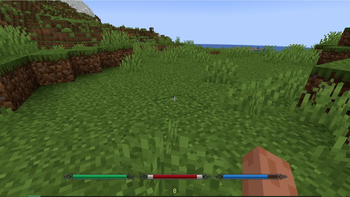
About this Mod
Ambient HUD - a rework of Minecraft's default interface.
If you're willing to trade some familiar information for a cleaner, more immersive experience- this mod is for you.
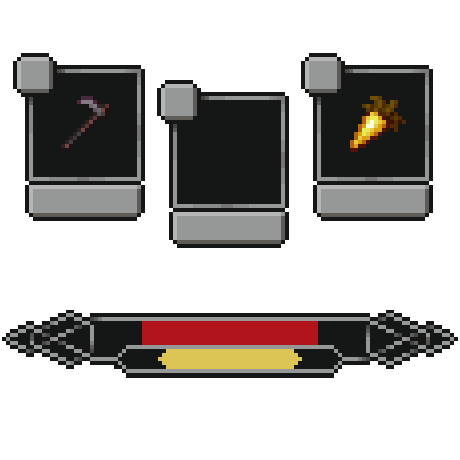
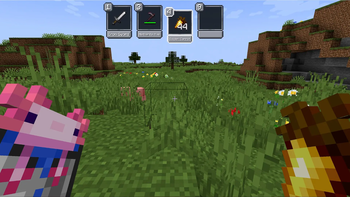
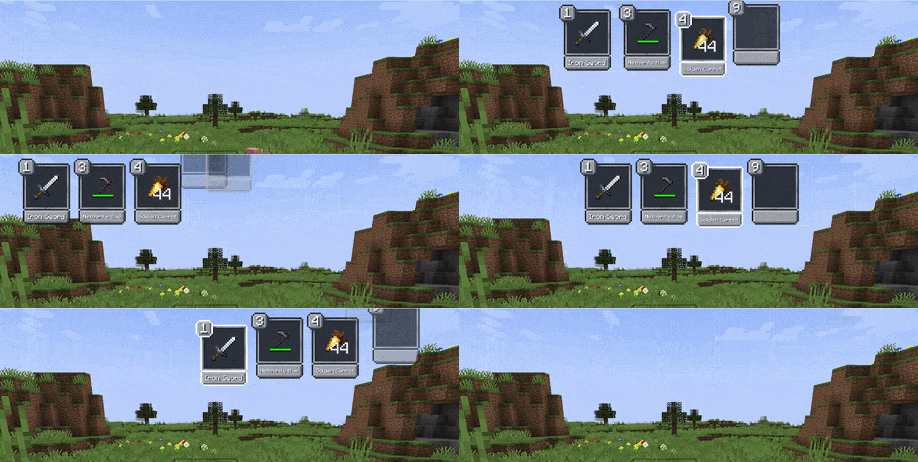
New Hotbar Appears only when you interact with it: scrolling or pressing a hotkey. Can be positioned on the left, right, or top of the screen. By default hides all slots except one empty slot for easier scrolling - any slot is still reachable with its hotkey.
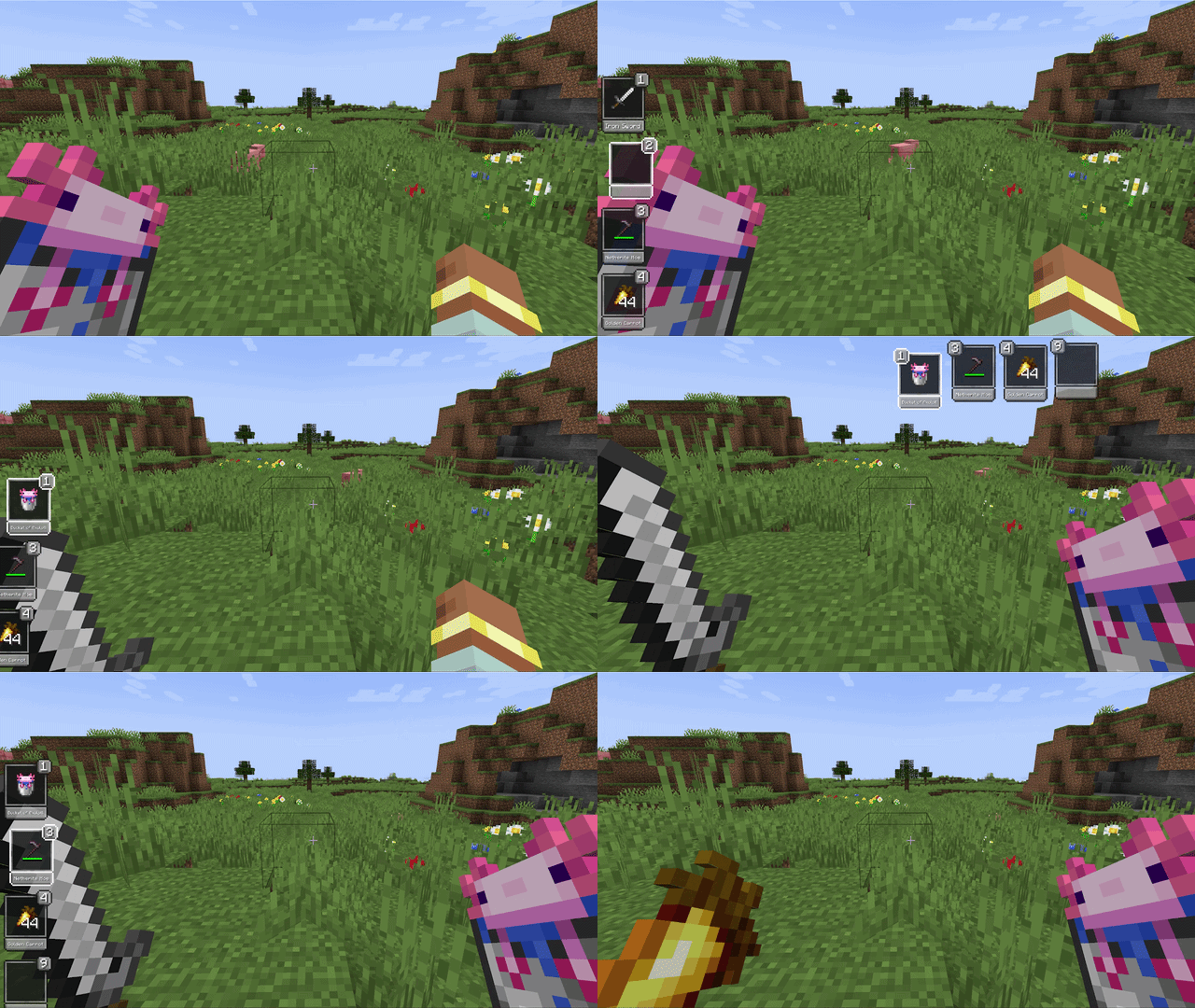
Offhand
Holding the offhand key brings up the hotbar and lets you move any item directly into the offhand slot - no extra scrolling needed.
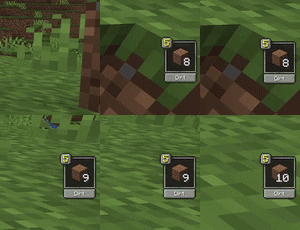
Pickup Notifications
When you pick up an item, the slot it landed in gets highlighted - or a notification appears if it went into your inventory.
Core Indicators
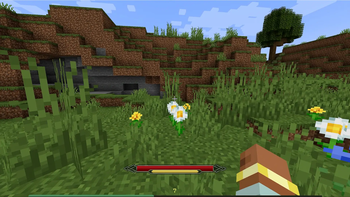
Health, hunger, and air only show when they're not full. The XP bar is always visible by default.
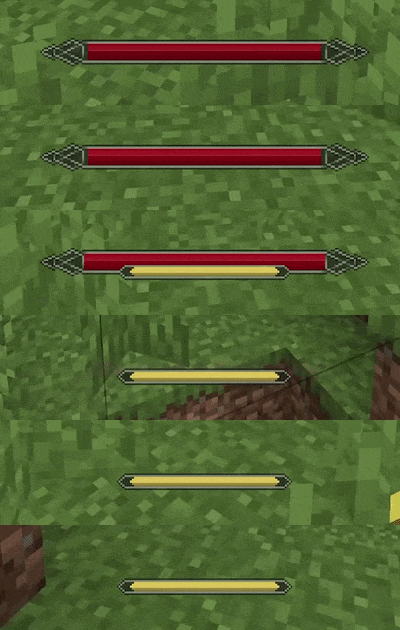
Boss Bar Optionally suppresses pickup notifications during boss fights. Picks up the color of the vanilla boss bar.
Optional Indicators
Mana and stamina work only when a compatible mod is installed and are detected automatically. The source mod can also be set manually if needed.

Integrations
- Irons Spells & Spellbooks - mana (disable the original mana bar in its config)
- Ars Nouveau - mana (the original bar can be pushed offscreen)
- Epic Fight - stamina (original stamina bar is hidden automatically)
- Parcool - stamina (original stamina bar is~~~~ hidden automatically
level up notification
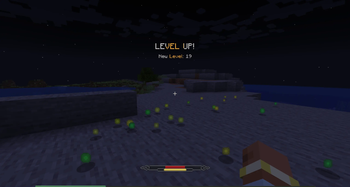
The level is hidden by default, and when you level up, you'll see a toast like in RPG games.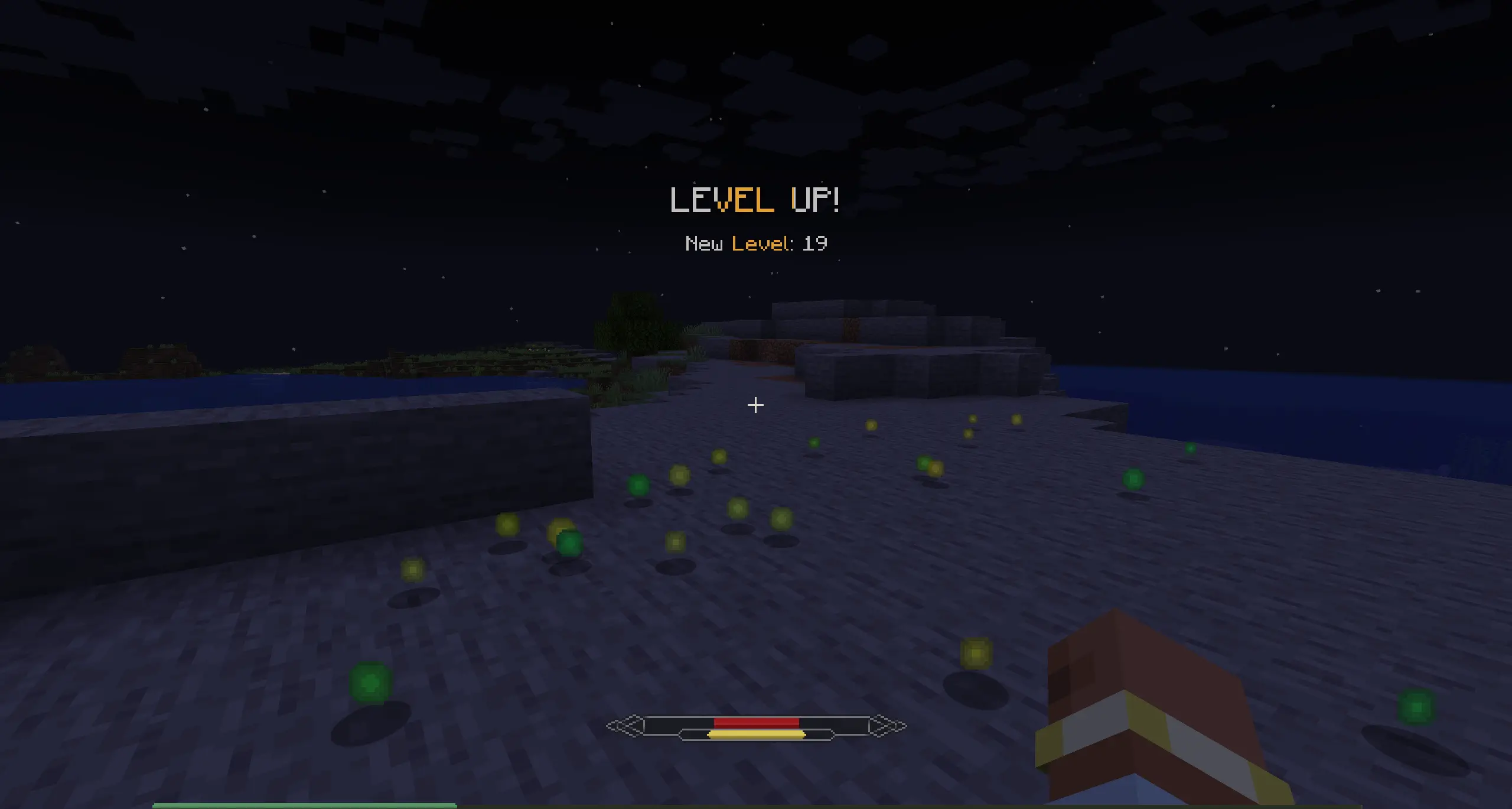
Configuration
All elements of Ambient HUD can be disabled to restore their vanilla counterparts.
Available Versions
How to Install Ambient HUD on Your Server
Order Server
Order a Minecraft Java server with at least 3 GB RAM (4 GB recommended).
Set forge Loader
In the panel under "Egg", select the forge loader and matching Minecraft version (1.21.1).
Install Mod
Open the mod browser in the dashboard and search for "Ambient HUD". Click "Install" – done! Alternatively, upload the .jar via SFTP to the /mods folder.
Compatibility
Mod Loaders
Minecraft Versions
1.21.1, 1.20.1
Server-side
✓ RequiredRecommended RAM
4 GB(min. 3 GB)Frequently Asked Questions
Ambient HUD server crashes on startup – what to do?
Most common cause: wrong forge version or insufficient RAM. Check the server log (latest.log) for "OutOfMemoryError" or "Mixin" errors. With Mado Hosting: ensure at least 3 GB RAM is allocated and the loader matches the mod version (1.21.1). You can switch loaders with one click in the panel.
Is Ambient HUD compatible with forge and neoforge?
Ambient HUD officially supports forge, neoforge for Minecraft 1.21.1, 1.20.1. The Mado dashboard automatically detects incompatible loader combinations.
Server lagging with Ambient HUD – how to optimize performance?
Recommended RAM: 4 GB (per 8 players). Use /spark profiler to check if Ambient HUD consumes the most tick time. Common fixes: reduce server view-distance to 8-10, install "performant" or "starlight" as supplementary mods on Forge. With Mado Hosting, your server runs on NVMe SSDs with dedicated CPU cores for minimal latency.
Similar Mods




![[ETF] Entity Texture Features](https://cdn.modrinth.com/data/BVzZfTc1/af683d206d50b05258d865b0d6e4aa2f2cee12f2_96.webp)

Rent Modded Server
Install Ambient HUD with just one click on your server.