
Animated Inventory
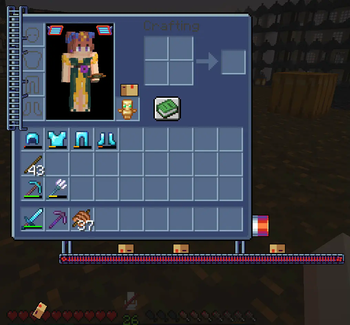
Adds cute animations to your survival inventory!
Screenshots

About this Mod
Animated Inventory - 
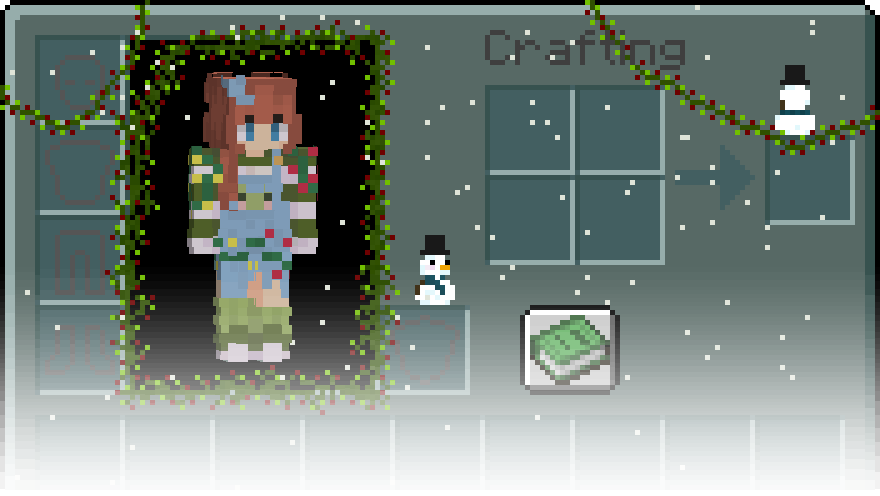
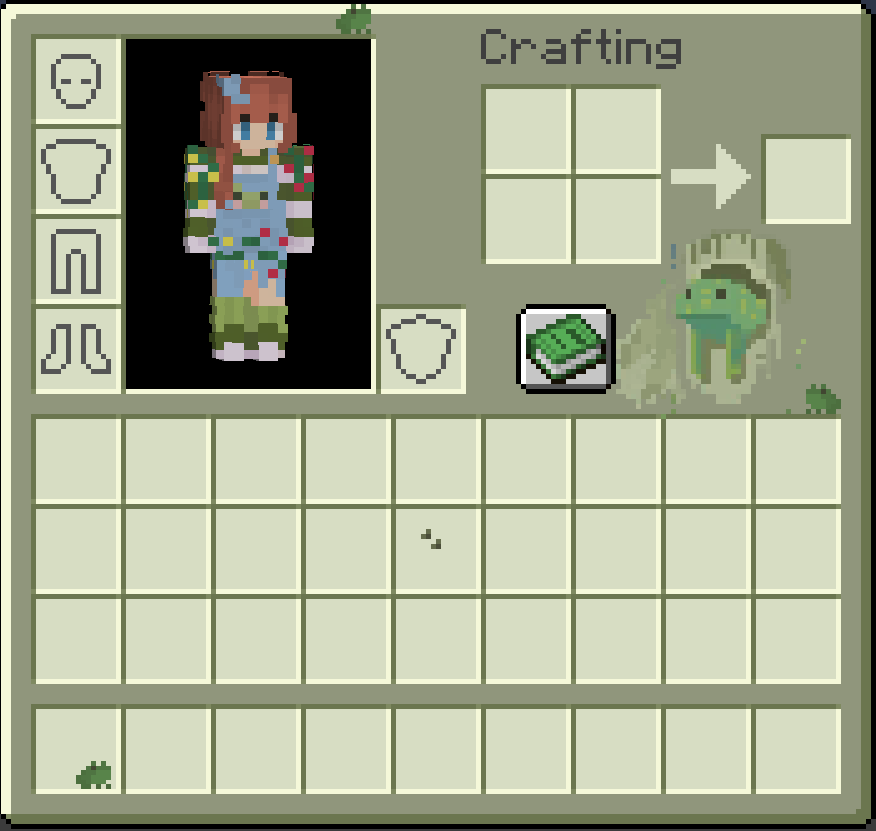
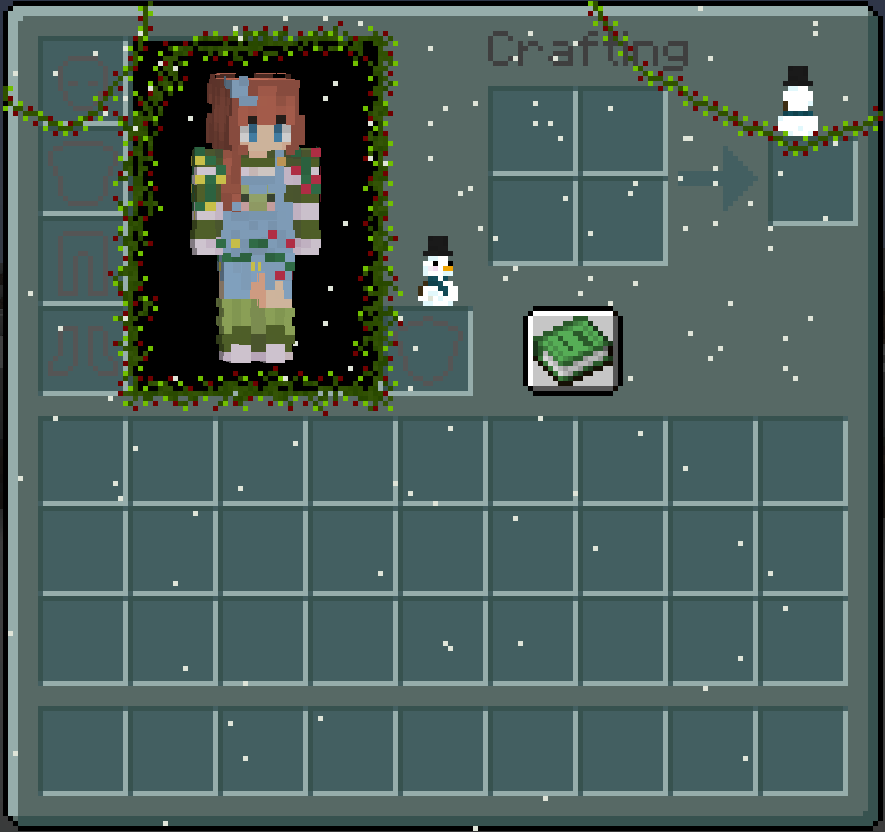
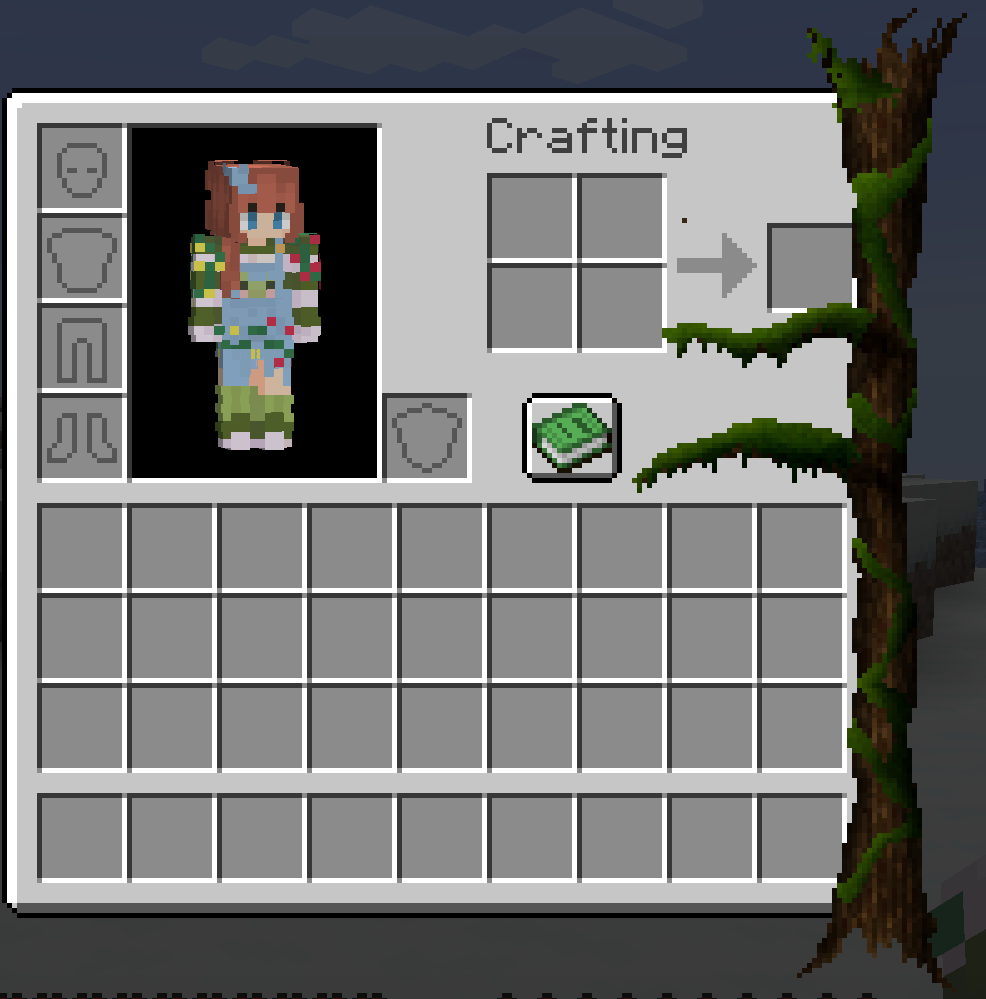
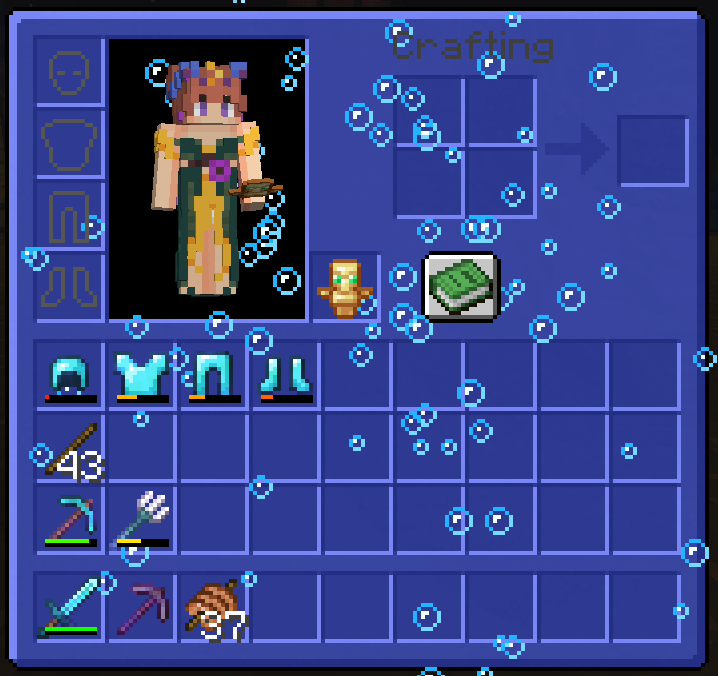
Animated Inventory does exactly as the name describes, animates things in the inventory. Giving the inventory some more life and activity.
Animated Inventory is one of my favorite mods due to the amount of customizability it has.
There is only a few themes to choose from:
- Froggy
- Christmas
- Slime
- WIP Forest
- WIP Ocean
- WIP Factory
- WIP Cat
Each one has it's own style and feel to it and I plan to add more soon <3
If you have any ideas for a custom inventory or have art submission for one feel free to join my discord and tell me about it!
How To Use
When you first install the mod make sure to have Fabric API, Mod Menu, and Cloth Config. If you are using NeoForge ensure you just have Cloth Config!
Once your game has booted you can click on the "Mods" button and then find and click on "Animated Inventory". Here you can modify the mods settings.
Quick Setting Rundown
- Animation State - Enabled, Paused, Disabled
- Inventory Theme - Froggy, Christmas, WIP Forest, WIP Ocean, WIP Factory
- GUI Texture Level - Custom Inventory, Vanilla Inventory
- Vivid Textures - Yes/No
Detailed Settings Overview
Detailed Settings
- Animation State
- Enabled - All animations will play as normal
- Paused - All animations will no longer tick
- Disabled - All animations will no longer render
- Inventory Theme
- Froggy - A cute frog theme
- Christmas - A theme to give you the Christmas cheer!
- Forest WIP - My rough sketch of a more nature-esc theme
- GUI Texture Level
- Custom Inventory - Allows the mod to use it's default inventory theme
- The theme only applies to the survival inventory... for now!
- Vanilla Inventory - Allows any texture pack you have to do it's thing
- Custom Inventory - Allows the mod to use it's default inventory theme
- Vivid Textures
- Some textures have a slight overlay to make them blend in a bit more, this removes that!
If you load into a game the animated inventory will start in your Survival inventory only! At least for now <3 If enough people seem to care I will finish my efforts of adding it to all the inventories.
Do note, some things are interactable! Perhaps frogs...
Future mod updates and progress will be posted in my discord!
Available Versions
How to Install Animated Inventory on Your Server
Order Server
Order a Minecraft Java server with at least 3 GB RAM (4 GB recommended).
Set fabric Loader
In the panel under "Egg", select the fabric loader and matching Minecraft version (1.21.11).
Install Mod
Open the mod browser in the dashboard and search for "Animated Inventory". Click "Install" – done! Alternatively, upload the .jar via SFTP to the /mods folder.
Compatibility
Mod Loaders
Minecraft Versions
1.21.11, 1.21.10, 1.21.9 (+16 more)
Server-side
✗ UnsupportedRecommended RAM
4 GB(min. 3 GB)Frequently Asked Questions
Animated Inventory server crashes on startup – what to do?
Most common cause: wrong fabric version or insufficient RAM. Check the server log (latest.log) for "OutOfMemoryError" or "Mixin" errors. With Mado Hosting: ensure at least 3 GB RAM is allocated and the loader matches the mod version (1.21.11). You can switch loaders with one click in the panel.
Is Animated Inventory compatible with fabric and neoforge?
Animated Inventory officially supports fabric, neoforge for Minecraft 1.21.11, 1.21.10, 1.21.9. The Mado dashboard automatically detects incompatible loader combinations.
Server lagging with Animated Inventory – how to optimize performance?
Recommended RAM: 4 GB (per 8 players). Use /spark profiler to check if Animated Inventory consumes the most tick time. Common fixes: reduce server view-distance to 8-10, install "performant" or "starlight" as supplementary mods on Forge. With Mado Hosting, your server runs on NVMe SSDs with dedicated CPU cores for minimal latency.
Similar Mods

![[ETF] Entity Texture Features](https://cdn.modrinth.com/data/BVzZfTc1/af683d206d50b05258d865b0d6e4aa2f2cee12f2_96.webp)
![[EMF] Entity Model Features](https://cdn.modrinth.com/data/4I1XuqiY/6e5bbd0d06b1741bfdab6c0cfab6de8fdaf0064c_96.webp)



Rent Modded Server
Install Animated Inventory with just one click on your server.