
Animated Typing
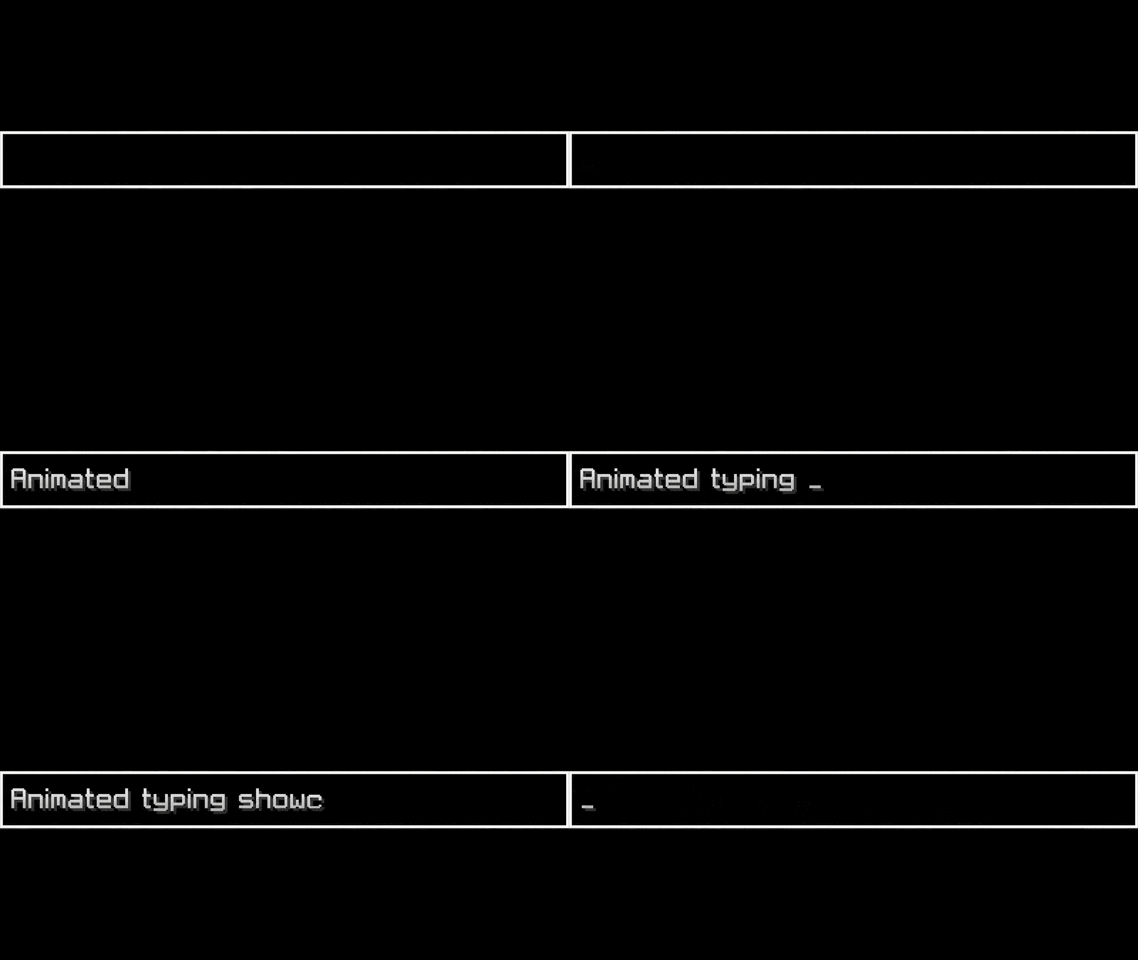
A mod that adds animation when typing in chat or else text field widget
Screenshots
About this Mod
✨ Chat Typing Animations — Анимации текста в чате
🧩 ENG: This mod adds cool typing animations to the Minecraft chat!
🧩 RUS: Этот мод добавляет красивые анимации появления текста в чате Minecraft!
🛠 Settings / Настройки
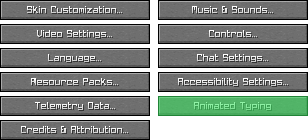
🧩 ENG: You can change animation style in-game via the settings menu:
🇷🇺 Вы можете изменить стиль анимации прямо в игре через меню настроек:
📍 ENG: Go to Options → Animated Typing
🇷🇺 Перейдите в Настройки → Animated Typing
🎨 ENG: Choose from different animation types like Fade, Grow, Scroll, etc.
🇷🇺 Выберите тип анимации: Затухание, Рост, Прокрутка и другие
💾 ENG: Your preferences are saved automatically
🇷🇺 Настройки сохраняются автоматически
🎬 Animation Showcase — Демонстрация анимаций
| 🌫️ Fade Затухание |
🌱 Grow Рост |
| 🔍 Scaling Масштабирование |
📜 Scroll Прокрутка |
| 🧵 Stretch Растяжение |
|
⚙️ Features / Возможности
- ✨ Smooth typing animations / Плавные анимации набора
- 🎨 Multiple styles / Несколько визуальных стилей
- 💬 Works in chat / Работает в чате Minecraft
📦 Installation / Установка
🧩 ENG: Download and install Fabric API
🇷🇺 Скачайте и установите Fabric API📥 ENG: Download
.jarfile of the mod
🇷🇺 Скачайте.jarфайл мода📂 ENG: Move both files to your
modsfolder
🇷🇺 Переместите оба файла в папкуmods🚀 ENG: Launch Minecraft and enjoy!
🇷🇺 Запустите Minecraft и наслаждайтесь!
❤️ Support / Поддержка
⭐ ENG: If you like this mod, please star it on GitHub!
🇷🇺 Если вам понравился мод — поставьте ⭐ на GitHub!
📣 ENG: Share it with friends or make a video showcase!
🇷🇺 Поделитесь модом с друзьями или сделайте видео-обзор!
Available Versions
How to Install Animated Typing on Your Server
Order Server
Order a Minecraft Java server with at least 3 GB RAM (4 GB recommended).
Set fabric Loader
In the panel under "Egg", select the fabric loader and matching Minecraft version (1.21.11).
Install Mod
Open the mod browser in the dashboard and search for "Animated Typing". Click "Install" – done! Alternatively, upload the .jar via SFTP to the /mods folder.
Compatibility
Mod Loaders
Minecraft Versions
1.21.11, 1.21.10, 1.21.9 (+5 more)
Server-side
✗ UnsupportedRecommended RAM
4 GB(min. 3 GB)Frequently Asked Questions
Animated Typing server crashes on startup – what to do?
Most common cause: wrong fabric version or insufficient RAM. Check the server log (latest.log) for "OutOfMemoryError" or "Mixin" errors. With Mado Hosting: ensure at least 3 GB RAM is allocated and the loader matches the mod version (1.21.11). You can switch loaders with one click in the panel.
Is Animated Typing compatible with fabric?
Animated Typing officially supports fabric for Minecraft 1.21.11, 1.21.10, 1.21.9. The Mado dashboard automatically detects incompatible loader combinations.
Server lagging with Animated Typing – how to optimize performance?
Recommended RAM: 4 GB (per 8 players). Use /spark profiler to check if Animated Typing consumes the most tick time. Common fixes: reduce server view-distance to 8-10, install "performant" or "starlight" as supplementary mods on Forge. With Mado Hosting, your server runs on NVMe SSDs with dedicated CPU cores for minimal latency.
Similar Mods

![[ETF] Entity Texture Features](https://cdn.modrinth.com/data/BVzZfTc1/af683d206d50b05258d865b0d6e4aa2f2cee12f2_96.webp)
![[EMF] Entity Model Features](https://cdn.modrinth.com/data/4I1XuqiY/6e5bbd0d06b1741bfdab6c0cfab6de8fdaf0064c_96.webp)



Rent Modded Server
Install Animated Typing with just one click on your server.