
anti-raidfarm
A mod is designed to prevent players from exploiting infinite bad omen loops in raid farms. This mod introduces a configurable delay timer to manage and restrict the initiation of raids, ensuring a fair and balanced gameplay experience.
Screenshots

About this Mod
Anti-RaidFarm Mod
📖Overview
Anti-RaidFarm mod is designed to prevent players from exploiting infinite bad omen loops in
raid farms. This mod introduces a configurable delay timer to manage and restrict the initiation of raids, ensuring a
fair and balanced gameplay experience.
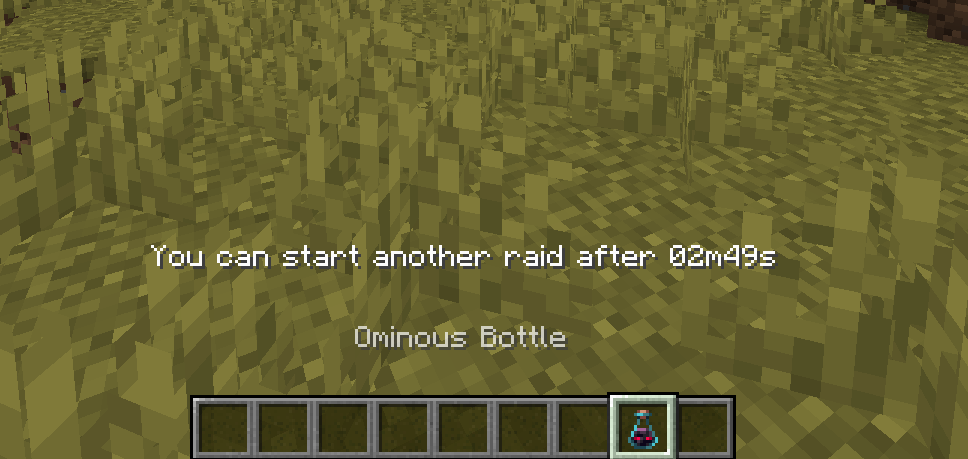
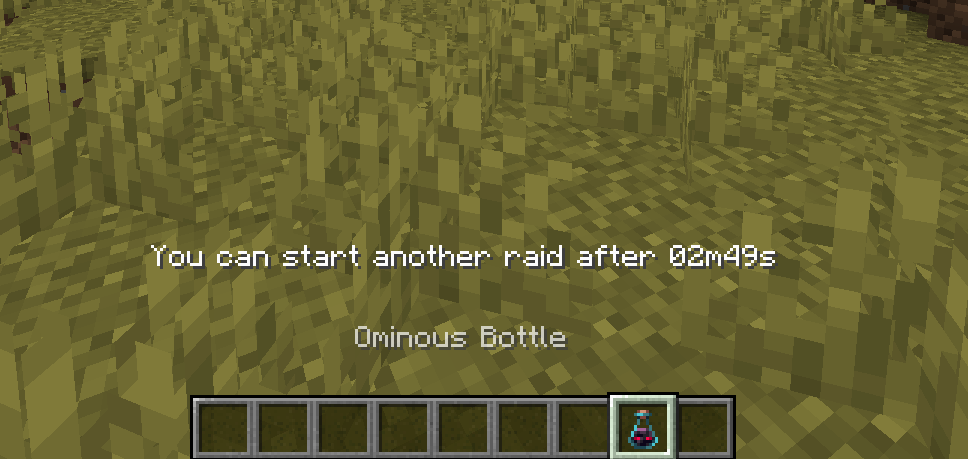
After player started a raid, a timer will be set for that player, prevent from trigger other raid during the cooldown
timer.
You can check the timer by holding an Ominous Bottle.
⚙️Configuration
The delay timer can be configured in the mod's configuration file. By default, the configuration file is located in
the config folder of your Minecraft directory.
Edit the file to adjust the delay (in second) between raids:
{
  "wait_time": 180
}
🪧Permission
antiraidfarm.bypass: allow to bypass delay timer
Note: if no permission manager mod installed, then this bypass permission will bypass if player's permission level equal
or greater than 3.
👍Support
For support, feature requests, or bug reports, please visit the mod's GitHub issues page.
or join my Discord server: link
You can use this mod in modpack as long as giving proper credits.
Available Versions
How to Install anti-raidfarm on Your Server
Order Server
Order a Minecraft Java server with at least 3 GB RAM (4 GB recommended).
Set fabric Loader
In the panel under "Egg", select the fabric loader and matching Minecraft version (1.21.1).
Install Mod
Open the mod browser in the dashboard and search for "anti-raidfarm". Click "Install" – done! Alternatively, upload the .jar via SFTP to the /mods folder.
Compatibility
Mod Loaders
Minecraft Versions
1.21.1, 1.21
Server-side
✓ RequiredRecommended RAM
4 GB(min. 3 GB)Frequently Asked Questions
anti-raidfarm server crashes on startup – what to do?
Most common cause: wrong fabric version or insufficient RAM. Check the server log (latest.log) for "OutOfMemoryError" or "Mixin" errors. With Mado Hosting: ensure at least 3 GB RAM is allocated and the loader matches the mod version (1.21.1). You can switch loaders with one click in the panel.
Is anti-raidfarm compatible with fabric?
anti-raidfarm officially supports fabric for Minecraft 1.21.1, 1.21. The Mado dashboard automatically detects incompatible loader combinations.
Server lagging with anti-raidfarm – how to optimize performance?
Recommended RAM: 4 GB (per 8 players). Use /spark profiler to check if anti-raidfarm consumes the most tick time. Common fixes: reduce server view-distance to 8-10, install "performant" or "starlight" as supplementary mods on Forge. With Mado Hosting, your server runs on NVMe SSDs with dedicated CPU cores for minimal latency.
Similar Mods




Rent Modded Server
Install anti-raidfarm with just one click on your server.
Details
- License
- Creative Commons Attribution Non Commercial Share Alike 4.0 International
- Server-side
- Required