
Apeiron
Apeiron lets you place blocks in any of 16 million RGB colors, across 24 block types each with up to 29 texture variants. Use the full-featured color picker to dial in your exact shade. Over 2.8 billion block combinations. Your palette is now limitless.
Screenshots
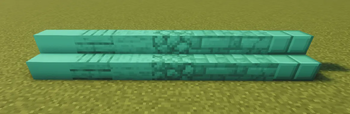
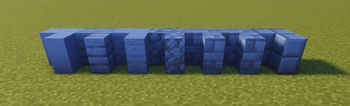
About this Mod
Apeiron — Paint Your World
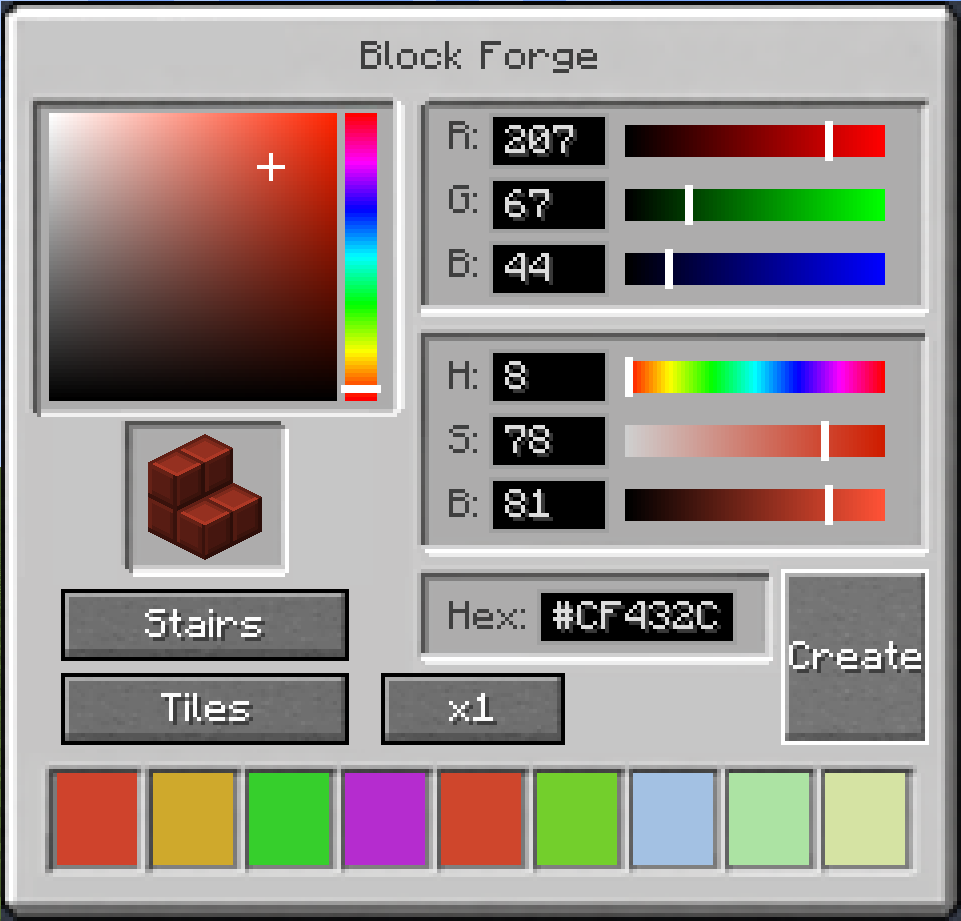
Ever wanted to build in exactly the right shade of teal? Or a soft warm beige that no vanilla block comes close to? Apeiron lets you place blocks in any RGB color you can imagine — all 16 million of them.
Using the Color Wand, you can open a full color picker with an HSB wheel, RGB sliders, hex input, and a color history — then place your color onto any Apeiron block. The color is stored directly in the block, so it persists through world saves, chunk reloads, and multiplayer.
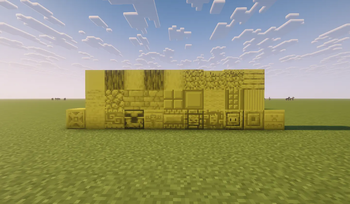
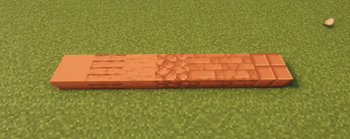
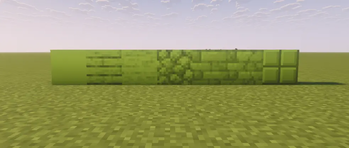
24 block types, each with multiple textures:
Each block type comes in multiple pattern variants, giving you over 2.4 billion possible block combinations. That's not an exaggeration. That's 16 million colors × 24 types × multiple textures, and every single one is placeable in survival.
Whether you're building a cozy cottage, a modern megastructure, or anything in between — Apeiron gives you the palette to do it right.
Supported versions: 1.21.1, 1.21.3, 1.21.4, 1.21.5, 1.21.8, 1.21.10, 1.21.11
Mod loader: Fabric
Available Versions
How to Install Apeiron on Your Server
Order Server
Order a Minecraft Java server with at least 3 GB RAM (4 GB recommended).
Set fabric Loader
In the panel under "Egg", select the fabric loader and matching Minecraft version (1.21.11).
Install Mod
Open the mod browser in the dashboard and search for "Apeiron". Click "Install" – done! Alternatively, upload the .jar via SFTP to the /mods folder.
Compatibility
Mod Loaders
Minecraft Versions
1.21.11, 1.21.10, 1.21.8 (+4 more)
Server-side
✓ RequiredRecommended RAM
4 GB(min. 3 GB)Frequently Asked Questions
Apeiron server crashes on startup – what to do?
Most common cause: wrong fabric version or insufficient RAM. Check the server log (latest.log) for "OutOfMemoryError" or "Mixin" errors. With Mado Hosting: ensure at least 3 GB RAM is allocated and the loader matches the mod version (1.21.11). You can switch loaders with one click in the panel.
Is Apeiron compatible with fabric?
Apeiron officially supports fabric for Minecraft 1.21.11, 1.21.10, 1.21.8. The Mado dashboard automatically detects incompatible loader combinations.
Server lagging with Apeiron – how to optimize performance?
Recommended RAM: 4 GB (per 8 players). Use /spark profiler to check if Apeiron consumes the most tick time. Common fixes: reduce server view-distance to 8-10, install "performant" or "starlight" as supplementary mods on Forge. With Mado Hosting, your server runs on NVMe SSDs with dedicated CPU cores for minimal latency.
Similar Mods

![[ETF] Entity Texture Features](https://cdn.modrinth.com/data/BVzZfTc1/af683d206d50b05258d865b0d6e4aa2f2cee12f2_96.webp)
![[EMF] Entity Model Features](https://cdn.modrinth.com/data/4I1XuqiY/6e5bbd0d06b1741bfdab6c0cfab6de8fdaf0064c_96.webp)



Rent Modded Server
Install Apeiron with just one click on your server.