
Architectury & Carpentry
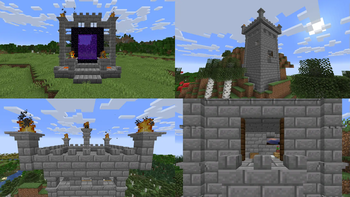
Build like never before! This mod elevates Minecraft with a massive collection of building blocks, including brand new decoratable pillars, walls, and more!
Screenshots
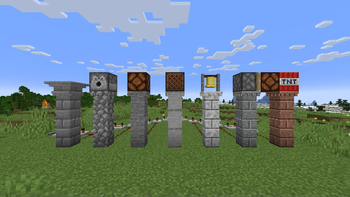
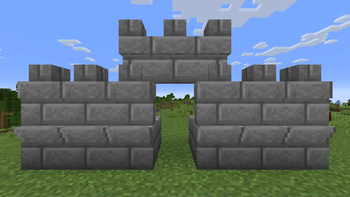
About this Mod

Unlock endless creative possibilities with a stunning array of new block variants and customizations! Elevate your builds with versatile, dynamic elements that seamlessly connect and transform. Experience innovative blocks that bring your imagination to life, and enjoy regular updates that keep your building adventures fresh and exciting. Transform your world like never before!
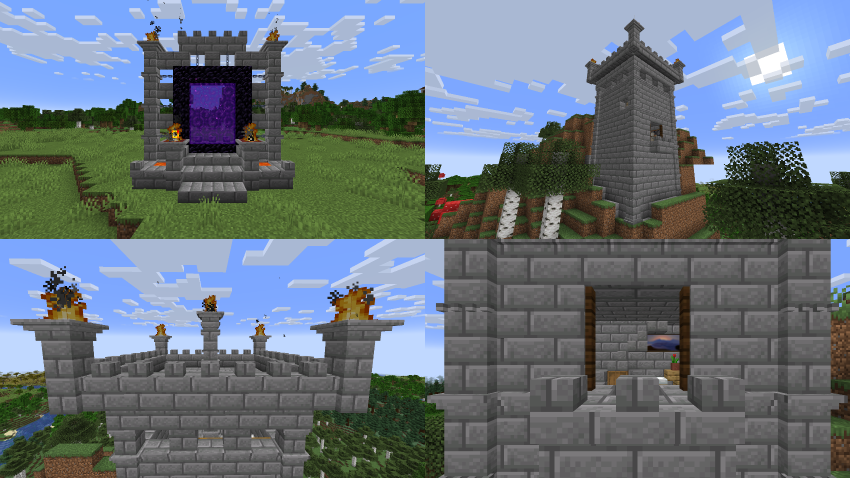
New Blocks
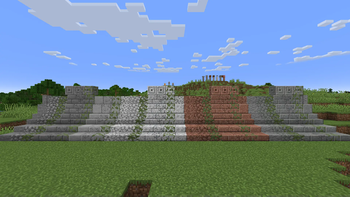
Lot of new block variants such as Mossy Chiseled Stone Bricks, Cobbled Andesite, Cobbled Granite, Cobbled Diorite, and much more!
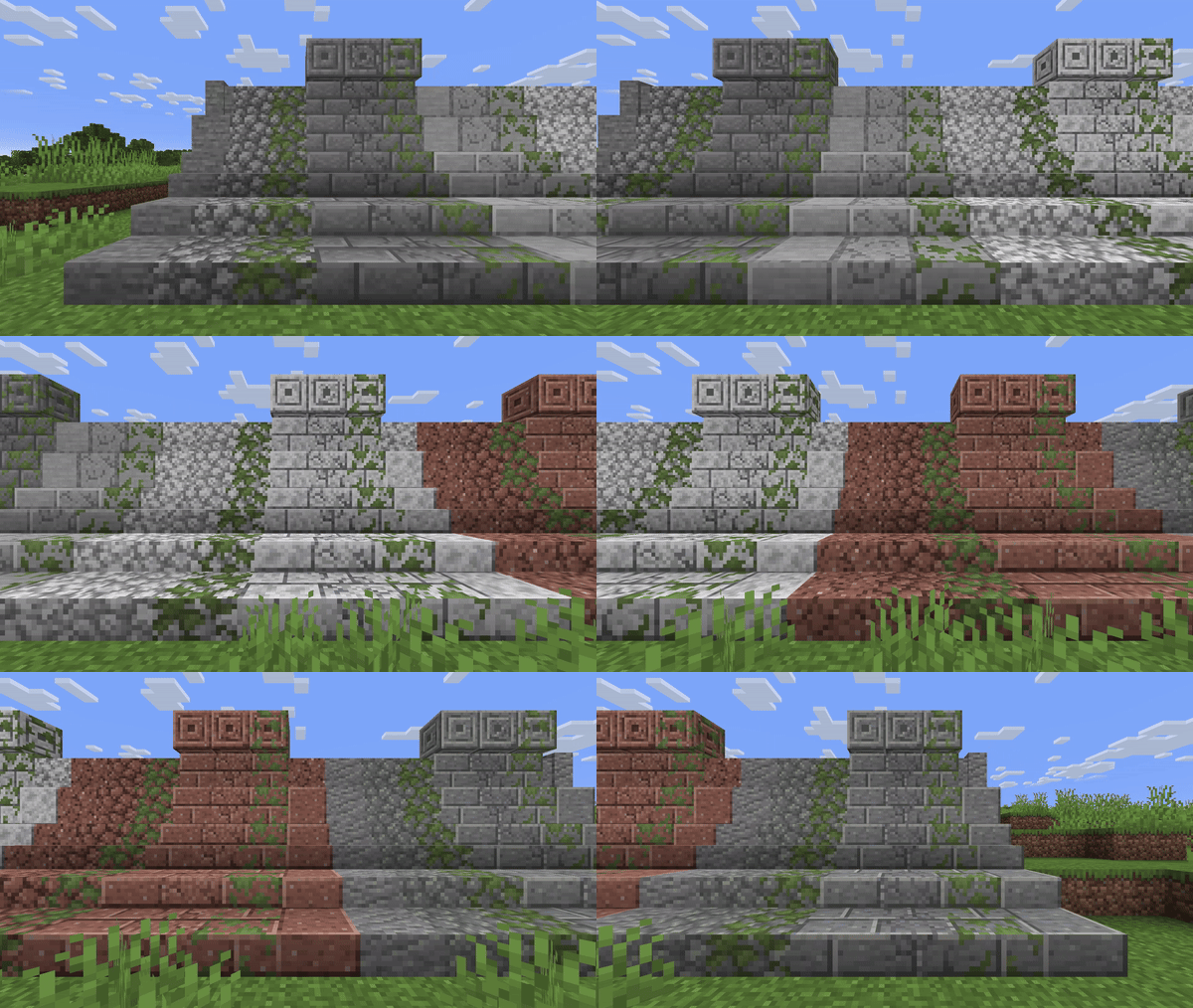
Also new blocks like Pillars and Thin Walls, that has lot of variants, and decoration types, that can be customized using Chisel and Hammer.
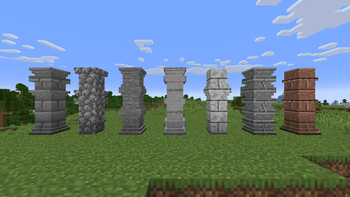
Pillar
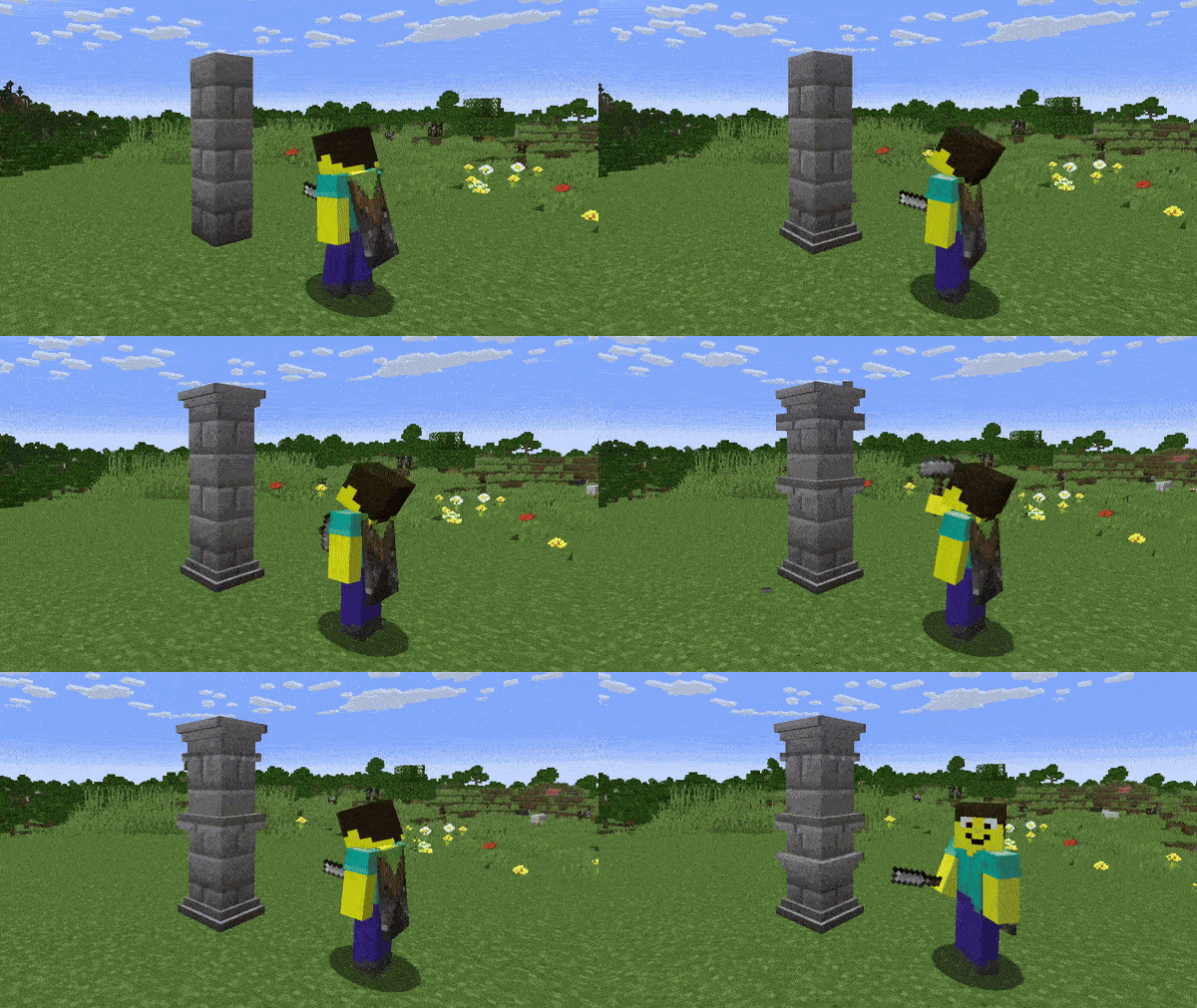
Pillar can be used in lot of cases. And it has ability to be customized by right clicking with chisel or hammer.
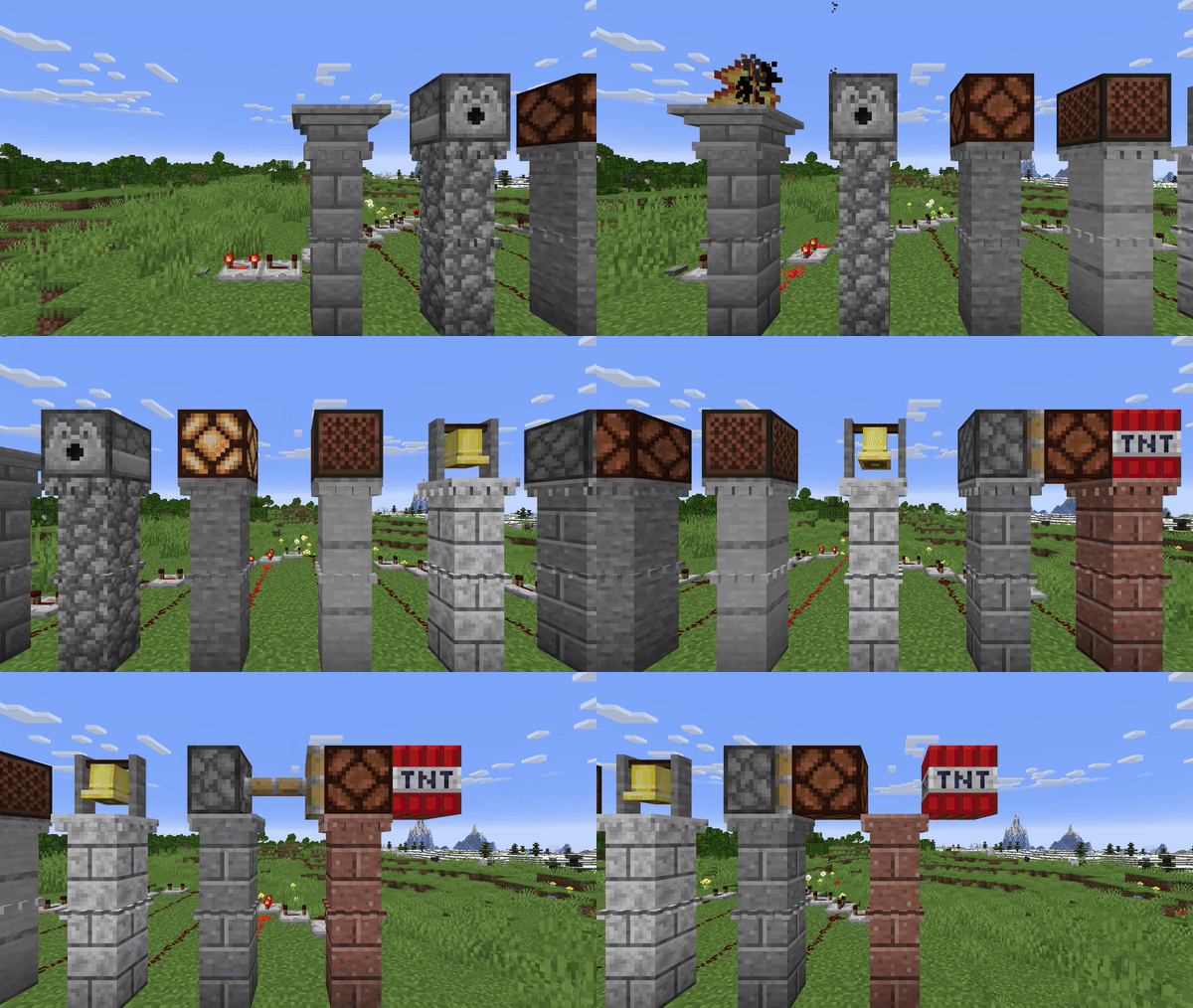
It also conducts redstone up, so you can place on it Redstone Lamp, Fire Brazier or anything you want, and it can be controled by powering the lowest pillar block it is on.
Thin Wall
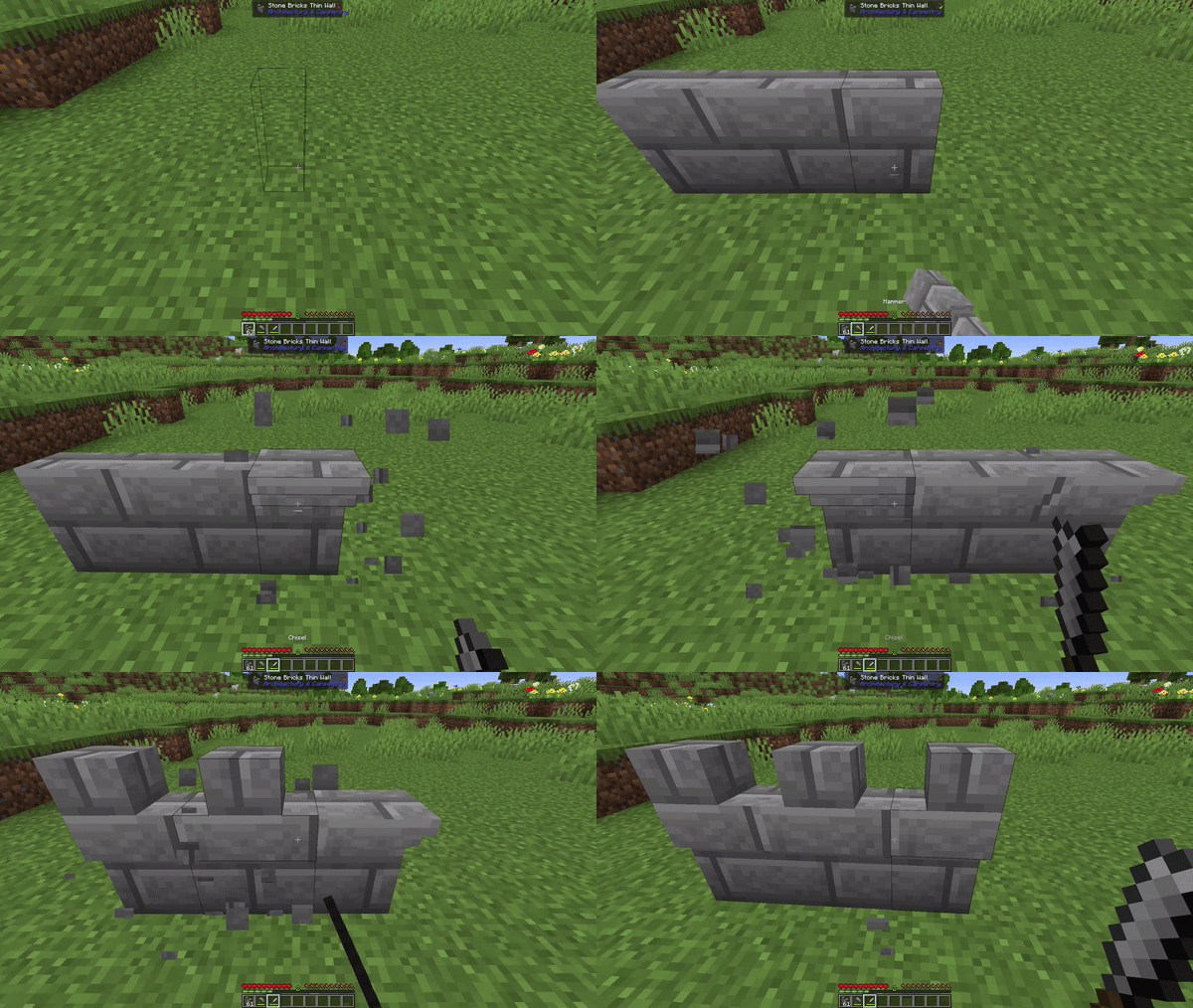
Thin wall is block that connects together, and to other full blocks. Can be customized by right cliking with chisel or hammer.
Chisel will change it's decoration type on top, and hammer can "Extend" clicked face to perfectly fit into grid.

Fire Brazier
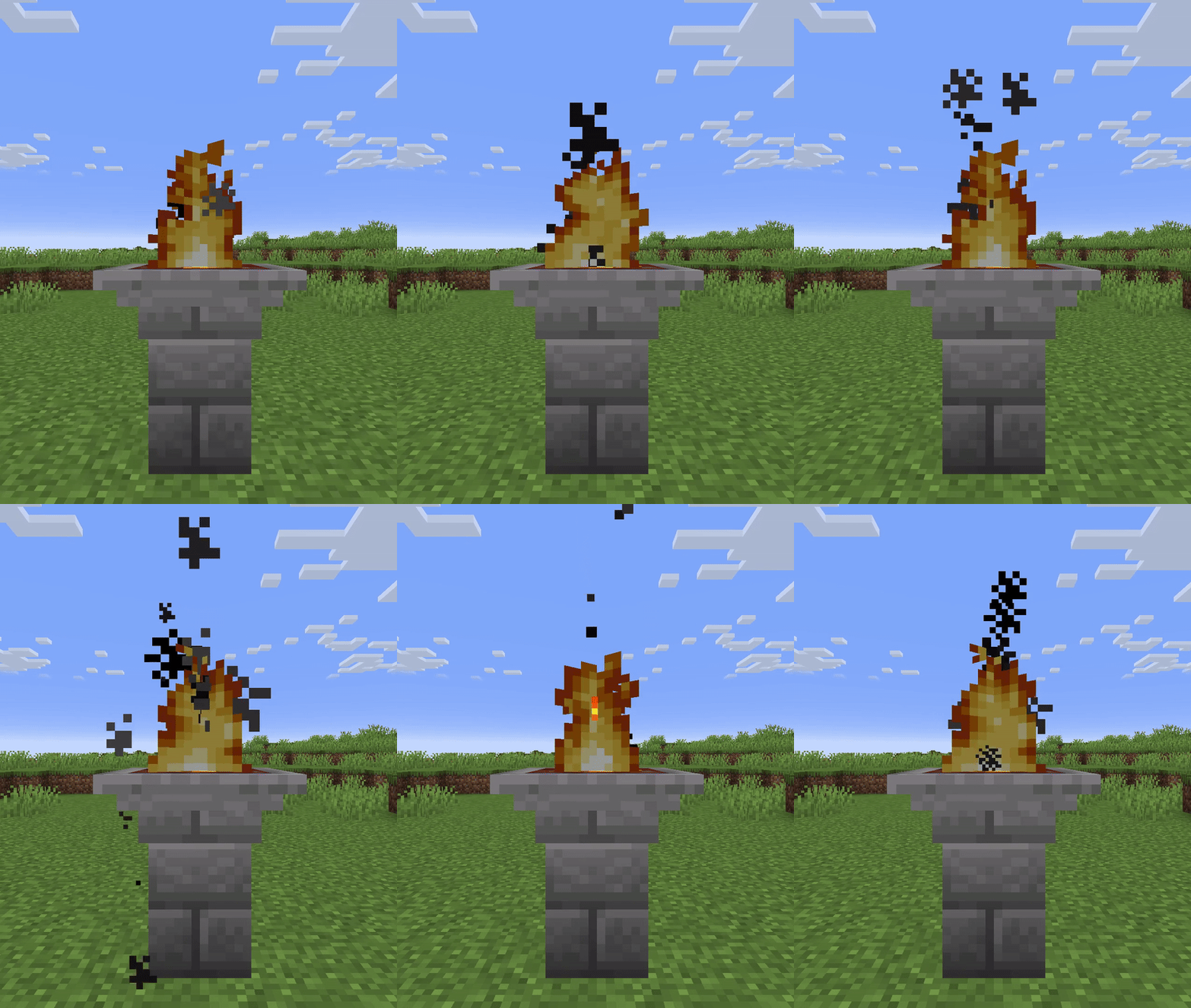
Fire Brazier is decorative block that can be connected with Redstone.
It contains fire, that can be turned on and off by Flint and Steel and Showel, or by Redstone
Warning! Since this mod contains complicated models it can affect length of loading. We recommend you to use some performance mod! (or you can just wait until it loads)
Roadmap
More blocks
- More variants
- Arch
- Railing
- Stairs
- Floor
- Miniblock
- Stone heads
- Statues
- Belfry
- Window
- Big flower pot
- Chiseled iron bars
- Water jet
Features
- Print variant when changed
- Show next variant
- Advacements
- Remake vanilla structures
- Villager profession
- Hand application reipe for moss, cracking with hand and chiseling with hand
Items
- Cobble of stone/andesite/granite/diorite
Updates
- Wooden update
- Nether Update
- End update
- Archeology update



Available Versions
How to Install Architectury & Carpentry on Your Server
Order Server
Order a Minecraft Java server with at least 3 GB RAM (4 GB recommended).
Set forge Loader
In the panel under "Egg", select the forge loader and matching Minecraft version (1.20.4).
Install Mod
Open the mod browser in the dashboard and search for "Architectury & Carpentry". Click "Install" – done! Alternatively, upload the .jar via SFTP to the /mods folder.
Compatibility
Mod Loaders
Minecraft Versions
1.20.4, 1.20.1
Server-side
✓ RequiredRecommended RAM
4 GB(min. 3 GB)Frequently Asked Questions
Architectury & Carpentry server crashes on startup – what to do?
Most common cause: wrong forge version or insufficient RAM. Check the server log (latest.log) for "OutOfMemoryError" or "Mixin" errors. With Mado Hosting: ensure at least 3 GB RAM is allocated and the loader matches the mod version (1.20.4). You can switch loaders with one click in the panel.
Is Architectury & Carpentry compatible with forge and neoforge?
Architectury & Carpentry officially supports forge, neoforge for Minecraft 1.20.4, 1.20.1. The Mado dashboard automatically detects incompatible loader combinations.
Server lagging with Architectury & Carpentry – how to optimize performance?
Recommended RAM: 4 GB (per 8 players). Use /spark profiler to check if Architectury & Carpentry consumes the most tick time. Common fixes: reduce server view-distance to 8-10, install "performant" or "starlight" as supplementary mods on Forge. With Mado Hosting, your server runs on NVMe SSDs with dedicated CPU cores for minimal latency.
Similar Mods

![[ETF] Entity Texture Features](https://cdn.modrinth.com/data/BVzZfTc1/af683d206d50b05258d865b0d6e4aa2f2cee12f2_96.webp)
![[EMF] Entity Model Features](https://cdn.modrinth.com/data/4I1XuqiY/6e5bbd0d06b1741bfdab6c0cfab6de8fdaf0064c_96.webp)



Rent Modded Server
Install Architectury & Carpentry with just one click on your server.