
Arid Expansion
What if the desert won the biome vote?
Screenshots
About this Mod
Requires GeckoLib
JEI Recommended
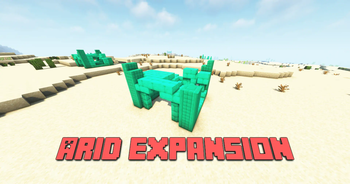
Welcome to the Arid Expansion! This mod aims to add more content to the deserts in Minecraft had the biome vote been in its favor, featuring new blocks, structures, and even a face you may or may not recognize.
New Blocks:
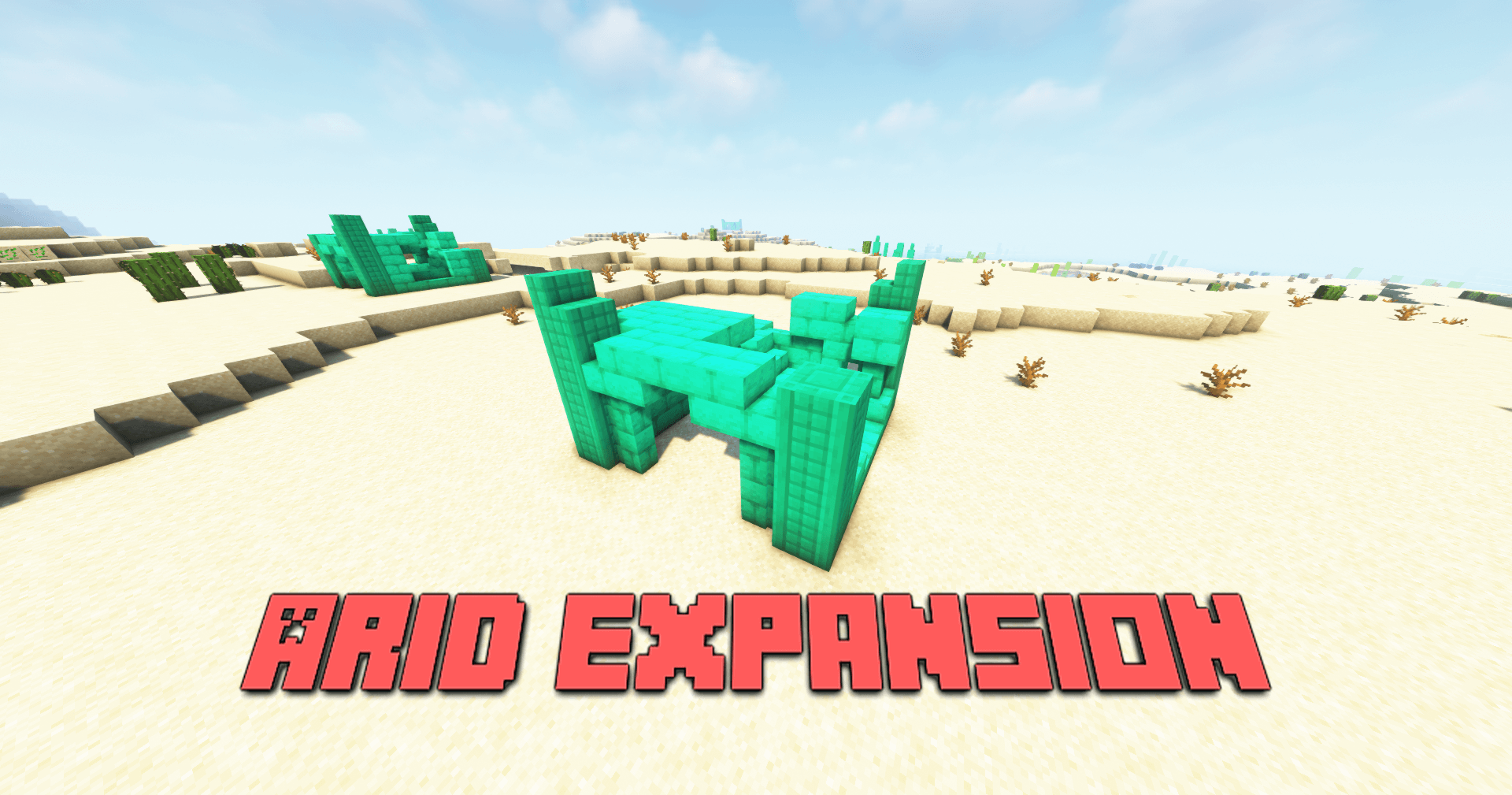
You can now find Limestone generating underground in desert areas. This new block can be crafted into bricks and even decorated bricks, and is sure to give your builds a more desert-like feel.
The Dust Devil:
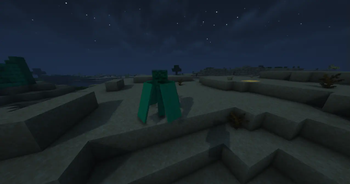
Resembling the hovering inferno from the 1.13 mob vote is the Dust Devil. This is a rarely spawning mob in the deserts that can reduce damage from any incoming attacks every now and again, try hitting it with an axe to keep it from shielding itself too long. If you're lucky, you may even find one that's bigger than normal, so keep your eye out!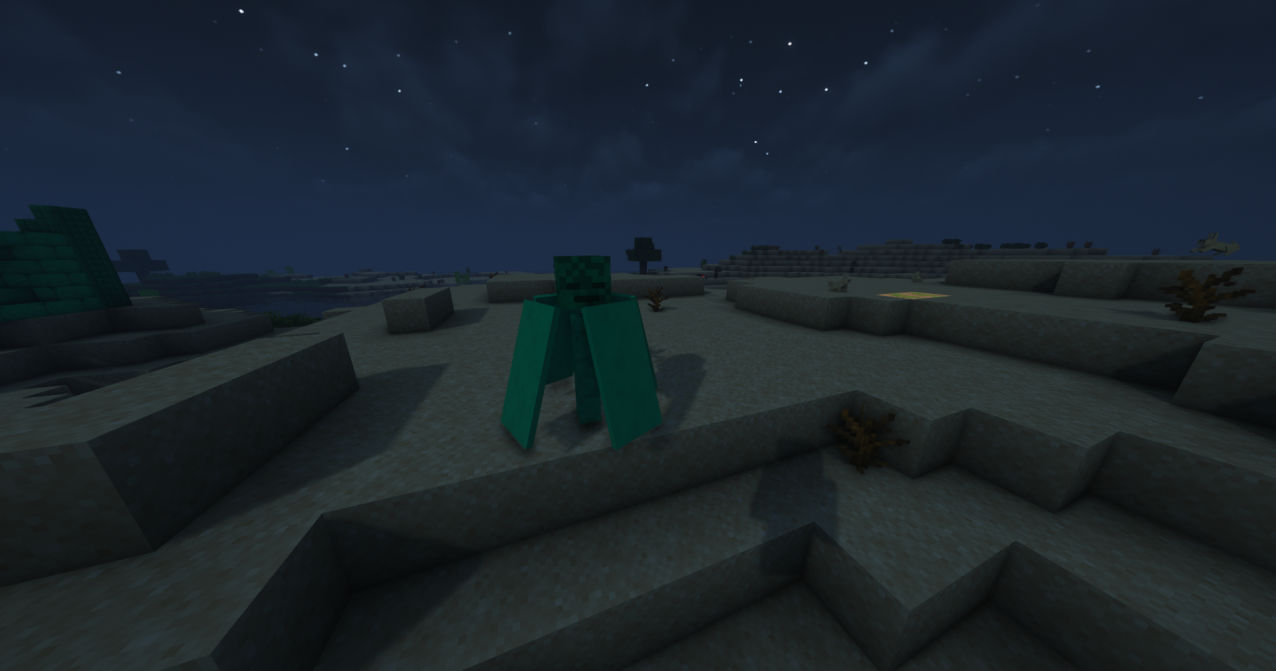
Structures + Plants:
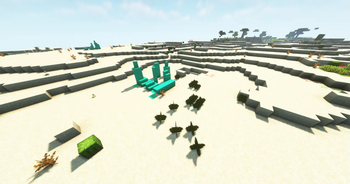
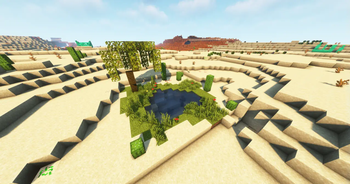
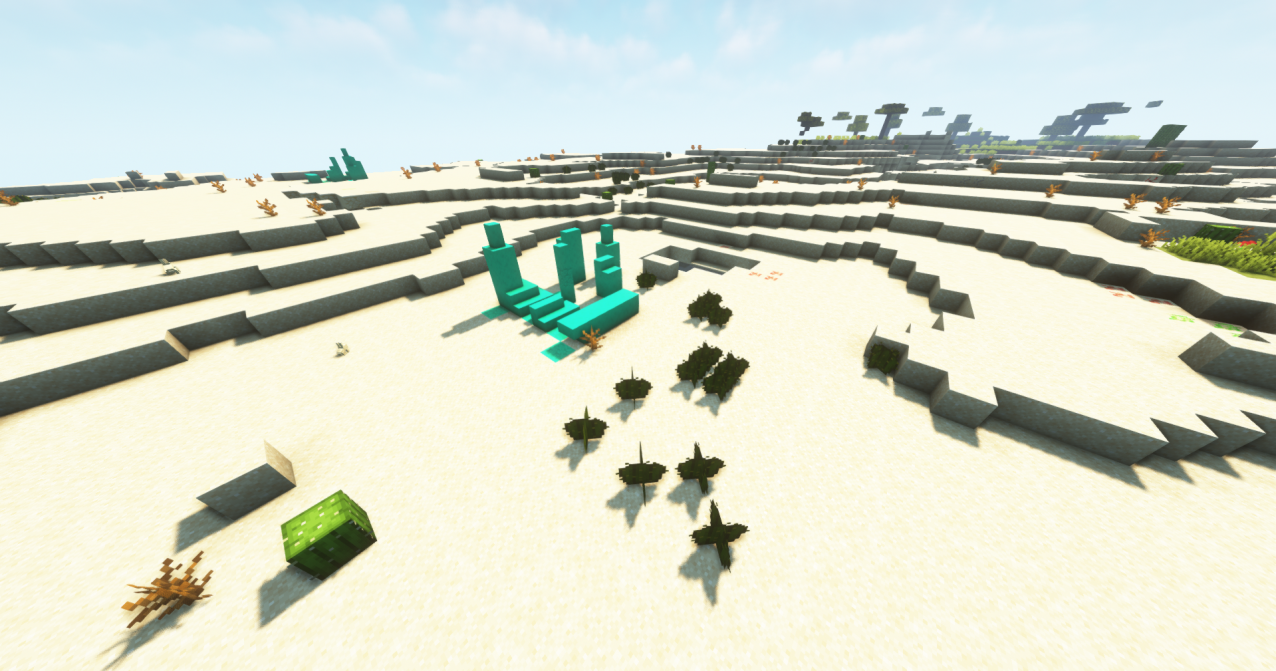
You can now find new structures generating throughout your deserts, making them feel just a little bit more alive. From limestone buildings to Stonehenges and oases, you'll be finding quite a bit more life in your deserts, including mini cactuses that can generate throughout your deserts.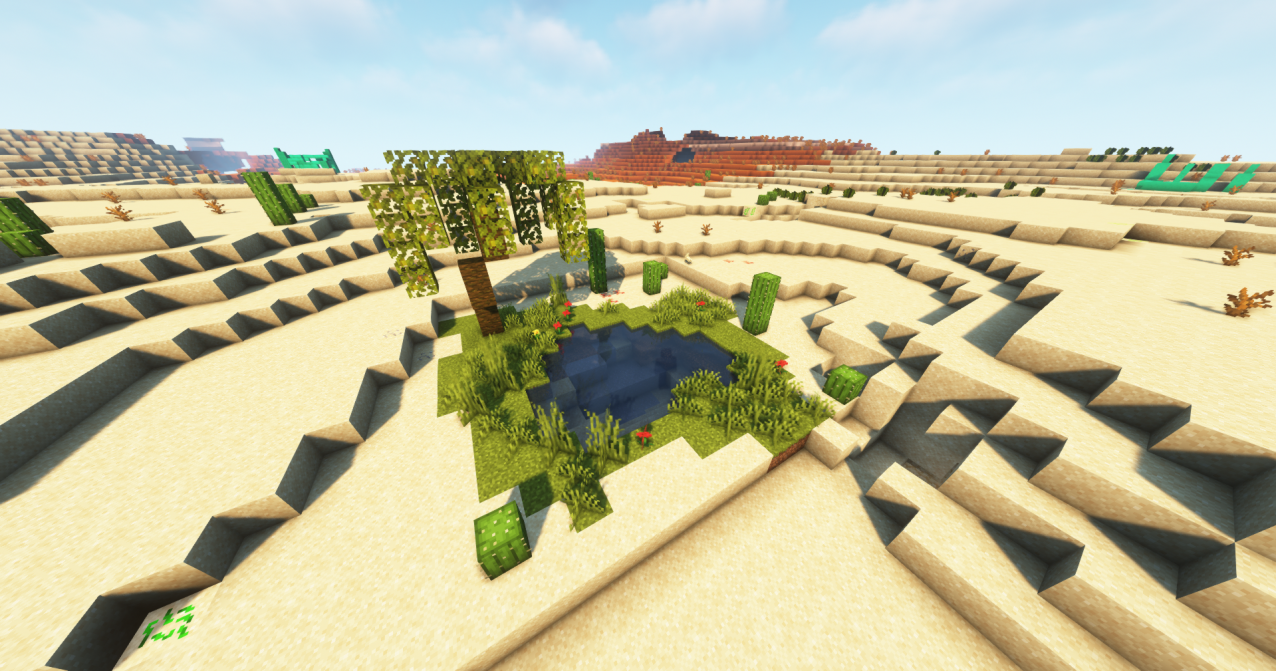
This mod will have future updates, with a few new features planned:
Better Oasis Generation
More Dust Devil animations and features
New Mobs
New Biomes
Boss fight?
Available Versions
How to Install Arid Expansion on Your Server
Order Server
Order a Minecraft Java server with at least 4 GB RAM (6 GB recommended).
Set forge Loader
In the panel under "Egg", select the forge loader and matching Minecraft version (1.19.2).
Install Mod
Open the mod browser in the dashboard and search for "Arid Expansion". Click "Install" – done! Alternatively, upload the .jar via SFTP to the /mods folder.
Compatibility
Mod Loaders
Minecraft Versions
1.19.2
Server-side
✓ RequiredRecommended RAM
6 GB(min. 4 GB)Frequently Asked Questions
Arid Expansion server crashes on startup – what to do?
Most common cause: wrong forge version or insufficient RAM. Check the server log (latest.log) for "OutOfMemoryError" or "Mixin" errors. With Mado Hosting: ensure at least 4 GB RAM is allocated and the loader matches the mod version (1.19.2). You can switch loaders with one click in the panel.
Is Arid Expansion compatible with forge?
Arid Expansion officially supports forge for Minecraft 1.19.2. The Mado dashboard automatically detects incompatible loader combinations.
Server lagging with Arid Expansion – how to optimize performance?
Recommended RAM: 6 GB (per 5 players). Use /spark profiler to check if Arid Expansion consumes the most tick time. Common fixes: reduce server view-distance to 8-10, install "performant" or "starlight" as supplementary mods on Forge. With Mado Hosting, your server runs on NVMe SSDs with dedicated CPU cores for minimal latency.
Similar Mods
![[EMF] Entity Model Features](https://cdn.modrinth.com/data/4I1XuqiY/6e5bbd0d06b1741bfdab6c0cfab6de8fdaf0064c_96.webp)


Rent Modded Server
Install Arid Expansion with just one click on your server.