
ArrowUtil
A client-side utility mod that adds quality-of-life features for bows - like trails, shots indicator, and much more!
Screenshots
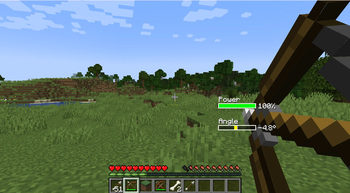
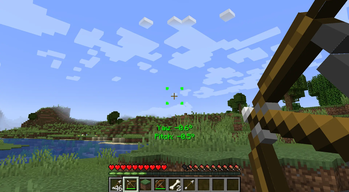
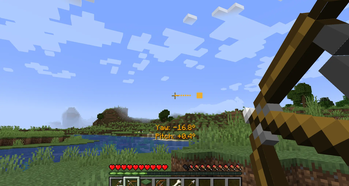

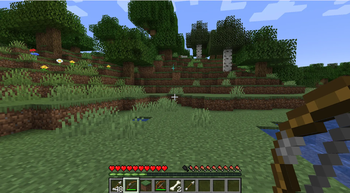
About this Mod
ArrowUtil
A client-side utility mod that adds quality-of-life features for bow and crossbow users.
Features
Arrow Trails
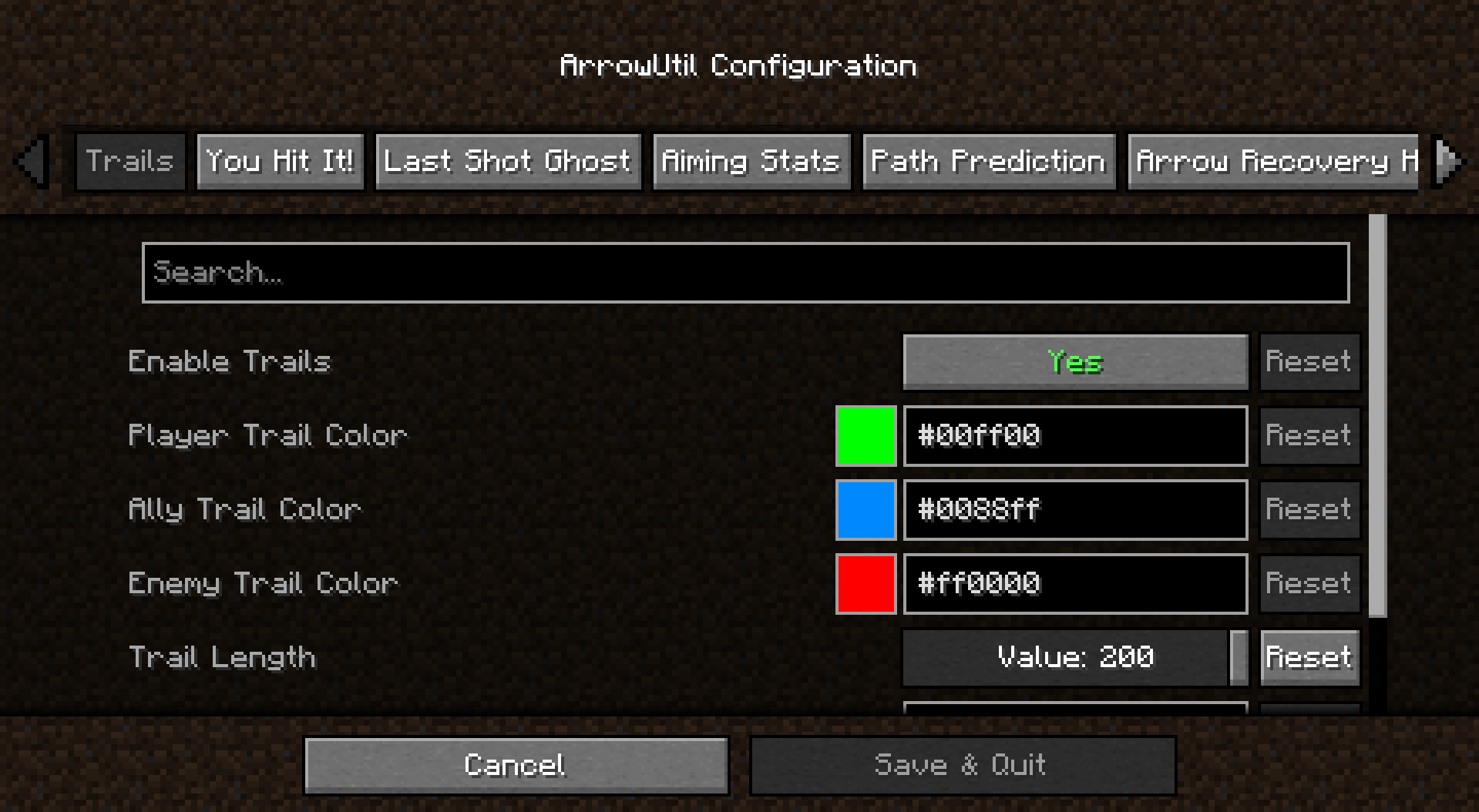
Colored trails follow arrows in flight. Your arrows are green, allies are blue, enemies are red. Trails can linger after the arrow stops or is picked up.Path Prediction
See where your arrow will land while aiming. A dotted arc shows the predicted trajectory with impact point highlighting.Aiming Stats
Displays your current aim angle and bow charge near the crosshair. Can show as numbers or progress bars.Last Shot Ghost
A transparent figure appears where you last shot, showing your stance, angle, and power. Useful for practicing consistent shots.Last Shot Helper
Guides you to replicate your previous shot. Shows direction indicators and angle differences while aiming, plus a ghost trajectory of your last shot.You Hit It!
Brief notification when your arrow hits a target, showing the distance (and optionally damage dealt).Arrow Recovery
Highlights recoverable arrows stuck in blocks within range. Filter to show only your own arrows.Configuration
All features can be enabled/disabled and customized. Access settings via ModMenu or the/arrowutilcommand.
Requires Cloth Config for the configuration screen.
Available Versions
How to Install ArrowUtil on Your Server
Order Server
Order a Minecraft Java server with at least 3 GB RAM (4 GB recommended).
Set fabric Loader
In the panel under "Egg", select the fabric loader and matching Minecraft version (1.21.1).
Install Mod
Open the mod browser in the dashboard and search for "ArrowUtil". Click "Install" – done! Alternatively, upload the .jar via SFTP to the /mods folder.
Compatibility
Mod Loaders
Minecraft Versions
1.21.1, 1.21, 1.20.1
Server-side
✗ UnsupportedRecommended RAM
4 GB(min. 3 GB)Frequently Asked Questions
ArrowUtil server crashes on startup – what to do?
Most common cause: wrong fabric version or insufficient RAM. Check the server log (latest.log) for "OutOfMemoryError" or "Mixin" errors. With Mado Hosting: ensure at least 3 GB RAM is allocated and the loader matches the mod version (1.21.1). You can switch loaders with one click in the panel.
Is ArrowUtil compatible with fabric?
ArrowUtil officially supports fabric for Minecraft 1.21.1, 1.21, 1.20.1. The Mado dashboard automatically detects incompatible loader combinations.
Server lagging with ArrowUtil – how to optimize performance?
Recommended RAM: 4 GB (per 8 players). Use /spark profiler to check if ArrowUtil consumes the most tick time. Common fixes: reduce server view-distance to 8-10, install "performant" or "starlight" as supplementary mods on Forge. With Mado Hosting, your server runs on NVMe SSDs with dedicated CPU cores for minimal latency.
Similar Mods




Rent Modded Server
Install ArrowUtil with just one click on your server.