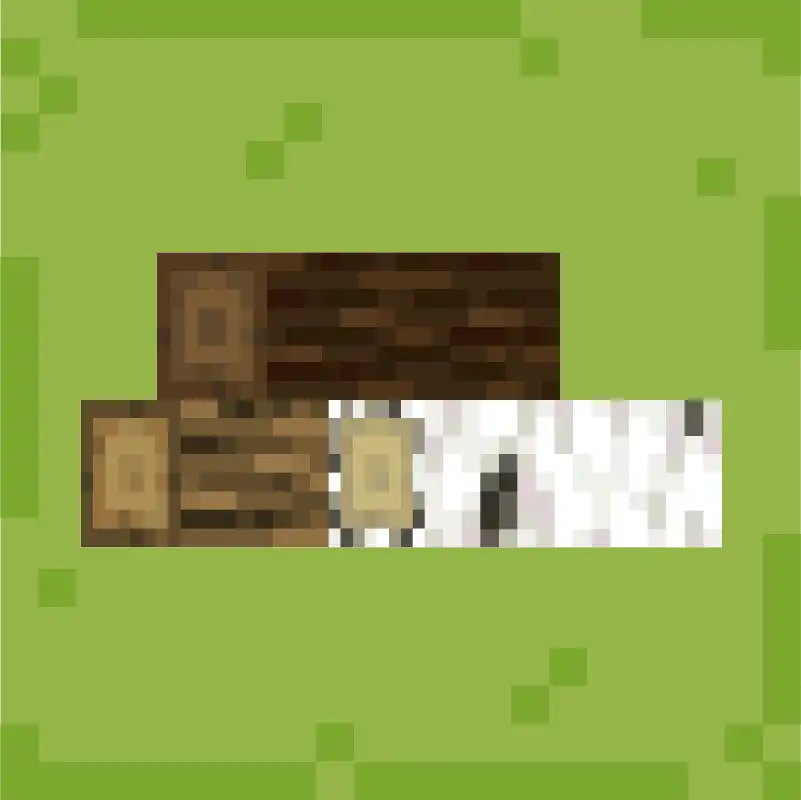
Artemis' Thin Logs
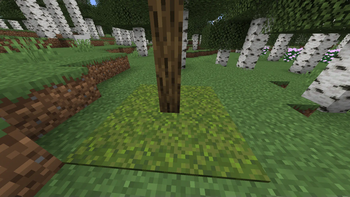
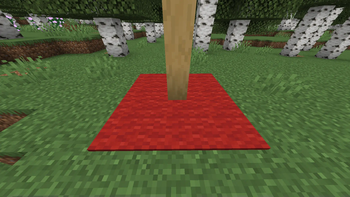
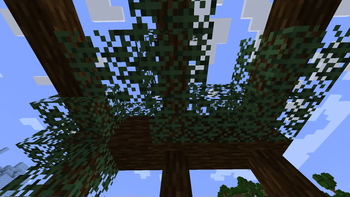
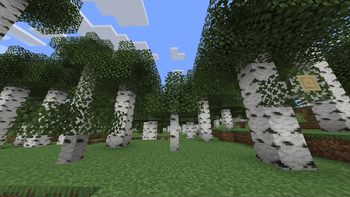
Adds thinner logs that can be combined with carpets and leaves.
Screenshots
About this Mod
!
!
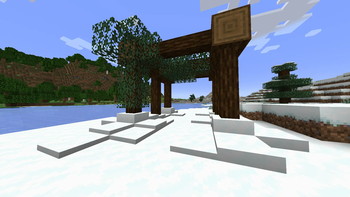
Thin Log Variants: Say goodbye to chunky logs! Thin Logs offers slender variants for all wood types in Minecraft.
!
Enhanced Flooring
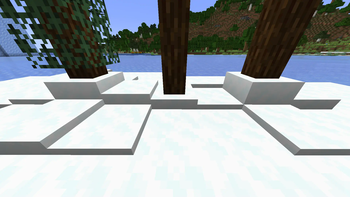
Thin Logs goes beyond traditional placements. Just like carpets and snow,
you can now use leaves to decorate the Thin Logs.
This unique feature allows for seamless integration of leaves,
adding a natural touch and further enhancing your building aesthetics.
Crafting Convenience
Crafting Thin Logs is a breeze.
Simply convert regular logs into their thin counterparts.
Need planks?
You can easily transform Thin Logs back into planks using a simple crafting recipe.
!
There is also a community Discord.Feel free to join and take part in the "Intelligence" community.
Projects of us include for example Advanced Peripherals.
!

Are you looking for a new and challenging adventure?
Dreaming of machines, power plants, magic or even bees?
MyFTB is the largest German modded Minecraft network.
One world is not enough! That's why every player gets their own world with us.
Play alone or in a team and get the greatest flexibility and security for maximum gaming fun.
With over 20 modpacks, you're guaranteed to find the right one for you!
Check out their Website, Discord and Launcher
In the MyFTB launcher, you always have the right modpack versions to play on our servers. In addition, the servers are directly saved!
Available Versions
How to Install Artemis' Thin Logs on Your Server
Order Server
Order a Minecraft Java server with at least 3 GB RAM (4 GB recommended).
Set forge Loader
In the panel under "Egg", select the forge loader and matching Minecraft version (1.20.1).
Install Mod
Open the mod browser in the dashboard and search for "Artemis' Thin Logs". Click "Install" – done! Alternatively, upload the .jar via SFTP to the /mods folder.
Compatibility
Mod Loaders
Minecraft Versions
1.20.1, 1.19.2
Server-side
✓ RequiredRecommended RAM
4 GB(min. 3 GB)Frequently Asked Questions
Artemis' Thin Logs server crashes on startup – what to do?
Most common cause: wrong forge version or insufficient RAM. Check the server log (latest.log) for "OutOfMemoryError" or "Mixin" errors. With Mado Hosting: ensure at least 3 GB RAM is allocated and the loader matches the mod version (1.20.1). You can switch loaders with one click in the panel.
Is Artemis' Thin Logs compatible with forge?
Artemis' Thin Logs officially supports forge for Minecraft 1.20.1, 1.19.2. The Mado dashboard automatically detects incompatible loader combinations.
Server lagging with Artemis' Thin Logs – how to optimize performance?
Recommended RAM: 4 GB (per 8 players). Use /spark profiler to check if Artemis' Thin Logs consumes the most tick time. Common fixes: reduce server view-distance to 8-10, install "performant" or "starlight" as supplementary mods on Forge. With Mado Hosting, your server runs on NVMe SSDs with dedicated CPU cores for minimal latency.
Similar Mods

![[ETF] Entity Texture Features](https://cdn.modrinth.com/data/BVzZfTc1/af683d206d50b05258d865b0d6e4aa2f2cee12f2_96.webp)
![[EMF] Entity Model Features](https://cdn.modrinth.com/data/4I1XuqiY/6e5bbd0d06b1741bfdab6c0cfab6de8fdaf0064c_96.webp)



Rent Modded Server
Install Artemis' Thin Logs with just one click on your server.