
Artificial Minerals
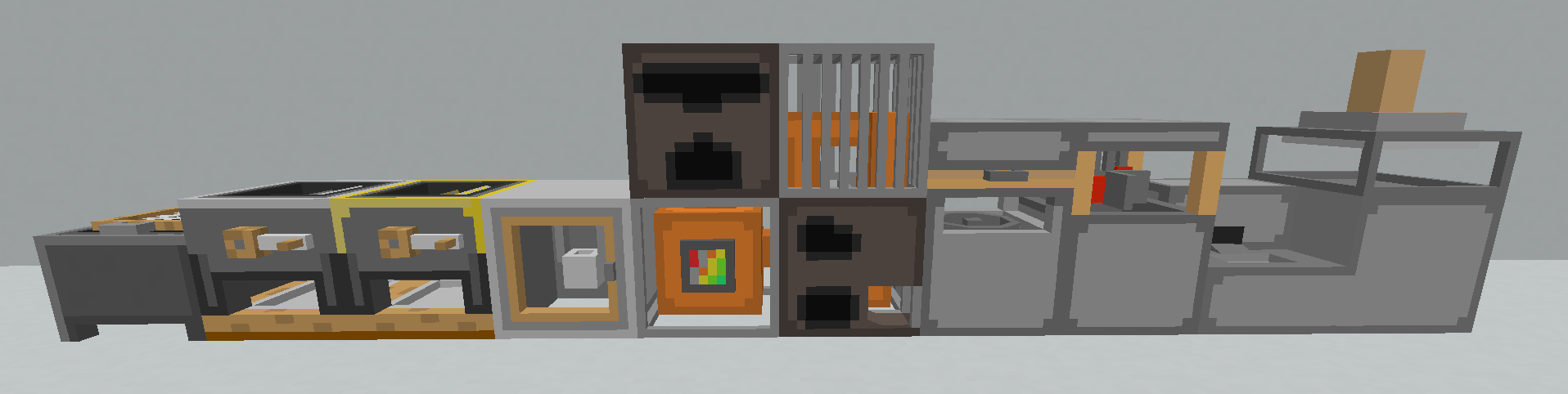
Adds 8 new machines, 17 new blocks, and 22 new items all with the goal of turning cobblestone into any ore of choice!
Screenshots
About this Mod
Overview
This mod adds 8 new machines, 17 new blocks, and 22 new items all with the goal of turning cobblestone into any ore of choice! If you encounter any bugs, please comment them and I will (hopefully) fix them. Each machine will require a tutorial since they can be rather hard to grasp with no background knowlage.
Sifter
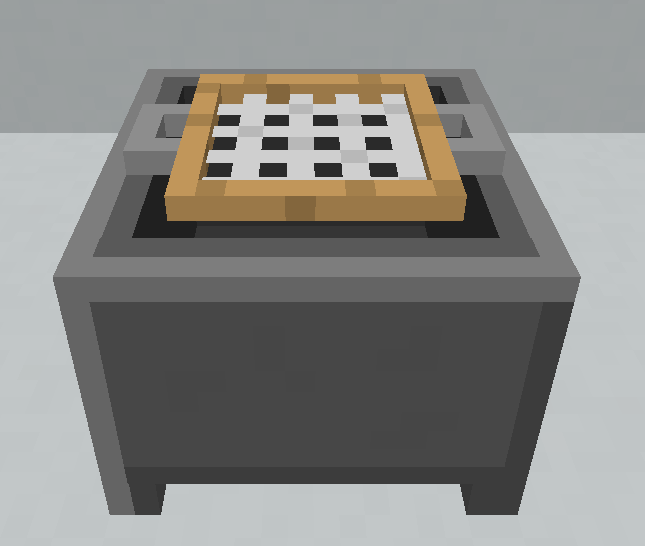
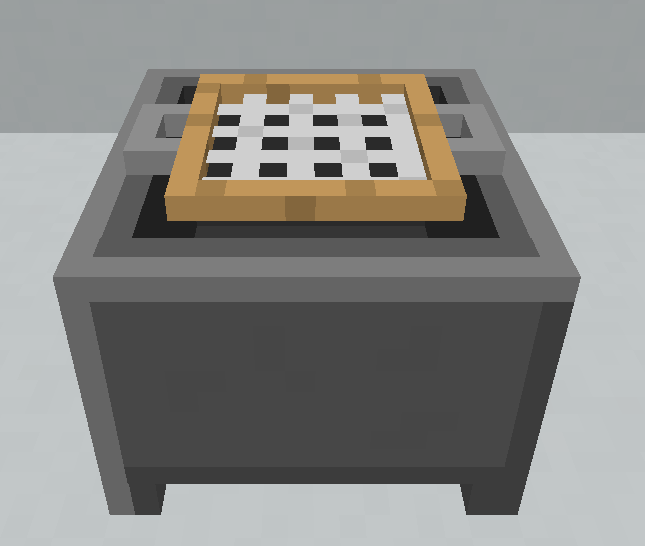
The Sifter's top slot takes cobblestone. Pressing the sift button will have the chance to turn the cobblestone into other nuggets and maybe even ingots.
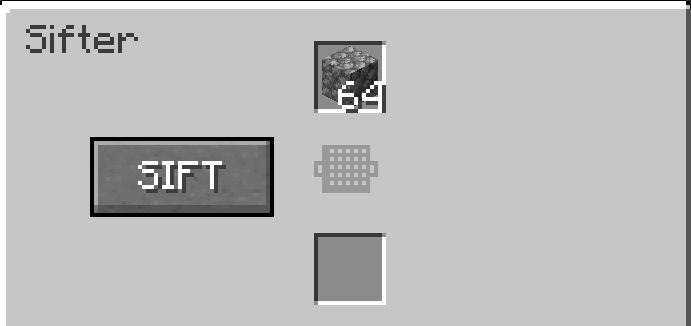
Recivable Item List:
Spoiler
- 5 Iron Nuggets
- 3 Gold Nuggets
- 1 Iron Ingot
- (really rare) 1 Diamond
Grinder
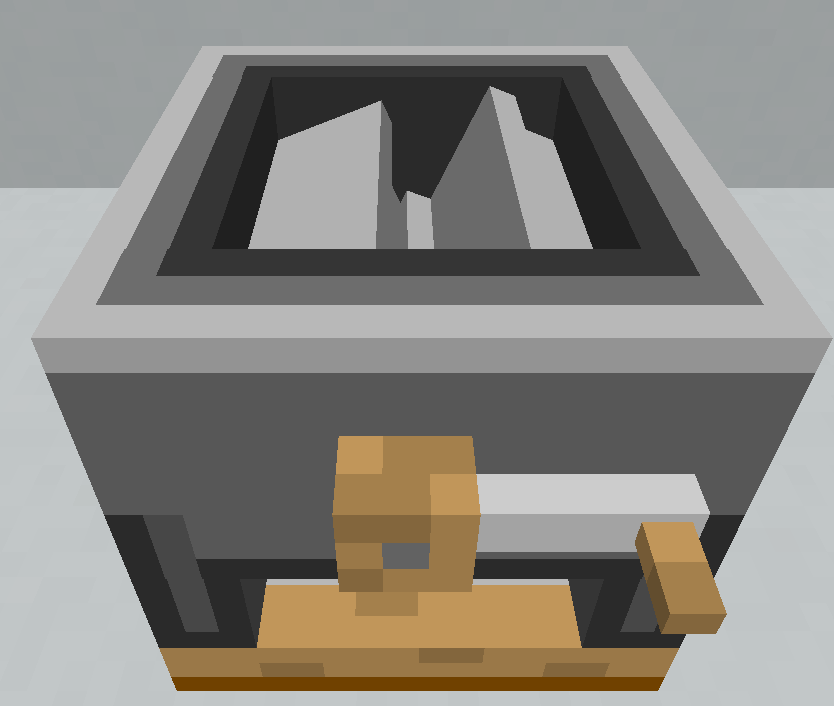
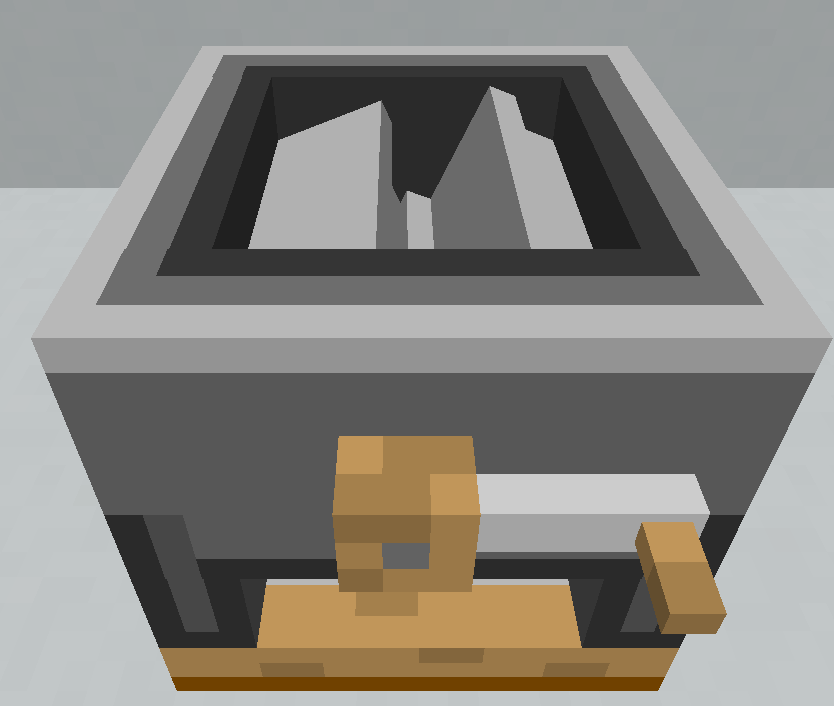
The Grinder's top slot takes Coal, Copper, Iron, and Gold. Pressing the grind button will convert the ore into 9 of the ore's nugget form.
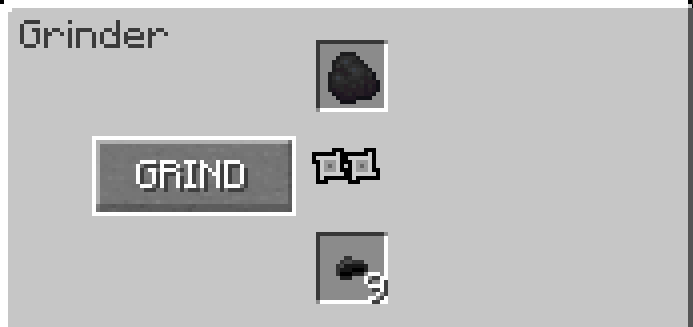
Recivable Item List:
Spoiler
- 9 Coal Nuggets
- 9 Copper Nuggets
- 9 Iron Nuggets
- 9 Gold Nuggets
Fine Grinder
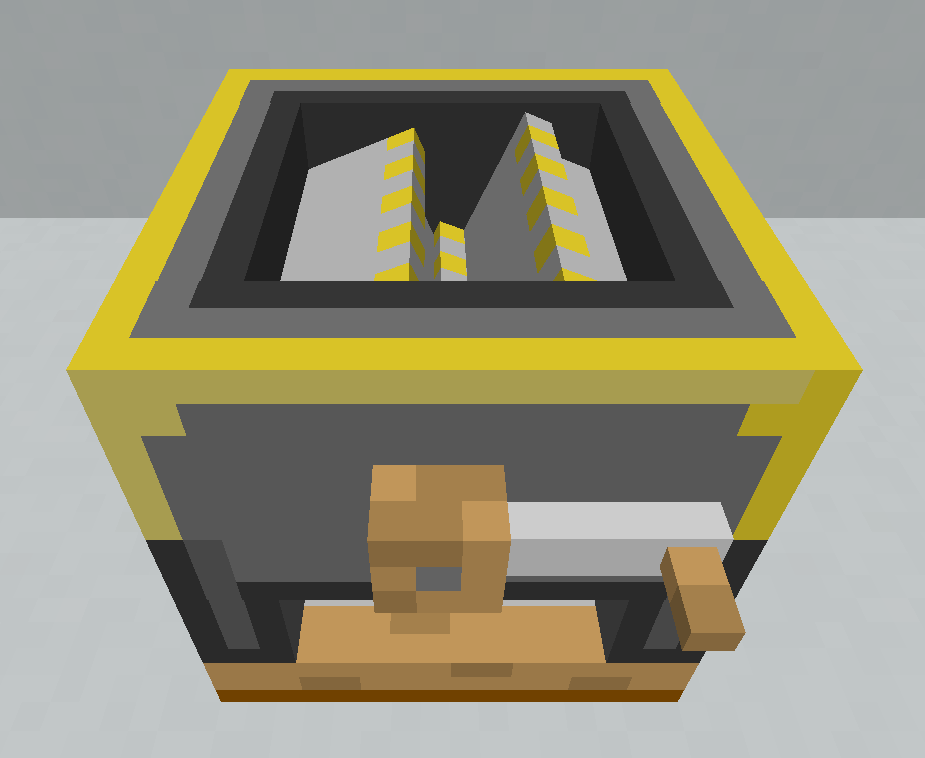
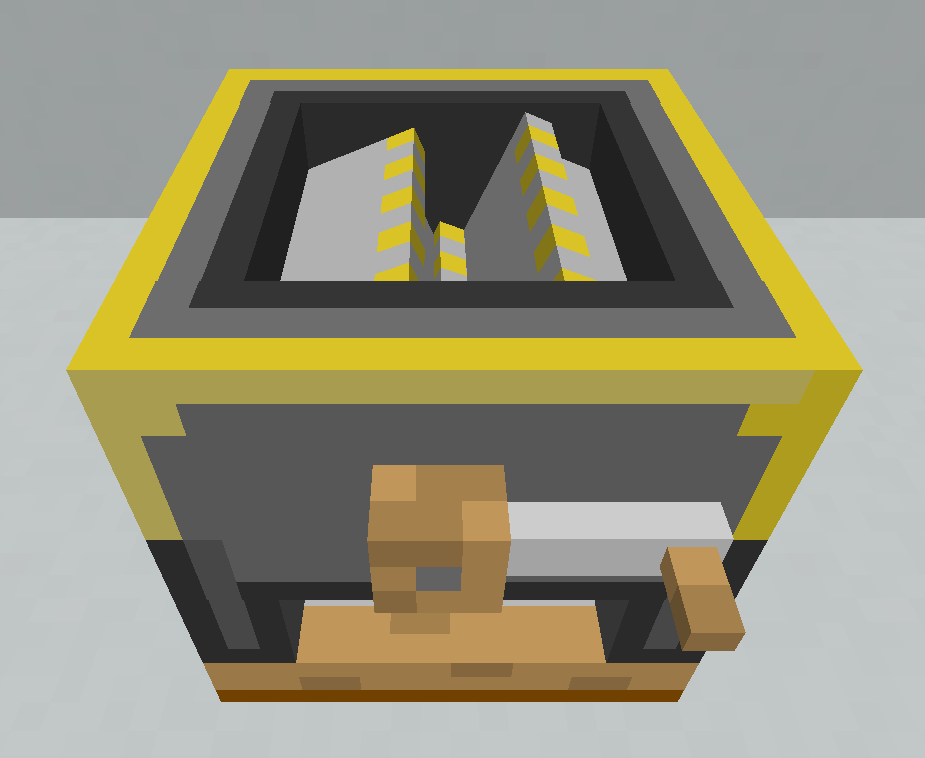
The Fine Grinder's top slot takes Coal, Copper, Iron, Gold, Diamond, Emerald, and Netherite. Pressing the grind button will convert the ore into 9 of the ore's nugget form.
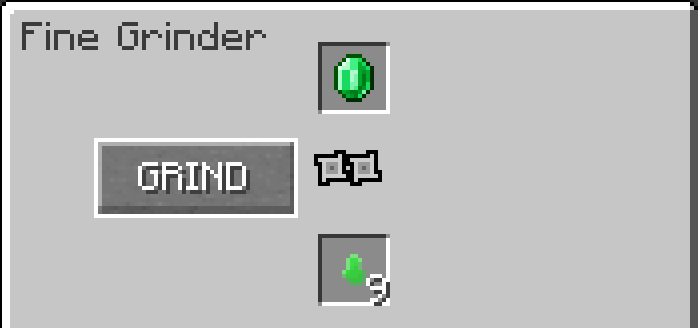
Recivable Item List:
Spoiler
- 9 Coal Nuggets
- 9 Copper Nuggets
- 9 Iron Nuggets
- 9 Gold Nuggets
- 9 Diamond Nuggets
- 9 Emerald Nuggets
- 9 Netherite Nuggets
Melter
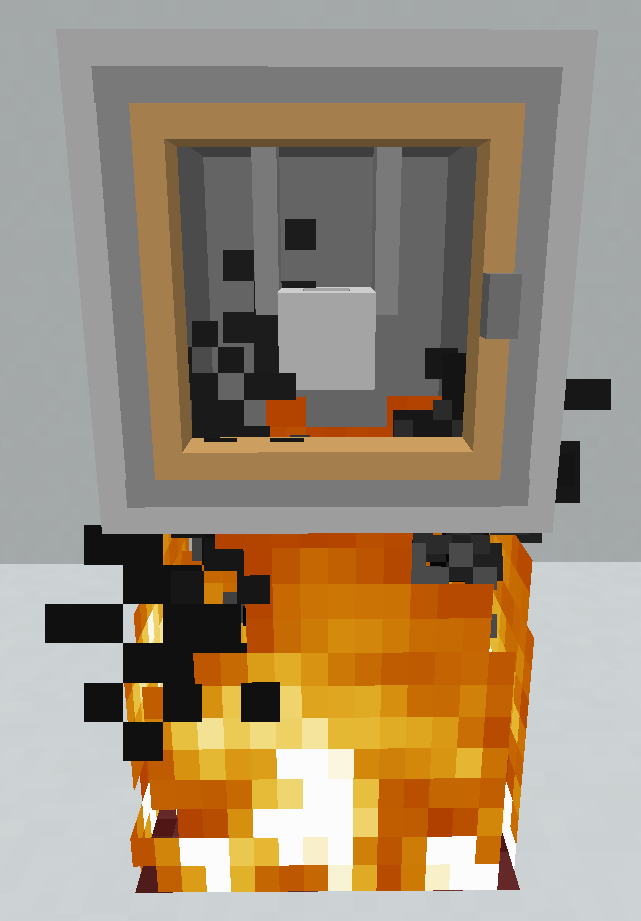
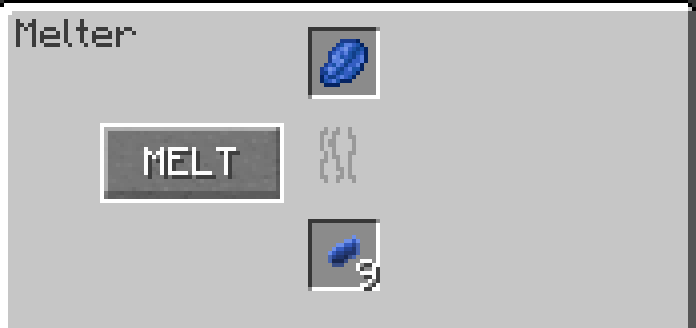
The Melter must have a fire underneath it to work. The Melter's top slot takes Lapis. Lapis cannot be grinded due to it having a complex magical ability that would be destroyed if grinded. Melting will result in getting 9 Lapis nuggets.
Separator
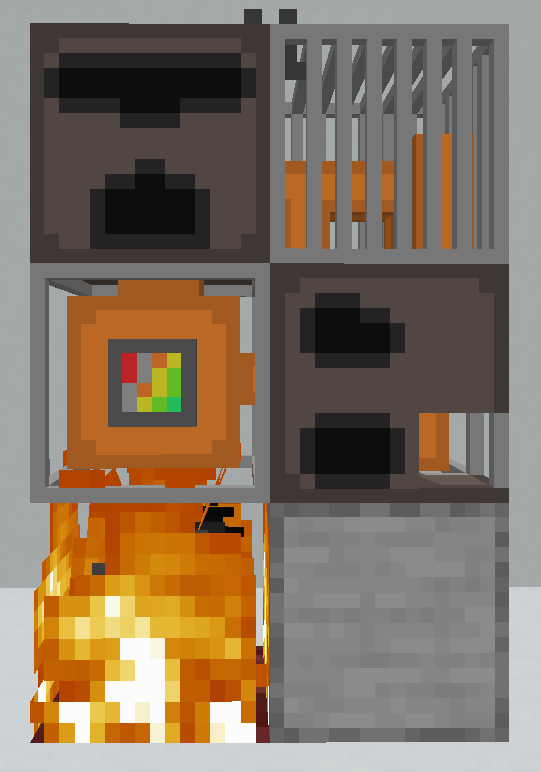
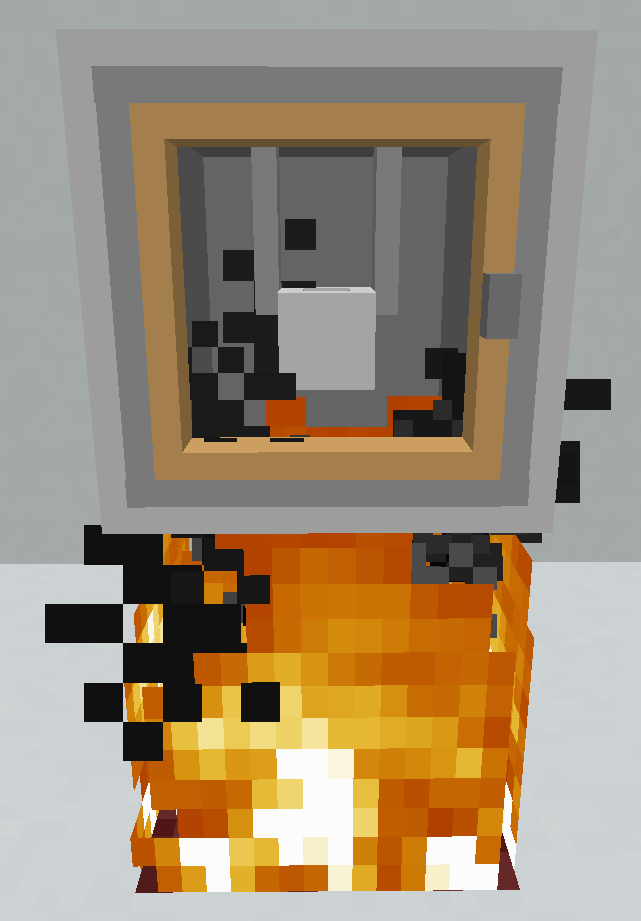
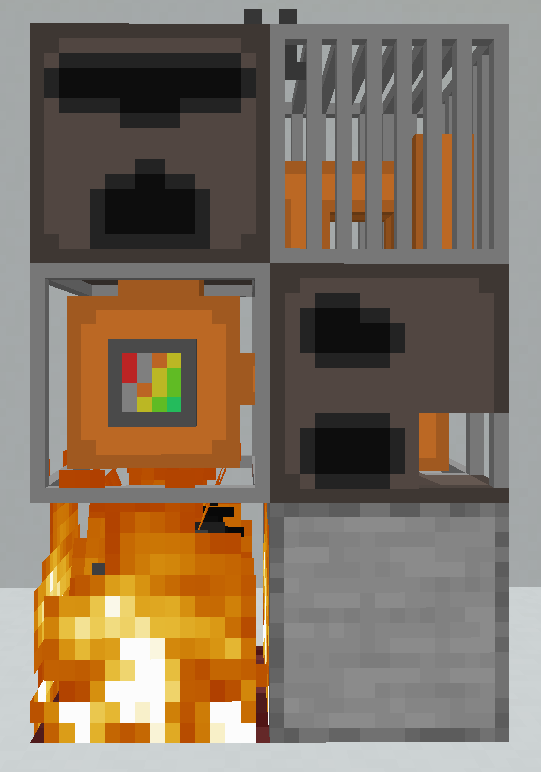
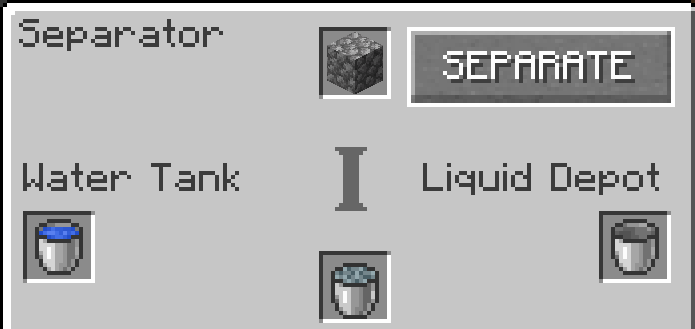
The Seperator, as well as the Fabricator, take up a 2x1x2 space. Be mindful of this while placing. The Separator must have fire underneath it's boiler to work. The Separator's topmost slot can hold cobblestone, the leftmost slot can hold a water bucket, and the rightmost slot can hold an empty bucket. When the separate button is pressed, water from the water bucket boils the cobblestone and separates the minerals contained in the cobblestone into a molten state, giving you a bucket of molten minerals. The cobblestone can be replaced with netherack to create molten netherack.
Centrifuge
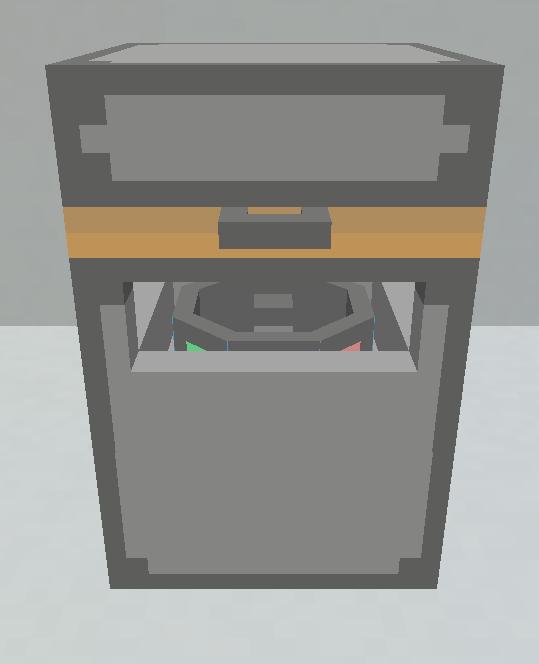
The Centrifuge's top slot takes a moleon mineral bucket or molten netherite bucket, aswell as a sample in the sample slot. If a molten mineral bucket is inserted, the sample can be any nugget exept a netherite nugget. If a molten netherite bucket is inserted, the sample can be a netherite nugget aswell as a gold nugget. Pressing the centrifuge button will convert the bucket into a mineral-like metal block.
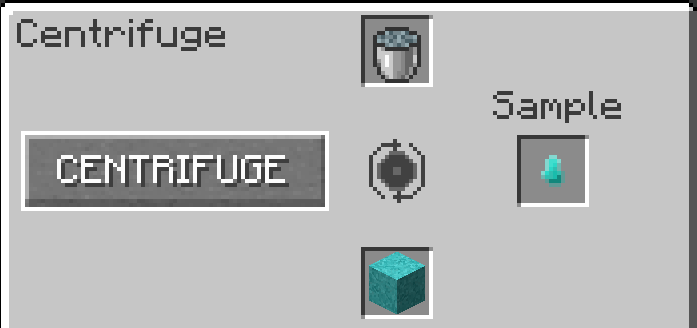
Recivable Item List:
Spoiler
- 1 Coal-Like Metal Block
- 1 Copper-Like Metal Block
- 1 Iron-Like Metal Block
- 1 Gold-Like Metal Block
- 1 Lapis-Like Metal Block
- 1 Diamond-Like Metal Block
- 1 Emerald-Like Metal Block
- 1 Netherite-Like Metal Block
Enhancer
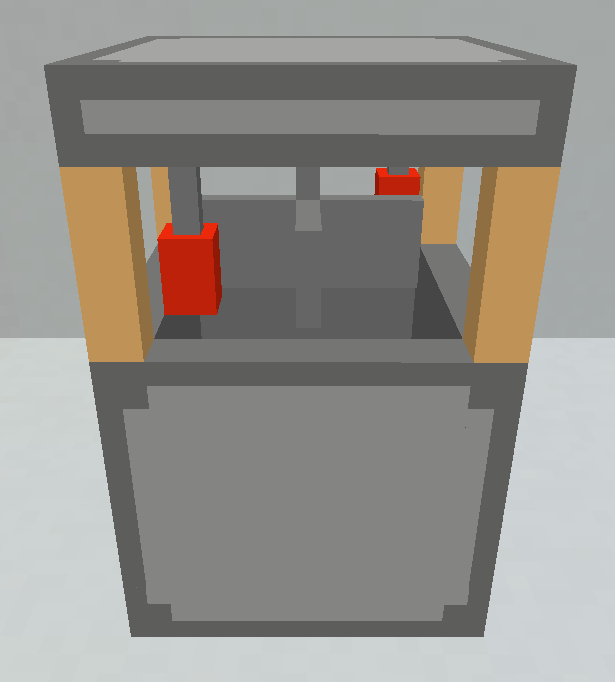
The Enhancer is an optional step in the conversion process, but will yeild better results if done. The rightmost slot can have any mineral-like block in it, and the leftmost slot can contain the liquid used to make it in the centrifuge, such as a molten mineral bucket. When the enrich button is pressed, the regular mineral-like block into an enriched mineral-like block.
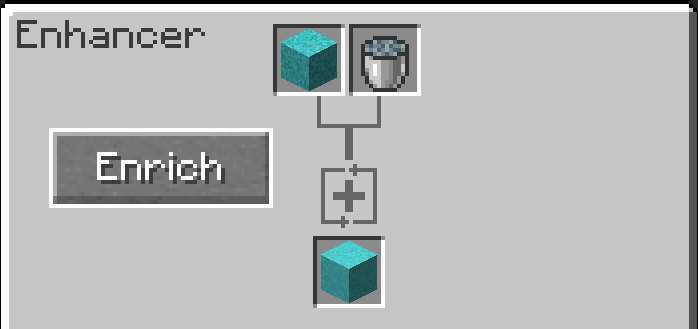
Recivable Item List:
Spoiler
- 1 Enriched Coal-Like Metal Block
- 1 Enriched Copper-Like Metal Block
- 1 Enriched Iron-Like Metal Block
- 1 Enriched Gold-Like Metal Block
- 1 Enriched Lapis-Like Metal Block
- 1 Enriched Diamond-Like Metal Block
- 1 Enriched Emerald-Like Metal Block
- 1 Enriched Netherite-Like Metal Block
Fabricator
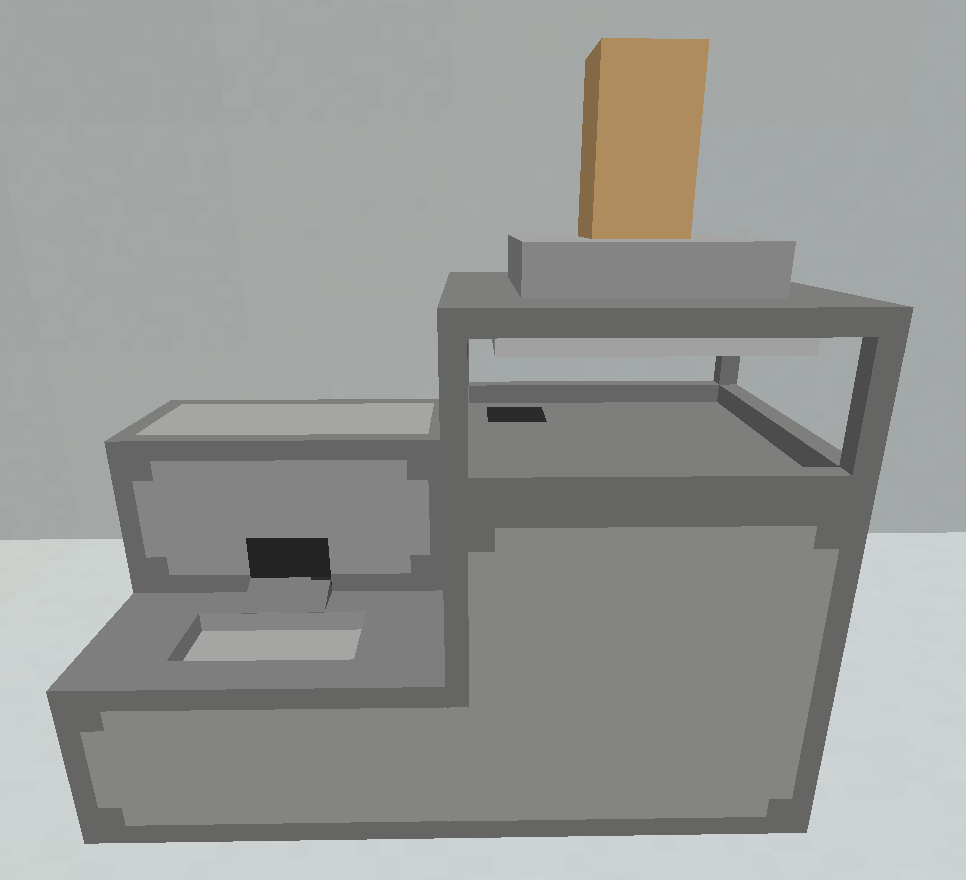
The Fabricator, as well as the Separator, take up a 2x1x2 space. Be mindful of this while placing. The fabricator's top slot takes any regular and enriched mineral-like block. When the fabricate button is pressed, the block will be converted into its ore counterpart. Regular mineral-like blocks will give 1 of the respected ore, and enriched mineral-like blocks will give 3 of the respected ore.
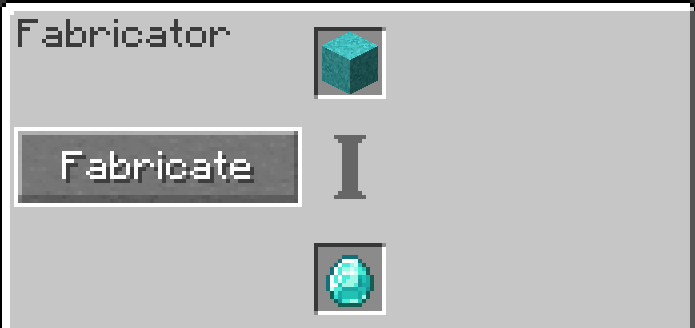
Recivable Item List:
Spoiler
- 1 Coal
- 3 Coal
- 1 Copper Ingot
- 3 Copper Ingot
- 1 Iron Ingot
- 3 Iron Ingot
- 1 Gold Ingot
- 3 Gold Ingot
- 1 Lapis
- 3 Lapis
- 1 Diamond
- 3 Diamond
- 1 Emerald
- 3 Emerald
- 1 Netherite Ingot
- 3 Netherite Ingot
There are custom advancements!
Item list for nerds:
- Sifter
- Grinder
- Fine Grinder
- Melter
- Separator
- Centrifuge
- Enhancer
- Fabricator
- Support Block
- Sift
- Grindsaw
- Crank
- Pipe Mesh
- Boiler
- Molten Mineral Bucket
- Molten Netherite Bucket
- Coal-Like Metal Block
- Copper-Like Metal Block
- Iron-Like Metal Block
- Gold-Like Metal Block
- Lapis-Like Metal Block
- Diamond-Like Metal Block
- Emerald-Like Metal Block
- Netherite-Like Metal Block
- Enriched Coal-Like Metal Block
- Enriched Copper-Like Metal Block
- Enriched Iron-Like Metal Block
- Enriched Gold-Like Metal Block
- Enriched Lapis-Like Metal Block
- Enriched Diamond-Like Metal Block
- Enriched Emerald-Like Metal Block
- Enriched Netherite-Like Metal Block
- Coal Nugget
- Copper Nugget
- Iron Nugget
- Gold Nugget
- Diamond Nugget
- Emerald Nugget
- Netherite Nugget
Available Versions
How to Install Artificial Minerals on Your Server
Order Server
Order a Minecraft Java server with at least 3 GB RAM (4 GB recommended).
Set forge Loader
In the panel under "Egg", select the forge loader and matching Minecraft version (1.20.1).
Install Mod
Open the mod browser in the dashboard and search for "Artificial Minerals". Click "Install" – done! Alternatively, upload the .jar via SFTP to the /mods folder.
Compatibility
Mod Loaders
Minecraft Versions
1.20.1
Server-side
~ OptionalRecommended RAM
4 GB(min. 3 GB)Frequently Asked Questions
Artificial Minerals server crashes on startup – what to do?
Most common cause: wrong forge version or insufficient RAM. Check the server log (latest.log) for "OutOfMemoryError" or "Mixin" errors. With Mado Hosting: ensure at least 3 GB RAM is allocated and the loader matches the mod version (1.20.1). You can switch loaders with one click in the panel.
Is Artificial Minerals compatible with forge?
Artificial Minerals officially supports forge for Minecraft 1.20.1. The Mado dashboard automatically detects incompatible loader combinations.
Server lagging with Artificial Minerals – how to optimize performance?
Recommended RAM: 4 GB (per 8 players). Use /spark profiler to check if Artificial Minerals consumes the most tick time. Common fixes: reduce server view-distance to 8-10, install "performant" or "starlight" as supplementary mods on Forge. With Mado Hosting, your server runs on NVMe SSDs with dedicated CPU cores for minimal latency.
Similar Mods




Rent Modded Server
Install Artificial Minerals with just one click on your server.