
Asahi
Remove jittering of the moving sun caused by client desync!
Screenshots
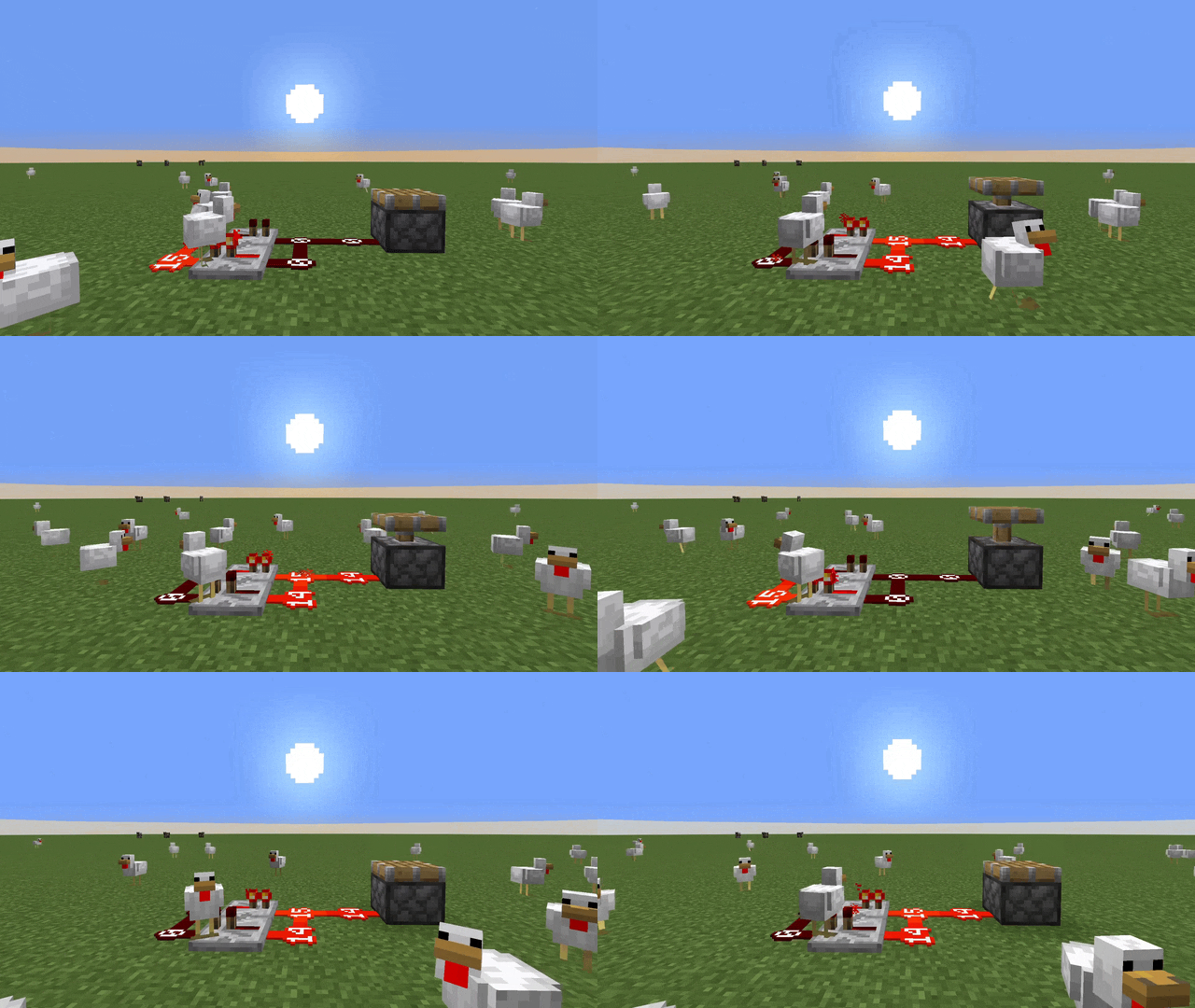
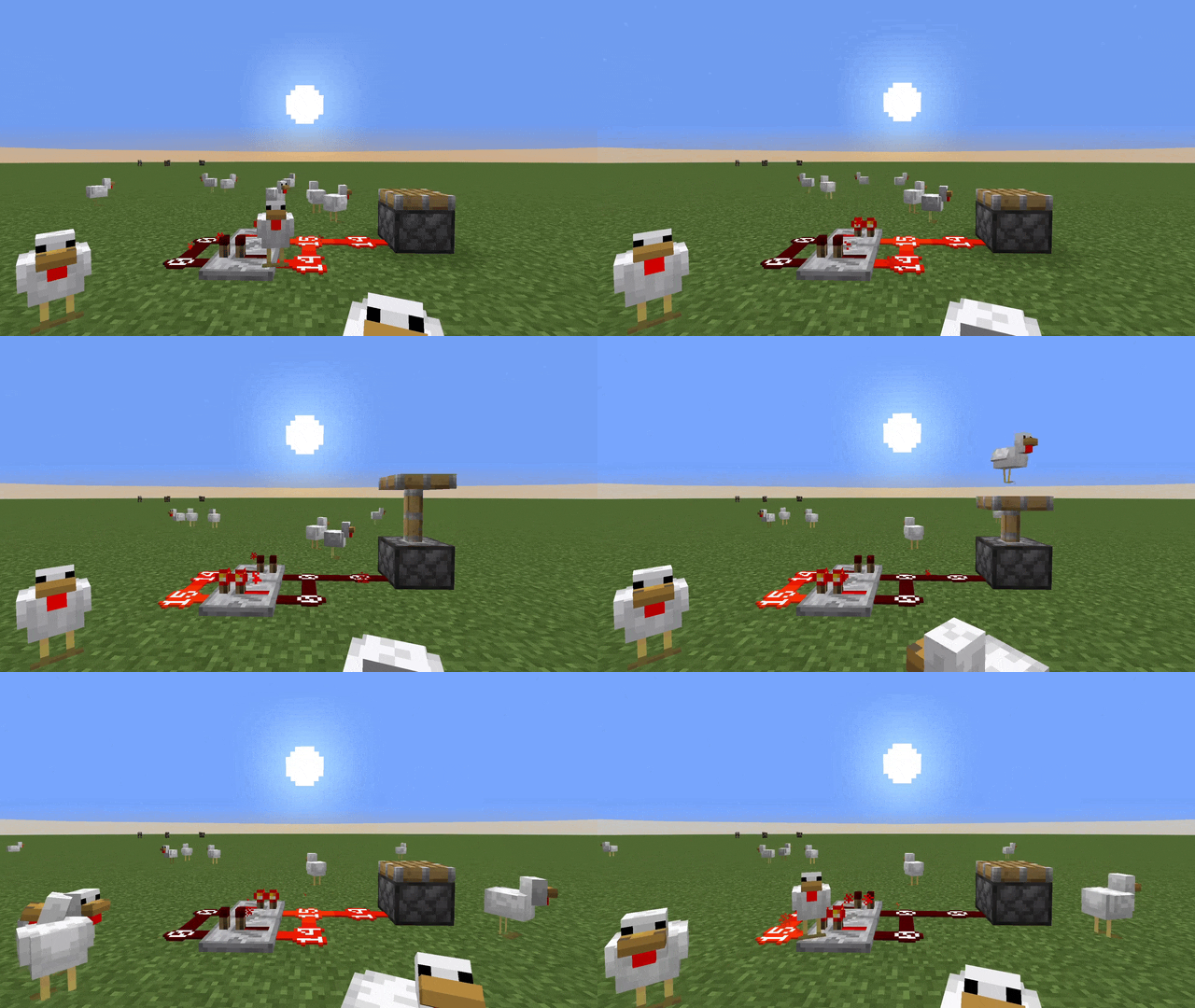
About this Mod
Client side Minecraft mod that removes daylight cycle rubber-banding caused by server lag!

The problem
Every second (20 ticks,) the server sends a packet that syncs the world time between the client and the server. Since clients have no reference for the tick rate of the server, they assume that the server is running at the standard 20 ticks per second. As such, when the server is lagging, that 20 ticks takes longer to process, leading the client to display the sun ahead of where it is on the server. When that sync packet comes in the vanilla client snaps the sun to the server position, causing the issue that this mod fixes.The solution
A rolling weighted average, and some interpolation! First, we take samples of the last 10 seconds of the amount of ticks that passed on the server per tick on the client. Then, since the sample from 10 seconds ago isn't as relevant as the sample in the last second, we weigh each of them exponentially less compared to the first. Taking the average of this weighted list, we can effectively predict the movement of the sun over the next second. The margin of error in the suns position caused by the prediction varies, but it is imperceptbile in comparison to the snap-back that happens with the vanilla logic.Without Asahi:
With Asahi:
Please note that this gif is from an earlier version of the mod, the interpolation used has only gotten better since!
Circular Sun is part of a resource pack provided by vanillatweaks.net
Config
{
  // If the time received by the server is `skipDuration` or more seconds from the client time,
  // skip to the server's time, bypassing interpolation.
  // Play around with this value if the daylight cycle is absurdly fast.
  "skipDuration": 60,
  // Amount of prior factors to use in the rolling average interpolation.
  // Play around with this value if you notice the sun bouncing back and forth a lot without settling into position.
  "interpolateSamples": 10,
  // Initial daylight cycle tick per game tick.
  // Increase/decrease this value if another mod is present that speeds up/slows down the daylight cycle
  "initialFactor": 1.0,
  // The standard tick rate with relation to the resolution of the daylight cycle.
  // Change if playing with mods that increase/decrease the standard tick rate OR the resolution of a daylight cycle (24000 ticks).
  // Note that to my knowledge there are no mods that do this.
  "standardTickRate": 20
}
Available Versions
How to Install Asahi on Your Server
Order Server
Order a Minecraft Java server with at least 3 GB RAM (4 GB recommended).
Set fabric Loader
In the panel under "Egg", select the fabric loader and matching Minecraft version (26.2-snapshot-3).
Install Mod
Open the mod browser in the dashboard and search for "Asahi". Click "Install" – done! Alternatively, upload the .jar via SFTP to the /mods folder.
Compatibility
Mod Loaders
Minecraft Versions
26.2-snapshot-3, 26.2-snapshot-2, 26.1.2 (+47 more)
Server-side
✗ UnsupportedRecommended RAM
4 GB(min. 3 GB)Frequently Asked Questions
Asahi server crashes on startup – what to do?
Most common cause: wrong fabric version or insufficient RAM. Check the server log (latest.log) for "OutOfMemoryError" or "Mixin" errors. With Mado Hosting: ensure at least 3 GB RAM is allocated and the loader matches the mod version (26.2-snapshot-3). You can switch loaders with one click in the panel.
Is Asahi compatible with fabric?
Asahi officially supports fabric for Minecraft 26.2-snapshot-3, 26.2-snapshot-2, 26.1.2. The Mado dashboard automatically detects incompatible loader combinations.
Server lagging with Asahi – how to optimize performance?
Recommended RAM: 4 GB (per 8 players). Use /spark profiler to check if Asahi consumes the most tick time. Common fixes: reduce server view-distance to 8-10, install "performant" or "starlight" as supplementary mods on Forge. With Mado Hosting, your server runs on NVMe SSDs with dedicated CPU cores for minimal latency.
Similar Mods




![[ETF] Entity Texture Features](https://cdn.modrinth.com/data/BVzZfTc1/af683d206d50b05258d865b0d6e4aa2f2cee12f2_96.webp)
![[EMF] Entity Model Features](https://cdn.modrinth.com/data/4I1XuqiY/6e5bbd0d06b1741bfdab6c0cfab6de8fdaf0064c_96.webp)
Rent Modded Server
Install Asahi with just one click on your server.